

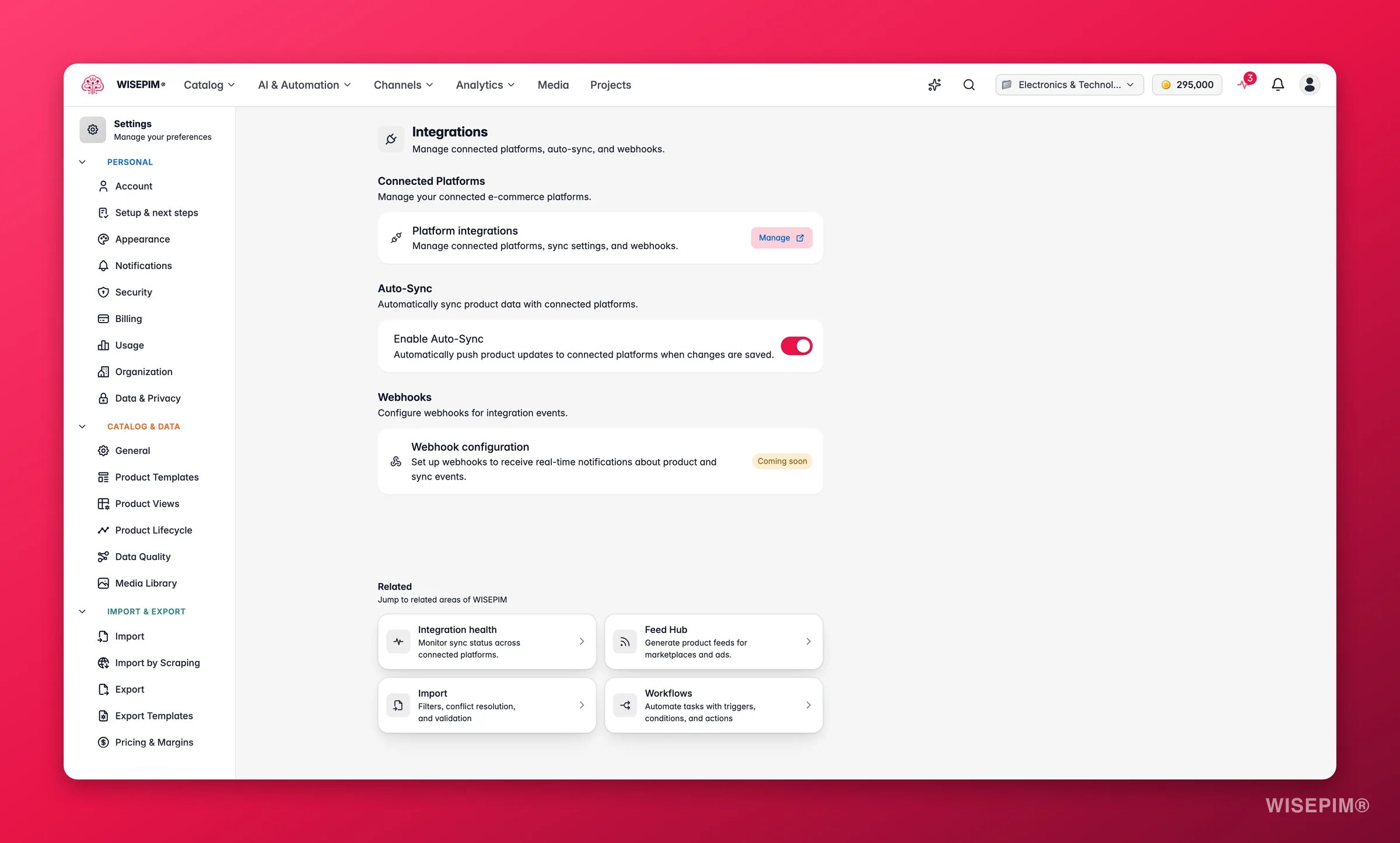
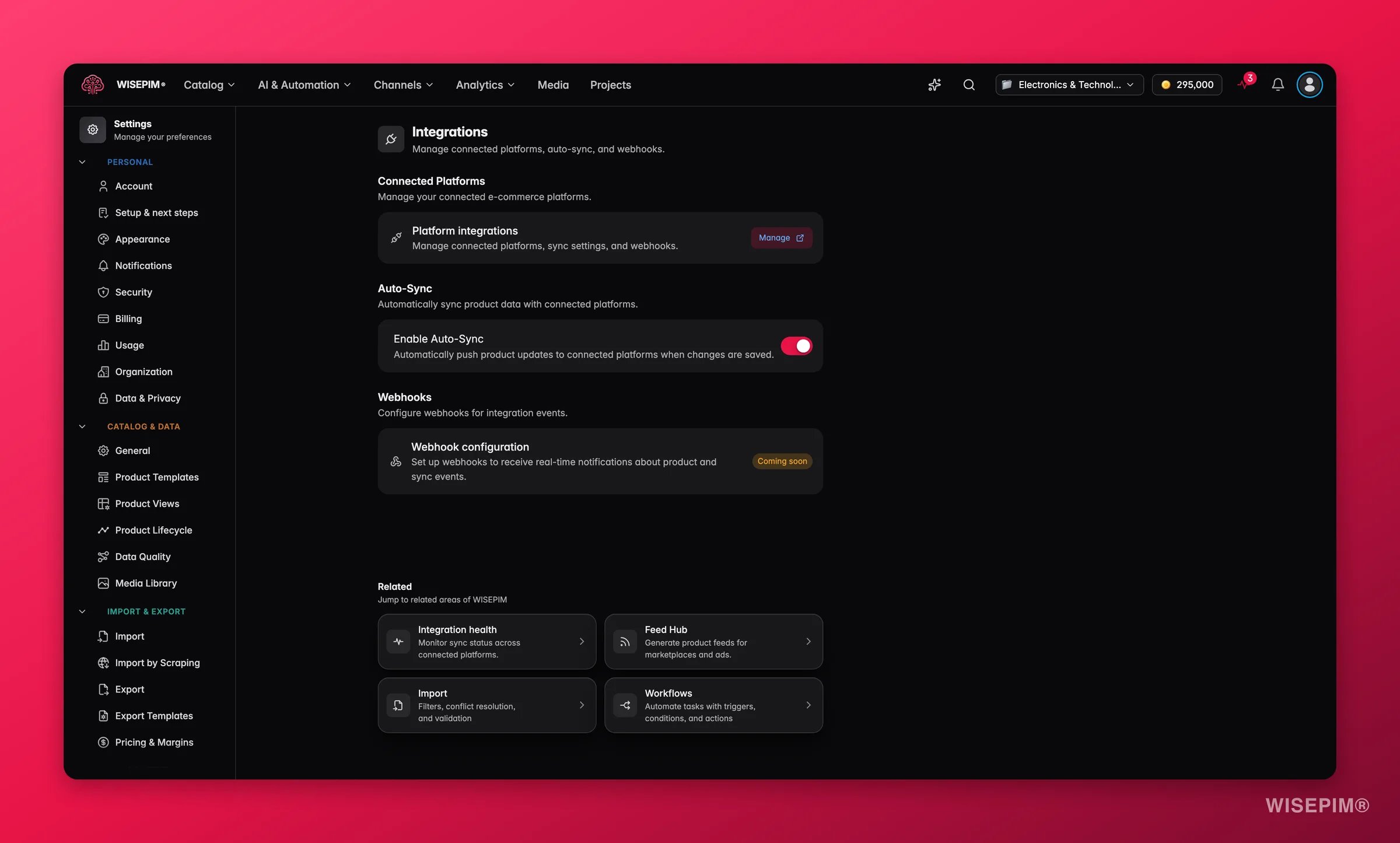
Pick a project from the project switcher first. Integration settings apply to one project at a time.
Manage connected platforms
This section shows the status of every platform linked to your project. To make changes, open the full Integrations page.1
Open the Integrations page
Click Manage next to “Platform Integrations”.
2
Connect a platform
Pick a platform (Shopify, Magento 2, WooCommerce, and more), enter your API credentials, and follow the setup wizard.
3
Map your fields
Match your WISEPIM product fields to the matching fields on the platform. This controls what data each channel receives.
Pair a browser with the extension
Not every source has an API. The WISEPIM browser extension imports products straight from a webshop page you have open, and it needs a pairing key to know where to put them. You mint that key here. Each key is tied to one project, so a paired browser can only import into that project.You can have up to 20 active keys at a time, one per browser. Revoke any of them whenever you want, and that browser stops importing immediately.
Push updates automatically
Auto-sync decides when your changes reach your sales channels.- Auto-sync on: every time you save a product, WISEPIM pushes the update to all connected platforms right away.
- Auto-sync off: your changes stay in WISEPIM until you run a manual export.
Get real-time event notifications
Webhooks let other systems react the moment something happens in WISEPIM, such as:- A product is created, updated, or deleted.
- A sync finishes or fails.
- A bulk import completes.
Webhook setup is coming soon. The feature is in active development.
- Add your own webhook endpoints (URLs).
- Choose which events trigger a notification.
- View delivery logs and retry failed deliveries.
- Test a webhook before going live.
Related
Integrations overview
See how integrations work end to end and connect your first platform.
Supported platforms
Browse every e-commerce platform you can connect to WISEPIM.
Exporting products
Push product data manually when auto-sync is off.
Notification settings
Get alerted when a sync or export finishes or fails.