

Every achievement you earn has a direct impact: better product data means better search visibility and higher conversion. The progress you see here reflects real improvements to your catalog.
Your stats at a glance
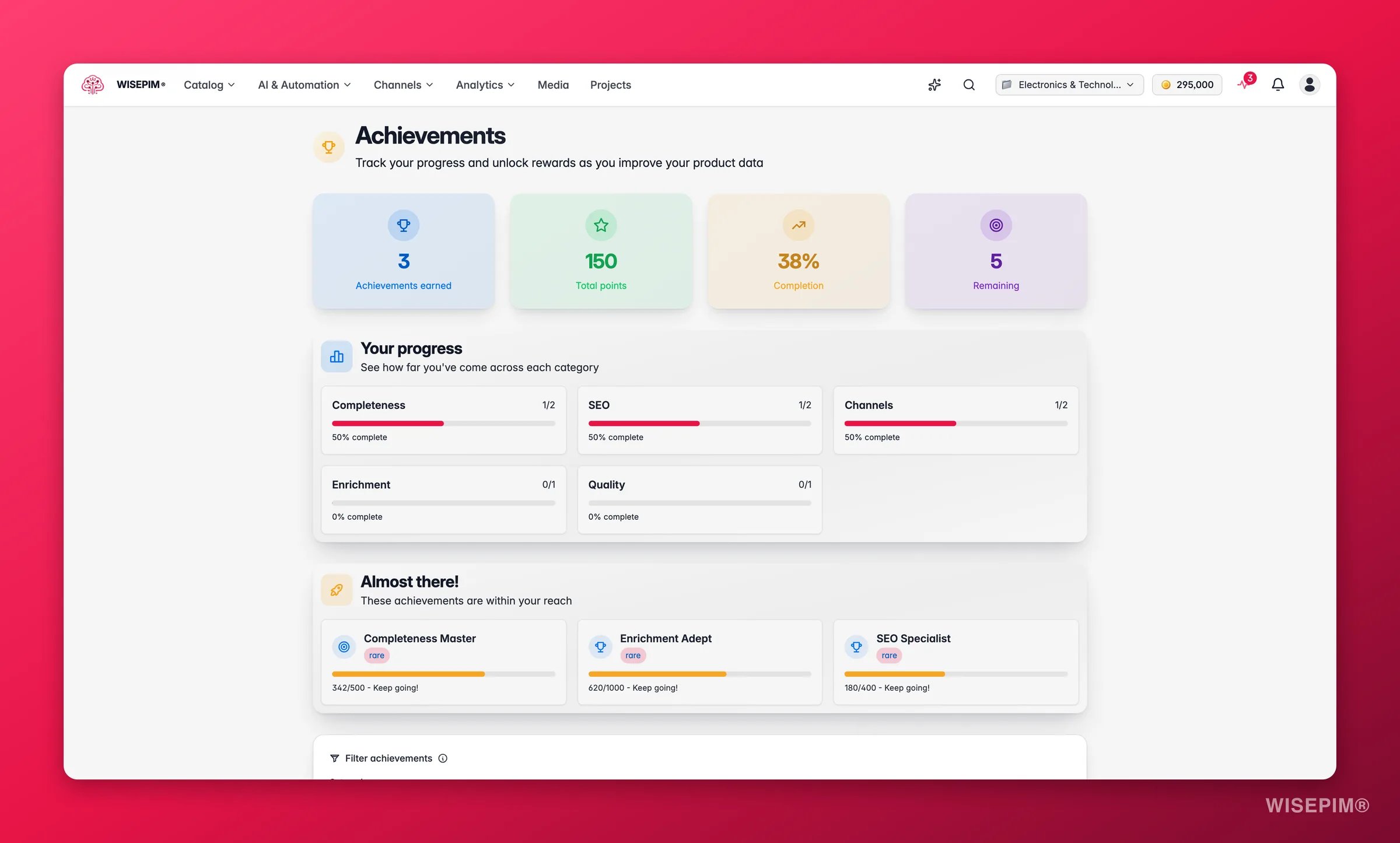
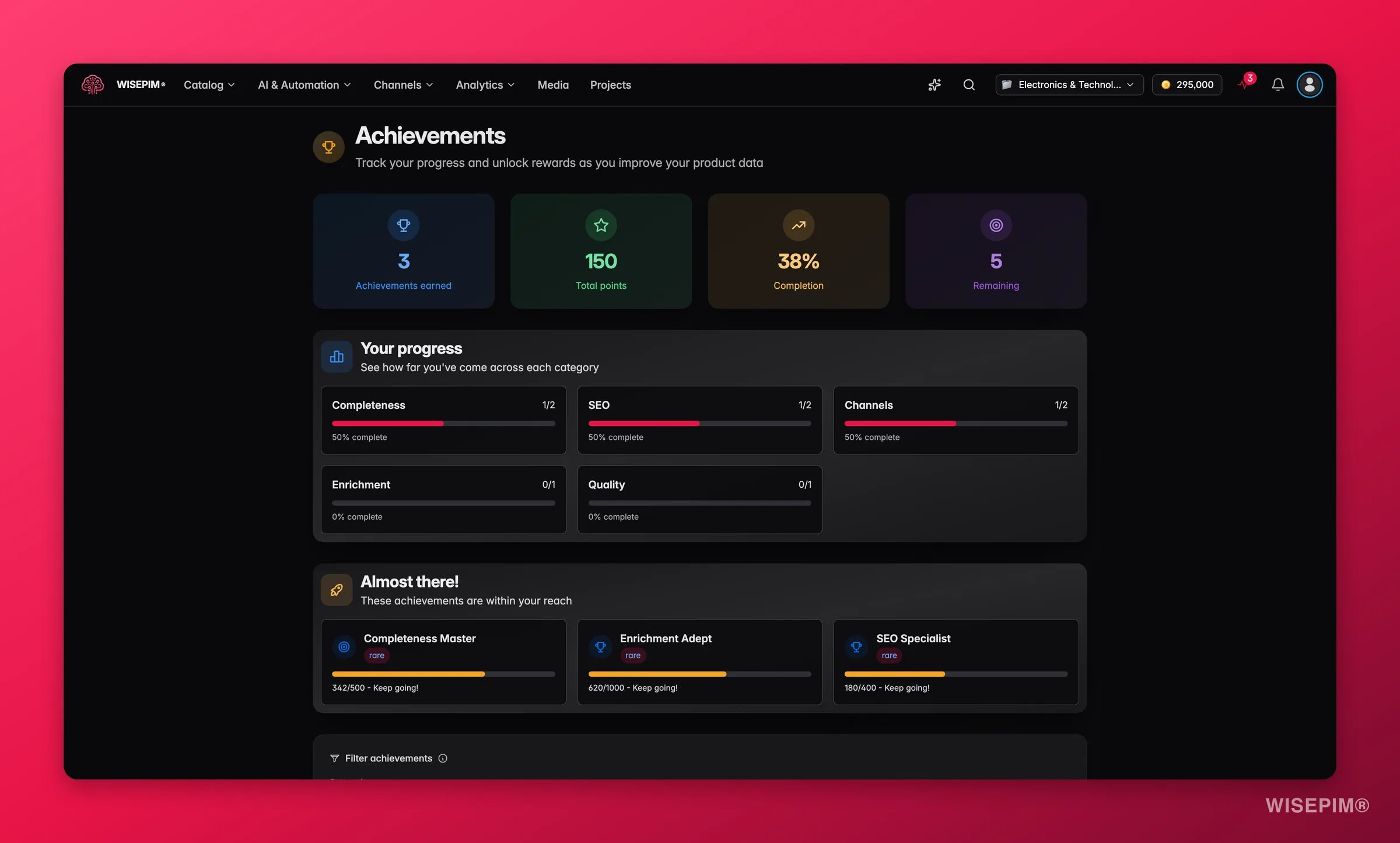
- Achievements earned: the number of badges you’ve unlocked so far
- Total points: your cumulative point score across all categories
- Completion: the percentage of all available achievements you’ve earned
- Remaining: how many achievements are still to unlock
Progress overview
The progress section breaks down your completion by category. Each category (Completeness, SEO, Quality, Automation, Integration, and others) shows a progress bar with how many achievements you’ve earned out of the total available. Click any category to jump straight to that group in the achievements grid below.Almost there
The Almost there section highlights the achievements closest to completion. These are the ones where your current progress is furthest along. Unlocking them is the fastest way to move the needle on your score. Each card in this section shows the achievement name, rarity, and a progress bar with how many steps remain.Achievements grid
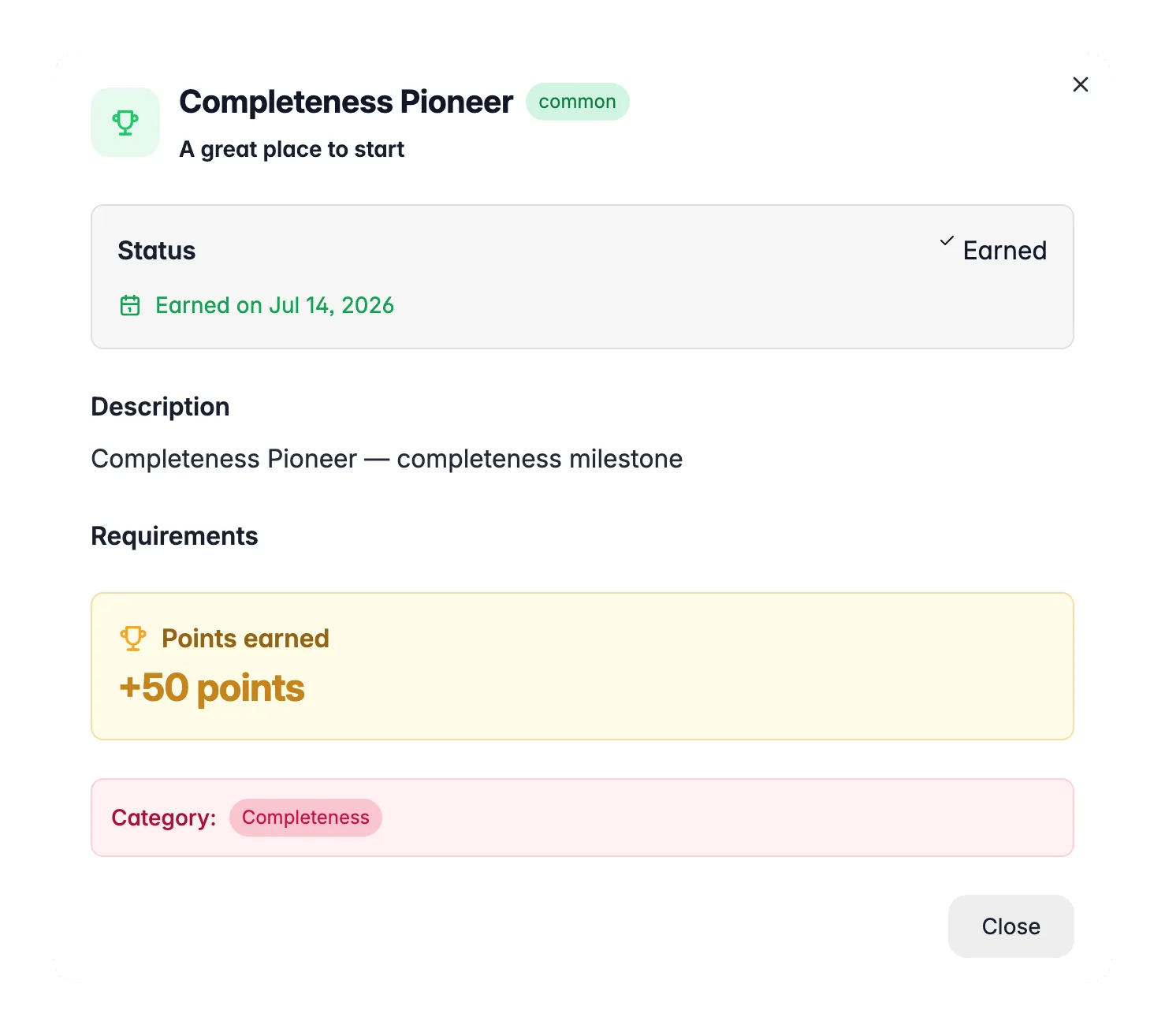
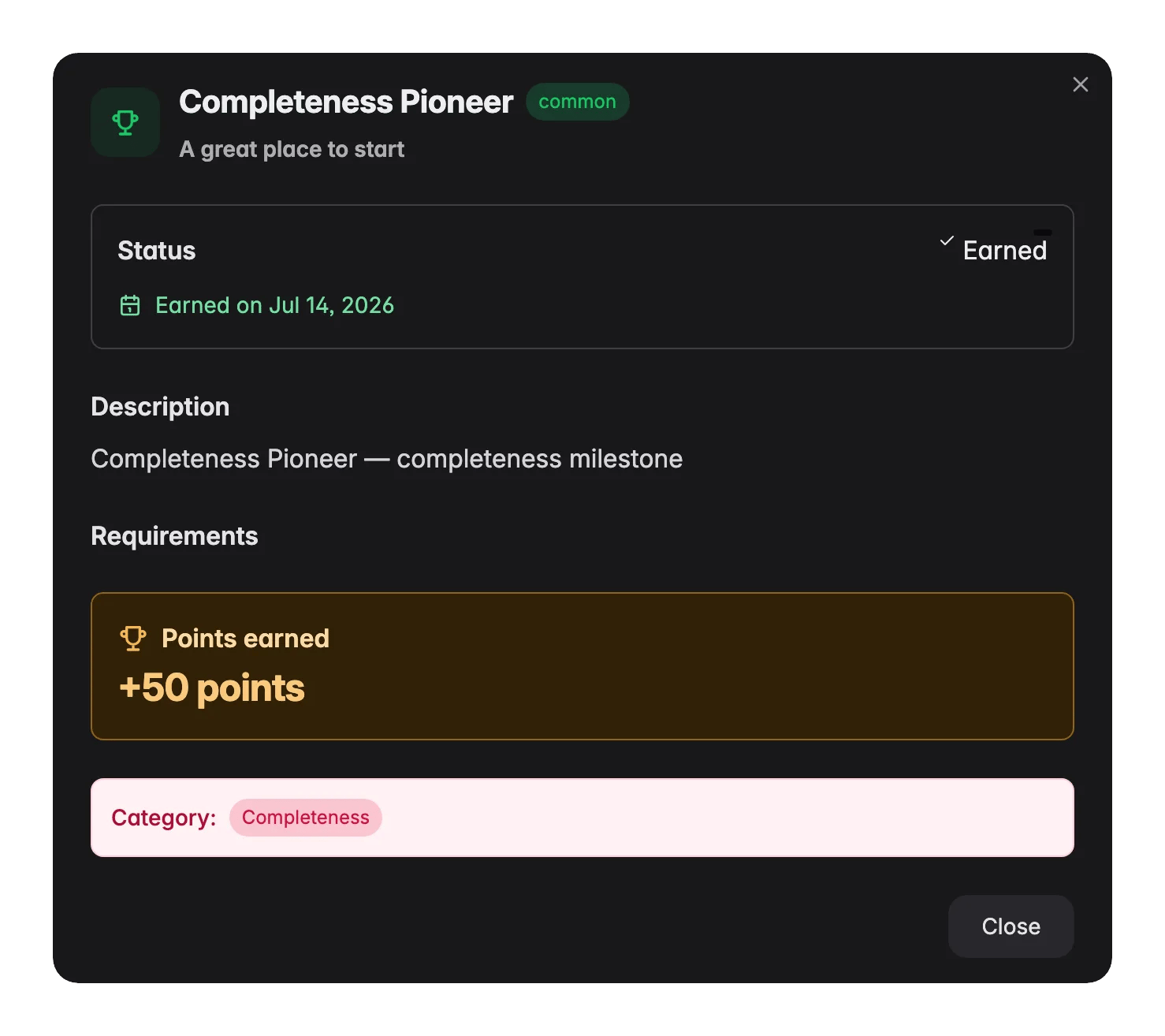
The main grid shows every achievement, earned and locked. Each card displays:- Name and description: what the achievement is for
- Rarity: common, rare, epic, or legendary. Rarer achievements require more effort and are worth more points
- Progress bar: for locked achievements with trackable progress
- Requirements: the specific conditions you need to meet
- Points earned or available: the point value of the achievement
Filtering achievements
Use the filter controls above the grid to narrow down by:- Category: Completeness, SEO, Conversion, Quality, Automation, Integration, Performance, Consistency, Content, and more
- Rarity: common, rare, epic, or legendary
Motivation section
At the bottom of the page, WISEPIM shows a short summary of the impact your progress has had. From there you can jump directly to editing products or viewing your analytics to see the results in action.Related
Quickstart
Get set up fast: connect a channel, import products, and run your first enrichment.
Analytics overview
See how your product data improvements translate into search visibility and conversion performance.