

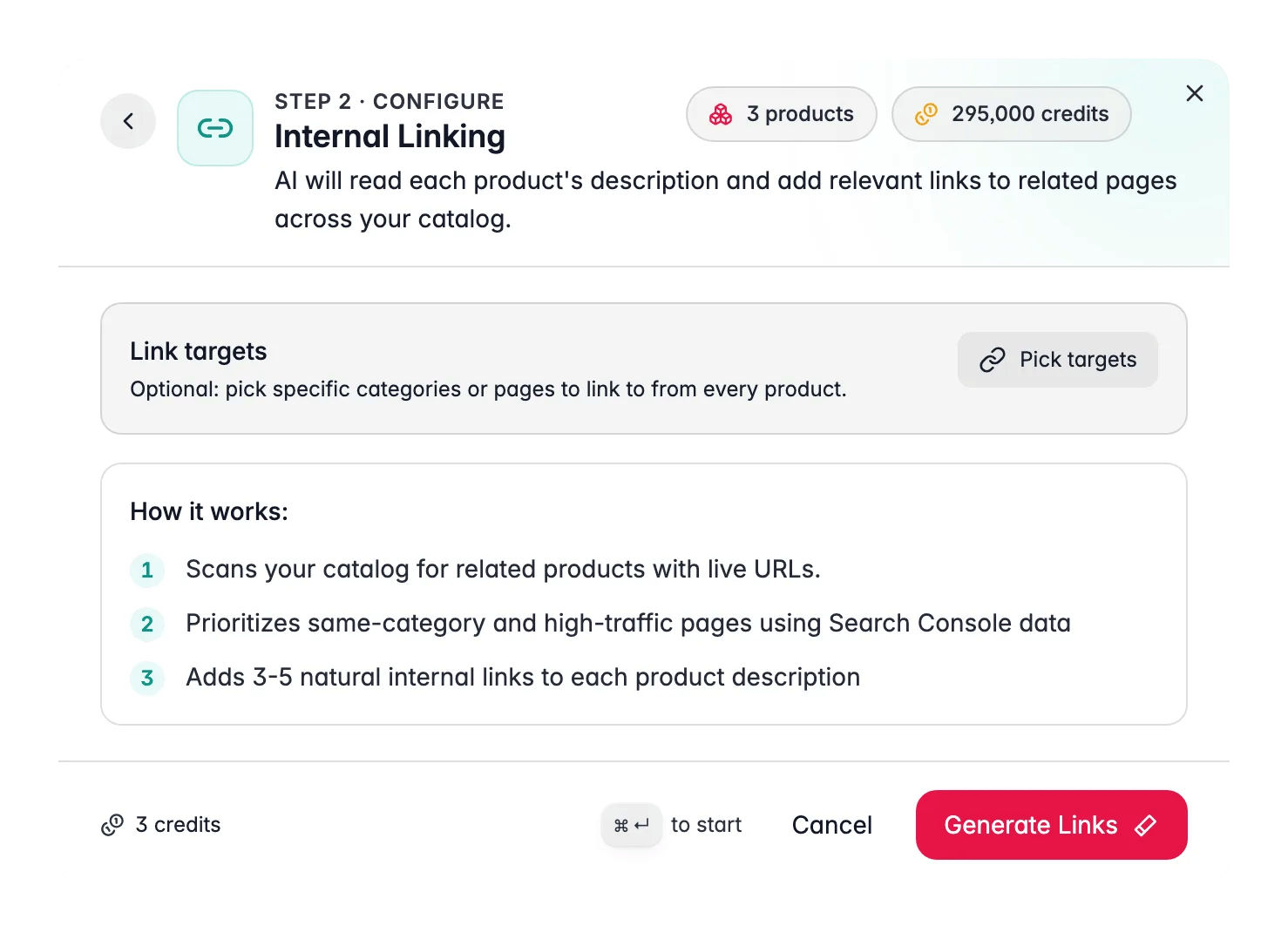
Internal Linking costs 1 credit per product. It writes into the product description. Products need an existing description for this to work. Run a description enrichment first if your products do not have descriptions yet.
How the AI picks link targets
1
Catalog discovery
The AI scans your product and category catalog for pages with live URLs.
2
Traffic weighting
If you have a Google Search Console integration, pages with more impressions and clicks are weighted higher as link candidates. Higher-traffic pages pass more SEO value when linked.
3
Relevance matching
For each product, the AI matches candidate targets by category overlap, semantic similarity, and attribute overlap (same brand, similar materials, same product family).
4
Natural link insertion
The AI identifies phrases in the existing description that naturally anchor a link, and rewrites those phrases to include the link while keeping the sentence readable.
Optional: pre-select link targets
By default, the AI auto-discovers targets from your catalog. You can pre-select specific categories or pages to prioritize, the AI uses your chosen targets first and fills remaining slots with auto-discovered candidates. Use the Link Targets picker in the Internal Linking configuration panel to add specific category pages before starting the run. This is useful when you are launching a new category and want all related products to link to it, or when you want to drive traffic to specific high-margin pages.How to run Internal Linking
1
Select products
Choose the products whose descriptions you want to link. Descriptions must exist, products without descriptions are skipped.
2
Open the Enrich modal
Click Enrich with AI in the toolbar.
3
Choose Internal Linking
Select Internal Linking from the enrichment type grid.
4
Optionally pick targets
Open the link targets picker and select any specific categories or pages you want to prioritize. Leave it empty to let the AI discover targets automatically.
5
Start Enrichment
Click Start Enrichment. The run processes in the background. Check the Process Tracker for progress.
What good results look like
- Links appear as natural anchor text within existing sentences, not as a list appended at the bottom.
- Each product description has 3–5 links pointing to genuinely related pages.
- Anchor text is descriptive (e.g., “noise-cancelling headphones” not “click here”).
- No product links to itself or to irrelevant pages.
Act on what you find
You want to push traffic to a specific new category
You want to push traffic to a specific new category
Add that category to the link targets picker before running. The AI will prioritize linking there from every product in the run where it makes semantic sense. Outcome: controlled link equity distribution toward the pages you care about most.
Re-run after adding new categories
Re-run after adding new categories
The link target pool reflects your catalog at run time. After launching a new category, re-run Internal Linking on relevant products so the new category pages start accumulating links. Outcome: new pages gain internal link equity from day one.
Products without descriptions are skipped
Products without descriptions are skipped
Run a Descriptions enrichment on those products first, then run Internal Linking again. Outcome: full catalog coverage once descriptions are in place.
Connecting it to an SEO strategy
Connecting it to an SEO strategy
Pair Internal Linking with Search Intent for the most impact: use Search Intent to align descriptions with real query intent, then use Internal Linking to connect those optimized pages to each other. Check SEO Analytics before and after to measure the traffic shift. Outcome: an interconnected, intent-matched catalog that performs better in organic search.
Related
Search Intent
Rewrite descriptions to match real search queries before linking them.
Enriching Products
Overview of all 15 enrichment types.
SEO Analytics
Track impressions, clicks, and position to measure the link impact.
Web Research
Enrich product content with web-sourced data before linking.