

This report is powered by Google Search Console. Connect GSC to see your impressions, clicks, and rankings. The link analyses also use your sitemaps and product catalog: Sitemap Coverage, Sitemap Gaps, Link Audit, and Link Equity keep working even before GSC is connected.
What good looks like
Use these benchmarks to orient yourself quickly. E-commerce CTR is typically lower than editorial sites because product SERPs are competitive and rich-snippet heavy.
A position between 4 and 10 with a CTR well below 3% is the classic quick-win pattern: you rank but something in your title or meta description is not earning the click.
Performance
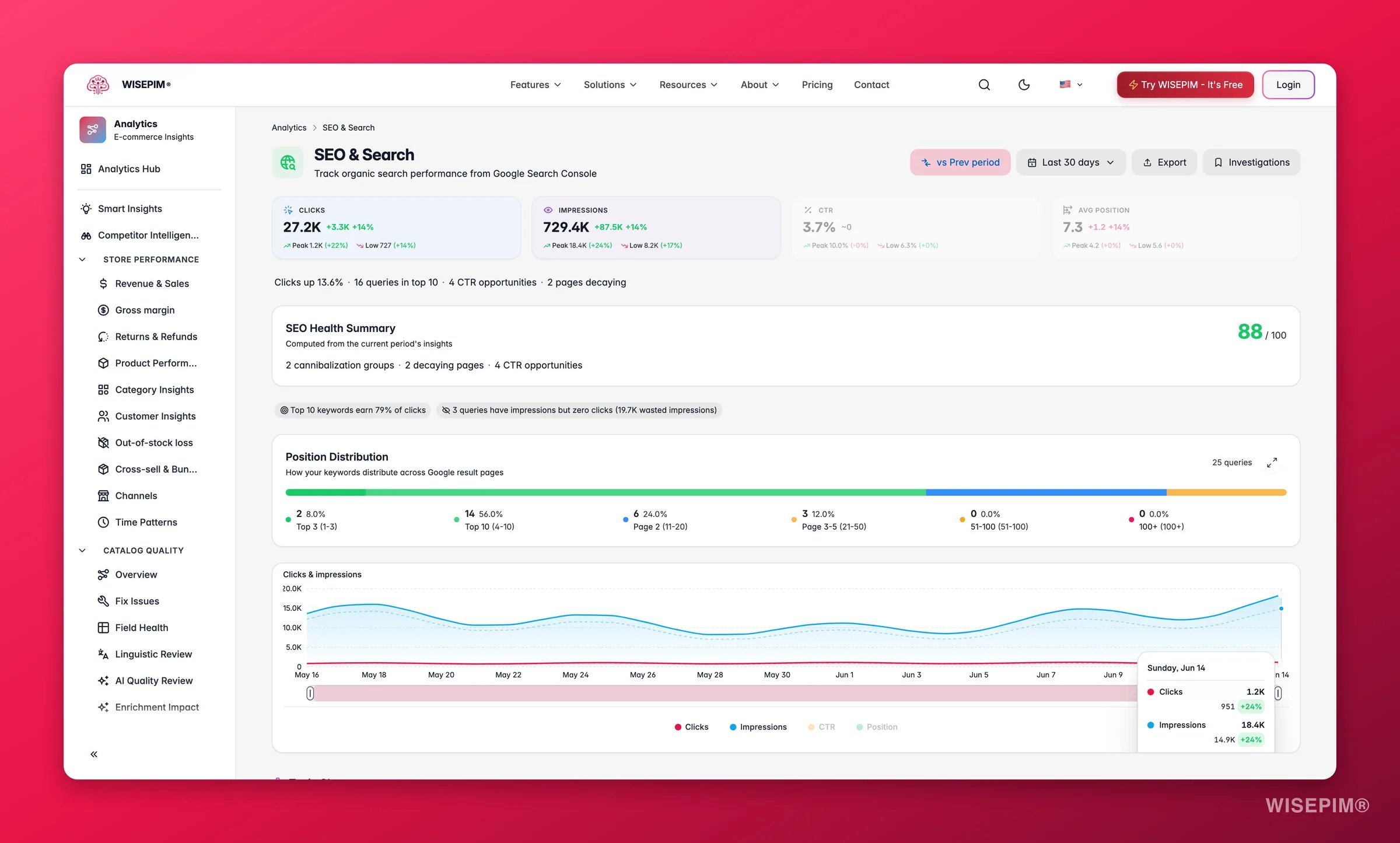
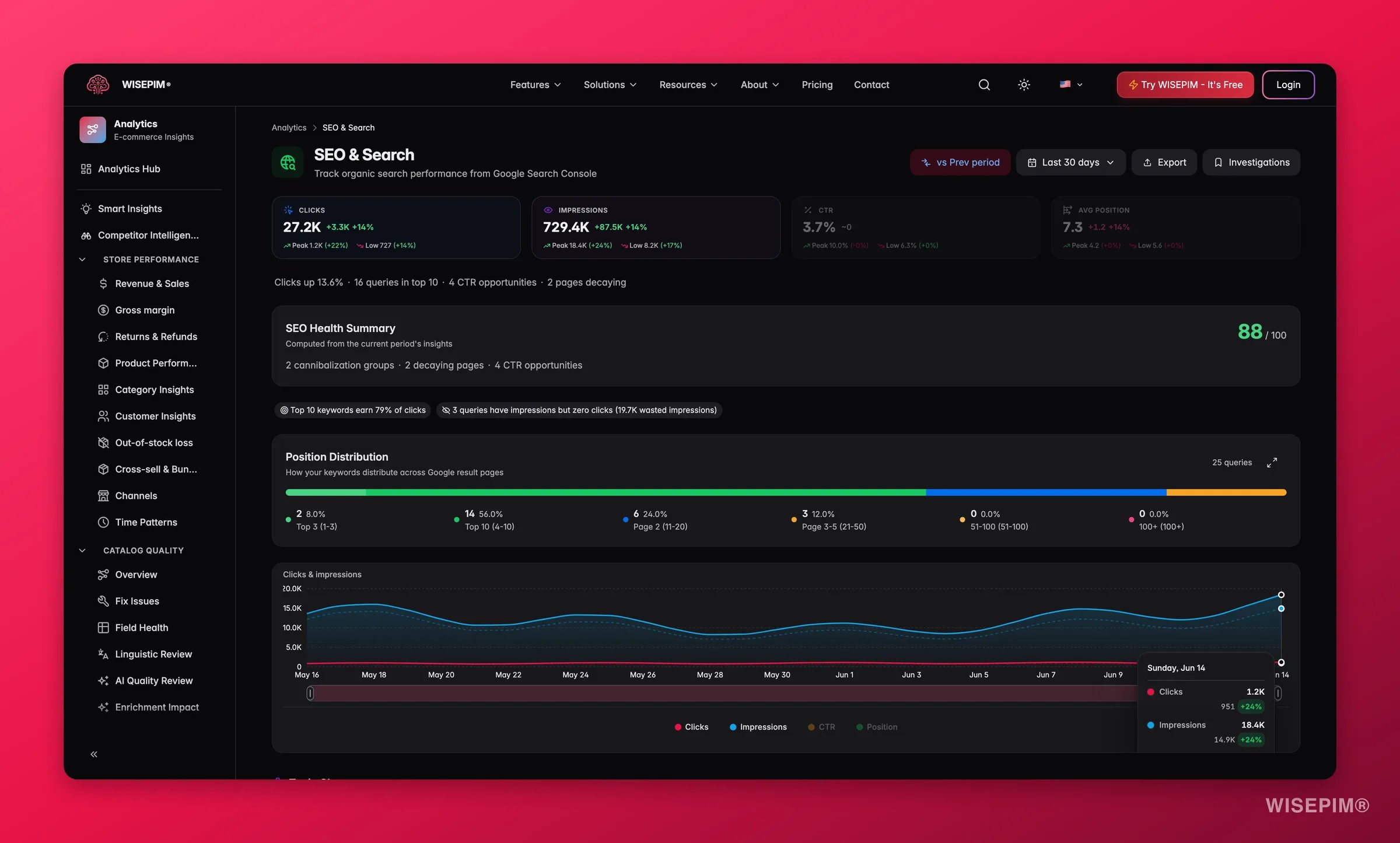
- Top queries and pages: your highest-impression and highest-click terms and URLs.
- Countries and devices: where your search traffic comes from.
- Quick wins: high-impression, low-CTR queries where a better title or meta description captures traffic you already rank for.
- Topic clusters: related keywords grouped automatically so you can plan content by theme.
Google data change marker
Google removed thenum=100 search parameter between 8 and 14 September 2025. Reported impressions fell for most sites and average position looked better without any real ranking change. The clicks and impressions chart marks that band as Google data change, and any comparison whose two periods sit on either side of it gets a warning: This comparison crosses Google’s September 2025 data change. Trends that cross the band measure Google, not your SEO, so treat the improvement as overstated.
Rank history per query
Every query row has a View rank history for action. It opens Rank history: , a daily chart of clicks, impressions, CTR and position for that one term, with a Best position stat and the date it was reached on. Three things to keep in mind:- Search Console keeps limited history, so the chart starts at the earliest date Google still holds.
- Position is each day’s impression-weighted average, not a rank snapshot.
- Days Google reported nothing for are left out, so the line skips them instead of dropping to zero.
Explore the full dataset
Click Explore all on the queries or pages table to open the expanded explorer. Rows load in batches (Load next N rows, Load N more), so search, sorting, totals and CSV export cover the loaded rows only until you have loaded everything. Three view modes change what you are looking at:
Filter chips Growing and Decaying keep only rows whose impressions rose or fell versus the comparison period. Three highlight tiles summarise the loaded rows: Traffic leader (most clicks), CTR opportunity (a strong position with a weak click-through rate) and Biggest visibility move (the largest impression change). Use Export N loaded or Export N matching to download the rows as CSV.
Search Console data coverage
The Search Console data coverage panel shows the freshness and completeness of the stored Google datasets behind the report. Each of its four cards carries a status chip: Ready, Partial, Error, or Unavailable.
Reading coverage status: the panel is the report’s honesty layer. When the latest refresh was incomplete or failed, the report keeps showing the last successfully stored data and the panel tells you to treat it as partial, not empty. Detailed query and product rows are top rows rather than exhaustive, because Google anonymizes low-volume queries.
Sitemap coverage
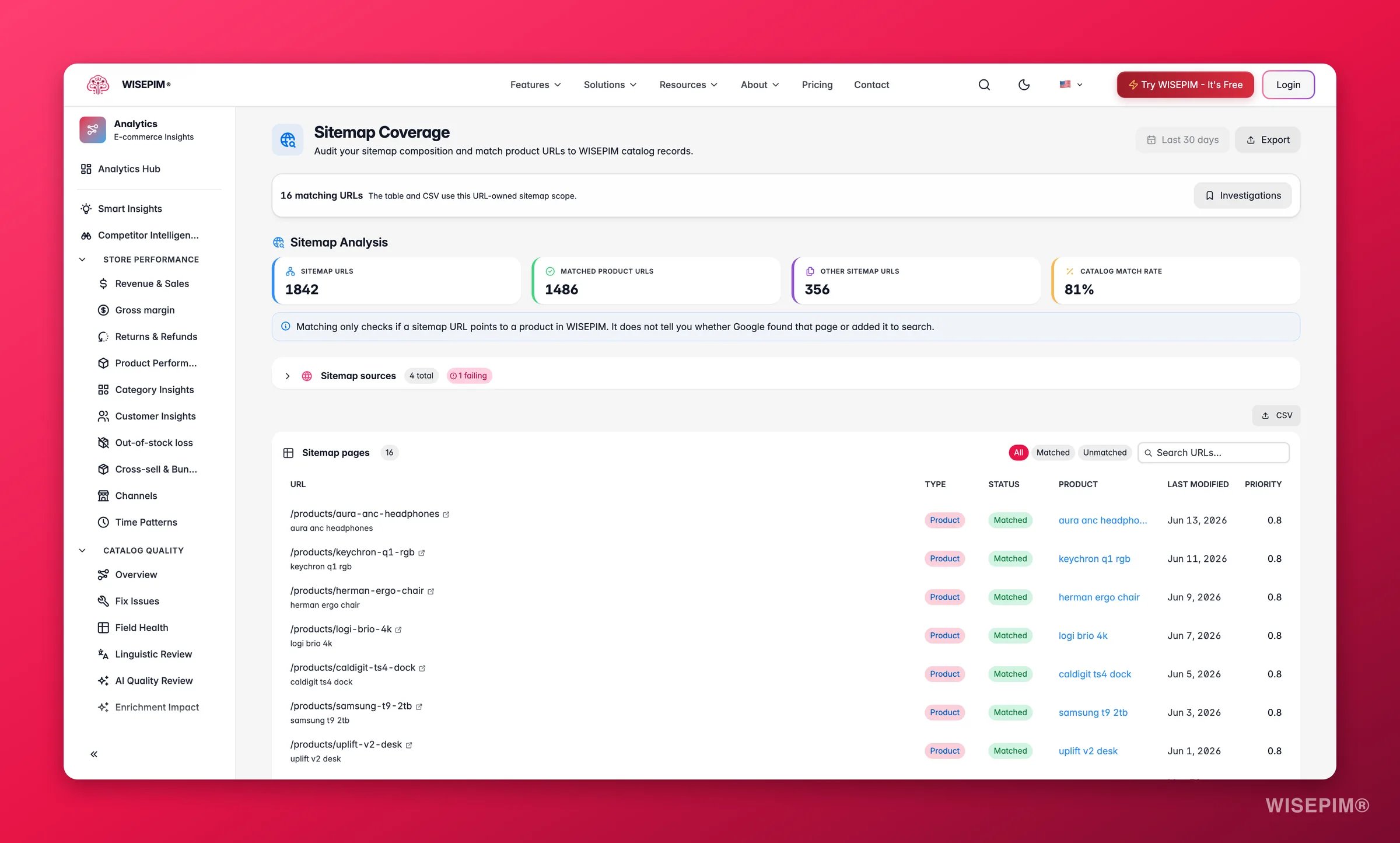
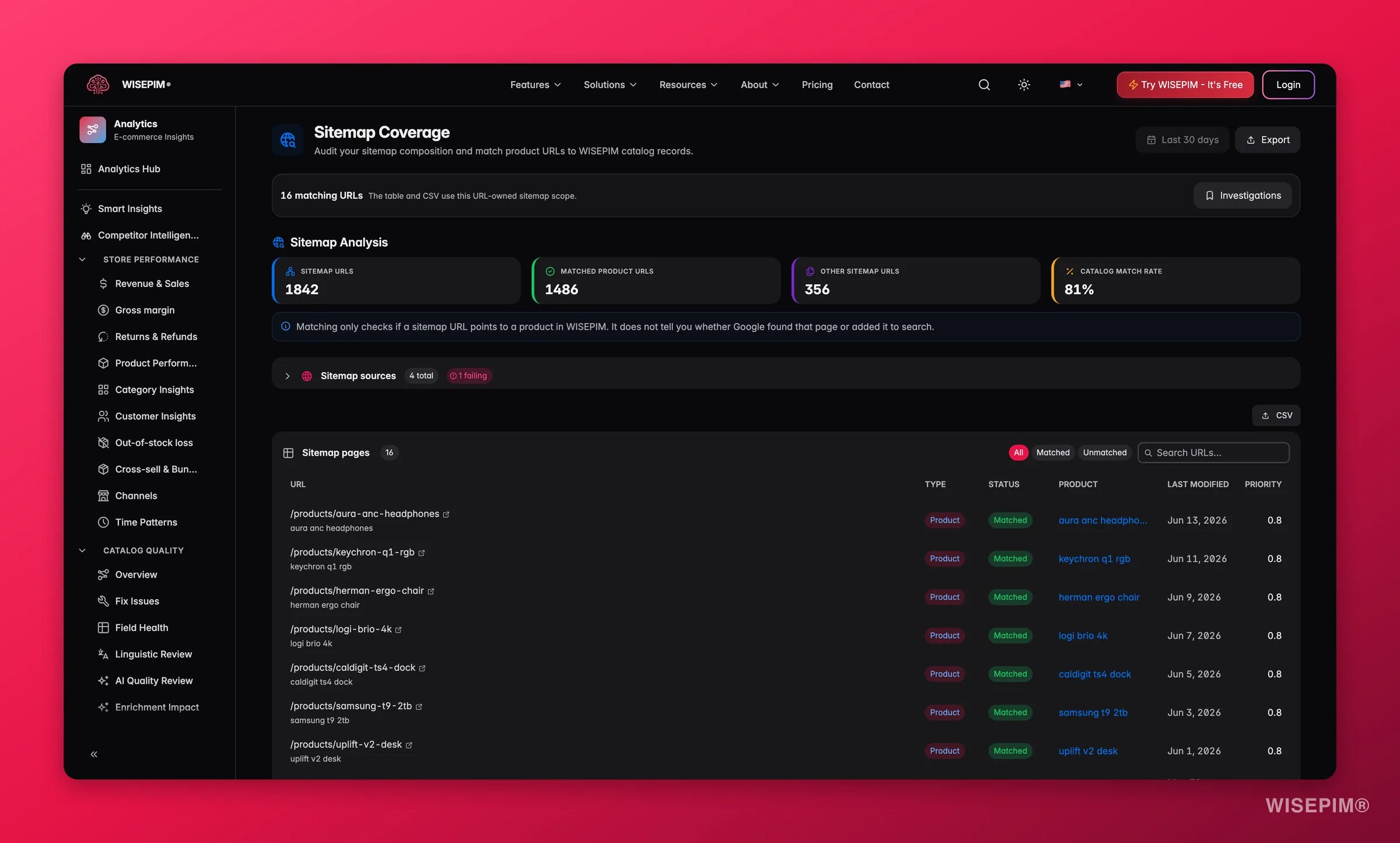
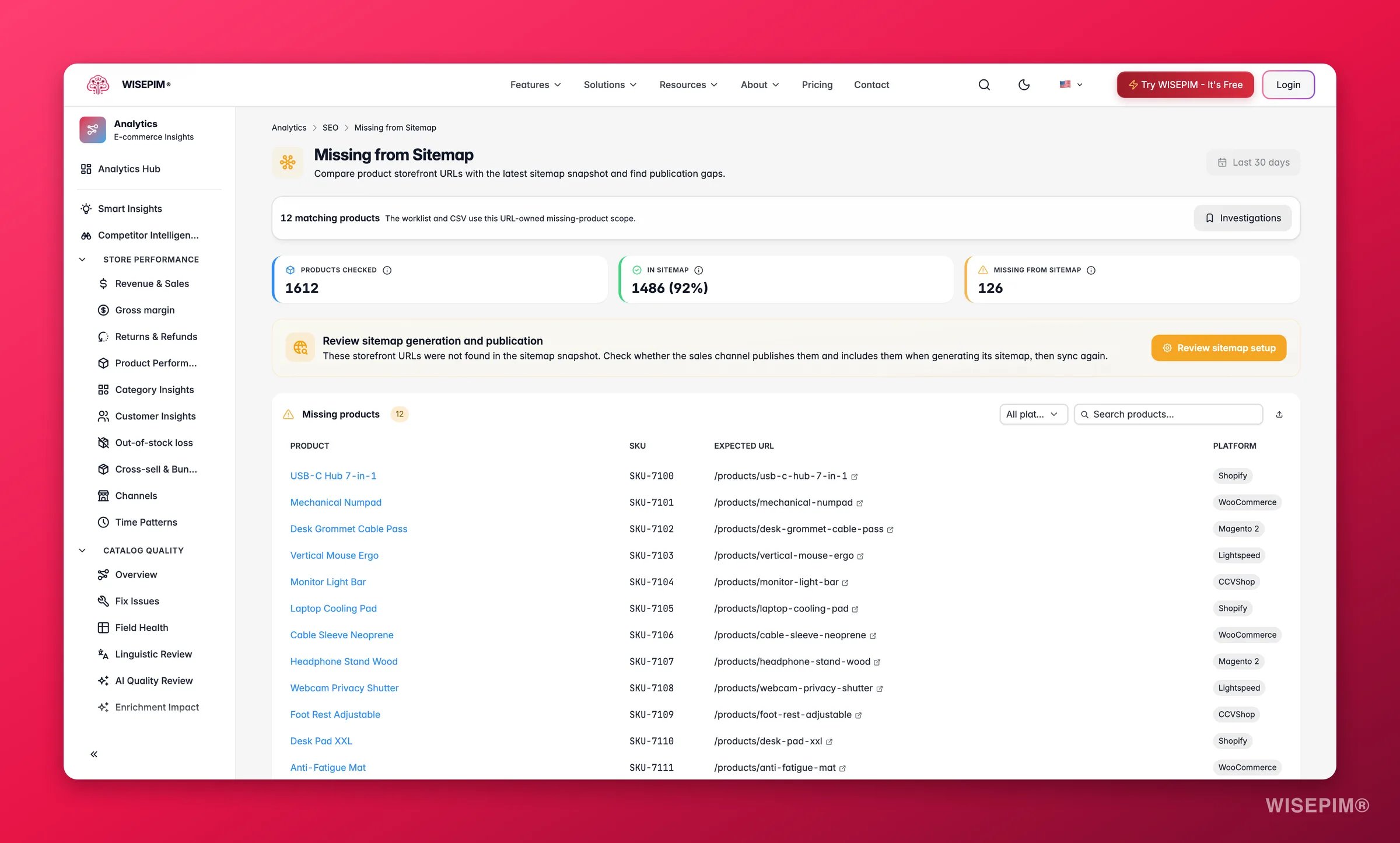
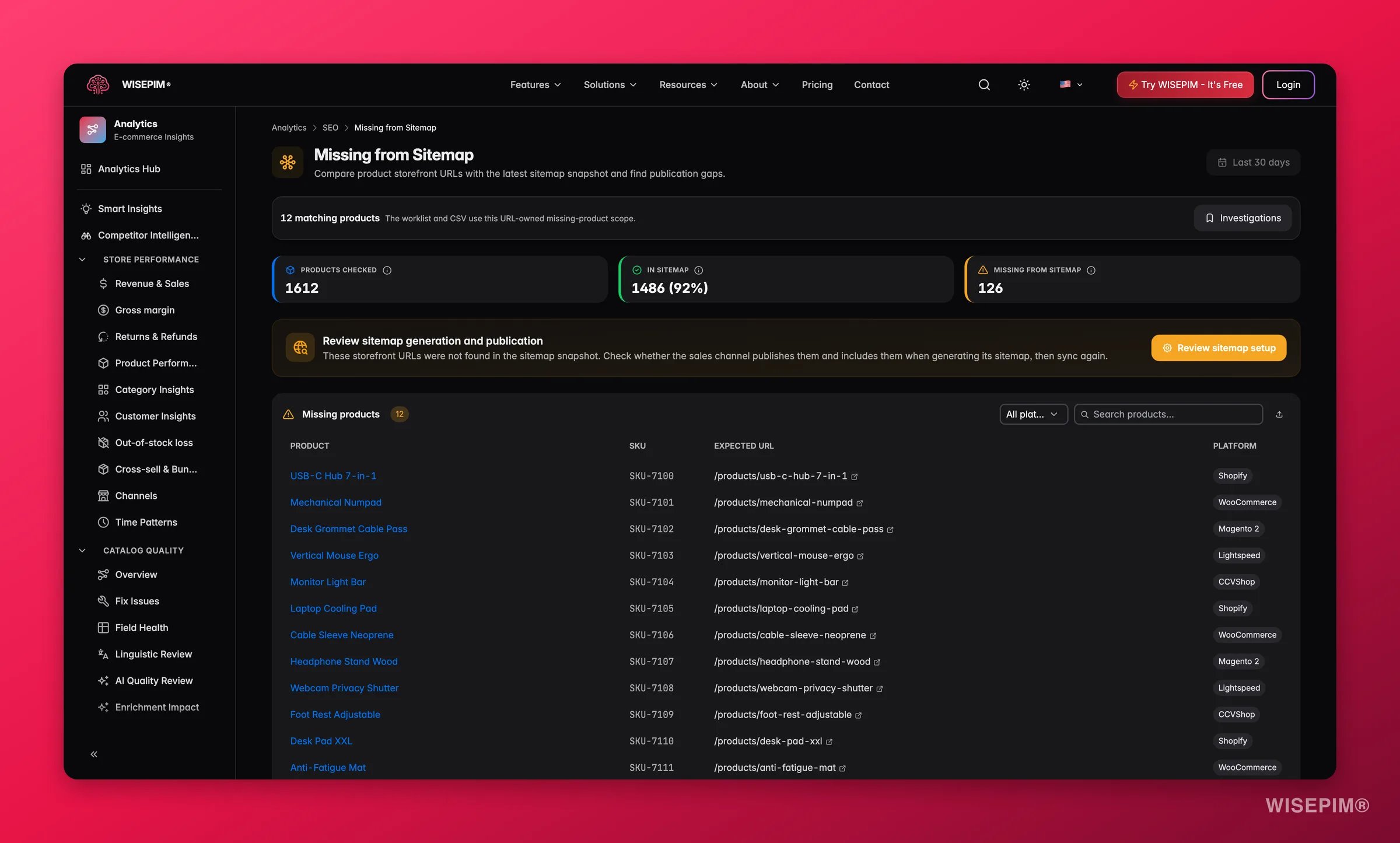
Sitemap gaps
Cannibalization
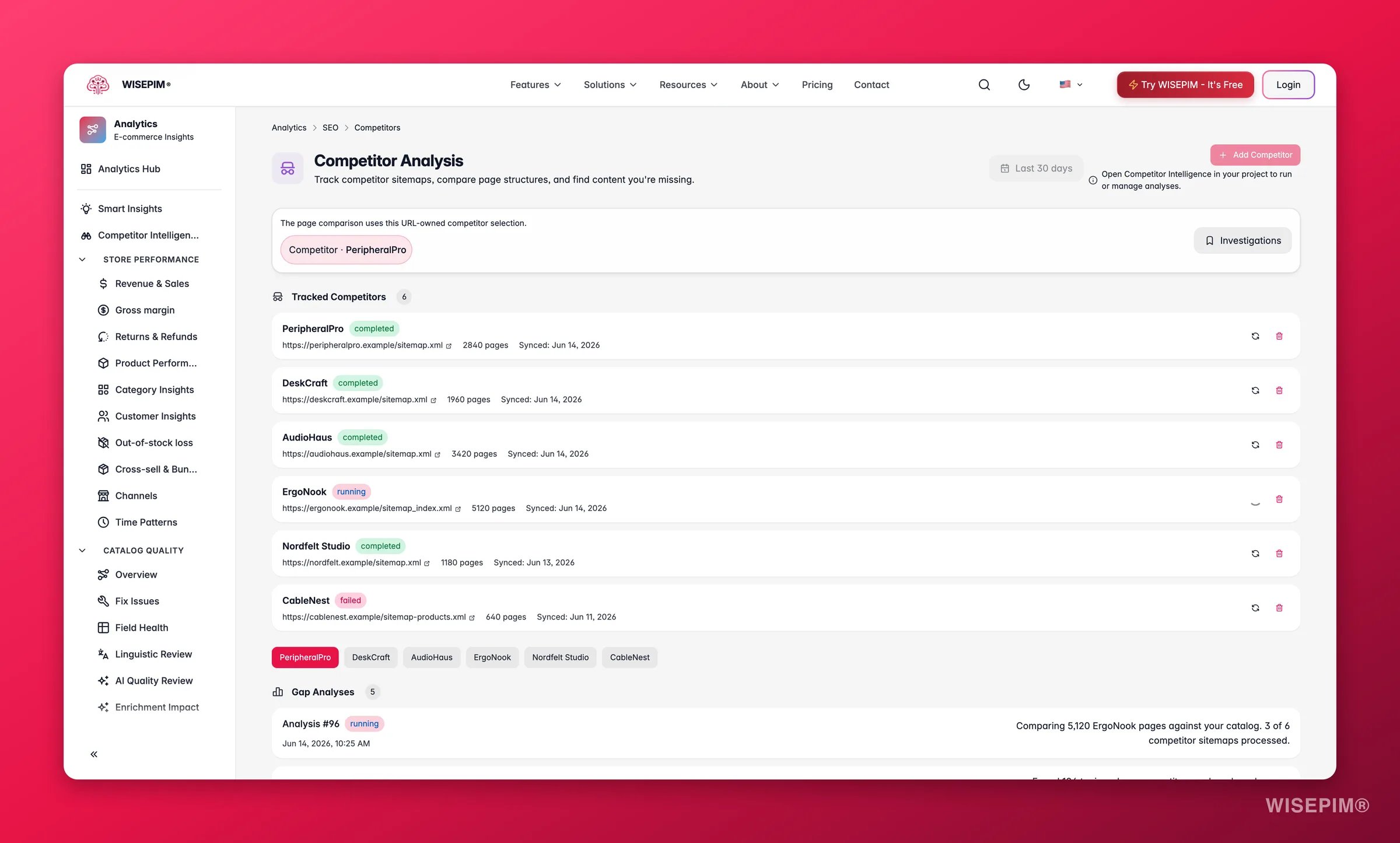
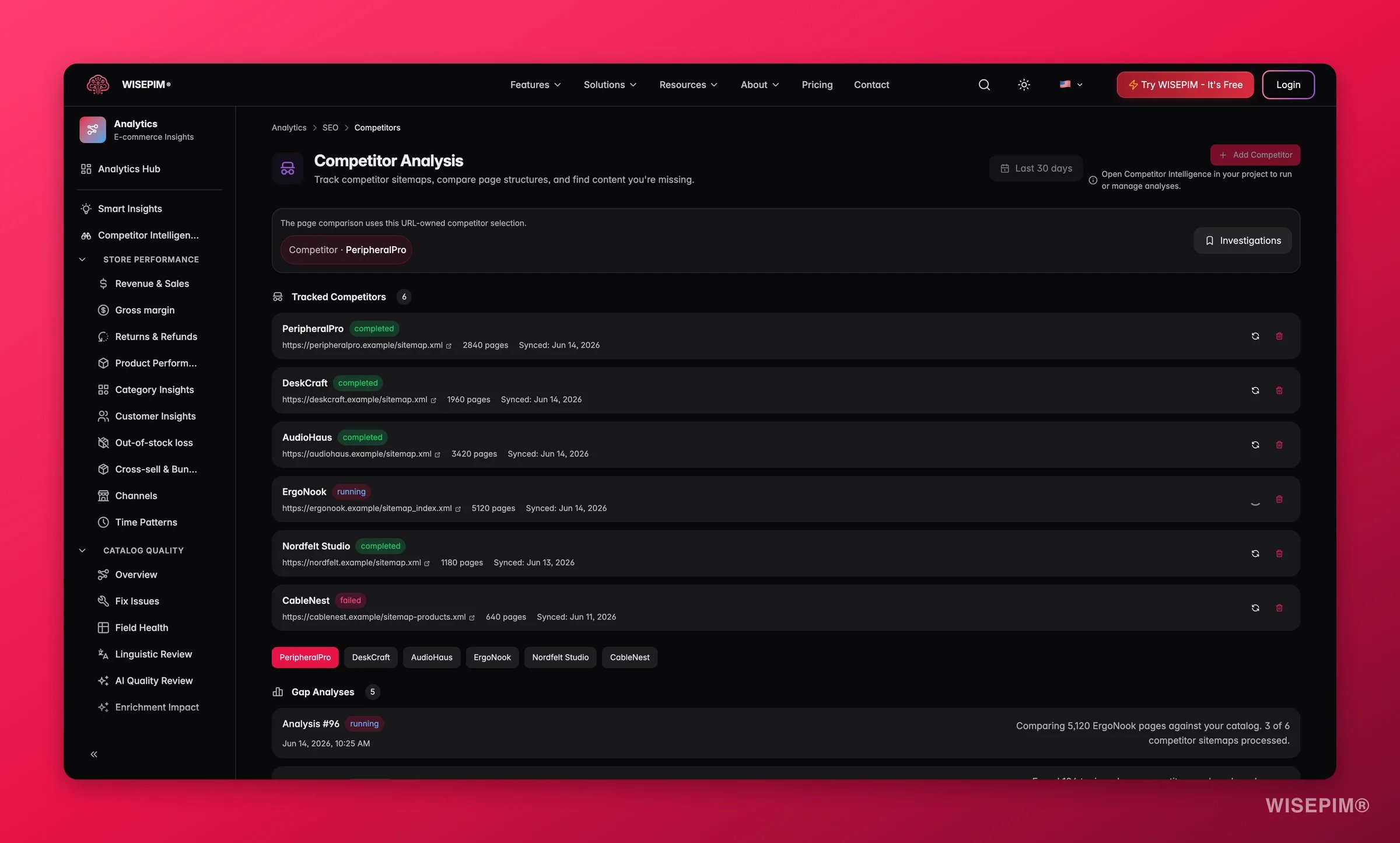
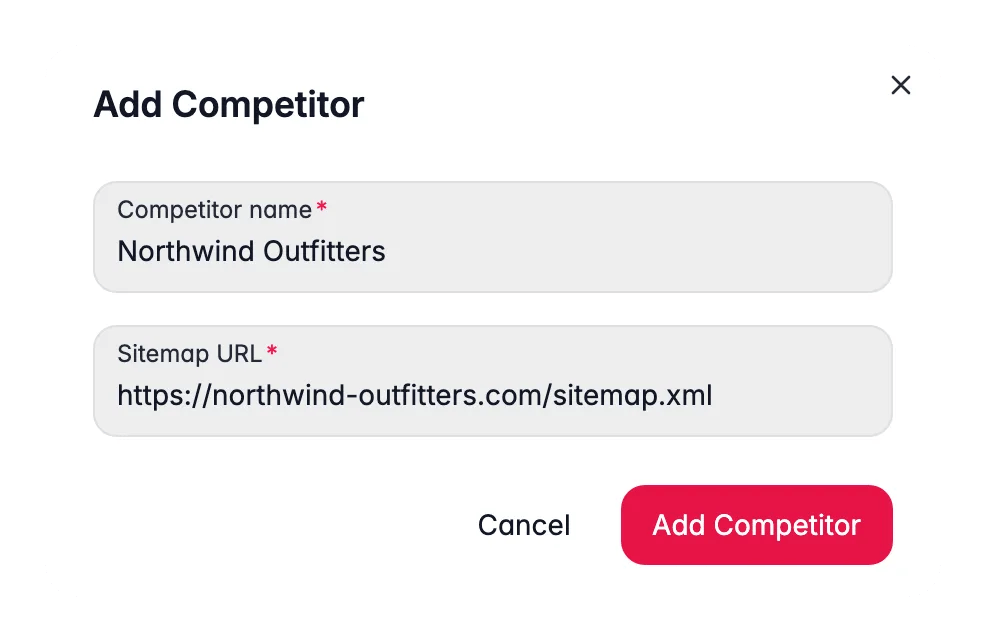
Competitors
Link audit
Link equity
Act on what you find
Quick wins: high impressions, low CTR
Quick wins: high impressions, low CTR
Go to the Quick wins panel on the Performance view. For each flagged query, open the product or category page it ranks for and rewrite the title tag and meta description, make them specific, benefit-led, and include the keyword naturally. Use Enrich products to generate and apply improved SEO titles and meta descriptions at scale. Outcome: capturing even half of these impressions as clicks is typically the fastest organic traffic gain available without any new content.
Coverage below 90%, pages declared but not indexed
Coverage below 90%, pages declared but not indexed
Investigate the affected pages for thin content, noindex tags, or canonical mismatches. For product pages, enrich descriptions and add meaningful attributes before requesting re-indexing. Use Quality Guard to enforce a minimum content threshold so future pages don’t publish thin. Outcome: getting those pages indexed means Google can rank and surface them for relevant queries.
Products missing from the sitemap
Products missing from the sitemap
Review the gaps list and add missing products to your sitemap. Ensure at least one category or related-product link points to each of them so Google can discover and recrawl them reliably after updates. Outcome: every product in the sitemap can be recrawled promptly when its content improves.
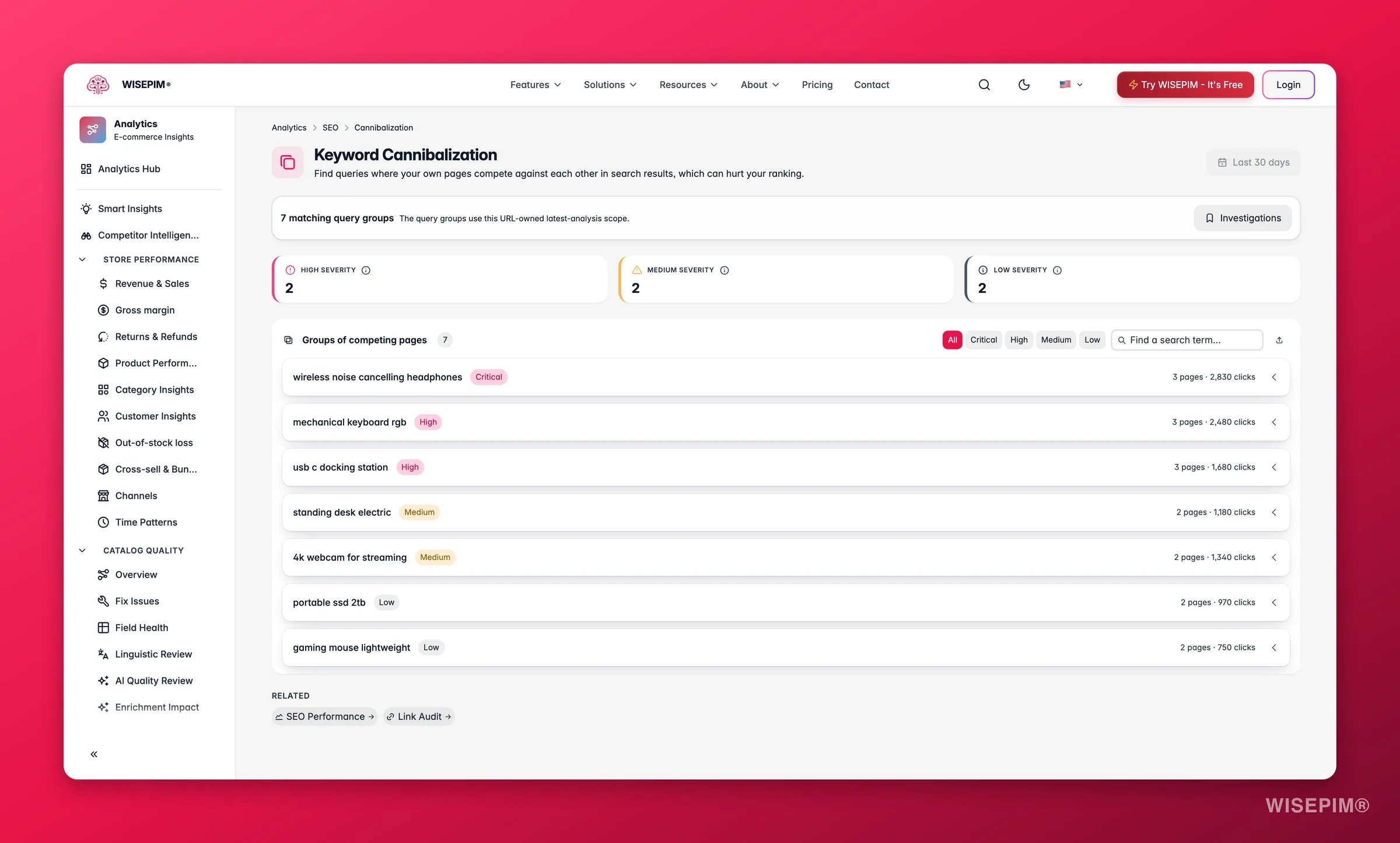
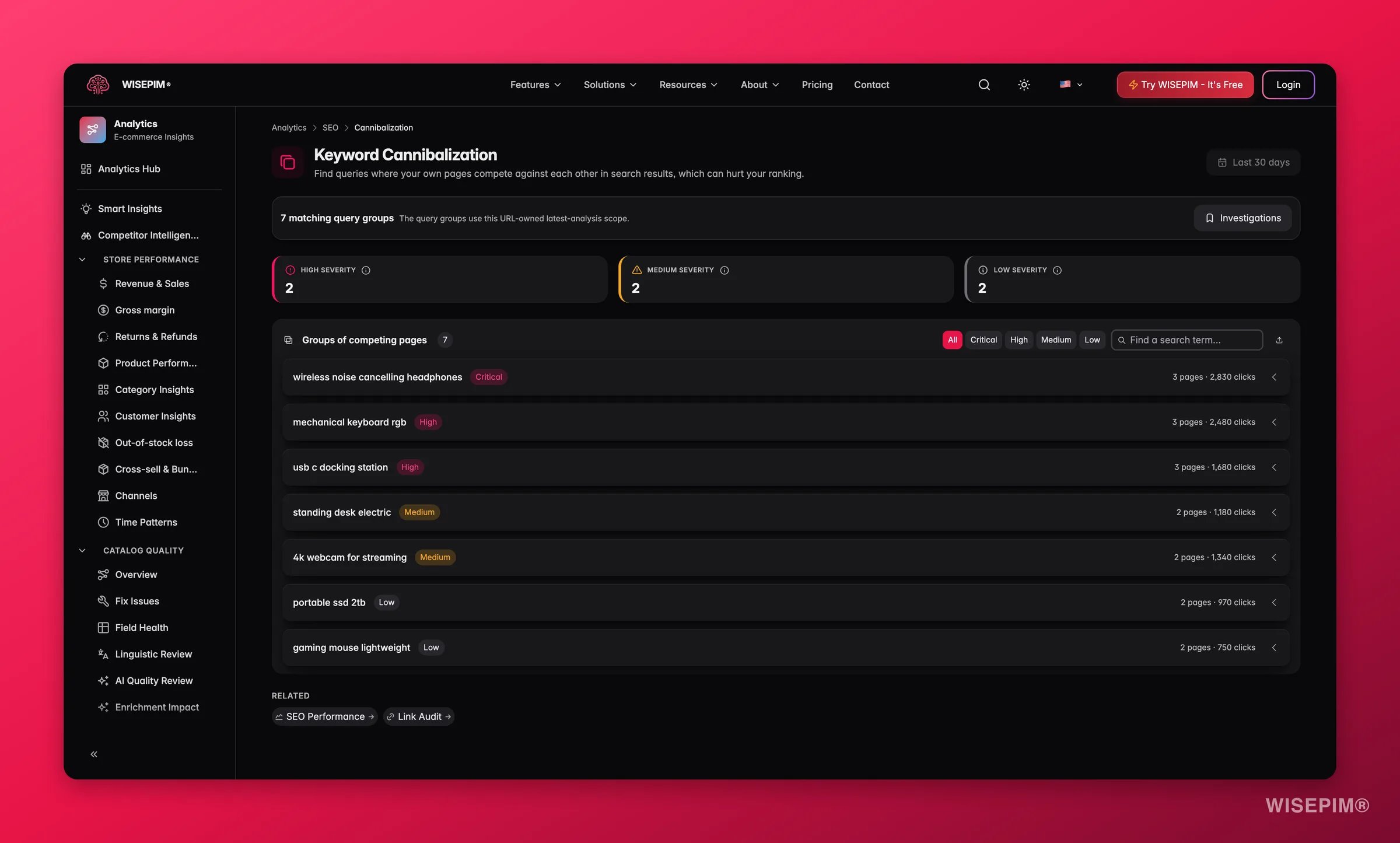
Keyword cannibalization detected
Keyword cannibalization detected
Follow the consolidation recommendation: pick the page with the stronger ranking history and richer content, then redirect or canonical the weaker pages to point at it. Merge the best copy from the retiring pages onto the winner. Outcome: consolidation focuses all link equity on one page, which typically lifts it from a fluctuating mid-ranking position into a stable top 5.
Competitor covers products or categories you don't
Competitor covers products or categories you don't
Use the gaps list to build a prioritized content backlog. Focus on gaps in your best-selling categories first, these carry the highest intent. Add the missing products or expand existing category descriptions to cover the ground. Outcome: closing these gaps expands the pool of queries you can rank for in your most valuable areas.
Broken links or orphan products found
Broken links or orphan products found
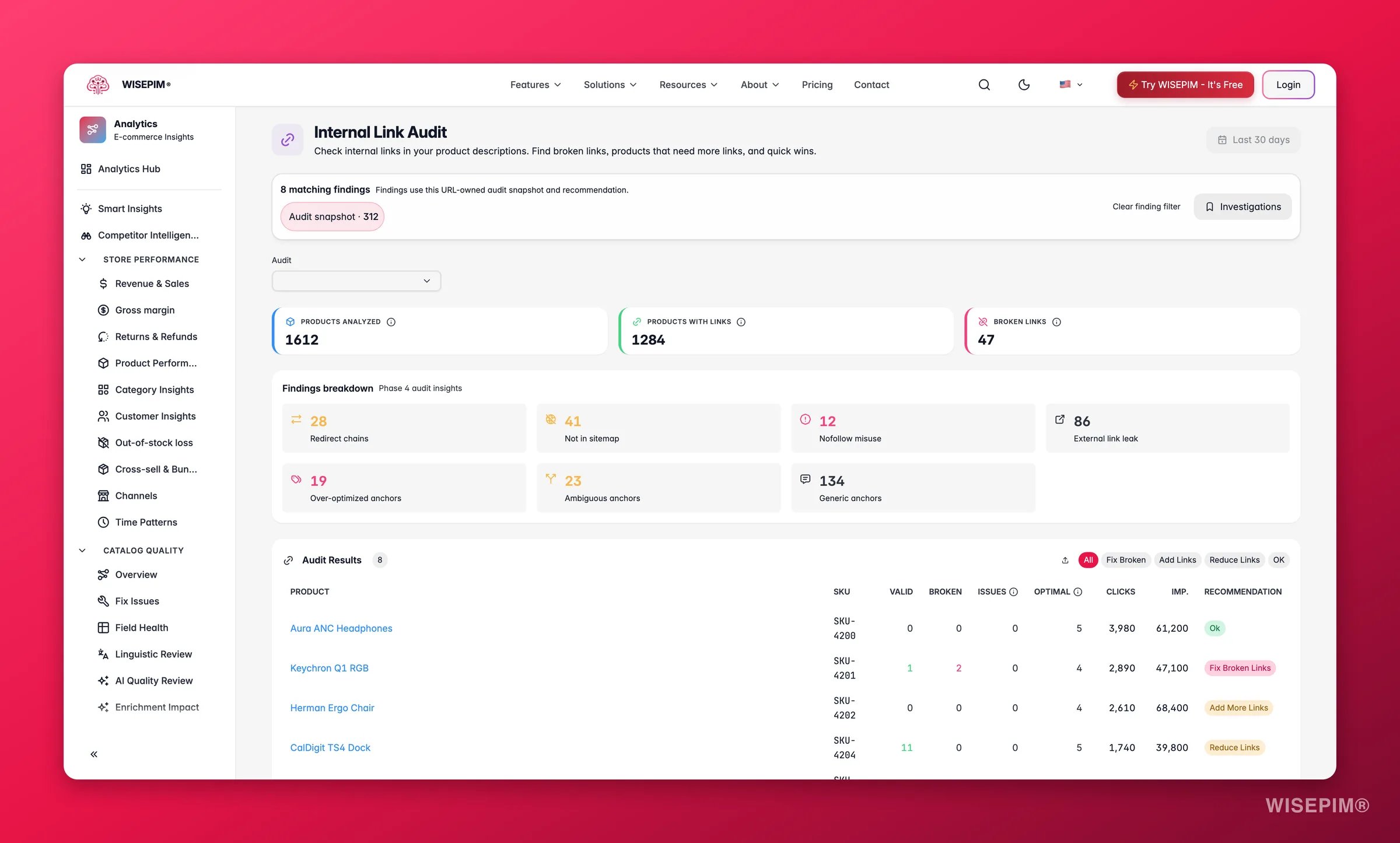
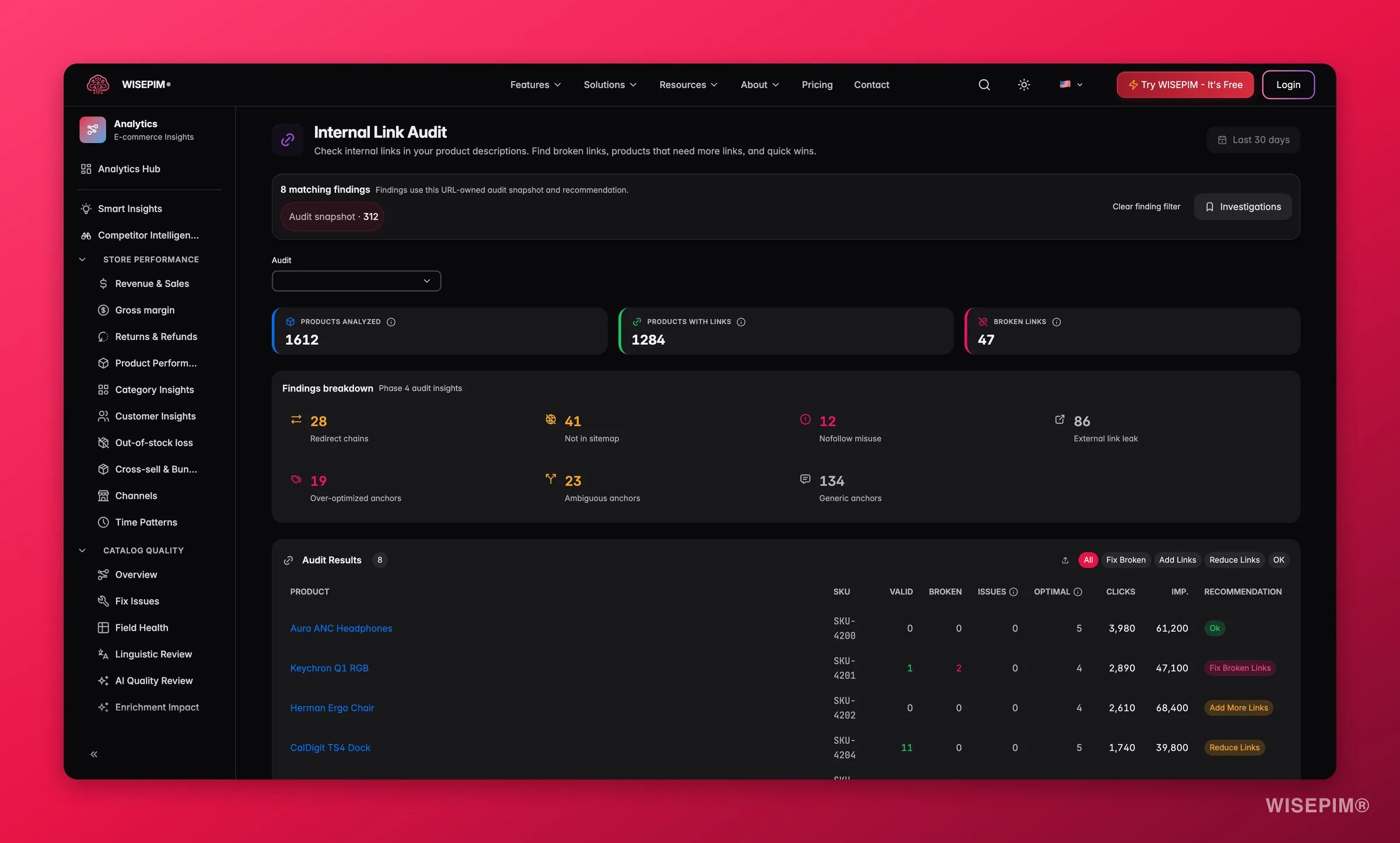
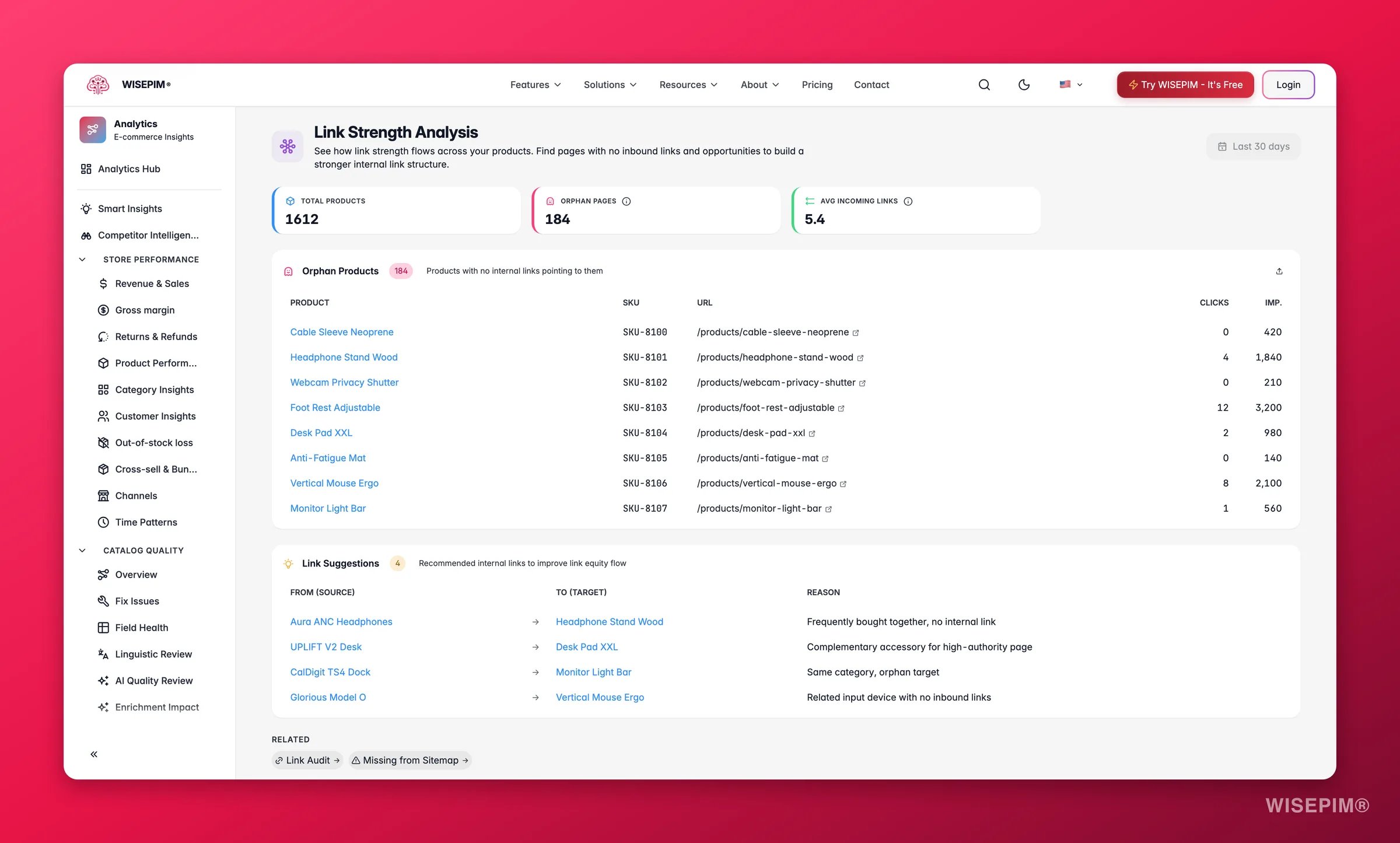
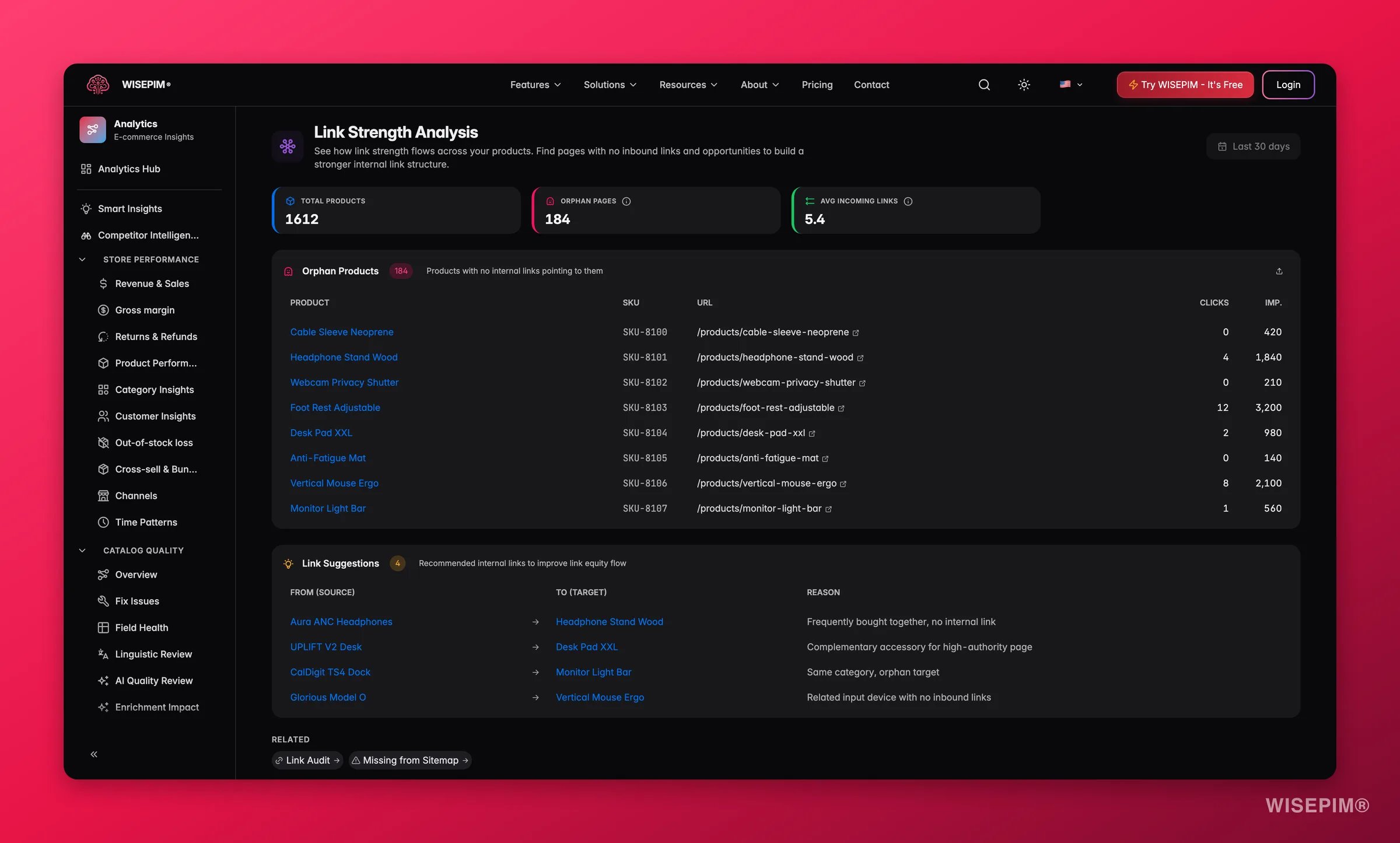
Fix broken links immediately, they waste crawl budget and create dead ends for shoppers. For orphan products (no inbound links), add them to the most relevant category page or link to them from related products. Use the link suggestions in the equity view as a starting point. Outcome: a clean internal link graph ensures Google indexes your full catalog and routes authority to your most important pages.
Related
Strategy
Turn keyword opportunities into a prioritized plan.
Search & Discovery
Optimize your on-site search experience.
Enrich: SEO meta
Generate titles and meta descriptions that win clicks.
Quality Guard
Enforce SEO rules across the catalog.
Turn impressions into clicks
Convert positions 4–10 with low CTR into traffic by rewriting for real search intent.