

Four steps to better content
1
Connect your platform
Set up your integration with your e-commerce platform. We support Shopify, Magento, WooCommerce, Lightspeed, CCV Shop, and more.
2
Import your products
Pull your products into WISEPIM. The importer maps your fields for you. Review the mapping, confirm, and your catalog is ready.
3
Enrich with AI
Select products and click Enrich. WISEPIM writes optimized titles, descriptions, and attributes from your prompts and Knowledge Library.
4
Export back to your store
Push your enriched products back to your platform. One click, and your store has better content.
Before you begin
You don’t need to set up everything first. When you import, WISEPIM creates attributes and maps fields for you. Still, a few things are worth setting up early for the best results.Get your platform access ready
Get your platform access ready
Have admin access to your e-commerce platform and your API credentials on hand. See our integration guides for platform-specific setup.
Build your first prompt
Build your first prompt
Open the Prompt Library and create a reusable prompt template. It tells the AI how to write content for your brand.
Fill your Knowledge Library
Fill your Knowledge Library
The Knowledge Library teaches WISEPIM about your brand. Add your brand voice, audience, and product context. The more you share, the better the AI writes.
Your first sign-in
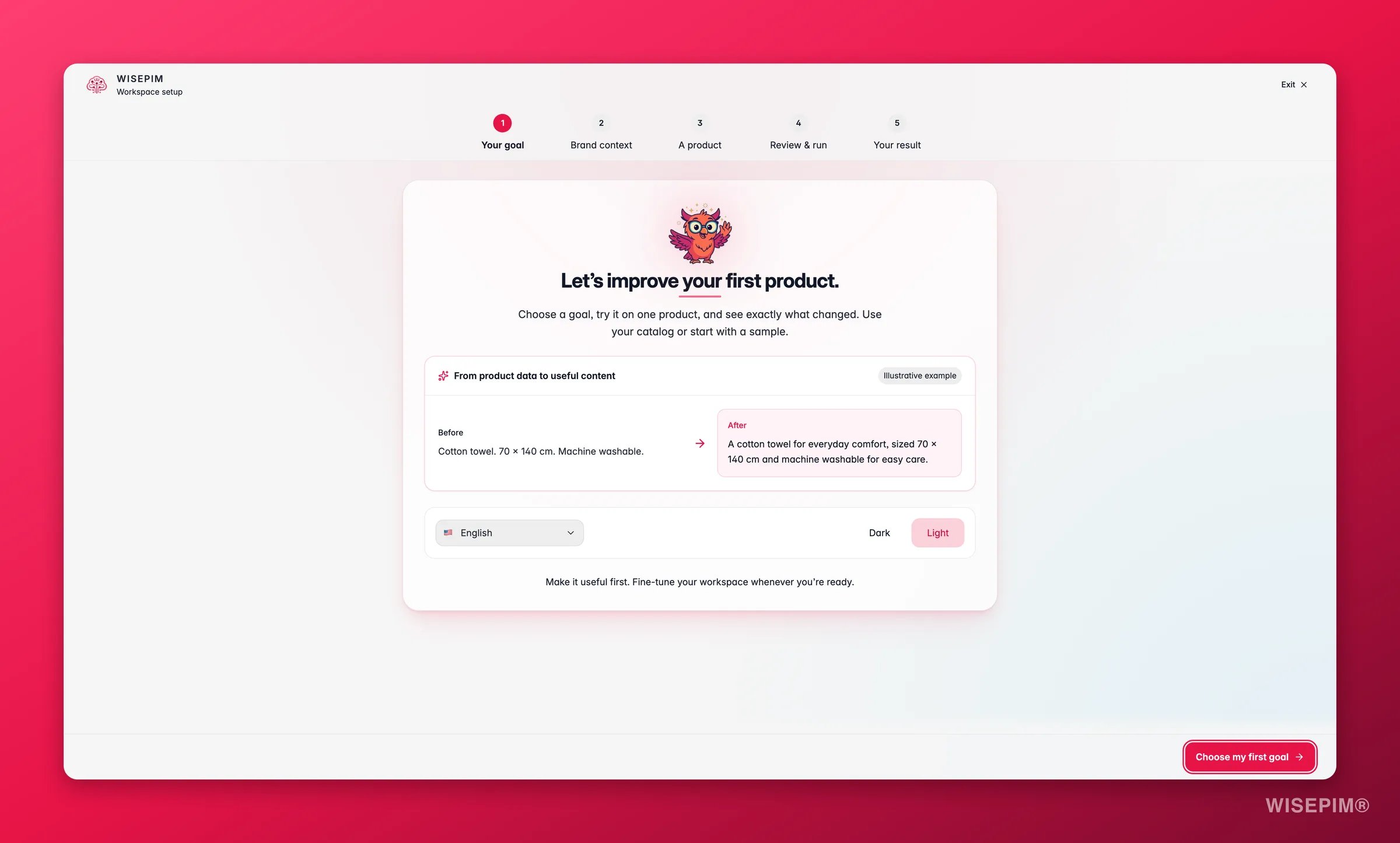
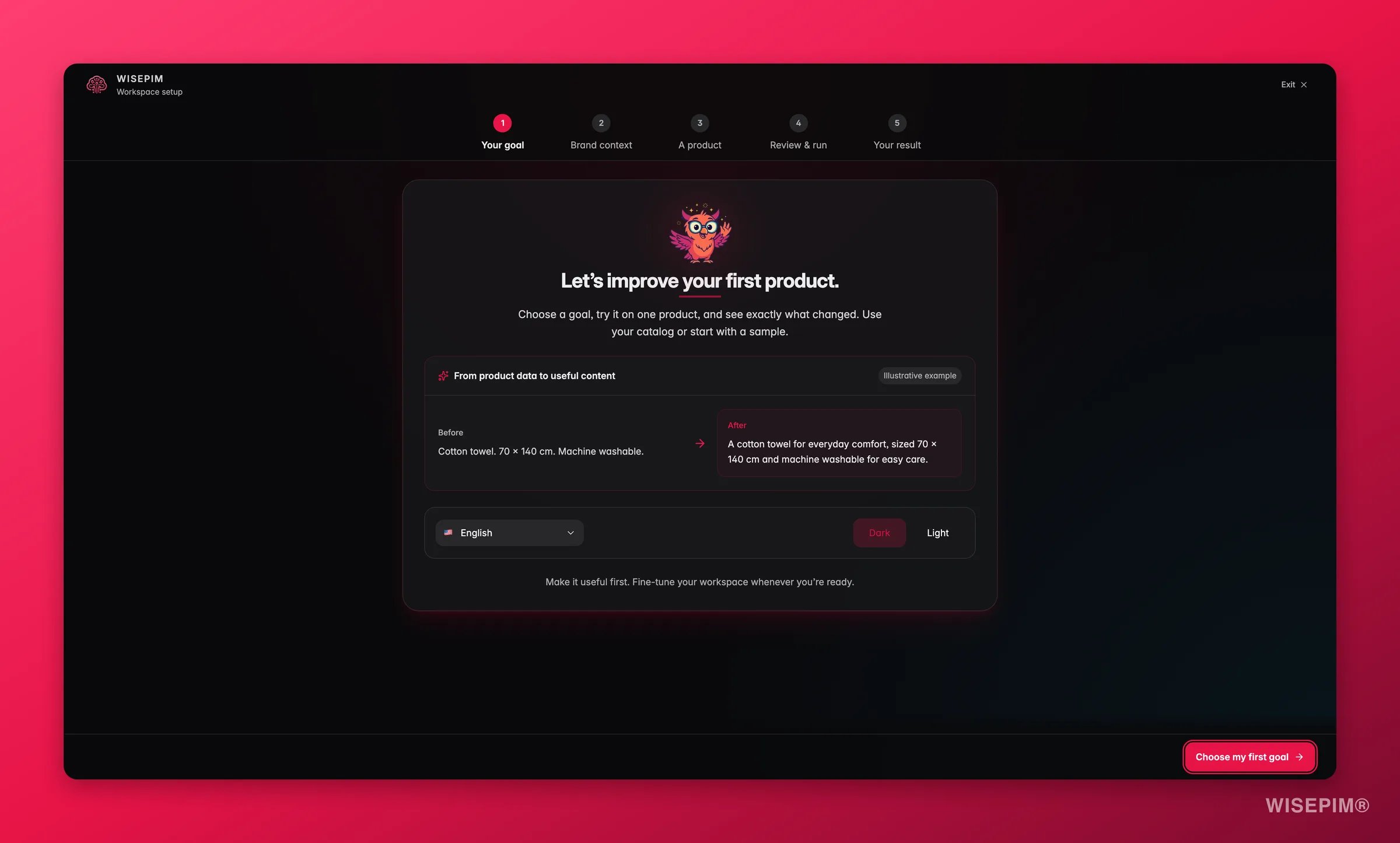
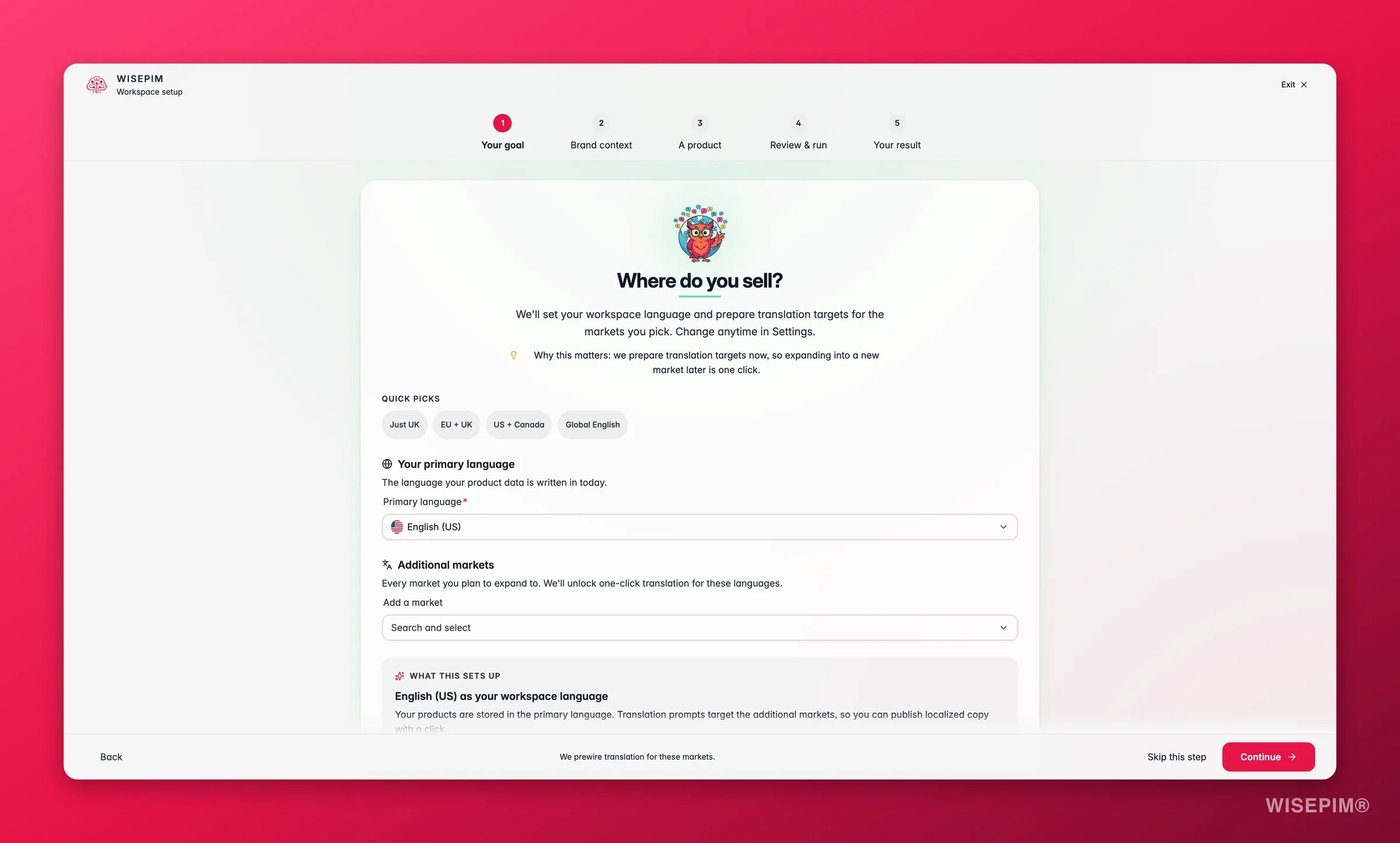
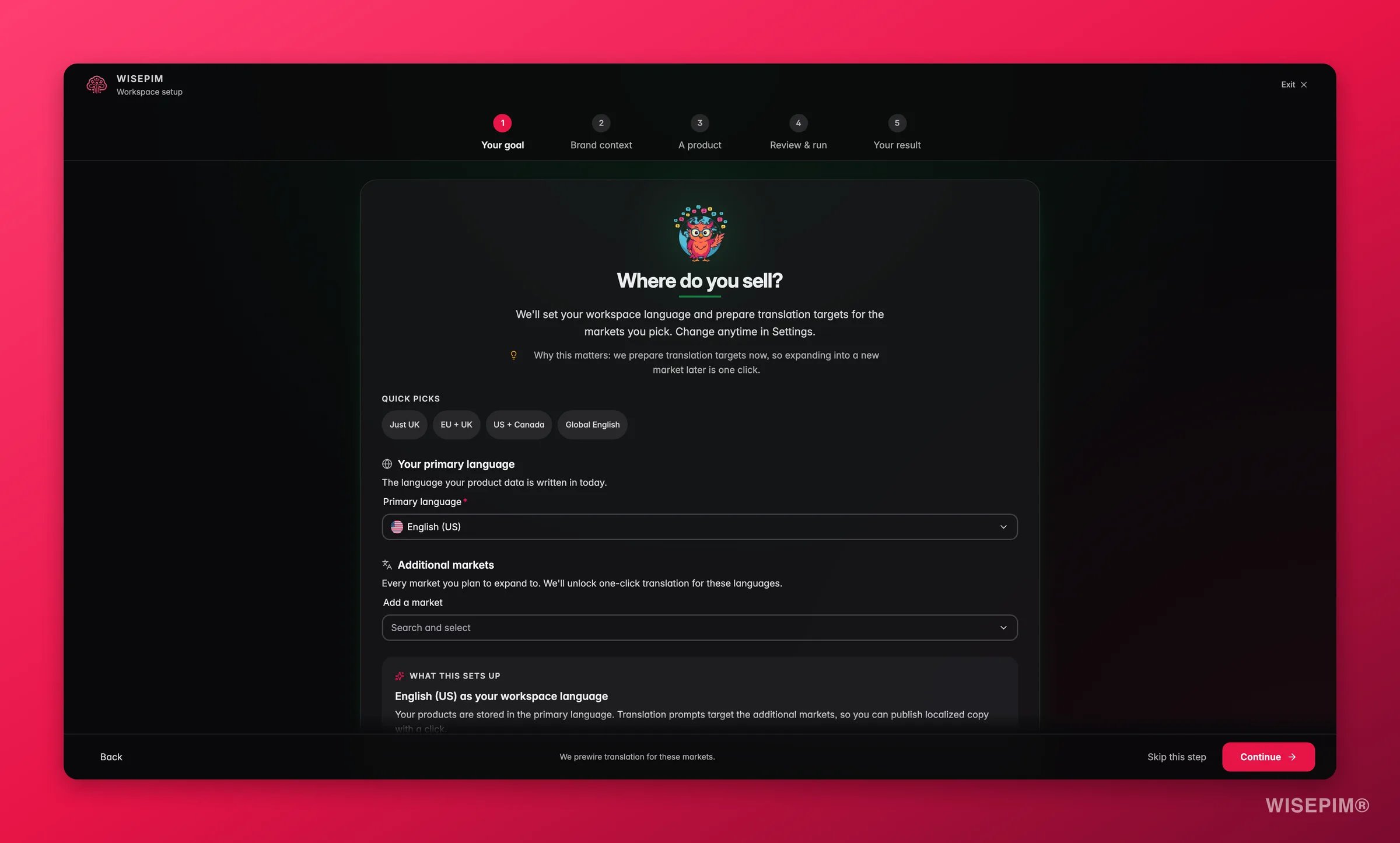
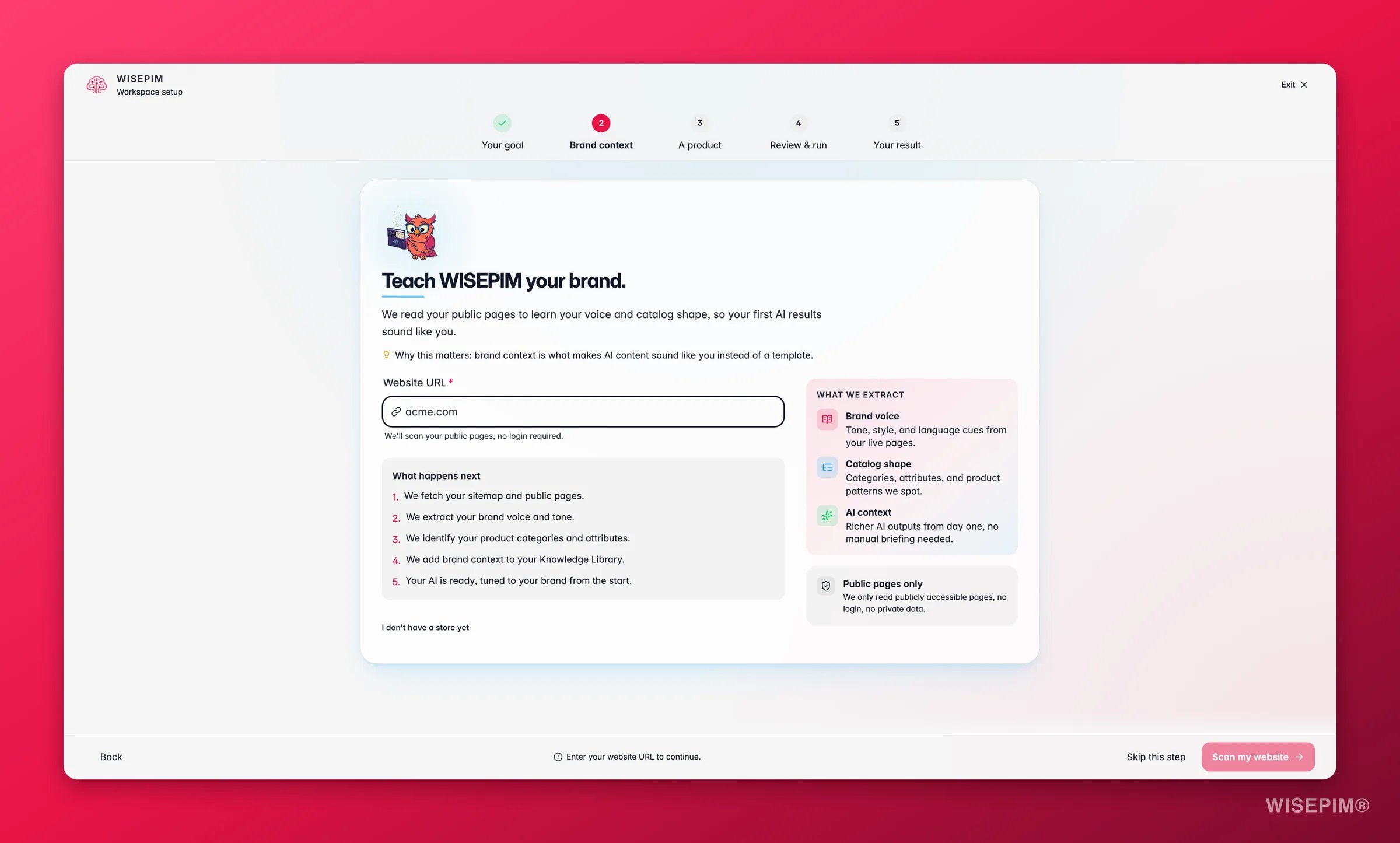
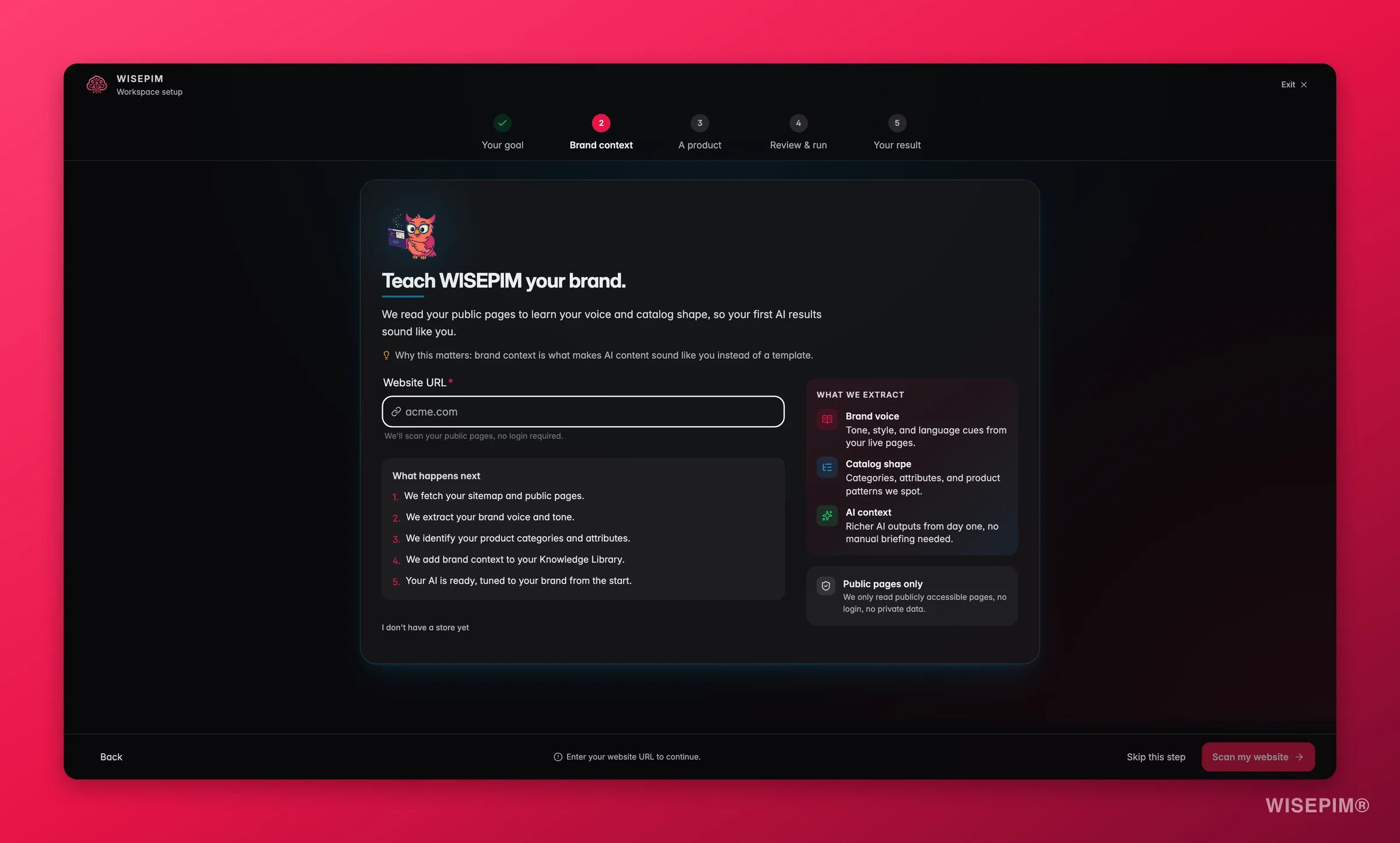
New accounts start with a short setup wizard. It asks about your company and website, the markets and languages you sell in, and which platforms you want to connect, then tunes WISEPIM to match. It takes a few minutes and runs once, and every step tells you roughly how long is left (“About 4 min left”). A few steps do more than collect answers:- What do you want to achieve first? Pick a goal or describe it in your own words, then click Set my goal. It decides what WISEPIM sets up first and tunes the prompt library to match.
- What does great product data look like for you? Set your quality bar and click Switch on my rules. WISEPIM switches on matching Quality Guard rules straight away: “Your quality rules are switched on. Weak products will be flagged.”
- The integrations step shows top picks for your industry. Click Show all N platforms to see every connector.
Find your way around
Once you are logged in, the top navigation has four groups. Almost everything lives under one of them:
Media sits at the top level on its own, next to the four groups.
Navigate with the Command Menu
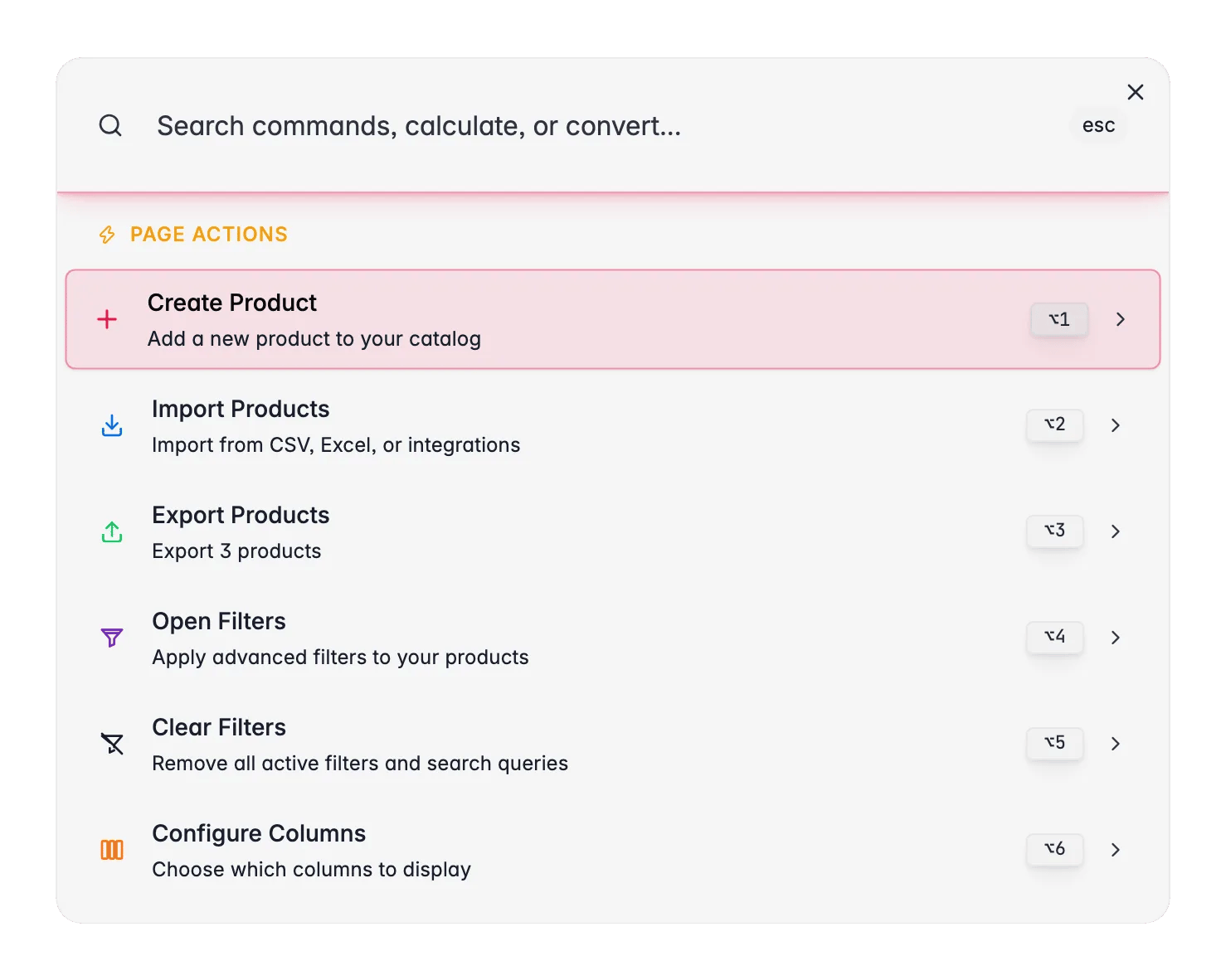
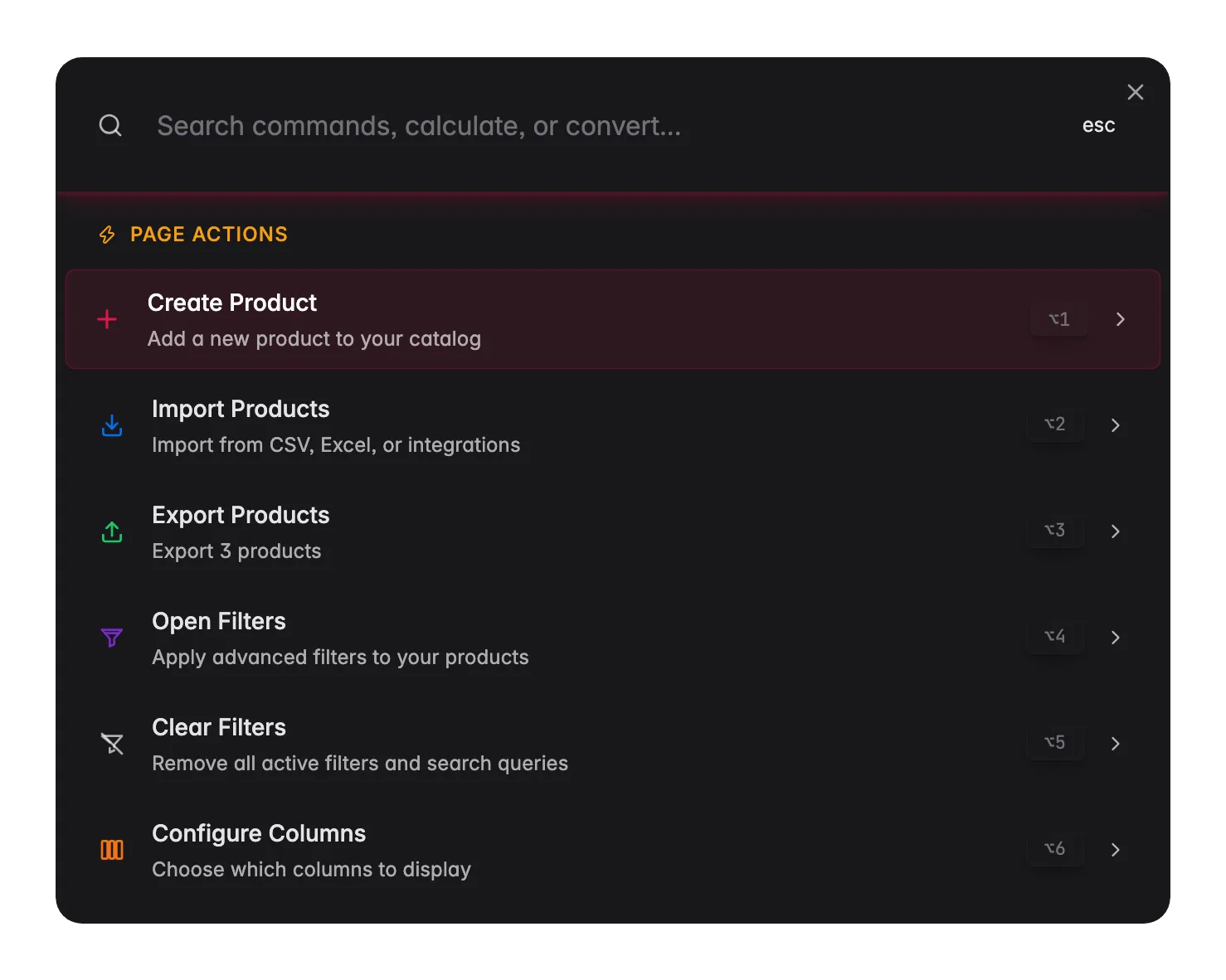
⌘K on Mac or Ctrl+K on Windows, or click the search icon in the top-right corner. Then type to jump to a page, find a product, run a calculation, or trigger a page action.
Get help on the page you’re on
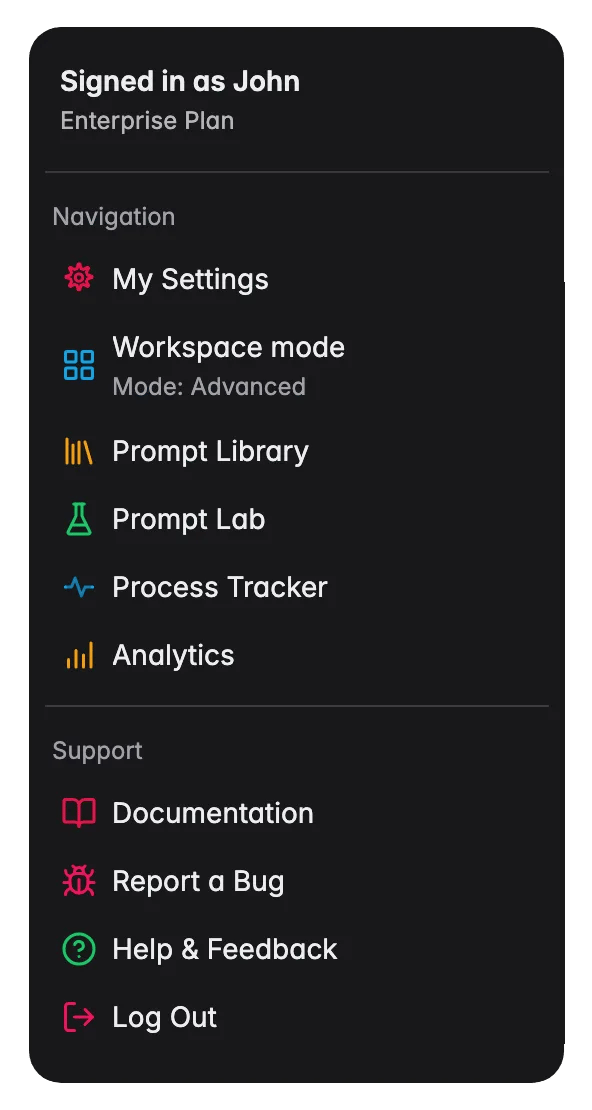
Stuck on a screen and want to know more? You don’t have to leave WISEPIM or search the docs. Click your avatar in the top-right corner and choose Documentation under Support.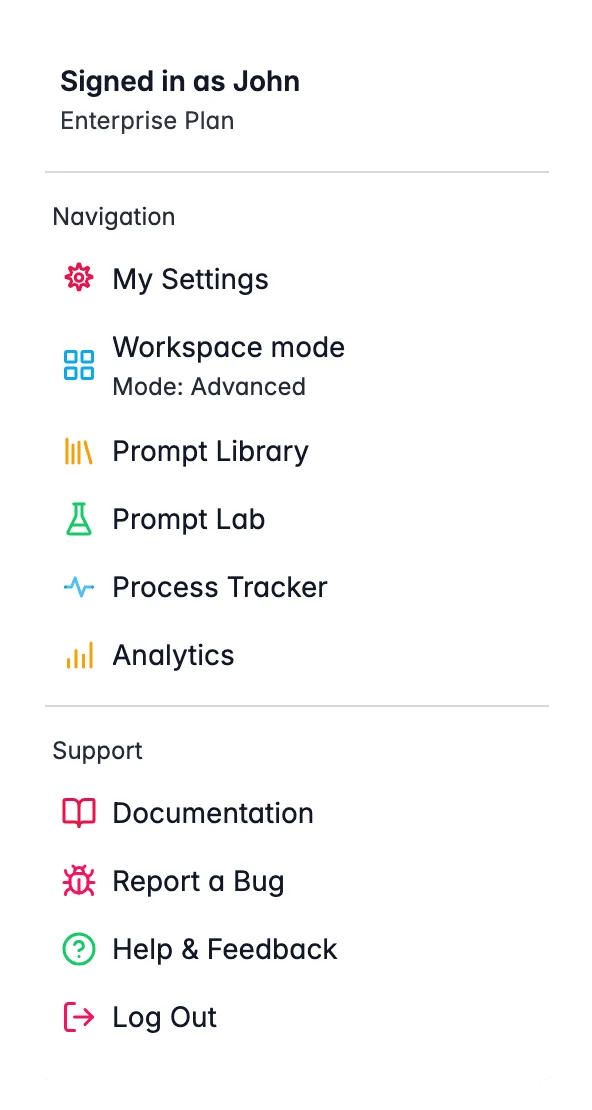
What to try first
Once your products are in, these are the fastest ways to see results:Enrich descriptions
Pick a few products and generate AI descriptions. Compare the before and after.
Translate your catalog
Pick a few products and translate them into a new language. Native-quality results in seconds.
Check data quality
See how your catalog scores on completeness, channel readiness, SEO, and conversion potential.
Test in the Prompt Lab
Try different prompt setups and see the results live before you apply them to your catalog.
Need help?
Integration guides
Step-by-step setup for every supported platform.
Contact support
Our team is here to help with any question or setup.
Related
Your first catalog
A five-part guide that takes these four steps all the way to live, enriched listings.
Managing products
Filter, sort, and select products once your catalog is in WISEPIM.