

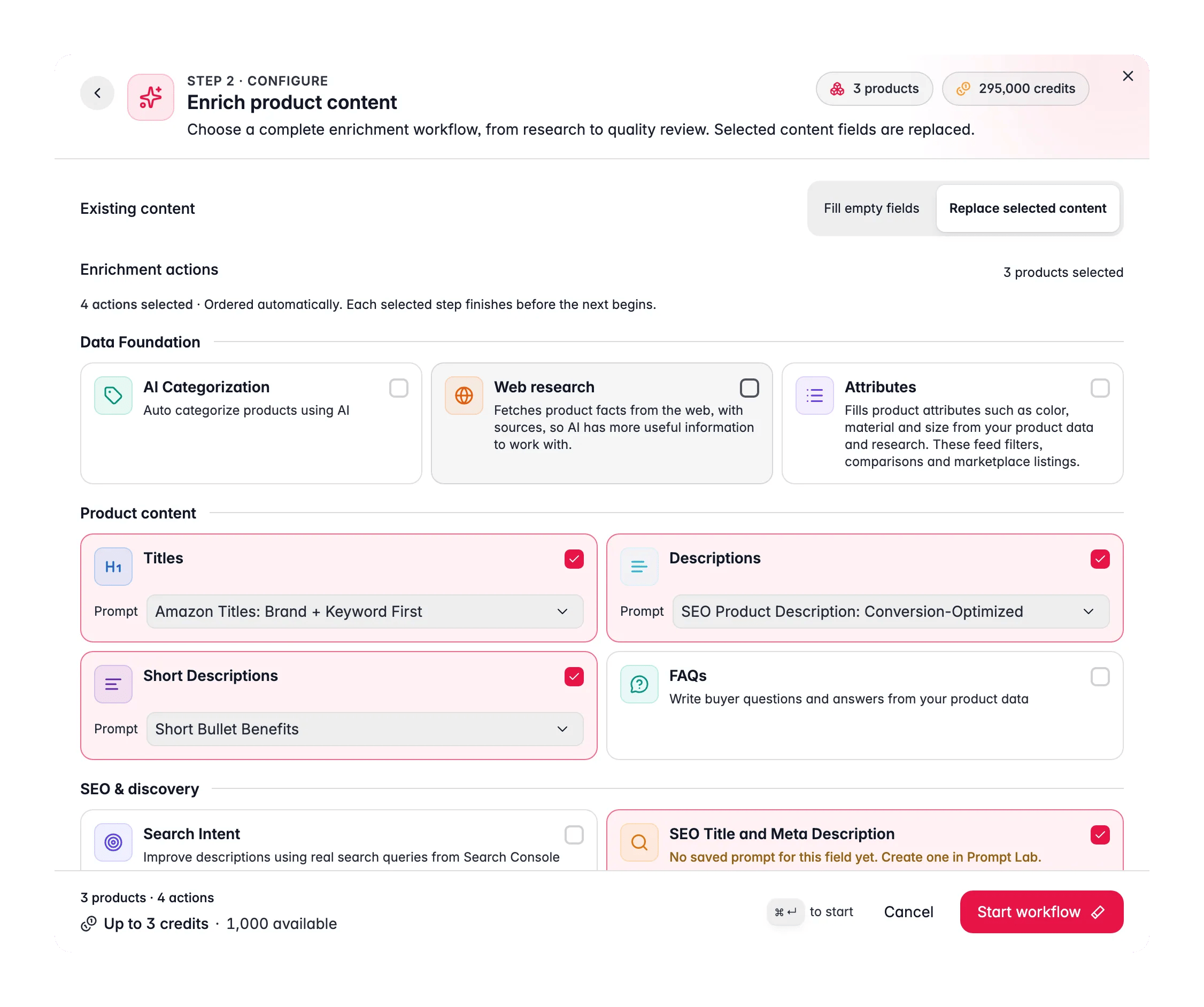
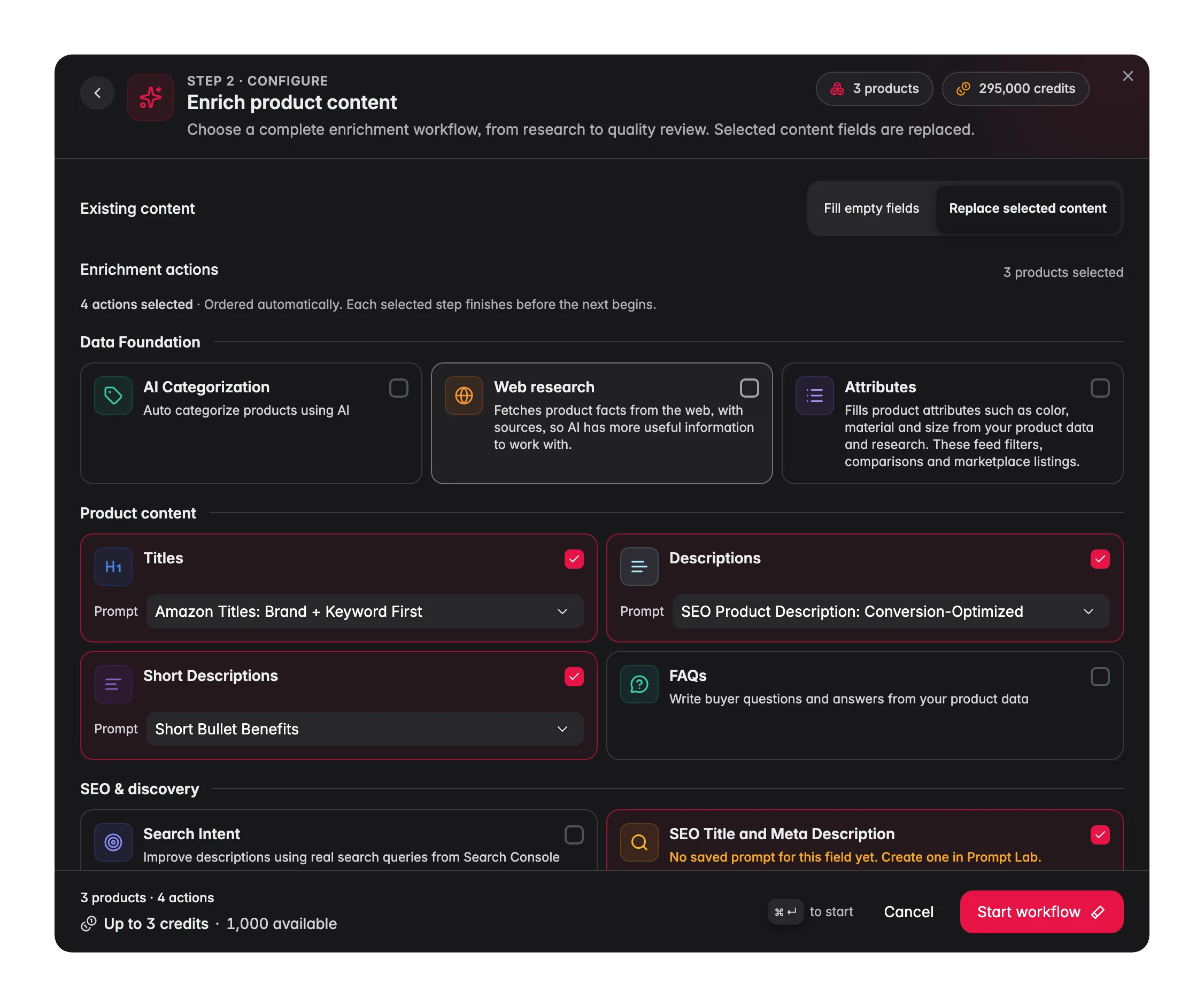
Bulk Enrich replaces the content fields you tick. If you only want to fill what is missing, switch Existing content to Fill empty fields or see Auto-Fill Missing Data.
Run a Bulk Enrich
1
Select products
Tick rows in the product table, or filter to a set and choose Select all to run on every matching product across all pages.
2
Choose Enrich product content
Click Enrich with AI and pick Enrich product content. Check that Existing content shows Replace selected content.
3
Tick the actions
Under Enrichment actions, tick what the run should do. Titles, Descriptions, Short Descriptions and SEO Title and Meta Description start ticked. Attributes is opt-in.
4
Check the prompt on each card
Each ticked content card shows a Prompt picker, set to Project default (name). Pick another prompt for this run if you want.
5
Start
Check Up to N credits in the footer, then click Start workflow. You get “Enrichment workflow queued” with View workflow.
The actions
Whatever order you tick them in, they run as: web research, categorization, attributes, titles, description, search intent, short description, SEO, internal links, image alt text, FAQs, translation, quality review. Each stage finishes before the next one starts, so the description is written from the new title and the translation covers the new copy.
- Prompts. Titles, Descriptions, Short Descriptions, SEO Title and Meta Description and Attributes each run with the prompt on their card. A field without any saved prompt says “No saved prompt for this field yet. Create one in Prompt Lab.” Set defaults in Enrich Prompts.
- Attributes fills attributes such as color, material and size from your product data and research.
- Search Intent and Internal Linking rewrite the description, and their cards say so.
- Image Alt Text keeps existing alt text unless you turn on Replace existing image descriptions.
- Translation needs Target languages and Fields to translate. Existing translated fields are always kept.
- Review product quality saves recommendations for you to review. It never changes your products.
- AI Categorization only places products that have no category yet.
What gets replaced
Starting the run is your choice of new copy, so the three enriched copy fields are always rewritten. Other locks protect content, not blanks: a field a person cleared can still be filled by AI.
When a value is kept, because it was protected or because the new copy came out identical, that product counts as skipped for the stage, not failed. The credit for copy that was not saved is refunded, and the workflow carries on.
Credits
The footer shows the ceiling for your selection, for example Up to 1,240 credits · 5,000 available, calculated for the exact run before you start. Filled fields, fresh research and skipped products can bring the final charge below it. A run of 500 credits or more asks you to confirm in Review workflow estimate first. See Enriching Products with AI for every check.
While it runs
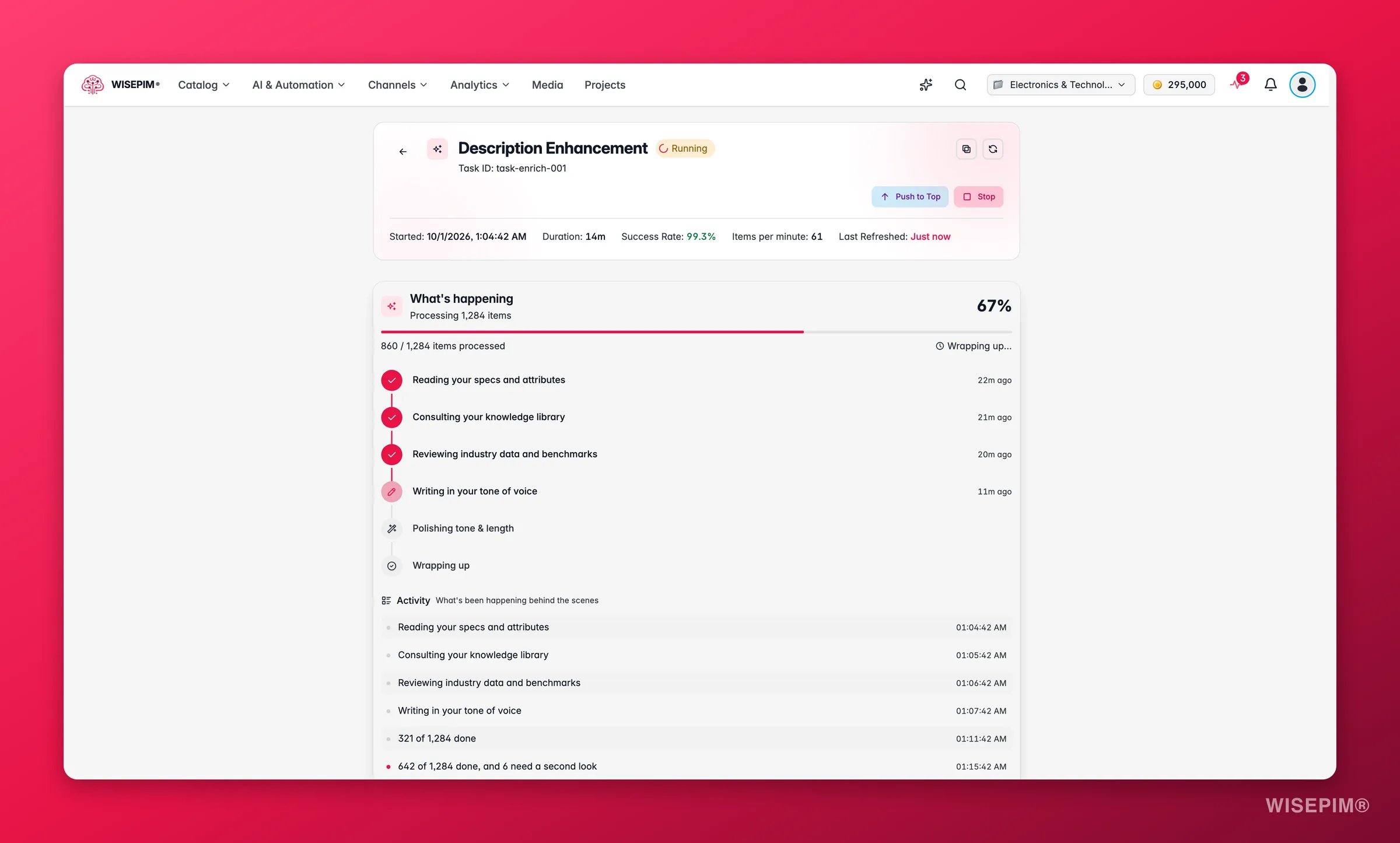
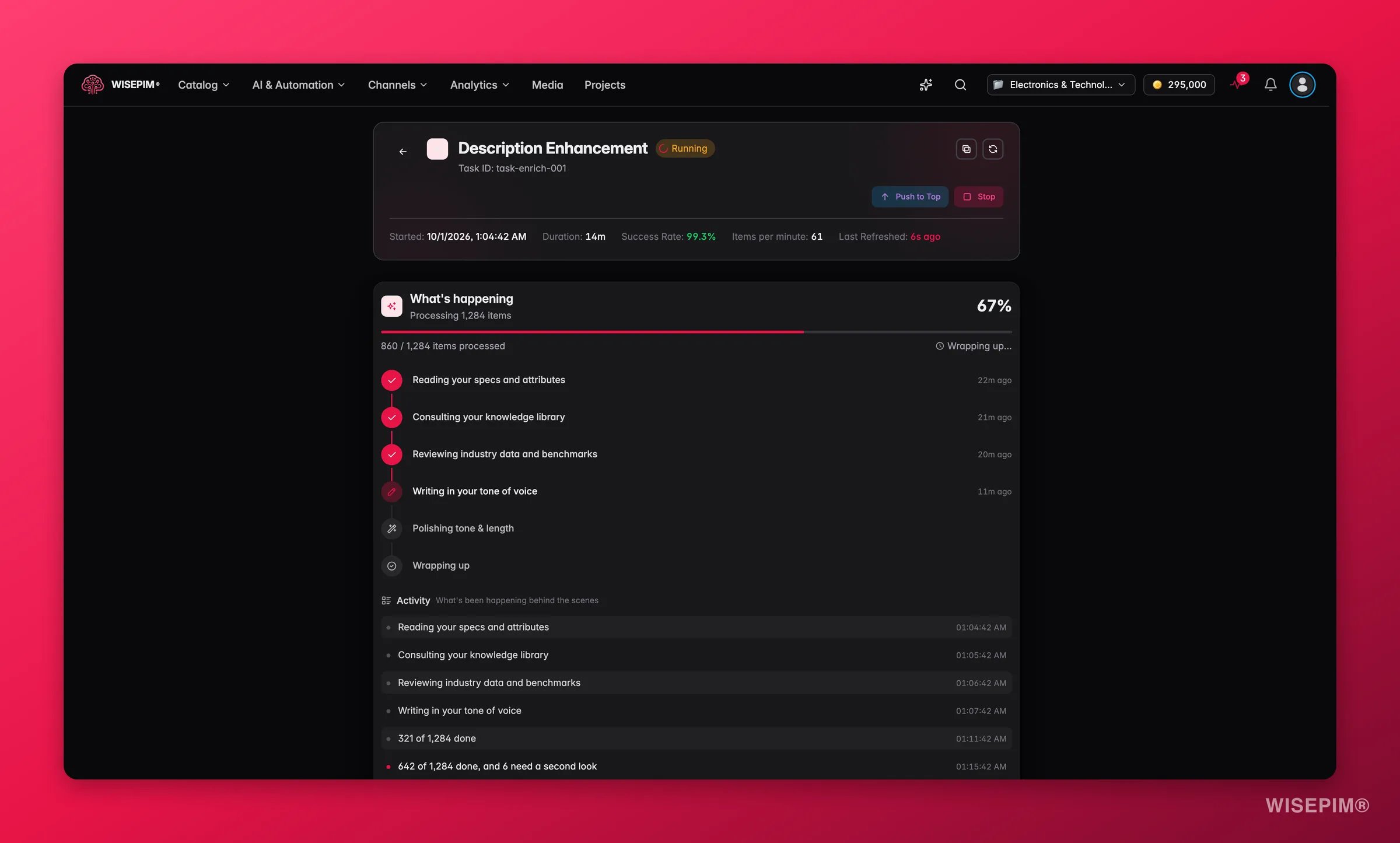
- Stop and resume. Stop the run at any point. Resume picks up where it left off and does not charge again for the remainder.
- A failed stage. If a stage fails, the parent task names it with its counts and the cause, for example “Not enough credits to finish this stage.” or “Category suggestions need review before enrichment can continue.”, and ends with “Earlier results are kept.” Later stages wait, so nothing is built on top of a broken step.
- Time limit. Each stage has 24 hours to finish.
Bulk Enrich elsewhere
- After scraped imports: the Import by Scraping Settings can chain Bulk Enrich onto every import, after web research has merged verified facts.
- In Automations: Bulk Enrich is available as an automation action, so a schedule or trigger can regenerate content without anyone clicking.
Act on what you find
Copy a colleague wrote by hand was replaced
Copy a colleague wrote by hand was replaced
Bulk Enrich always replaces the enriched name, description and short description. Run Auto-Fill Missing Data instead when filled copy must stay, or exclude those products from the selection. Outcome: hand-written copy survives the next run.
Many products show as skipped
Many products show as skipped
Skipped means the value was kept: an SEO field or attribute a person wrote, or new copy identical to the old. Those products were not charged for that stage. Outcome: you know the run did its job and the skips cost nothing.
The workflow stopped at one stage
The workflow stopped at one stage
Open the parent task and read the stage message. Add credits, or review the pending category suggestions, then choose Resume. Outcome: the remaining stages run without redoing the finished ones.
A content card has no prompt
A content card has no prompt
Create a prompt for that field in the Prompt Lab, or set a default in Enrich Prompts. Outcome: every field you tick can run.
Related
Auto-Fill Missing Data
The same workflow, but it only fills gaps.
Enrich Prompts
Set the default prompt each field runs with.
Prompt Library
Write and manage the prompts Bulk Enrich can use.
Enriching Products with AI
Every enrichment action side by side.