

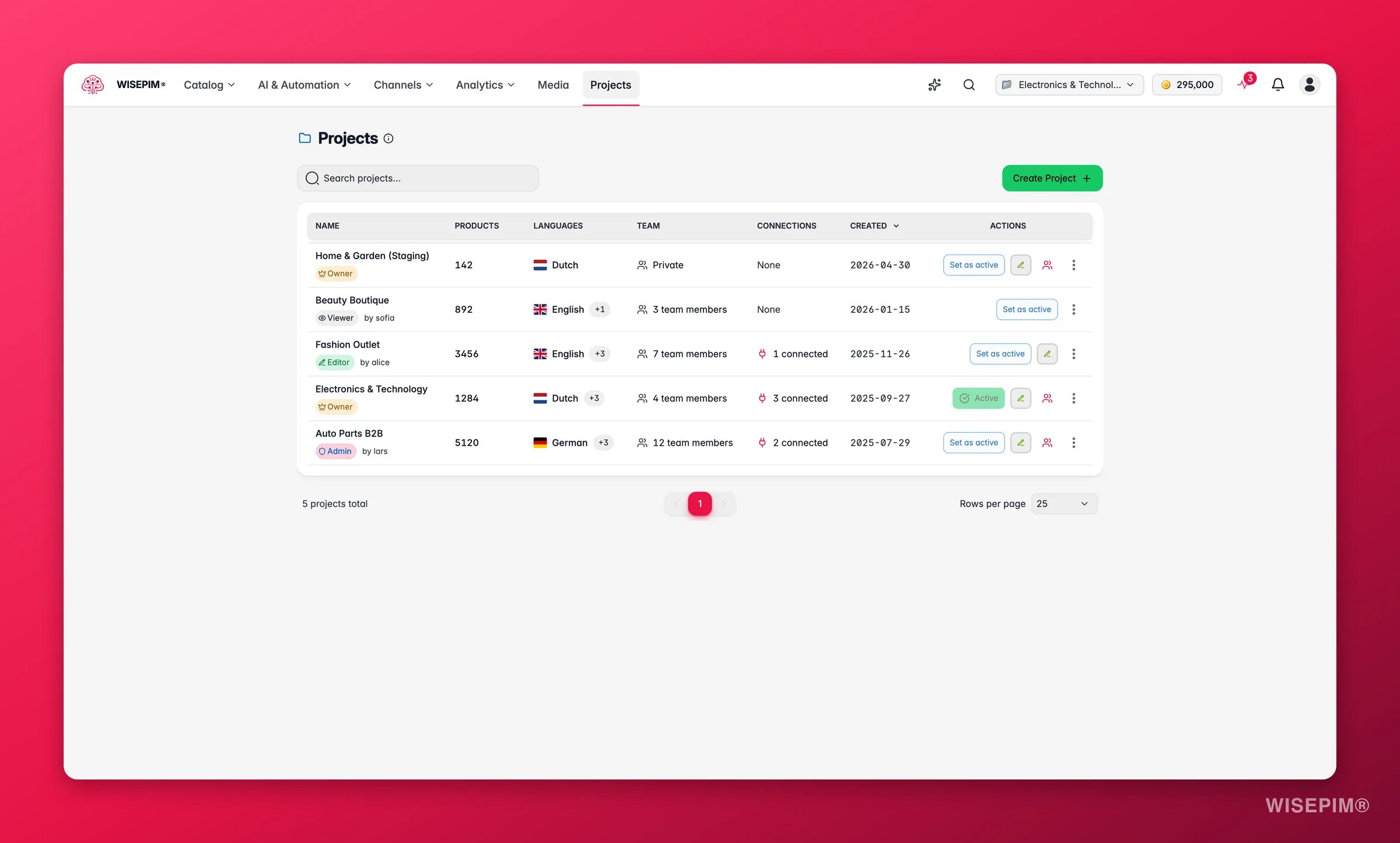
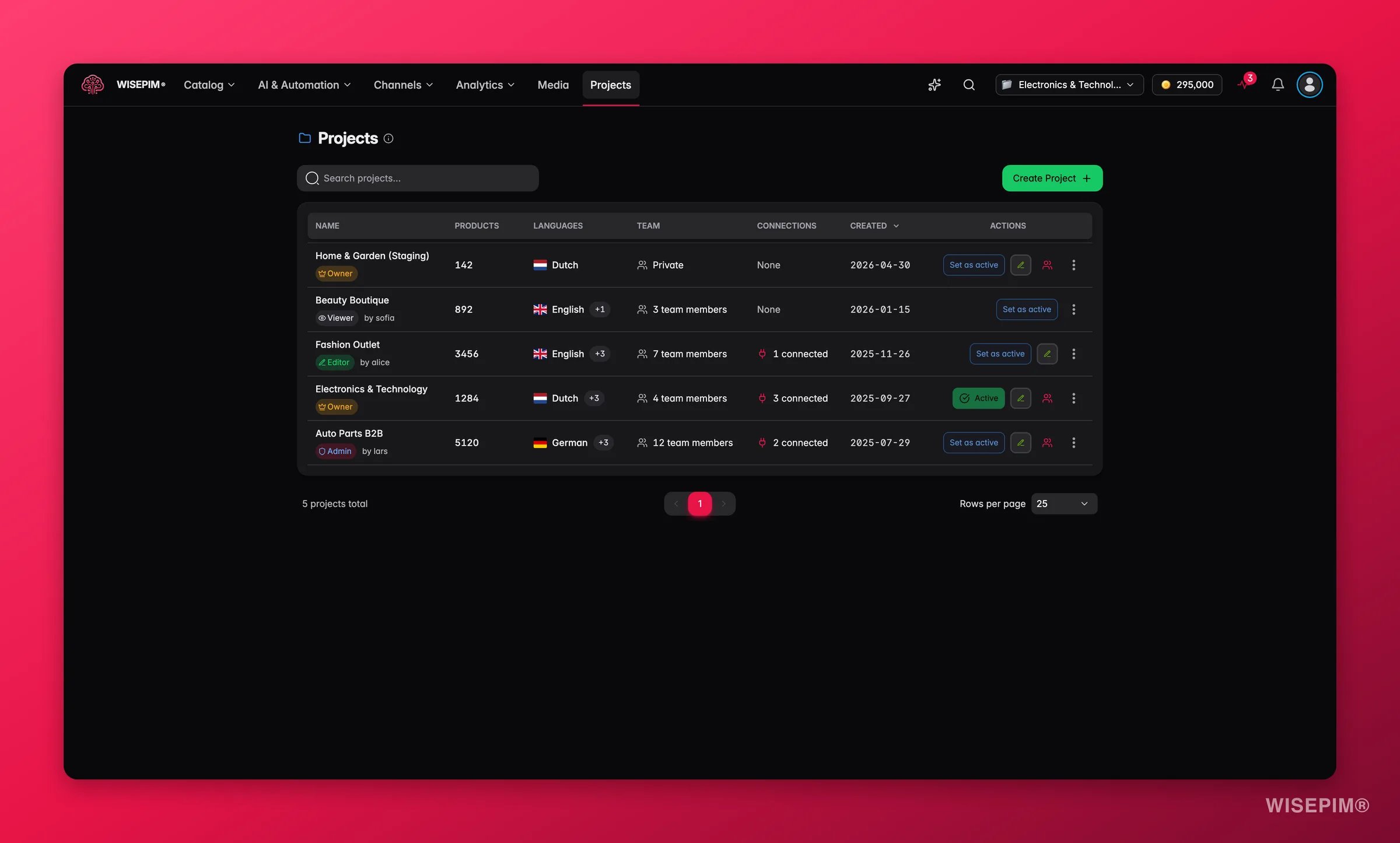
Every project runs on its own with separate categories, attributes, AI prompts, and platform connections. Switch between clients in one click.
Run a client from start to finish
Here is the typical workflow for a single client, from setup to delivery.1
Create a project for the client
Set up a dedicated project per client. Configure their target language, default AI prompts, and product attributes to match their catalog.
2
Import their products
Pull products from the client’s e-commerce platform, or upload a CSV or Excel file. WISEPIM connects to Shopify, WooCommerce, Magento, Lightspeed, and more.
3
Enrich and translate
Use AI enrichment to write or improve titles, descriptions, and attributes. Translate the content into any of the 93 supported languages.
4
Export to their platforms
Push the enriched content back to the client’s e-commerce platforms, or export to CSV or Excel for delivery.
Work faster across accounts
These features help you handle more clients without more manual work.Isolated projects
Each client gets their own project: separate products, categories, attributes, and settings. No cross-contamination.
Bulk editing
Update hundreds of products at once instead of editing them row by row in Excel.
AI enrichment at scale
Build reusable AI prompts in the Prompt Library and apply them to a whole catalog in one action.
Multi-platform export
Push content to several e-commerce platforms per client, each with its own integration settings.
Keep every client on-brand
Reuse your best work across projects and keep each client’s output consistent.Prompt Library
Save your proven AI prompts and reuse them across client projects.
Knowledge Library
Teach WISEPIM each client’s brand voice so AI output stays on-brand.
Team management
Control who can access which client projects and what they can do.
Automations
Set up workflows that handle repetitive enrichment and quality checks for you.
Related
Managing Projects
Create, duplicate, and organize a project per client or brand.
Team Management
Invite teammates and clients and control what they can access.
Brand Portals
Share always-up-to-date product data with clients and retailers.
Product Templates
Standardize defaults so every client project starts consistent.