

The Audit Log is read-only. You cannot edit or delete entries. That keeps the record tamper-proof.
Read an entry
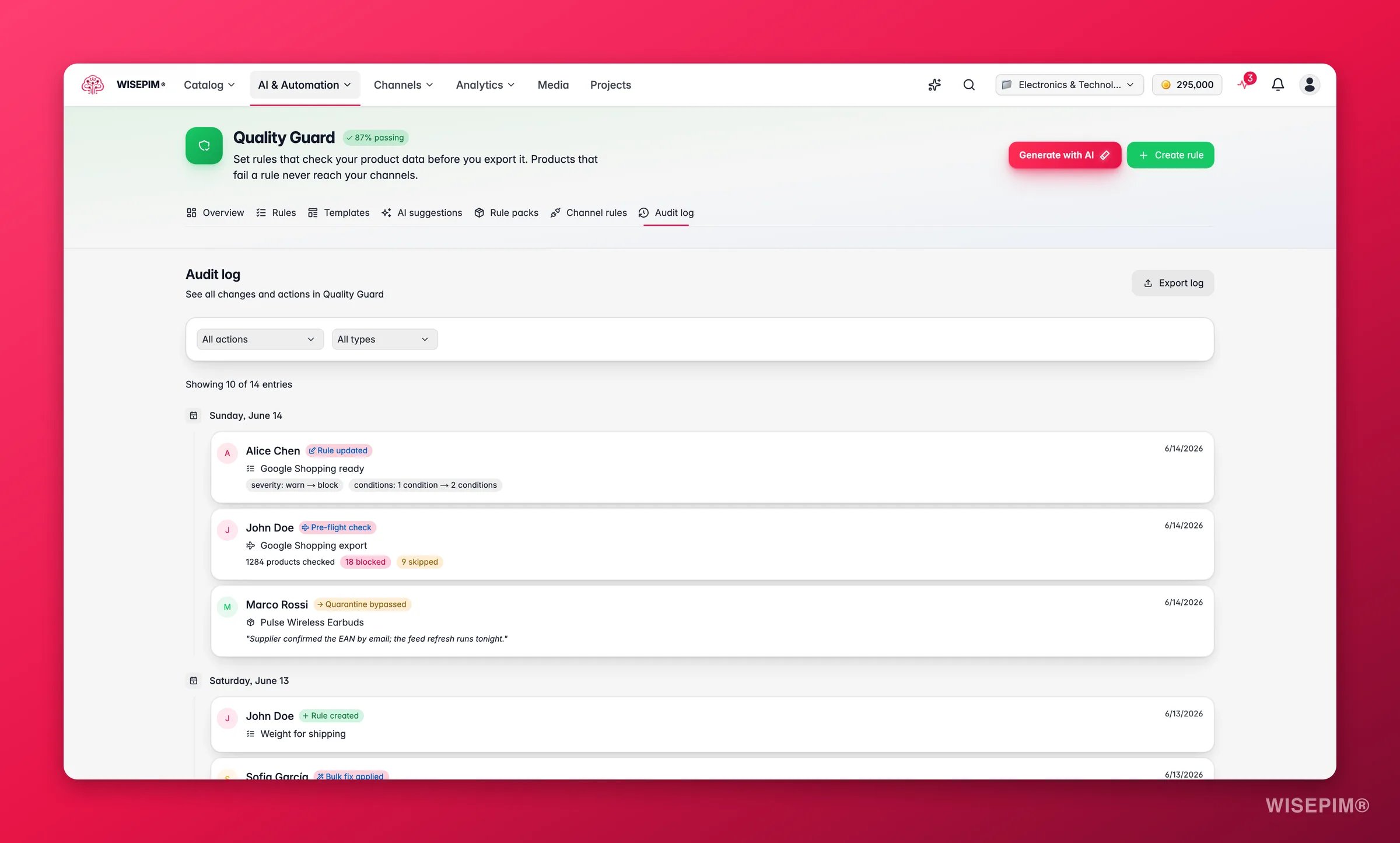
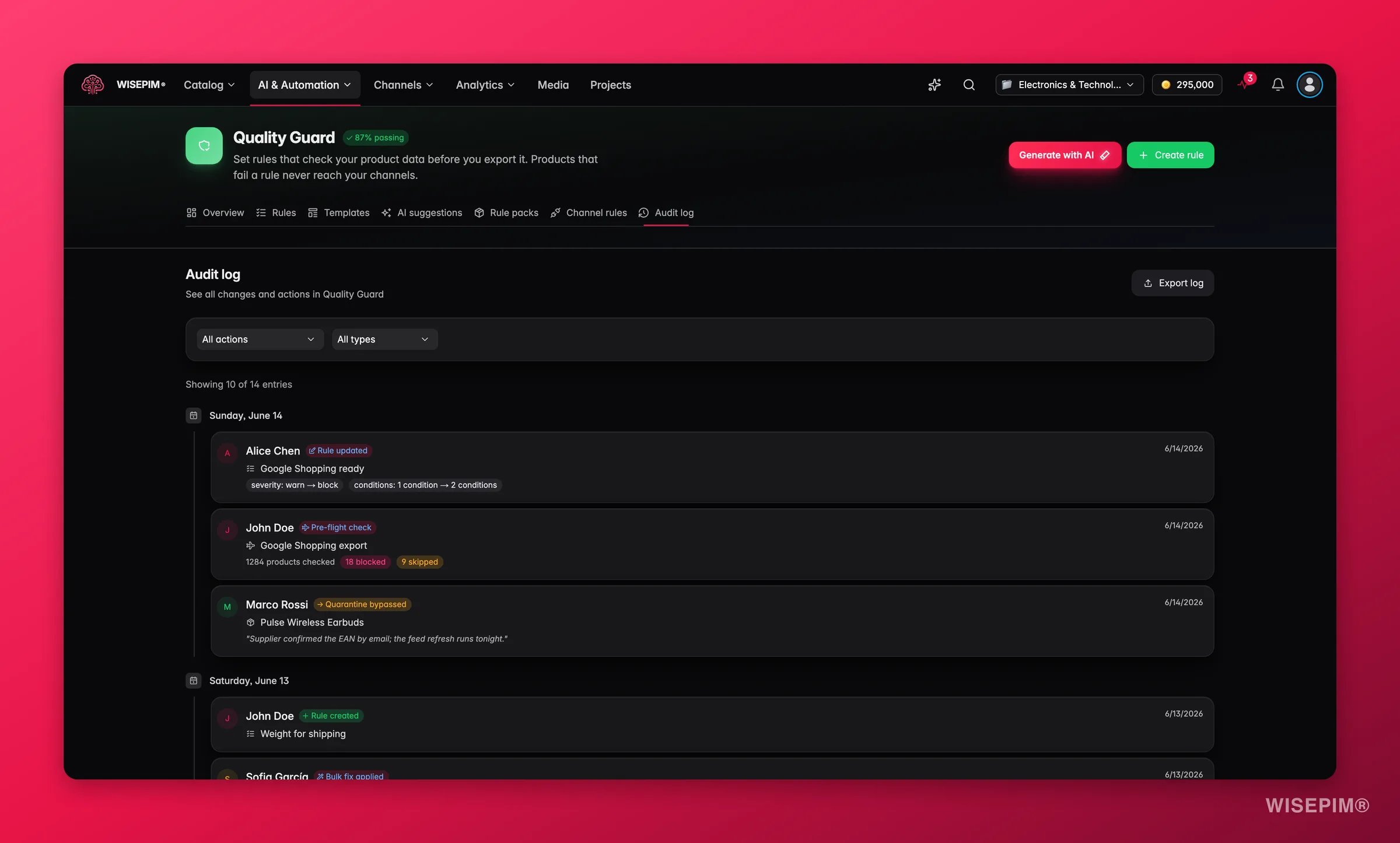
- User: who performed the action, with an avatar and username.
- Action: what they did, such as “Rule Created” or “Quarantine Resolved”.
- Entity: the rule, quarantine item, or template involved.
- Timestamp: when it happened. Hover for the full date.
- Details: extra context that depends on the action.
Find what you need
Use the two filter dropdowns to narrow the log. Combine them to drill down fast. Filter by action type to see one kind of event. Pick “Quarantine Bypassed” to review every bypass, or “Rule Created” to see new rules. Filter by entity type to focus on one area:- Rules: actions on quality rules.
- Quarantine: resolutions and bypasses.
- Templates: template applications.
- Pre-flight: pre-flight check results.
- Channel Rules: channel-specific rule updates.
Tracked actions
The log captures these events:What each action shows
Different actions carry different details. Expand the ones you want to understand.Rule updates
Rule updates
Shows the exact fields that changed, with old and new values. For example:
severity: warn -> block.Pre-flight checks
Pre-flight checks
Shows how many products were checked, and how many were blocked, skipped, or warned. This is a snapshot of your catalog’s quality at that moment.
Bulk fixes
Bulk fixes
Shows how many products were fixed versus how many failed. Use it to judge how well a bulk action worked.
Quarantine bypasses
Quarantine bypasses
Shows the reason the user gave when they approved the bypass. This builds an accountability trail for every override.
Template applications
Template applications
Shows how many rules the template created when it was applied.
Channel rule updates
Channel rule updates
Shows how many rules were added and removed for the channel.
Export the log
Click Export Log to download the audit trail as a CSV file. The export respects your active filters, so you can export a focused subset. Common reasons to export:- Compliance audits: export the full log for internal or external reviews.
- Bypass reviews: export only bypass actions to check overrides.
- Change tracking: export rule changes over a period to document process improvements.
The CSV includes every visible field: timestamp, user, action, entity type, entity name, and action-specific details.
Navigate large logs
The log is paginated to stay fast. Move between pages at the bottom. The current page and total entry count sit above the timeline.Best practices
- Review bypasses regularly. Each bypass is an intentional override. Check them now and then to confirm they are still justified.
- Export before big changes. Save the current log before a major rule change so you have a baseline.
- Filter for investigations. When you diagnose a quality issue, filter by the rule or entity type to see its full history.
- Track team activity. The log shows who made each change, so you can coordinate and understand the context.
- Watch pre-flight trends. Compare pre-flight results over time to see if catalog quality is improving.
Related
Quality Rules
Create and manage the rules whose changes appear in the log.
Quarantine
Resolve or bypass products that fail your rules.
Channel Rules
Set channel-specific requirements for each sales platform.
Quality Guard Overview
See how quality control fits together in WISEPIM.