

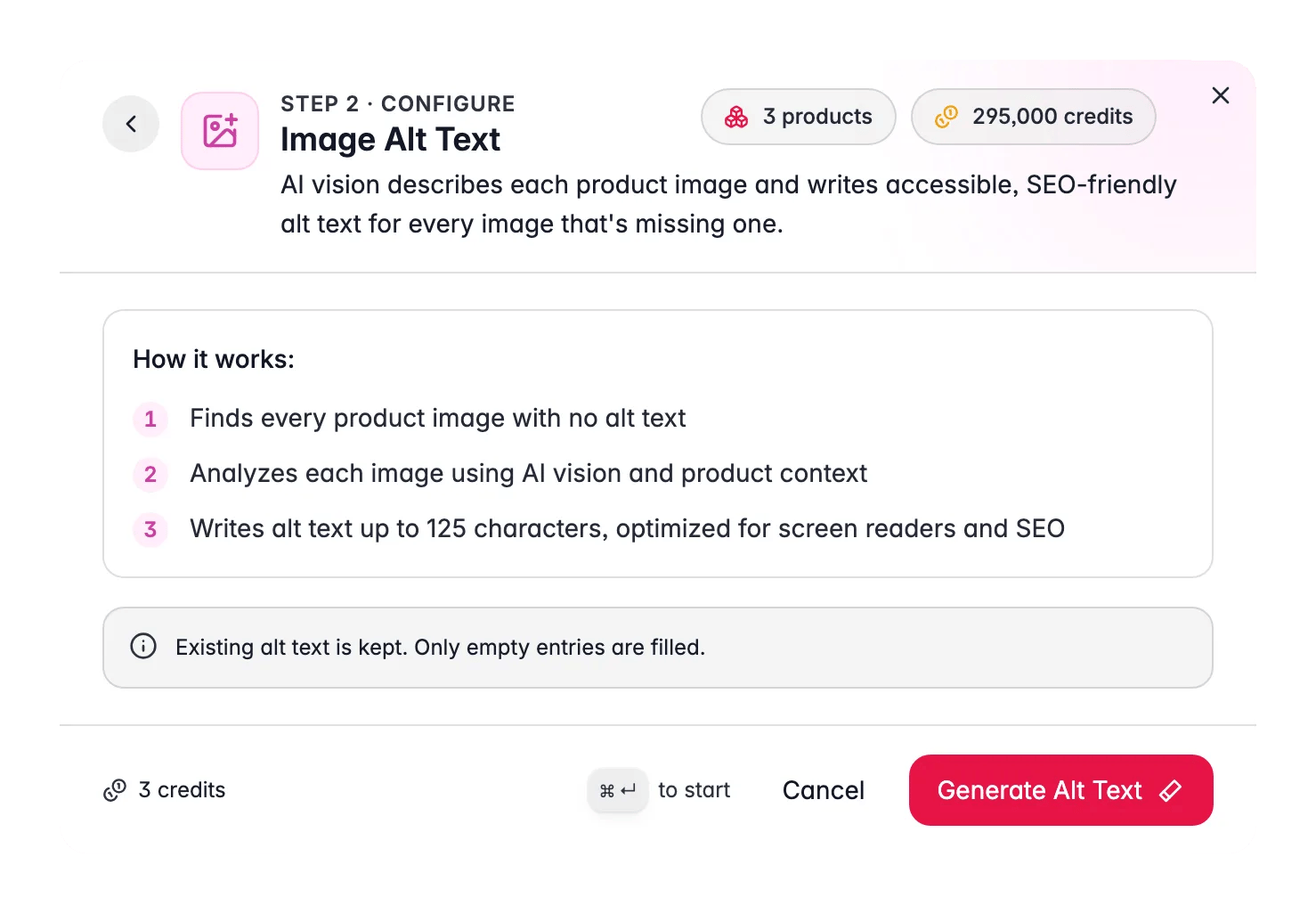
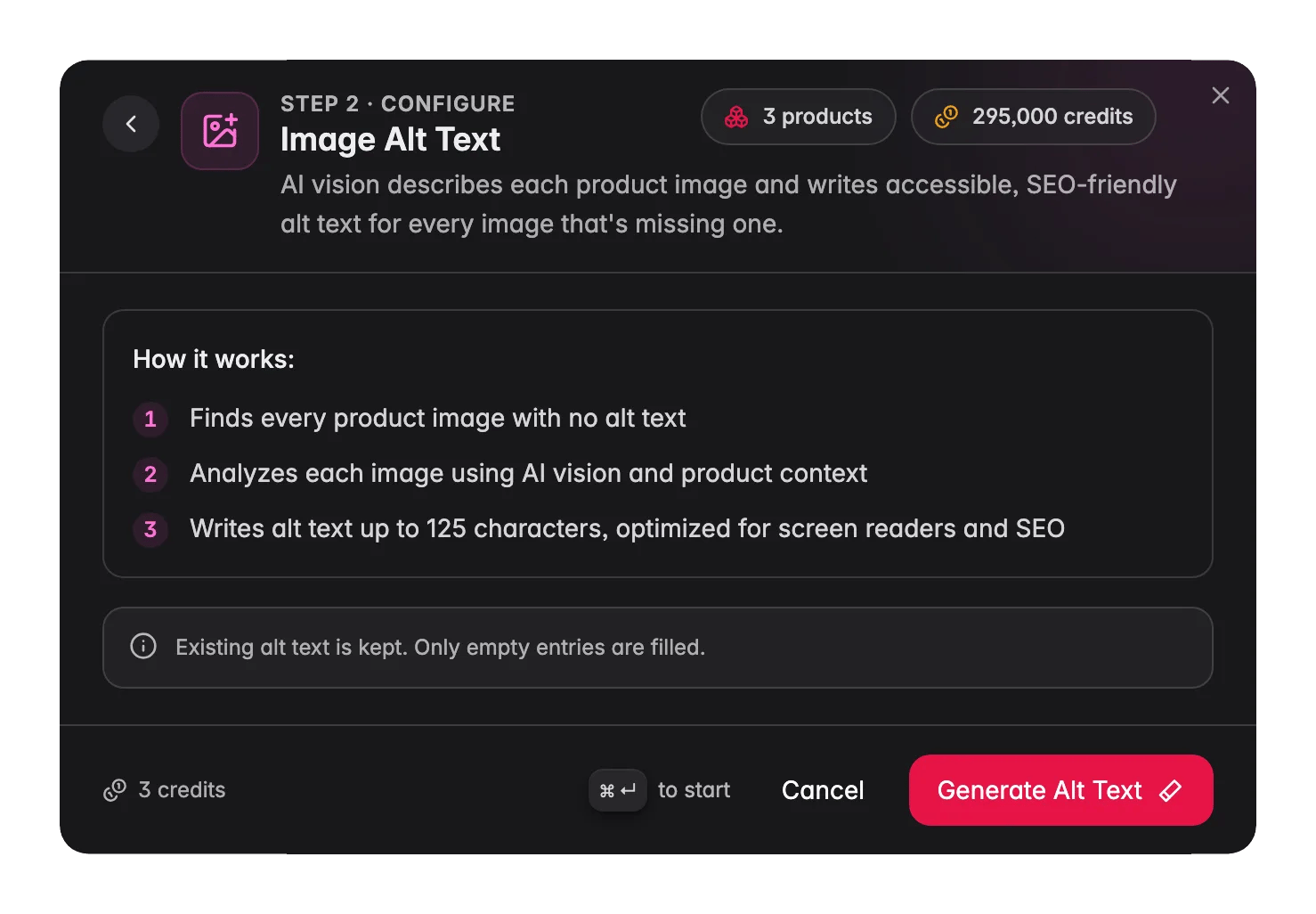
Image Alt Text costs 1 credit per product. It only fills images that have no alt text at all, and never overwrites alt text you have already written or that came in via an import. Run it freely without worrying about losing existing work.
Why alt text matters
Alt text does two jobs: 1. Accessibility. Screen readers read alt text aloud for visually impaired shoppers. Without it, they hear “image”, no product information. With good alt text, they hear a meaningful description. Empty alt text on product images is one of the most common accessibility failures on e-commerce sites. 2. Image SEO. Search engines cannot see images, only their alt text. Descriptive alt text tells Google what each image shows, which helps your products appear in image search results for relevant queries. A product image with no alt text is invisible to image search. The 125-character limit is the widely accepted sweet spot: long enough to be descriptive, short enough not to feel like keyword stuffing and to avoid truncation by screen readers.What the AI uses
For each image, the AI combines:- Visual analysis: what the image actually shows (product type, color, shape, composition, quantity)
- Product name: the title for context and brand/model accuracy
- Primary category: vertical context (electronics, fashion, home, etc.)
- Attribute values: color, material, size, and other structured data to validate visual findings
How to run Image Alt Text
1
Select products
Choose the products whose images you want to fill. The run only processes images with no alt text, so it is safe to select everything.
2
Open the Enrich modal
Click Enrich with AI in the toolbar.
3
Choose Image Alt Text
Select Image Alt Text from the enrichment type grid. No prompt or configuration is needed.
4
Start Enrichment
Click Start Enrichment. The run processes in the background. Each product image is analyzed individually. Track progress in the Process Tracker.
What good alt text looks like
Good alt text is:- Specific. “Black leather men’s wallet with RFID blocking, card slots visible” not “wallet image”.
- Under 125 characters. Enough to describe; short enough to stay within screen reader comfort zones.
- Not keyword-stuffed. Written as a description, not as a list of search terms.
- Free of “image of” or “photo of.” Screen readers already announce “image” before reading the alt text.
Act on what you find
Run on all products after a bulk import
Run on all products after a bulk import
Supplier imports almost never include alt text. After any import, select the newly added products and run Image Alt Text immediately. Outcome: zero images with empty alt text from the start, no manual writing required.
Run when ADA or WCAG compliance is a priority
Run when ADA or WCAG compliance is a priority
Empty alt text on product images is one of the most common accessibility failures. Running Image Alt Text across your catalog is one of the fastest ways to close that gap. After the run, use your audit tool of choice to verify coverage. Outcome: catalog that passes basic accessibility requirements for image content.
Some alt text reads too generic
Some alt text reads too generic
This usually happens when the image is a lifestyle or composition shot rather than a product-on-white image. The AI describes what it sees, a lifestyle image of a sofa in a living room will produce a room description, not a sofa spec. For lifestyle images, consider writing alt text manually or adding a note to your photo brief to include one clean product shot per SKU. Outcome: consistent alt text quality across product and lifestyle images.
Re-run when you add new images
Re-run when you add new images
Gallery images added after the initial run start empty again. Run Image Alt Text again on the affected products to fill the new images. Outcome: alt text coverage is maintained as your image library grows.
You want to edit alt text after it is generated
You want to edit alt text after it is generated
Open the product in the product editor, go to the image gallery, and edit the alt text field directly. Changes made there are preserved, Image Alt Text only ever fills empty entries. Outcome: AI-generated alt text as a starting point, refined to your exact standards.
Related
Enriching Products
Overview of all 15 enrichment types.
Media Library
Manage and organize your product images.
Data Quality
Track overall catalog health, including image coverage.
AI Quality Review
Catch image vs. data mismatches using AI vision across your catalog.