

Strategy is strongest with Google Search Console connected (for keyword demand and gaps) and order history (to estimate conversion potential). It still works with catalog and sales data alone, with fewer search-driven initiatives.
Growth readiness scorecard
At the top of the page, the Growth readiness scorecard gives your catalog an overall score (0–100) across five dimensions: Revenue, Data quality, SEO, Margin, and Inventory. Each dimension links to the analytics surface that owns it. Reading the scorecard:
Each dimension tile shows the current score, its direction versus the previous period, and a progress bar. A dimension in warning (amber) or critical (red) is where a small fix produces the biggest scorecard move.
The initiative list
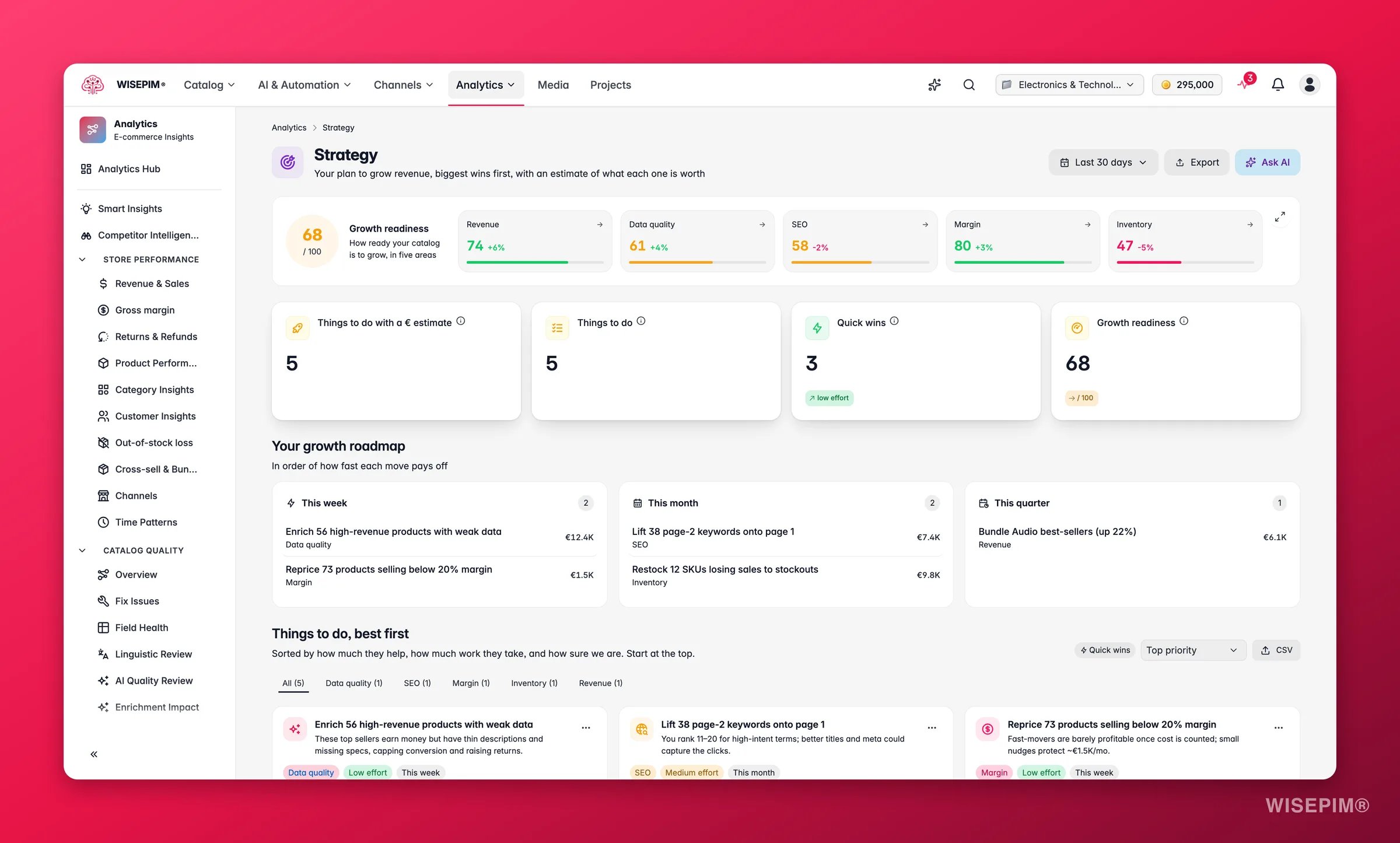
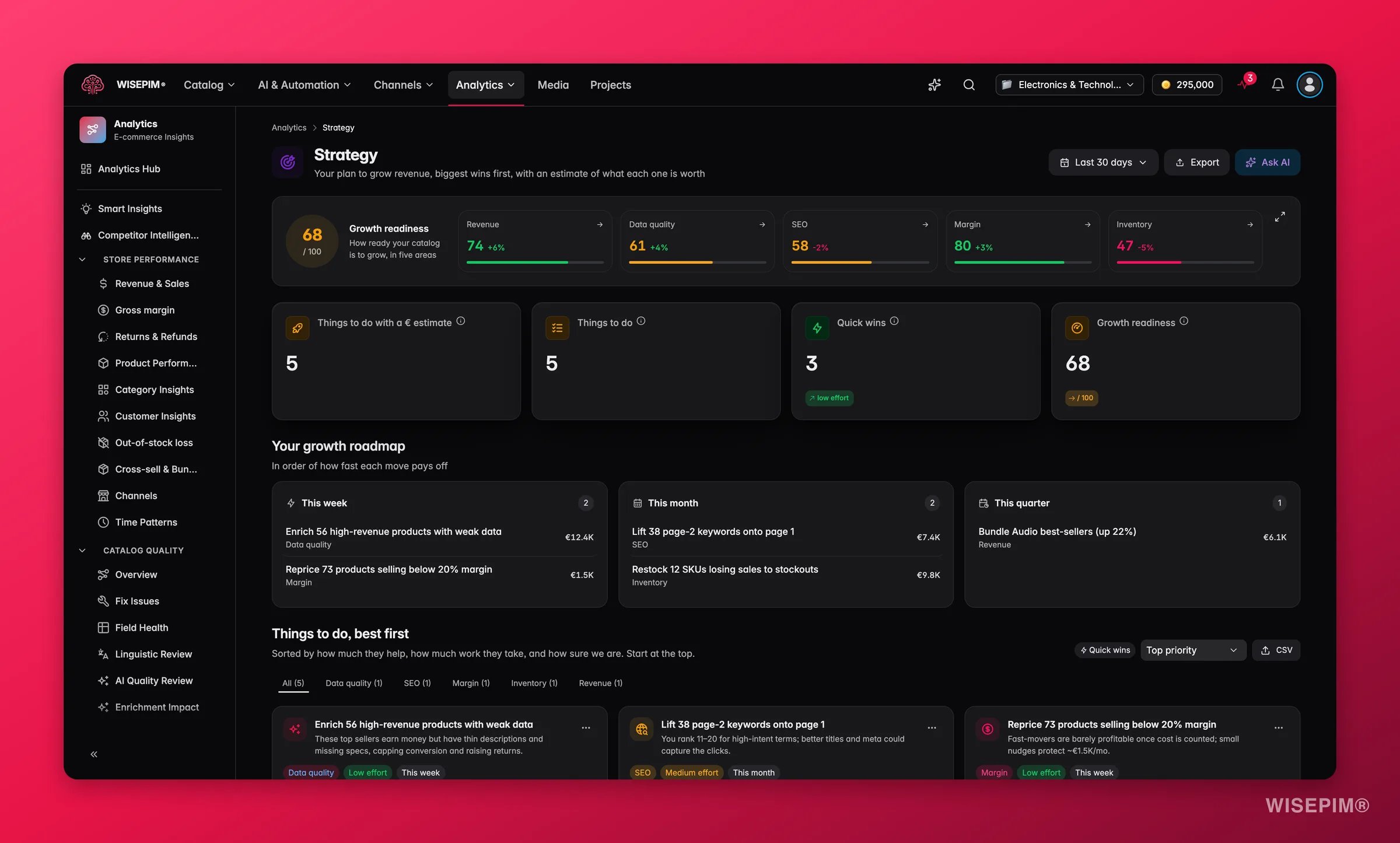
You can filter by category tab, sort by impact, effort, or horizon, or toggle Quick wins only to focus on low-effort moves.
The growth roadmap
Switch to the Roadmap view to see initiatives grouped by when to act on them: This week, This month, and This quarter. Use this view in team planning sessions to sequence work across the sprint without losing the priority order.Open an initiative
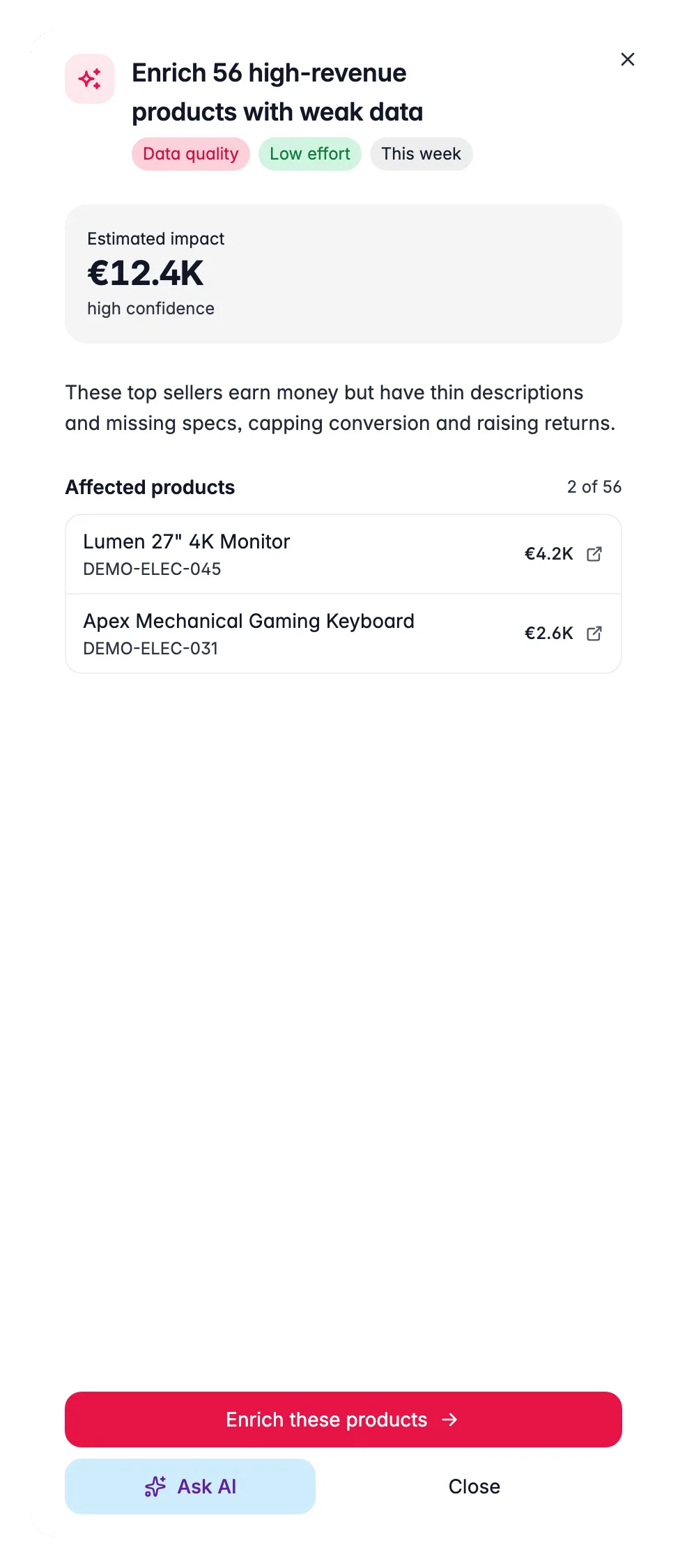
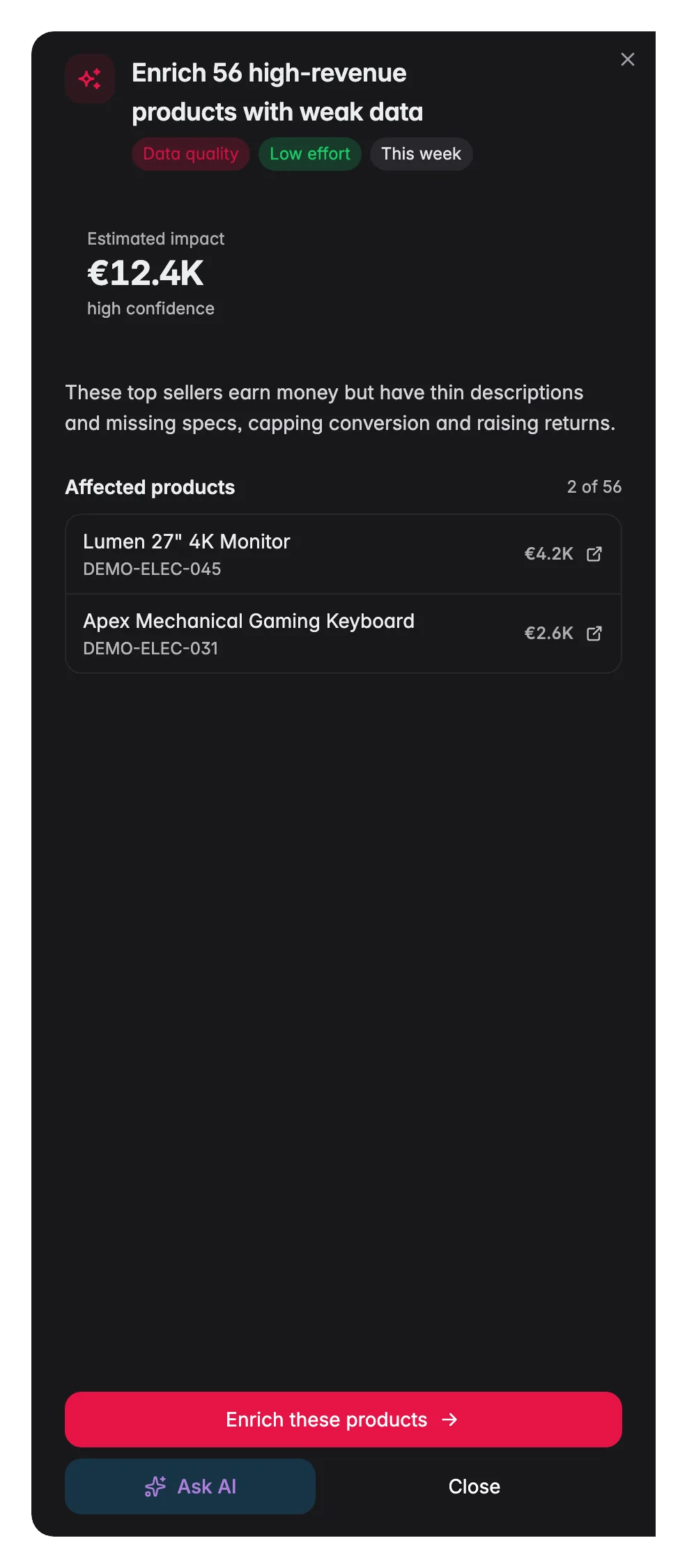
- The estimated revenue impact and confidence level (high, medium, or low).
- The exact products or categories affected.
- The effort rating (low, medium, high) so you can weigh return against cost.
- A one-click action to start the work, usually a filtered product view ready for bulk enrichment, or a link to add keywords.
- An Ask AI shortcut to dig deeper or draft the content for that initiative.
- High confidence means the estimate is based on measured data (actual revenue, GSC clicks). Treat it as a reliable floor.
- Medium confidence means it combines measured data with model estimates. It is directionally right but may vary.
- Low confidence means limited data is available, the opportunity is real but the size is harder to quantify.
Manage signals
Each initiative card has a Manage this signal menu, so the list only shows what your team still has to act on:
A N hidden button above the list opens the Hidden signals panel: everything found this period that is hidden by your team’s choices, each with its state (Snoozed until , Marked as done or Dismissed) and a Reopen button that puts it back in the list. These choices are shared by everyone on the project, so a signal a colleague snoozed stays hidden for you too.
Act on what you find
Scorecard shows a critical dimension
Scorecard shows a critical dimension
Click the dimension tile to jump to the analytics surface that owns it. Fix the worst-scoring dimension before investing in lower-priority initiatives, a low data quality score, for example, caps the return on all other growth work. Outcome: improving a foundational dimension unlocks improvement headroom across the entire scorecard.
High-impact, low-effort (quick win) initiative at the top
High-impact, low-effort (quick win) initiative at the top
Click the initiative to open its drawer, then use the action link to run an enrichment pass or bulk edit on the affected products. These are the highest-ROI moves in the list. Outcome: capturing easy upside quickly, freeing capacity for larger initiatives.
Keyword opportunity initiative
Keyword opportunity initiative
Open the initiative drawer and use the action link to add the keyword to your SEO tracking list. Then open the affected product descriptions and enrich them to include the keyword naturally. Use Ask AI in the drawer to draft the updated copy. Go to SEO & Search to track ranking progress. Outcome: organic traffic growth without ad spend.
Category expansion initiative
Category expansion initiative
The initiative will list the categories with strong demand signals and thin catalog coverage. Use the action link to open those categories in the products view, then import or enrich products to fill the gap. Go to Category Insights for the full structural picture. Outcome: capturing demand that currently goes to competitors.
Several initiatives but no clear starting point
Several initiatives but no clear starting point
Sort by Quick wins to find the low-effort moves first. Ship two or three of those to build momentum, then tackle the high-impact, higher-effort initiatives in the next sprint. Use the Roadmap view to assign horizons. Outcome: consistent forward progress rather than analysis paralysis.
Want to automate a recurring initiative
Want to automate a recurring initiative
Some initiatives, like enriching every newly imported product or flagging margin-negative items, recur naturally. Once you have validated the action manually, consider wiring it to an Automation so it runs without human intervention. Outcome: growth work that scales with catalog size, not headcount.
Related
Smart Insights
The signals that feed the strategy.
SEO & Search
The Search Console data behind keyword initiatives.
Category Insights
Find the categories worth expanding.
Enriching Products
Execute the catalog initiatives with AI.
Turn impressions into clicks
Work a ranked keyword opportunity end to end, from GSC data to rewritten listings.