


Before you start
- A Google account with access to at least one verified property in Google Search Console. Both URL-prefix properties (
https://example.com/) and domain properties (sc-domain:example.com) work. You need a verified property before you connect; WISEPIM cannot verify a site for you. - Each WISEPIM project connects to one property. Working with several storefronts? Connect each one in its own project.
Connect Google Search Console
1
Open Integrations
Go to Channels > Integrations in the top navigation, filter by the Analytics category, and find the Google Search Console card.
2
Click Connect
The connection dialog explains what you’ll get: search query performance, impressions, clicks, CTR, position metrics, and page-level performance. Click Connect with Google.
3
Sign in with Google
Your browser goes to Google’s own consent screen. Pick the Google account that has Search Console access and grant the read-only permission. You’re brought straight back to WISEPIM.
4
Select a property
WISEPIM lists the verified properties your account can see, each with its permission level. Pick the property this project should monitor and click Select site. WISEPIM verifies your access with Google before accepting the selection.
5
Let the initial import run
Selecting a property queues the initial import automatically, and the dialog follows its progress. The SEO report shows Importing initial Search Console data until the backfill lands, then fills with your history.
The connection is only treated as ready when all three are true: the account is connected, a property is selected, and the connection test passed. If a page still shows a connect prompt after setup, open the card and click Test.
What WISEPIM imports
Query-level totals will not add up to the daily totals: Google anonymizes low-volume queries and omits them from query-dimensioned data. WISEPIM pulls both datasets on purpose so the headline numbers stay right. Search-appearance types overlap too, so never sum them into one total.
- Sitemap counts are observations, not proof. A URL being submitted in a sitemap does not mean Google indexed it.
- URL inspection reads Google’s stored index record. It is not a live test and never requests indexing. Inspections are quota-bounded per day, so large catalogs are covered over multiple days, prioritizing never-inspected and product URLs first.
- Detailed query and page rows are top rows. On very large sites a single day can exceed Google’s row limits; those slices are marked as truncated in the coverage panel rather than passed off as complete.
Data coverage panel
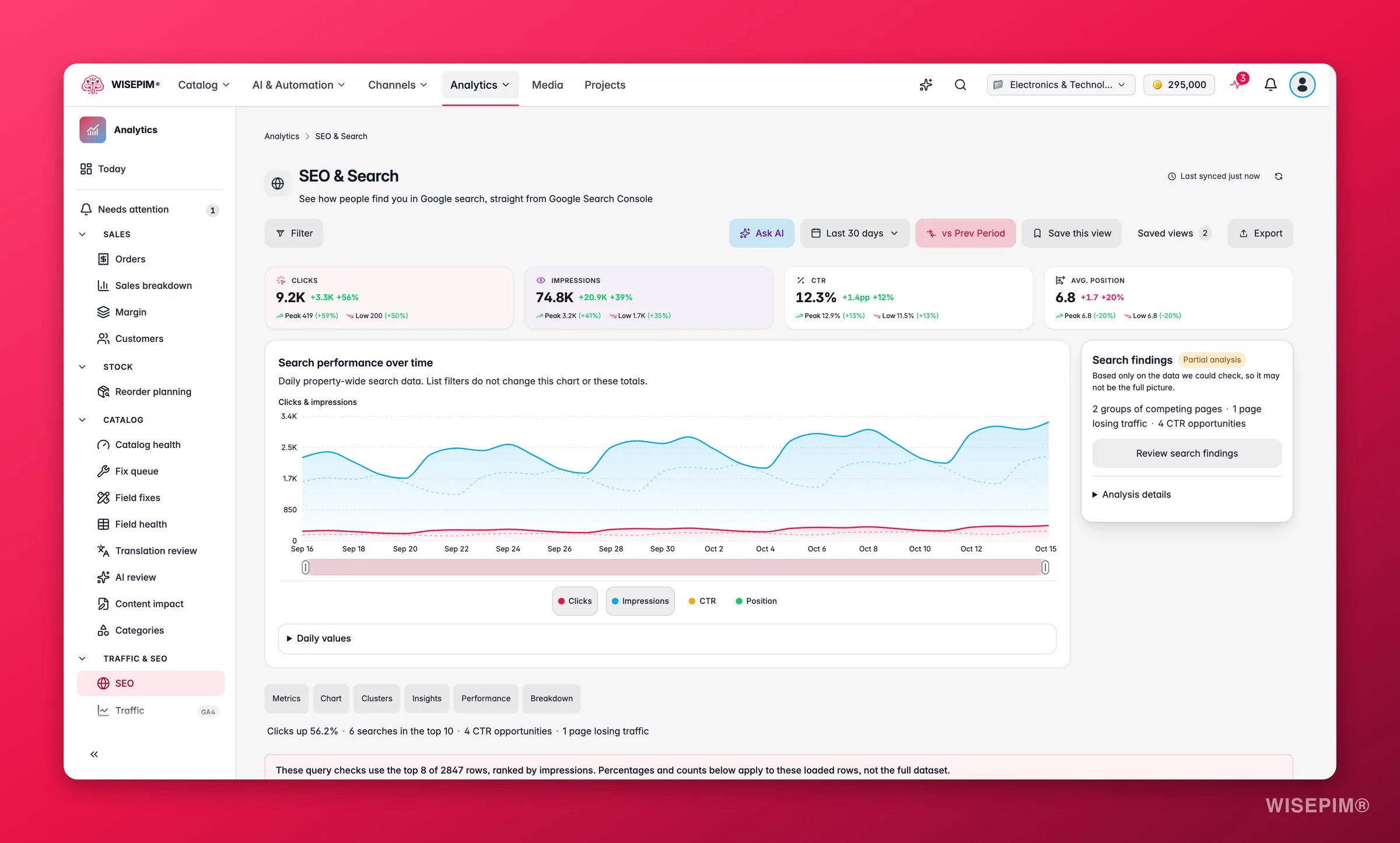
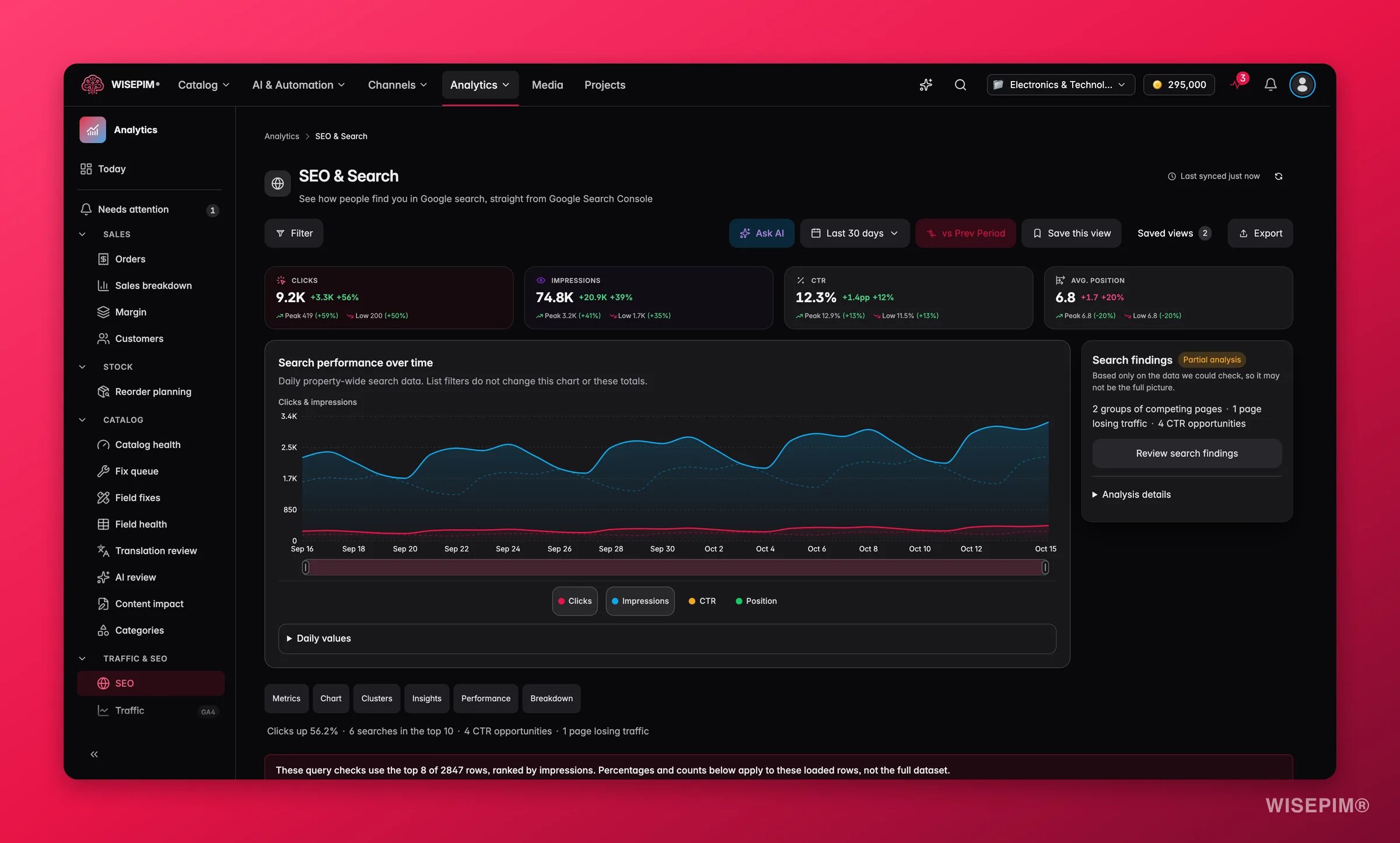
The SEO report includes a Search Console data coverage panel that shows the freshness and completeness of each stored dataset: search performance, search appearances, sitemaps, and URL inspection. Each card carries a status chip: Ready, Partial, Error, or Unavailable. Treat it as the report’s honesty layer. If the latest refresh was incomplete or failed, the panel says so while the report keeps showing the last successfully stored data. A failed refresh never blanks data that already synced.How products are matched
WISEPIM ties Search Console data to individual products by matching product URLs against your sitemaps. Every product falls into one of four mapping states, shown in the Product Performance drawer and the product editor’s Search performance card:
Matched products get their own clicks, impressions, CTR, average position, top queries, search appearances, and indexed-version evidence, per product.
Sync schedule and history
- Search data trails by about 3 days. Google Search Console itself delays its data, and WISEPIM ends its data at three days ago to match. The last few days looking empty is normal, not a sync problem.
- Background syncs run daily. They refresh roughly the trailing week and backfill history in batches: about 6 months of search performance, and even longer for the detailed capability datasets.
- Manual syncs are rate-limited to once every 5 minutes, and only one sync runs at a time.
Manage the connection
Reopen the Google Search Console card at any time to see the connection status. From there you can:- Change the selected property. Data is always scoped to the current property: WISEPIM immediately hides the old property’s data and queues a full backfill for the new one, so numbers from two properties are never mixed.
- Test the connection.
- Sync now: fetches only recent data and fills in anything that was missed.
- Force re-sync: refreshes the full 6-month window while retaining the previous snapshot for recovery.
- Switch account or Disconnect the integration.
What it powers
Troubleshooting
No sites found after signing in
No sites found after signing in
The Google account you picked has no verified Search Console properties. Verify your site in Search Console first, or click Switch account in the dialog and sign in with the account that owns the property.
The SEO report says GSC is not connected
The SEO report says GSC is not connected
Any performance page under Analytics > SEO shows a Go to Integrations button when the connection is missing; it takes you to the flow above. If you did connect, the connection may need attention: open the card and use Test. A selected property with a failed test blocks the report just like a missing connection.
The initial import failed
The initial import failed
Your property stays selected, and a sync problem on its own does not need a reconnect. Review the sync error shown on the SEO report, then use Sync now to retry safely. Rate limits and temporary Google errors are retried automatically.
The card says Google is not accepting our access
The card says Google is not accepting our access
Google revoked or expired the access WISEPIM holds, for example after a password change or when you removed WISEPIM from your Google account. Syncing pauses until you click Reconnect and sign in again. Your property choice and history stay. If reconnecting does not help and the error names the app configuration rather than your access, the problem is on WISEPIM’s side: contact support.
Search Console synced but the report shows no activity
Search Console synced but the report shows no activity
A successful sync with zero clicks and impressions in the selected date range shows a No search activity state rather than fake zero-charts. Try a wider date range if you expected activity, and check you selected the property that actually serves your storefront.
Recent days show no data
Recent days show no data
Expected. GSC data trails by about 3 days (see above). If older data is missing too, run Sync now.
Products show 'Not in sitemap'
Products show 'Not in sitemap'
The product’s URL is missing from your sitemaps, so search metrics cannot be attributed to it. Open Sitemap gaps to see every affected product and fix your sitemap; attribution picks the products up on the next sync.
Related
SEO & Search
The command center this connection powers.
Product Performance
See product-attributed search metrics next to sales and quality.
Search Intent
Rewrite descriptions using your real queries.

Google Analytics 4 Integration
Add on-site traffic, funnel, and item-level conversion data.