

You need admin access to your PrestaShop back office and a WISEPIM account with an active project.
Create a webservice key in PrestaShop
1
Open the Webservice settings
Log in to your PrestaShop back office. Go to Advanced Parameters > Webservice.
2
Enable the webservice
Set Enable PrestaShop’s webservice to Yes and save.
3
Add a new key
Click Add new webservice key, then set the permissions to allow access to products (and any related resources you sync, such as images and categories).
4
Copy the key
Save, then copy the generated key. You need it in the next step.
Add your key to WISEPIM
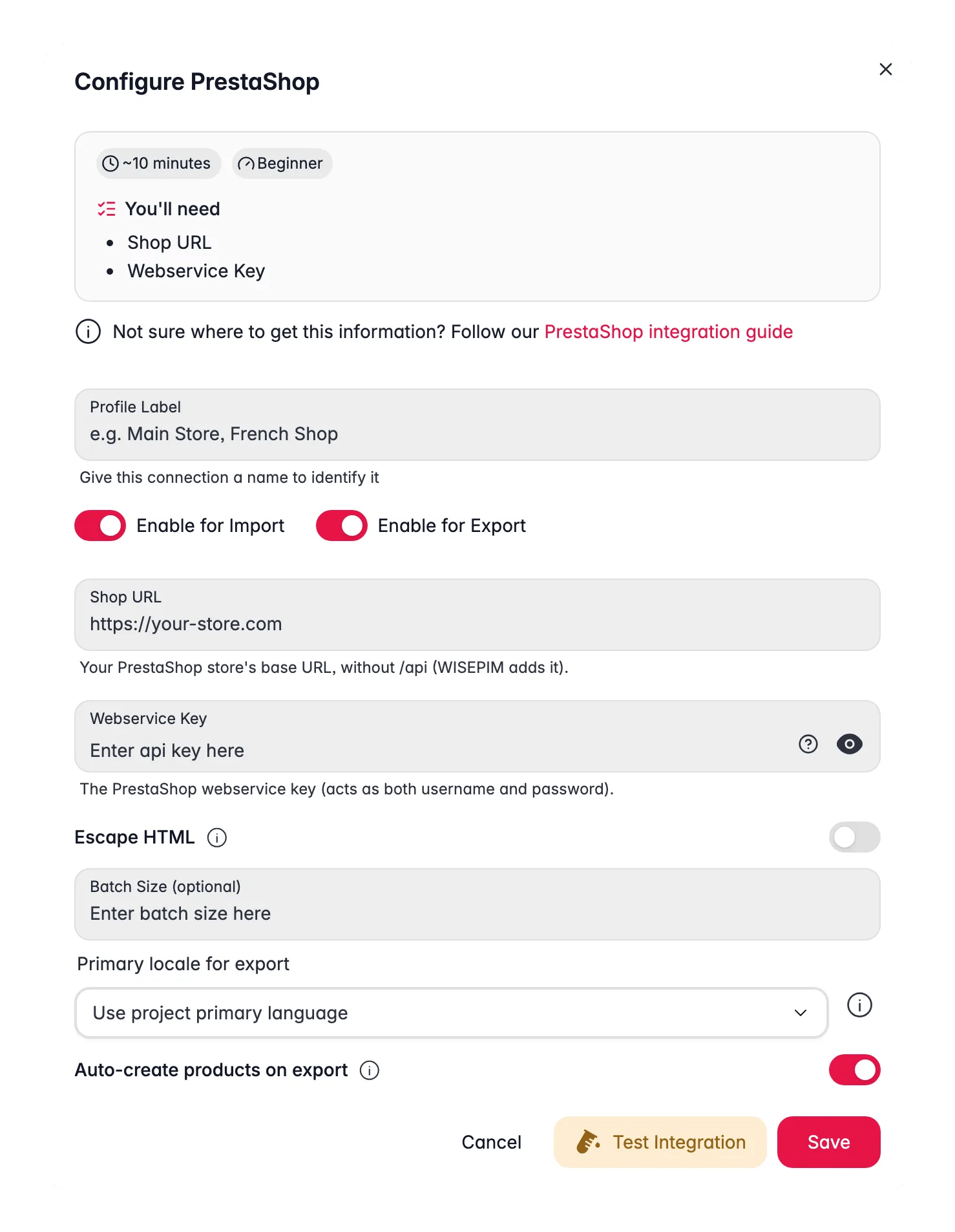
Enter the key from PrestaShop to finish the connection.1
Open Integrations
Log in to WISEPIM and go to Settings > Integrations.
2
Select PrestaShop
Find and click the PrestaShop integration tile.
3
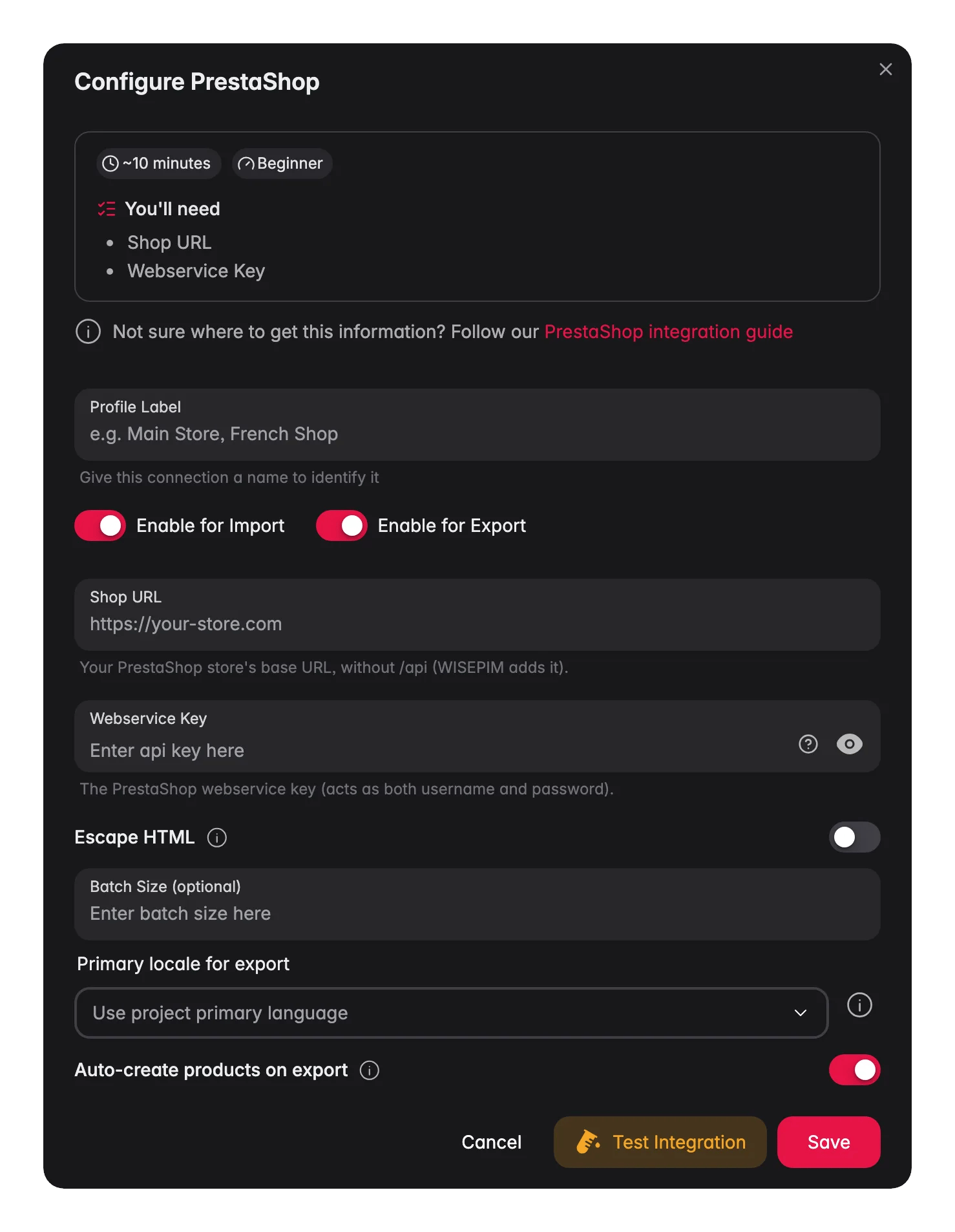
Enter your credentials
Fill in the following fields:
- Shop URL: your PrestaShop store URL, including
https://(for example,https://your-store.com). Enter the shop root only, not the/apiwebservice address; WISEPIM adds/apiitself. - Webservice Key: the key you generated in PrestaShop
4
Test the connection
Click Test Connection to confirm your credentials work.
5
Save
If the test succeeds, click Save.
Your PrestaShop store is now connected. You can start importing products.
Troubleshooting
The connection test fails
The connection test fails
Check your shop URL first. It must be correct and start with
https://. Then confirm the webservice is enabled and that your key has permission for products.The test says the API URL or path looks wrong
The test says the API URL or path looks wrong
PrestaShop answered with a 404. This usually means the Shop URL field contained the webservice address (
https://your-store.com/api/) instead of the shop root, so WISEPIM requested /api/api/. Enter https://your-store.com and test again. WISEPIM also strips a trailing /api automatically.Which PrestaShop versions are supported?
Which PrestaShop versions are supported?
PrestaShop 1.6, 1.7, 8 and 9 are supported. WISEPIM uses the standard webservice with JSON output, which every 1.6.1+ release provides. Your key needs GET on
products, categories, languages, stock_availables for imports, and POST/PUT on products for exports. Product images are not imported from PrestaShop; add them in WISEPIM’s media library.WISEPIM cannot reach your store
WISEPIM cannot reach your store
Make sure your PrestaShop store is online and reachable from the internet, and that the webservice endpoint at
/api is not blocked by a firewall or security plugin.The test says WISEPIM couldn't start the connection test
The test says WISEPIM couldn't start the connection test
The full message is “WISEPIM couldn’t start the connection test, so your store was never contacted.” This is not a store URL or key problem. Save the integration and test again; if it keeps happening, contact support.
Related
Import products
Pull your catalog from PrestaShop into WISEPIM.
Enrich products
Improve titles, descriptions, and SEO with AI.
Export products
Push the improved content back to PrestaShop.
All platforms
See every platform WISEPIM connects to.