

You need admin access to your Akeneo instance (PIM) and a WISEPIM account with an active project. WISEPIM works with the Akeneo REST API, available on Akeneo PIM 3.0 and later (Community, Growth, and Enterprise editions).
Create a connection in Akeneo
1
Open Connections
Log in to Akeneo and go to System > Connections.
2
Create a connection
Click Create, name it WISEPIM, and choose the Data destination flow type.
3
Copy the credentials
Akeneo shows a Client ID, Secret, Username, and Password for the connection. Copy all four. You need them in the next step.
4
Grant catalog access
Make sure the connection’s user group has permission to read and edit products and product attributes.
Add your credentials to WISEPIM
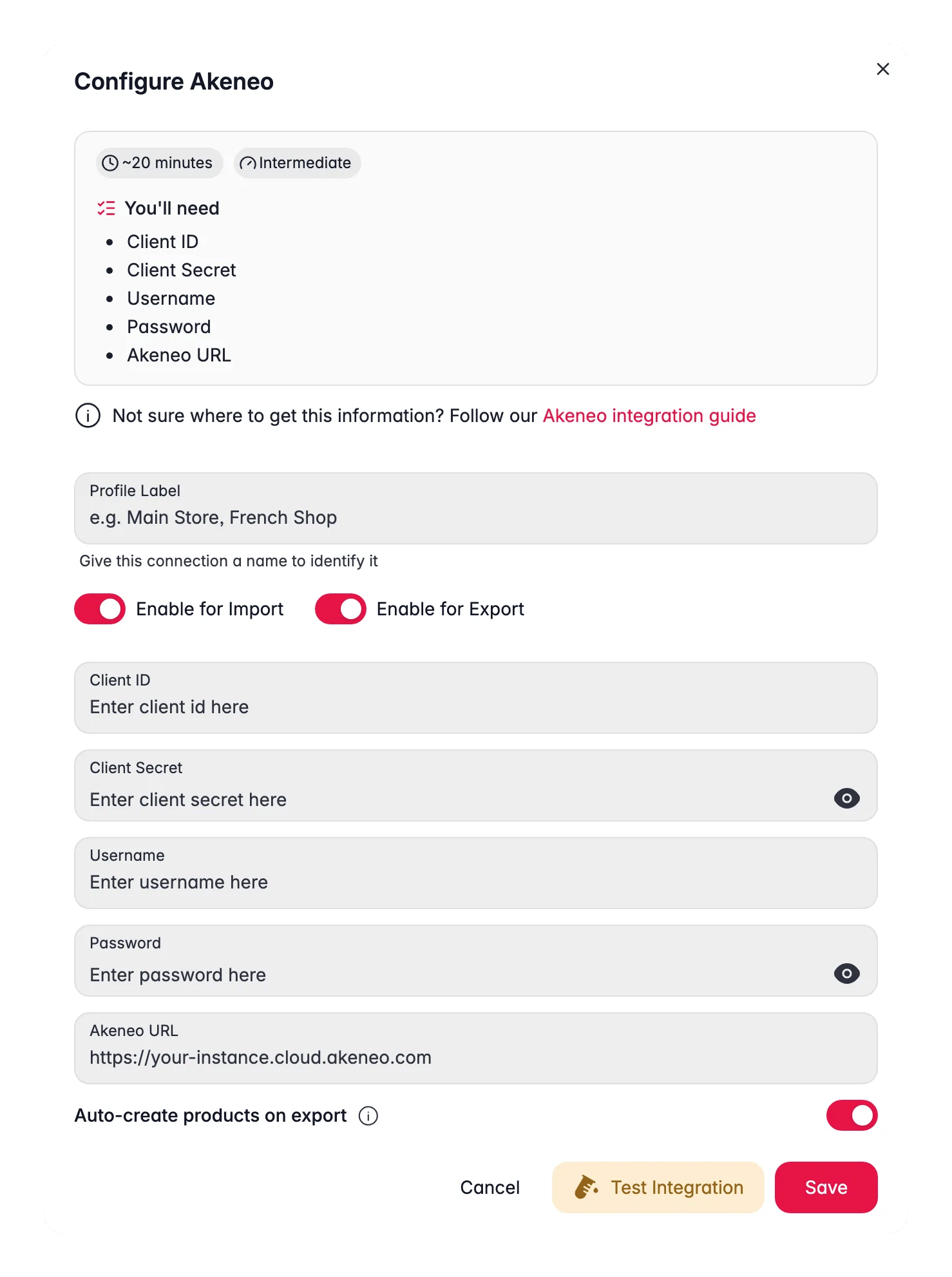
Enter the credentials from Akeneo to finish the connection.1
Open Integrations
Log in to WISEPIM and go to Settings > Integrations.
2
Select Akeneo
Find and click the Akeneo integration tile.
3
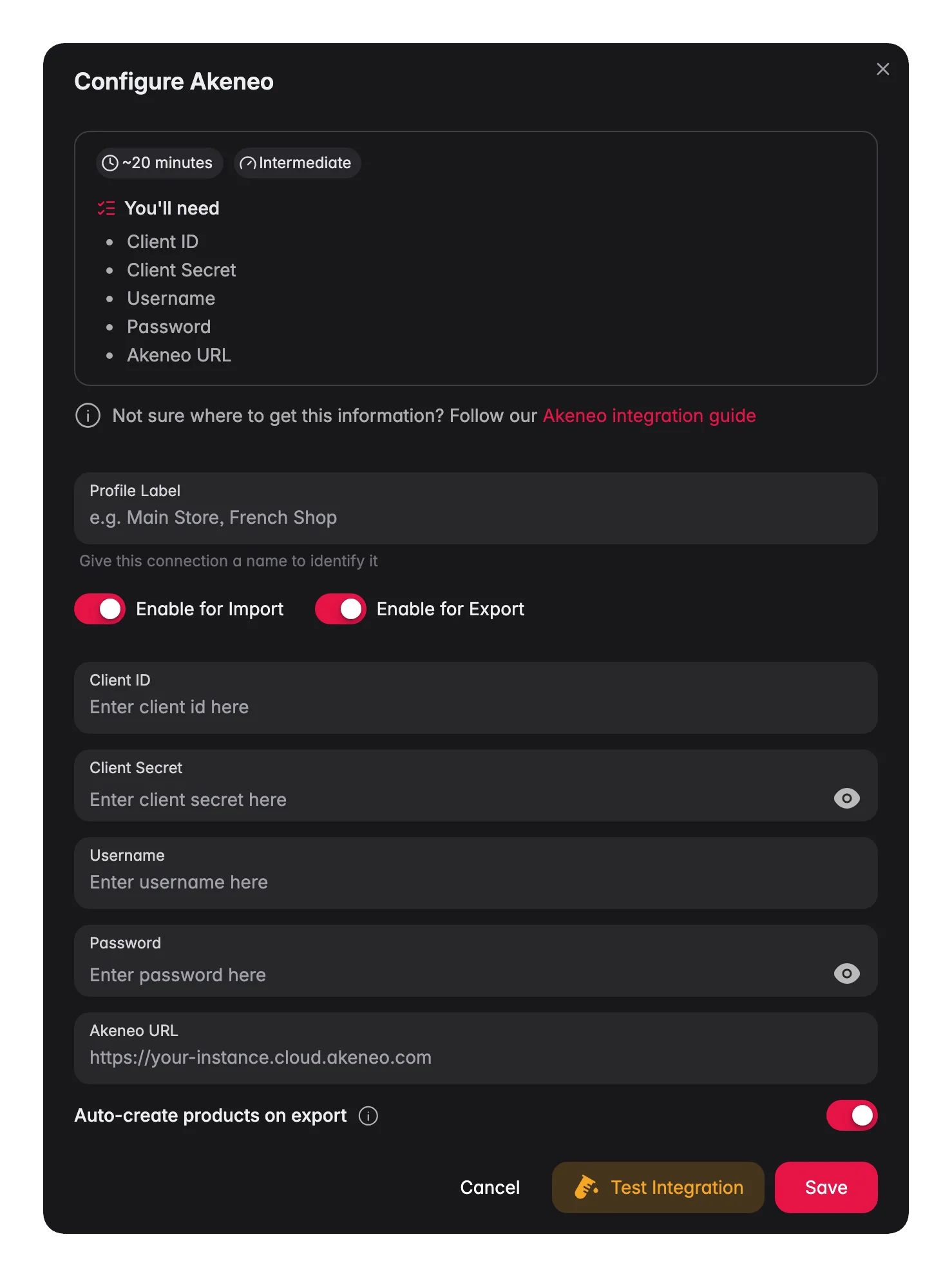
Enter your credentials
Fill in the following fields:
- Client ID: the connection’s Client ID
- Client Secret: the connection’s Secret
- Username: the connection’s username
- Password: the connection’s password
- Akeneo URL: your instance URL, including
https://(for example,https://your-instance.cloud.akeneo.com)
4
Test the connection
Click Test Connection to confirm your credentials work.
5
Save
If the test succeeds, click Save.
Your Akeneo PIM is now connected. You can import products and push enriched content back.
Troubleshooting
The connection test fails
The connection test fails
Check your Akeneo URL first. It must be correct and start with
https://. Then confirm you copied the Client ID, Secret, Username, and Password exactly, with no extra spaces.Authentication is rejected
Authentication is rejected
Open the connection in Akeneo and confirm its user group has read and write permission for products. Akeneo connections inherit their access from the linked user group.
Related
Import products
Pull your catalog from Akeneo into WISEPIM.
Enrich products
Improve titles, descriptions, and attributes with AI.
Export products
Push the enriched content back to Akeneo.
All platforms
See every platform WISEPIM connects to.
Use WISEPIM as a smart layer on your PIM
Keep Akeneo as your system of record and run the enrichment round trip safely.