

Quality Guard runs automatically on every export, sync, or publish. You can also run checks manually at any time.
Dashboard
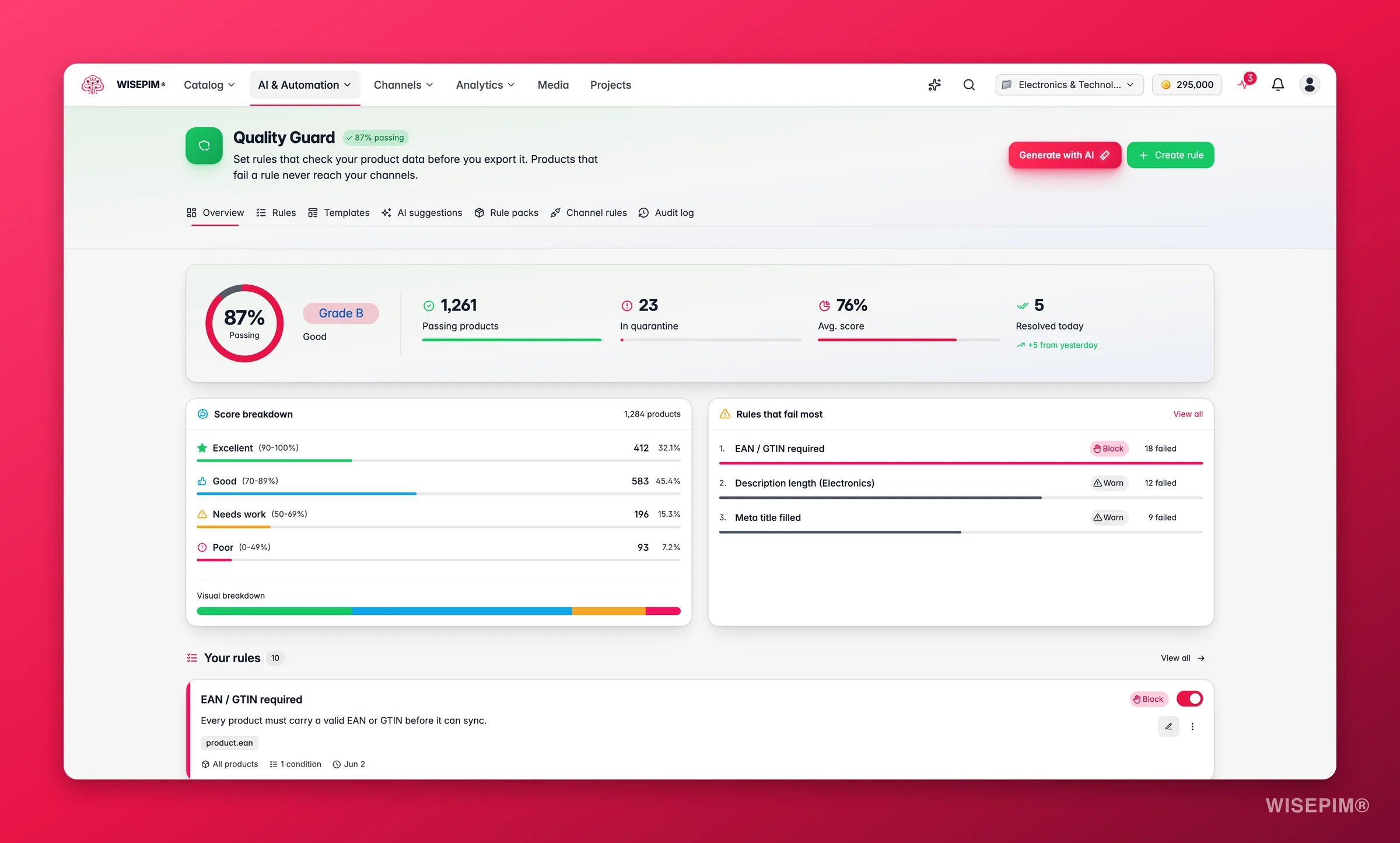
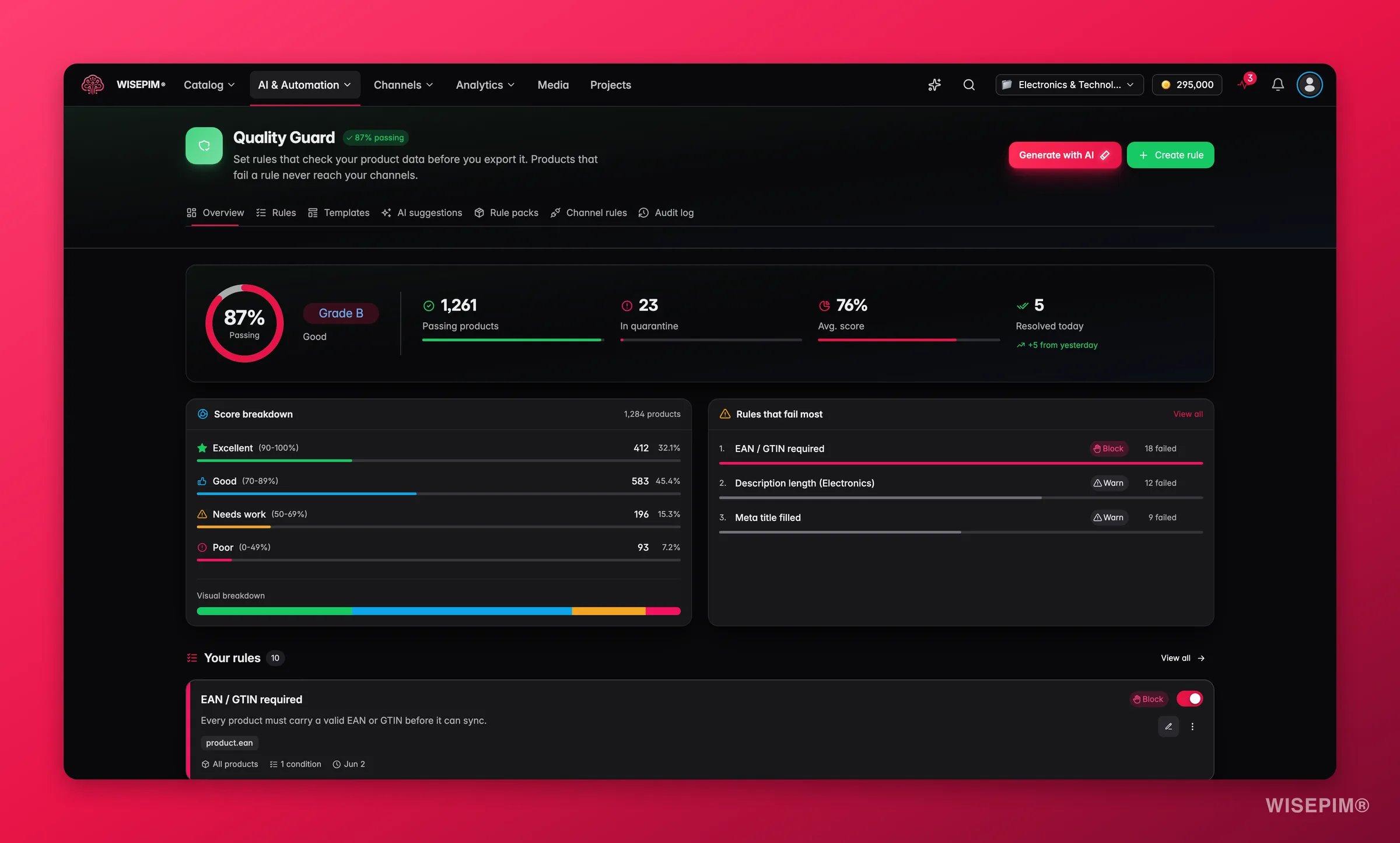
Compliance Rate
The percentage of your products that currently pass all active quality rules. This is your top-line quality metric.
Quarantined Products
Products that failed one or more rules and are being held for review. These need your attention before they can be exported.
Average Completeness Score
A score from 0 to 100 reflecting how complete your product data is across all active rules.
Score Distribution
Your catalog is broken into four quality tiers:Top Failing Rules
The dashboard highlights rules causing the most failures. Fix these first for the biggest impact on your compliance rate.How Rules Work
Quality Guard is built on rules: conditions your product data must satisfy. Each rule has three parts:1
Conditions
Define what you are checking. For example: “Product Name is not empty” or “Description length is at least 100 characters.” You can combine multiple conditions with AND/OR logic.
2
Scope
Define which products the rule applies to. You can target all products, specific categories, certain channels, or products within a price range.
3
Severity
Define what happens when a product fails. Block prevents the product from being exported. Skip excludes it silently. Warn lets it through but logs a warning.
Ways to Create Rules
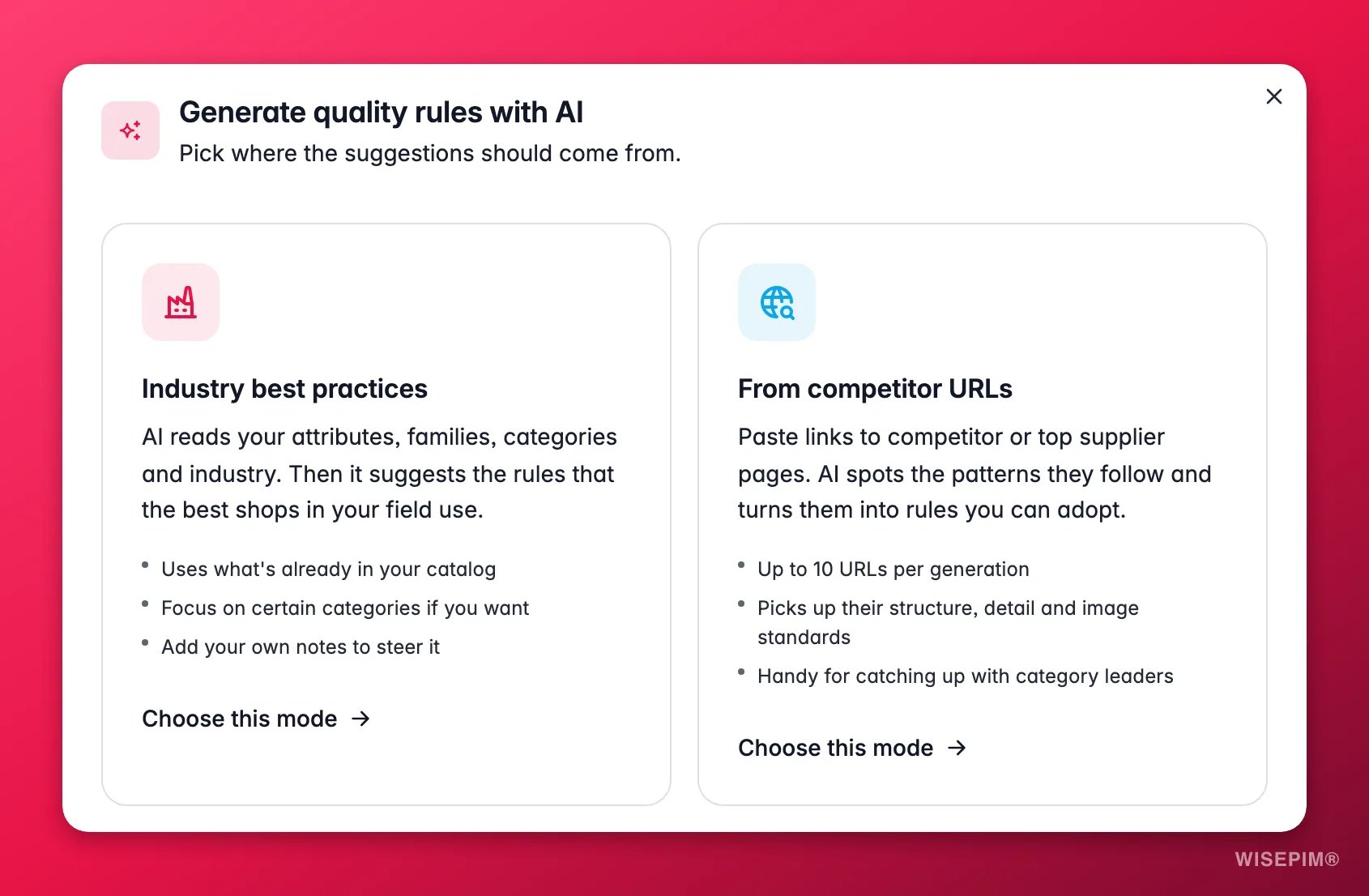
AI Rule Generator
Describe your requirements in plain language, or let AI analyze your catalog and competitor listings to propose rules automatically.
Rule Packs
Install a pre-built bundle of channel-scoped rules for marketplaces like Google Shopping, Amazon, or Kaufland in one click.
Templates
Browse the template gallery for ready-made rule sets organized by channel and use case. Apply one as a starting point.
Custom Rules
Build rules from scratch using the condition builder to express any check your catalog requires.
Explore Quality Guard
Rules
Learn how to create and manage quality rules for your catalog.
Channel Rules
Set up channel-specific requirements for each of your export destinations.
Quarantine
Review and resolve products that failed quality checks.
Audit Log
Track every quality-related action and change across your project.
Getting Started
New to Quality Guard? Here is the fastest path to clean data:1
Install a Rule Pack or browse templates
Head to the Rule Packs tab for your primary channel, or browse the Templates gallery for a ready-made rule set. Either gives you a solid baseline immediately.
2
Review the dashboard
After applying rules, check the dashboard to see your current compliance rate and which products need attention.
3
Fix quarantined products
Address the most critical issues flagged by your new rules. Use bulk editing or AI enrichment to resolve problems efficiently.
4
Refine and expand
Create custom rules or use the AI generator for your specific business requirements. Adjust severity levels as you learn which rules matter most for your catalog.
Related
Quality Rules
Build the rules Quality Guard enforces across your catalog.
AI Quality Review
Let AI review your content and surface quality issues.
Data Quality Analytics
Track completeness and quality scores over time.
Launch on a channel without rejections
Channel rules first, quarantine second, feed third - the sequence that keeps you approved.