

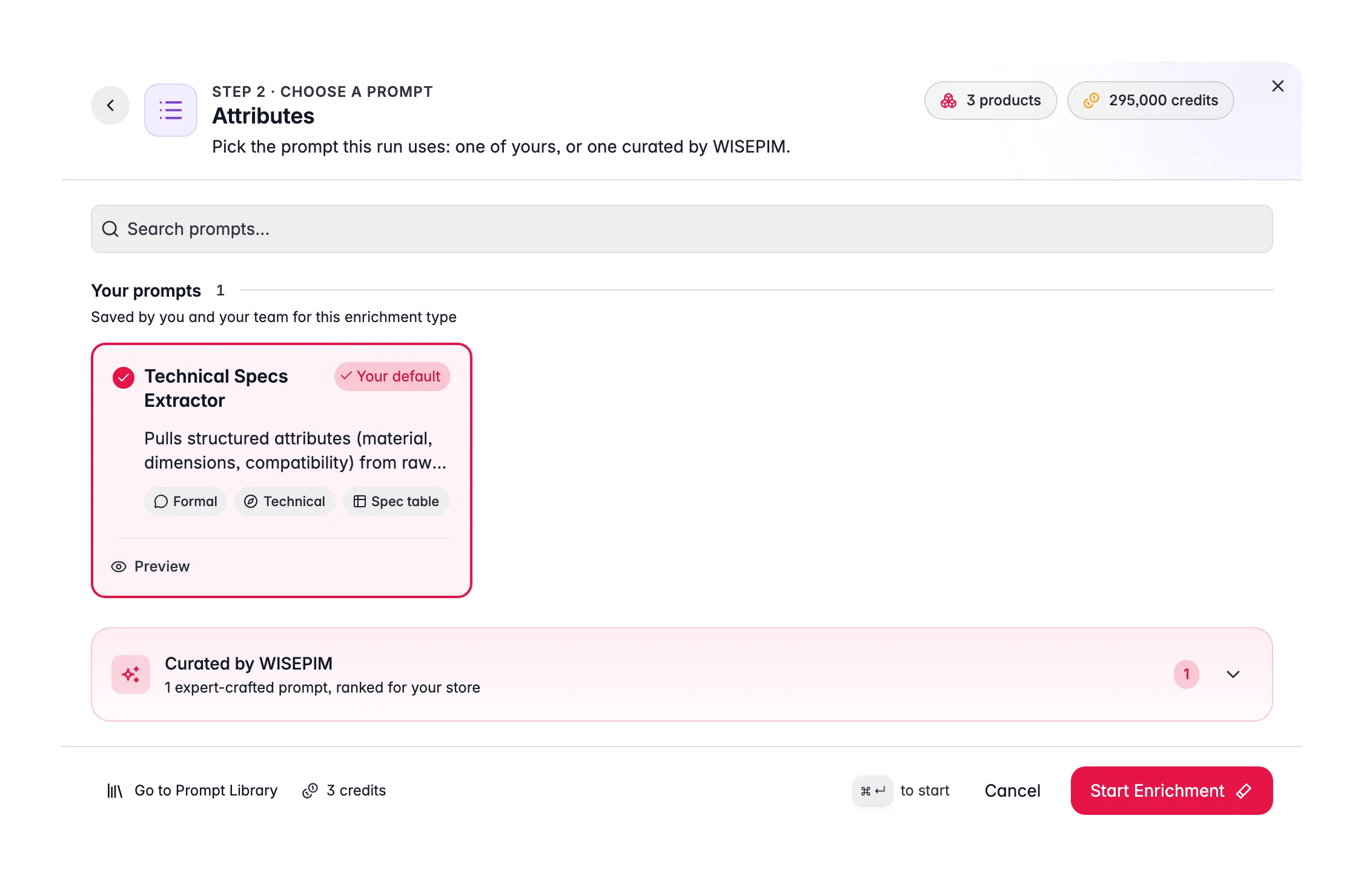
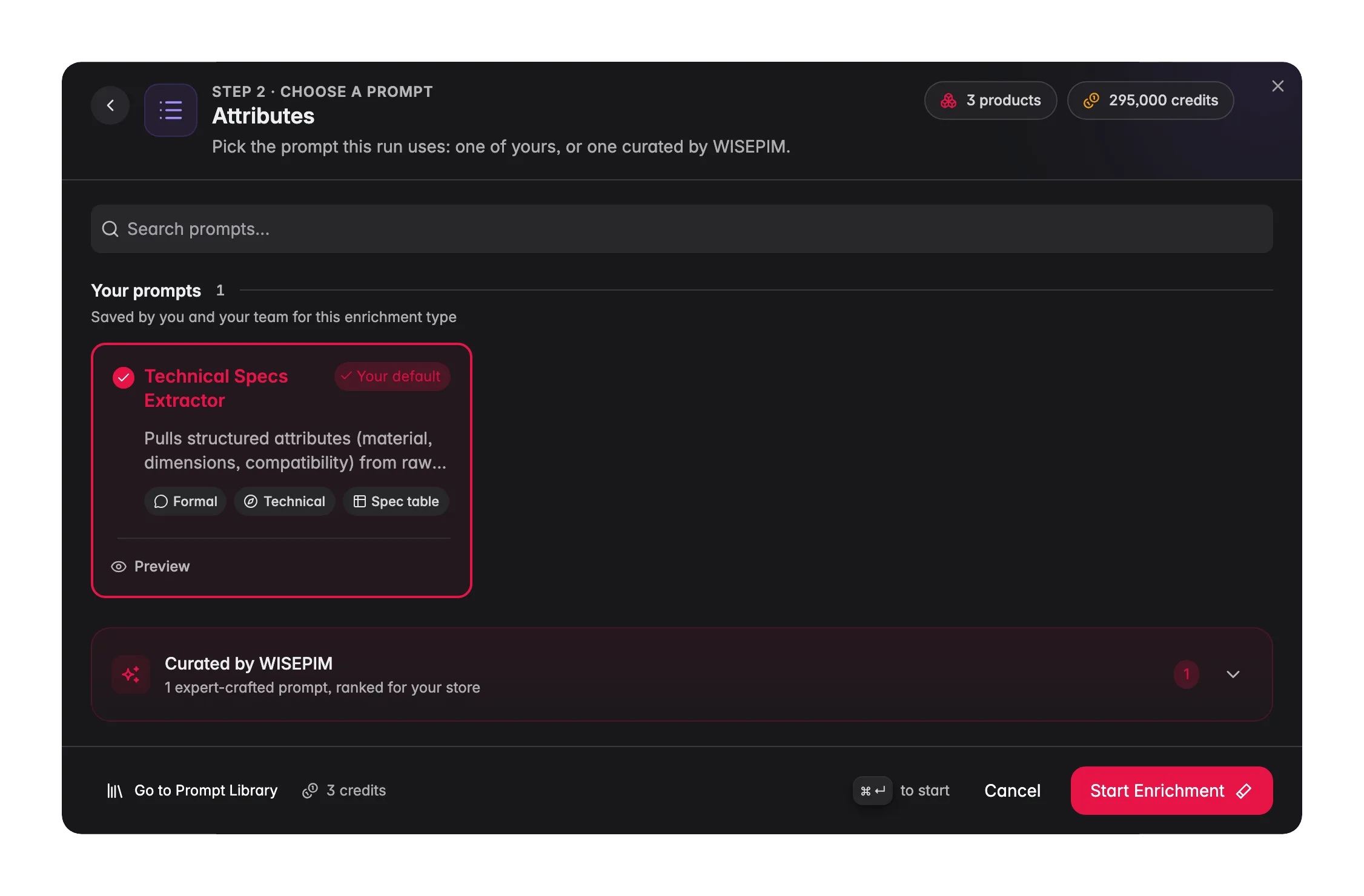
Attribute enrichment costs 1 credit per product. Extracted values are written to your product’s attribute fields, mapped to the attributes defined for that product’s family.
When to use it
- Specs live in description text but not in structured fields, so shoppers can’t filter on them.
- A marketplace or feed requires specific attributes (Google Shopping needs GTIN, color, size, material; Amazon has category-specific required fields).
- Filters return incomplete results because many products are missing the attribute being filtered on.
- As part of Auto-Fill, which extracts missing attributes using your default attribute prompt.
How to run it
1
Select products
Check products individually, or filter (for example, by a missing key attribute) and select all matching results.
2
Open the Enrich modal
Click Enrich with AI in the toolbar.
3
Choose Attributes
Pick Attributes as the enrichment type.
4
Select a prompt
Choose an attribute prompt from your Prompt Library. The prompt guides which attributes to look for and how to format values.No prompt of your own yet? Open the Curated Prompts tab. These are written by WISEPIM and ranked for your industry, so the best fit is near the top. Use Set as default on the one you like and it is pre-selected for every attribute run from then on.
5
Start Enrichment
Click Start Enrichment and track it in the Process Tracker. If a run stops early, use Resume there to finish only the products that were not processed yet, at no extra credit cost.
How extraction works
The AI reads each product’s title, description, and any existing data, then extracts values for the attributes defined on that product’s family. It only fills attributes that exist in your structure, it does not invent new attribute types. Values are normalized to match your conventions where the prompt asks for it (for example, “Red” rather than “red”, or units like “cm”).What good looks like
- Consistent value formatting. “Stainless Steel” everywhere, not a mix of “stainless”, “S/S”, and “inox”. Ask the prompt to normalize.
- Units included and consistent. Dimensions and weights carry their unit, in the same system across the catalog.
- No invented values. A blank is better than a guess. Tell the prompt to leave an attribute empty if the value isn’t present in the source.
- High coverage on filterable attributes. The attributes shoppers filter on (size, color, material) should be populated on nearly every product.
Act on what you find
Coverage is low after a run
Coverage is low after a run
Low coverage usually means the source text doesn’t contain the specs. Run Web Research to fetch specs from external sources first, then re-extract. Outcome: attributes populated even where your own data was thin.
Values are formatted inconsistently
Values are formatted inconsistently
Add normalization rules to the prompt (“Capitalize color names; express all dimensions in cm”). Re-run. Outcome: clean, uniform values that group correctly in filters and feeds.
A required marketplace attribute is missing
A required marketplace attribute is missing
Confirm the attribute exists on the product family, then enrich. If the value genuinely isn’t determinable from content, Web Research or a supplier import may be needed. Outcome: feed-ready products that pass marketplace validation.
You want to verify before publishing
You want to verify before publishing
Review extracted attributes in the Data Quality tab, which scores attribute coverage and flags suspicious values. Outcome: confidence that extracted specs are accurate before they go live.
Related
Web Research
Fetch specs from external sources when your own data is thin.
Data Quality
Track attribute coverage and catch suspicious values.
Enriching Products
Overview of all 15 enrichment types.
Prompt Library
Build and organize your attribute prompts.