

You do not need a finished catalog. Quick Win works from the products you already have, or imports a demo catalog into your project if you have none yet.
The five steps
The stepper at the top reads Connect, Context, Enrich, Preview, and Value. Each step takes a few seconds, and you can adjust anything along the way.1
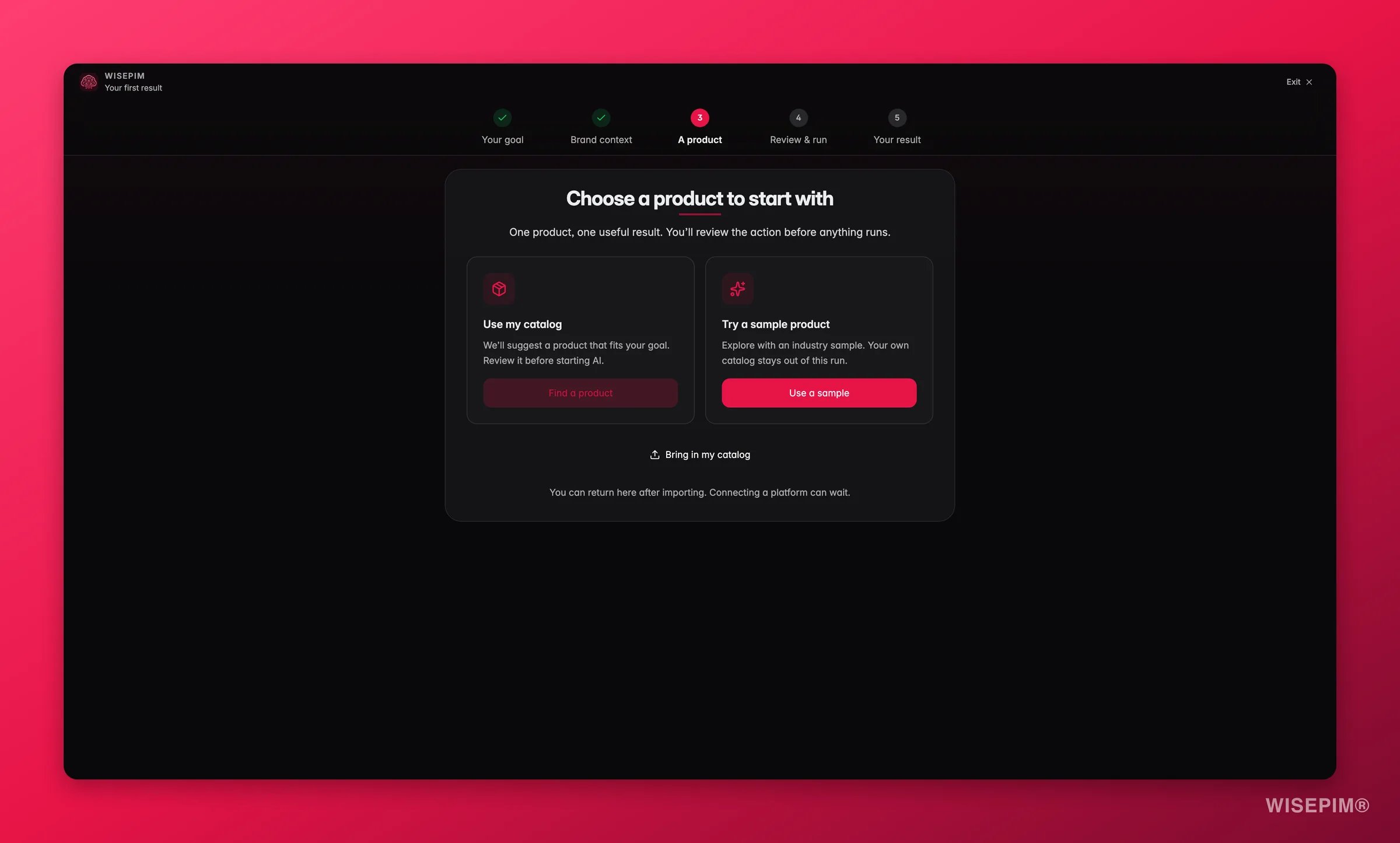
Connect: pick where the products come from
Choose Use existing catalog to work with products already in WISEPIM. If a channel is connected, it shows as Ready and you can Continue. If a channel is not set up yet, Open setup takes you there first.No products at all? Choose Skip, use demo data and then Continue with demo data. WISEPIM imports a sample catalog for your industry so you can see results without uploading anything.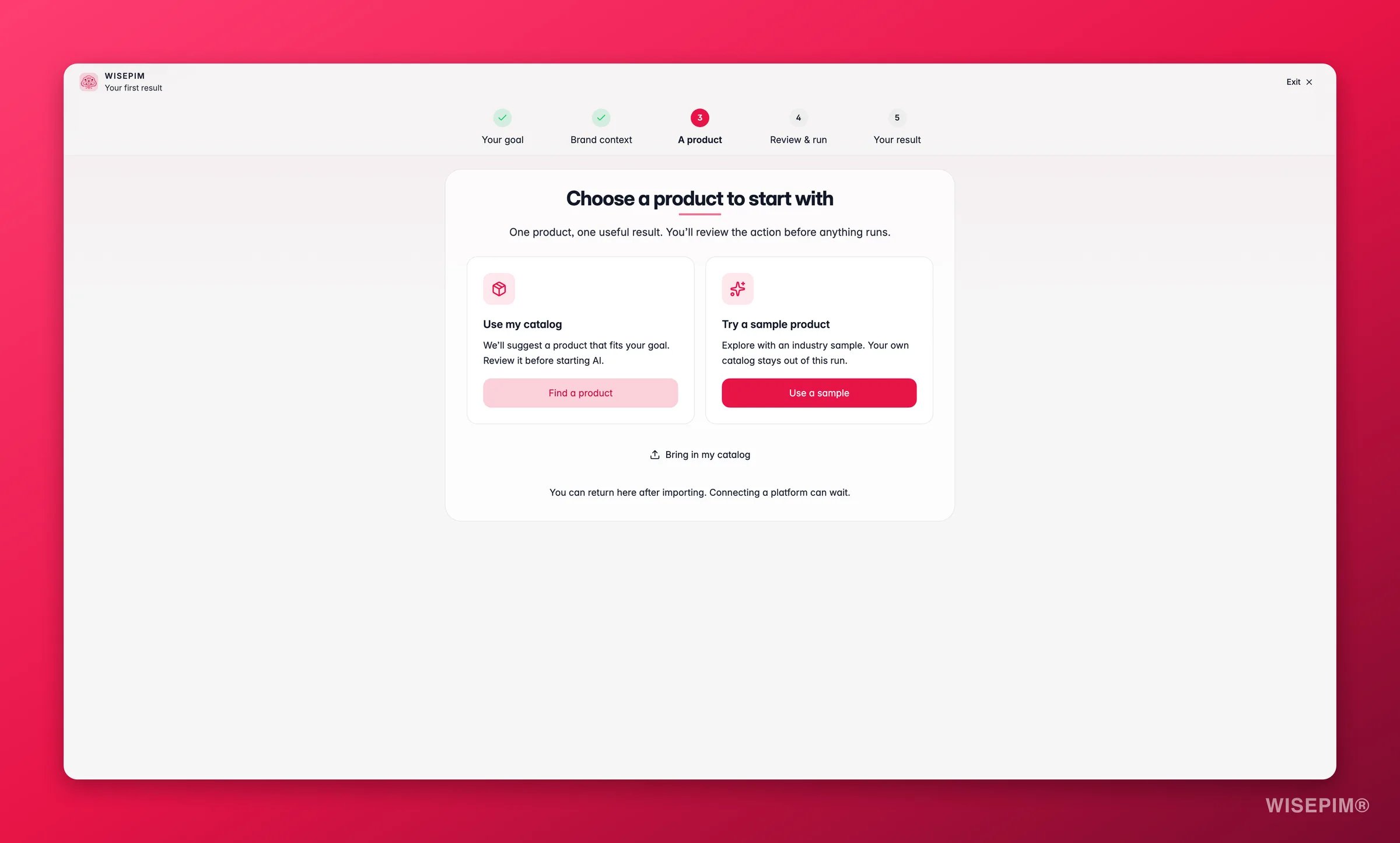
2
Context: review the settings
Before the AI starts, WISEPIM shows the settings it will use. Everything is pre-filled from your goal. Adjust anything that looks off, then click Looks good.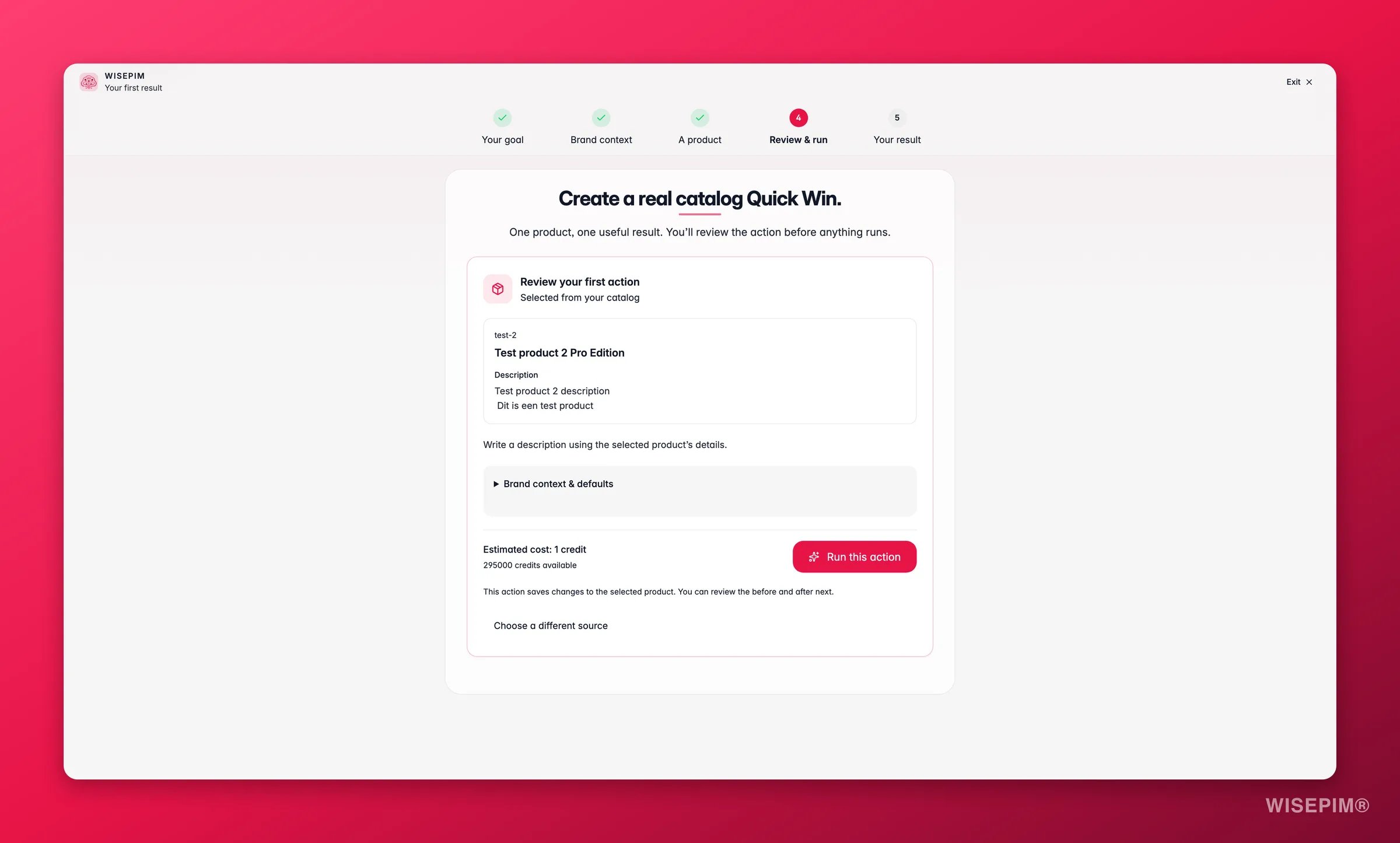
- Brand voice: Trained if WISEPIM has already read your site (it shows the URL and page count). Skipped means no website was analyzed yet, so a neutral tone is used.
- Tone: Auto-picked per channel: “Channel SEO, benefit-driven”, “SEO-optimized, keyword-rich”, or “Conversational, brand-aligned”.
- Target language: the language the output is generated in.
3
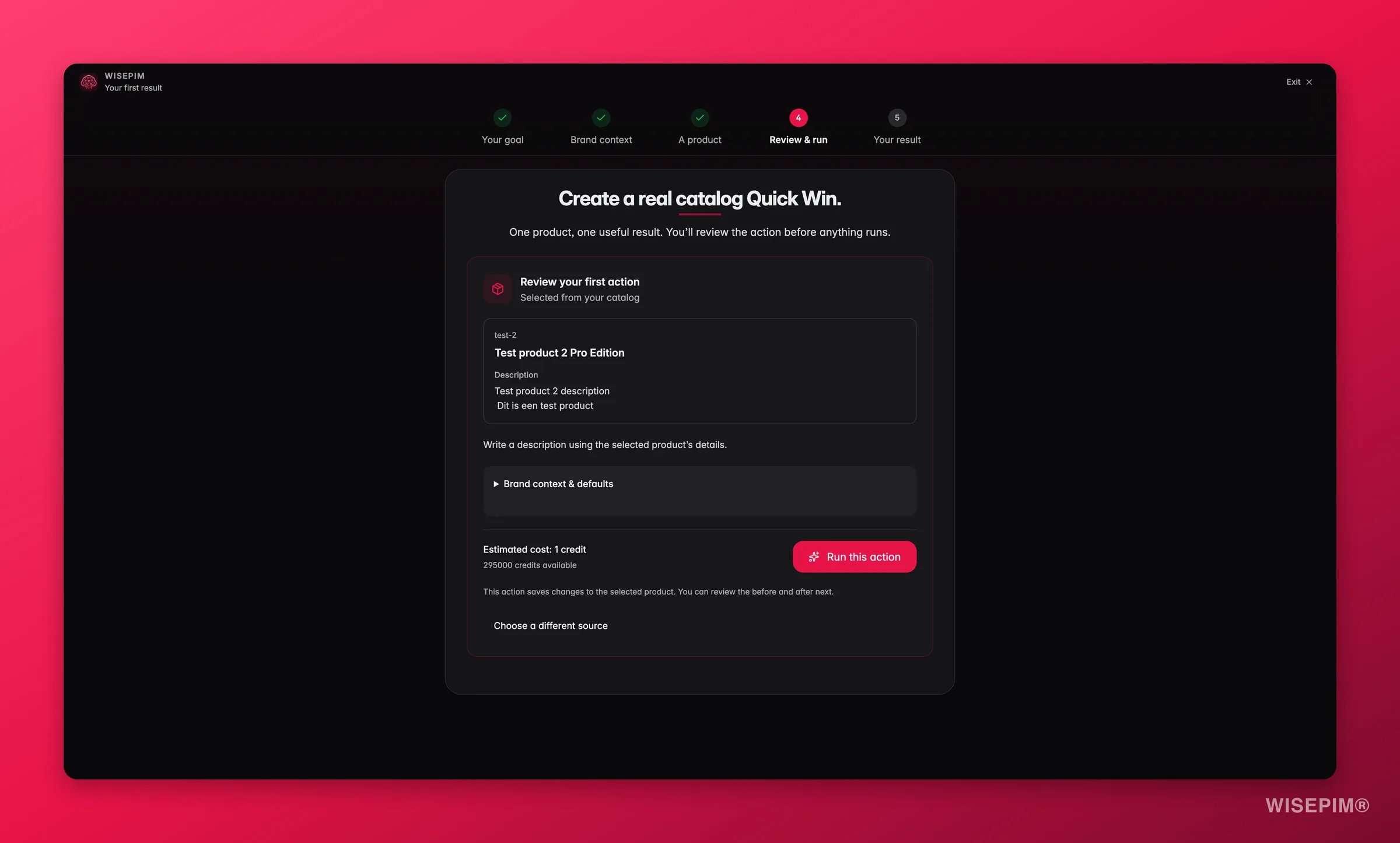
Enrich: AI gets to work on real products
The step is named after your goal, and the products are chosen to match it, always starting from the lowest-scoring products in your catalog: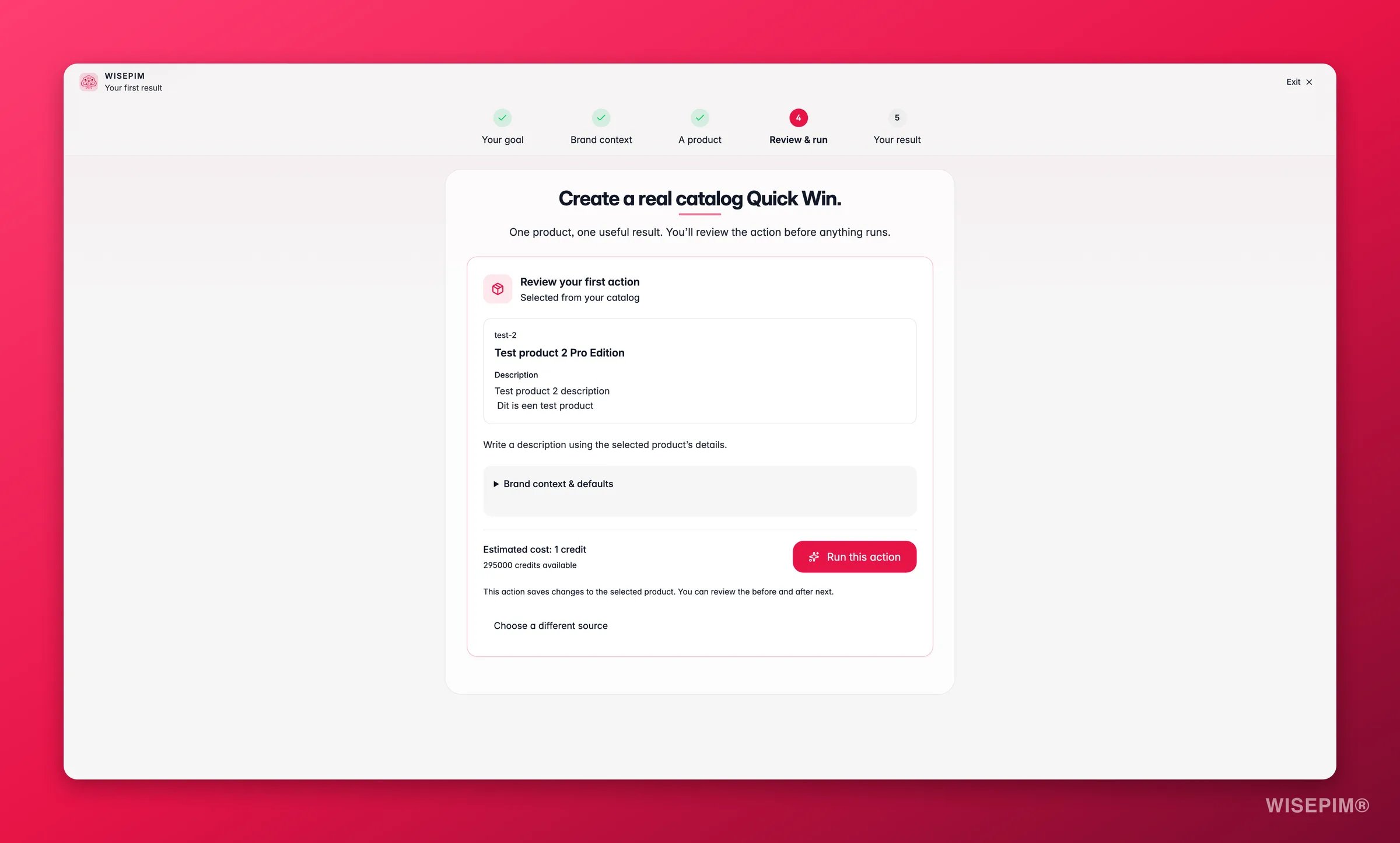
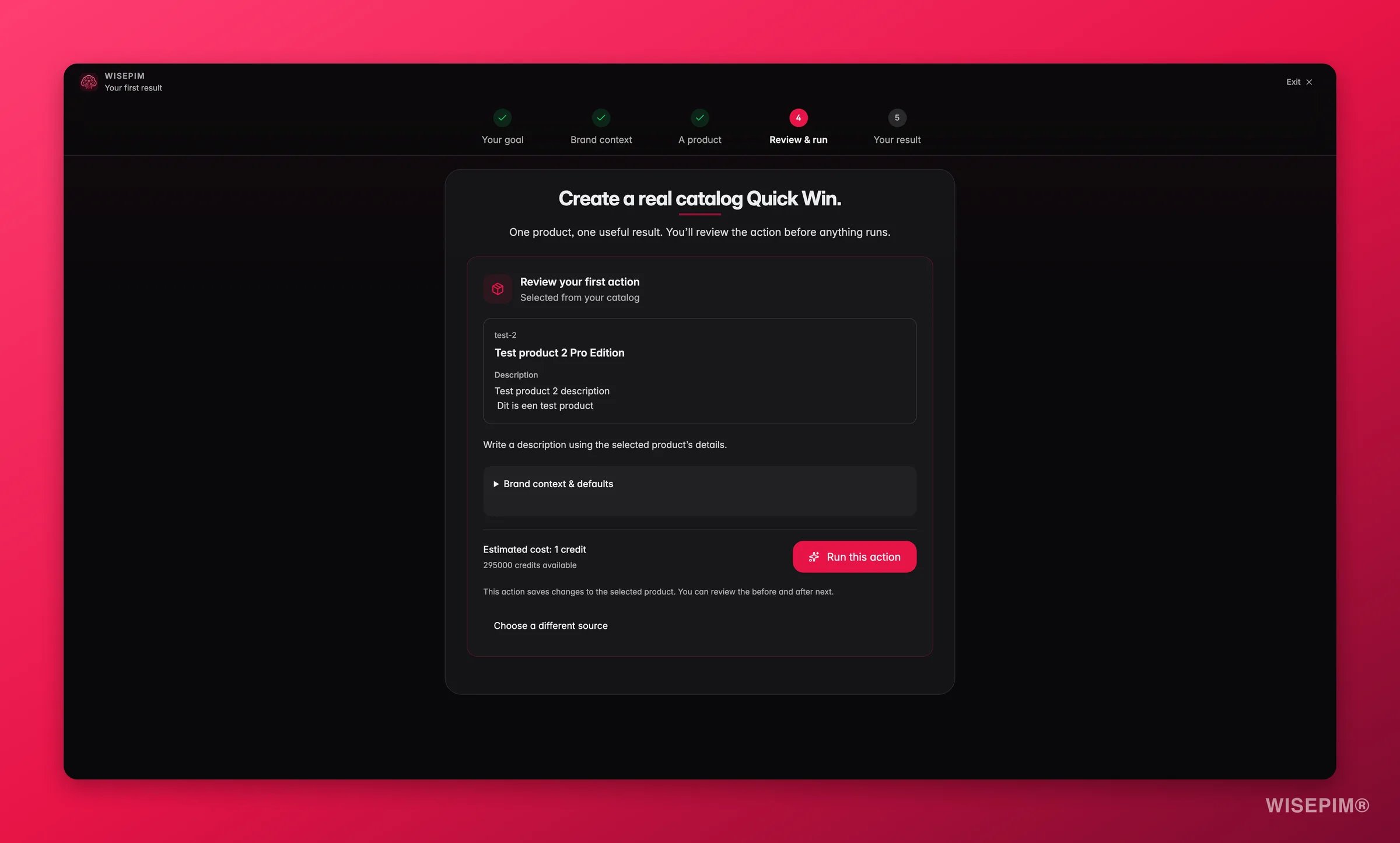
The subtitle tells you how many products are in the run (“Running AI on 4 real products.”). The count depends on what the selection finds in your catalog; it is not a fixed number. Each product card shows its current quality score.The status line moves from Selecting real products (or Importing your demo catalog) to AI task in progress and ends at Server-confirmed result. The button stays greyed out until then, when it changes to See the results.
4
Preview: verified before and after
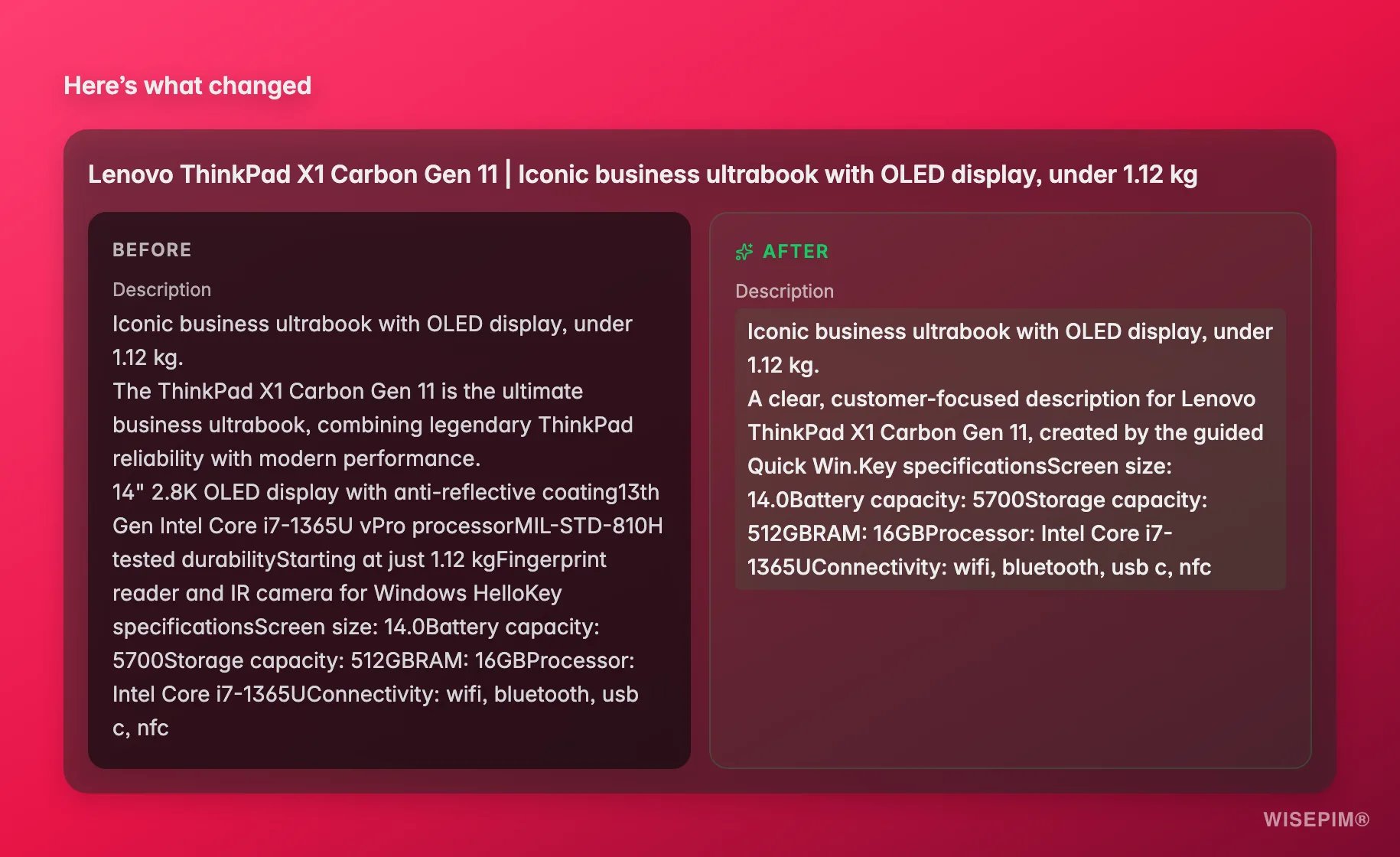
You see each product side by side: Before on the left, After on the right. These are the values the server stored, not a mock-up. Fields that were empty before are marked (empty) so you can see exactly what was added.If the task succeeded but nothing changed, the page says so: “The task succeeded with no observed field change”. WISEPIM never claims a change it did not measure; use Try another product to pick a different low-scoring product.When you are happy with what you see, click Continue to measured value.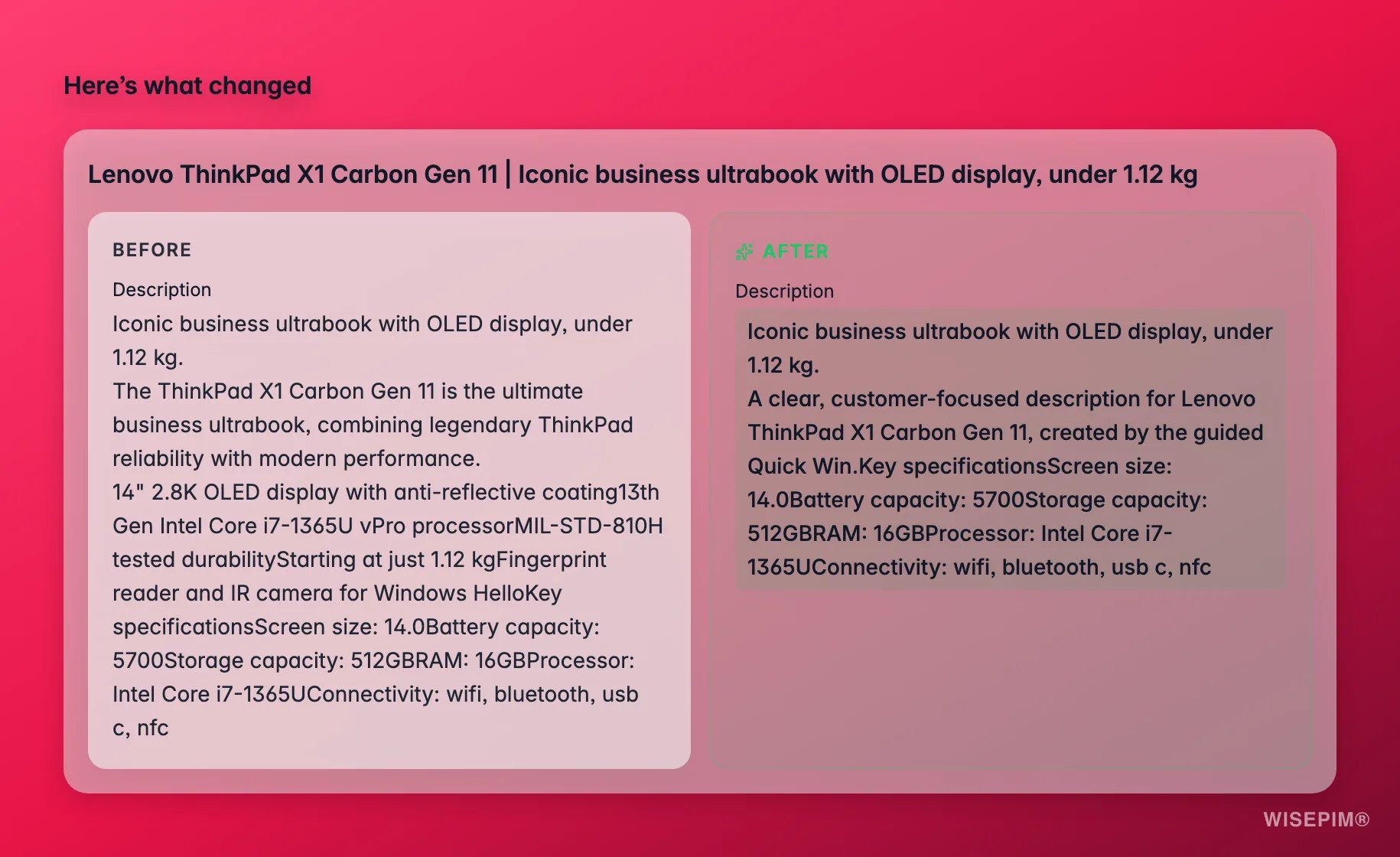
5
Value: what was measured
The final screen opens with “The server confirmed N successful products and M observed field changes.” and four measured numbers:
A metric that could not be measured shows Not measured rather than a guess. From here, Explore more features takes you into the rest of WISEPIM.
When credits are short
Quick Win checks your balance before it starts. If the selected run cannot be paid for, the Enrich step stops with More credits are needed and shows the shortfall (“Needed: 12 · available: 4”). After a run, the Value step points you to the right next move based on what is left:- Run another Quick Win when you still have credits for another focused run.
- View upgrade options when your available credit pool is used up.
- Contact the project owner when the project uses a shared credit pool and someone else adds credits.
What happens to your catalog
Quick Win runs a real AI task on the selected products in WISEPIM, so the enriched content stays on those products afterwards, just like any other enrichment. The run shows up in the Process Tracker like any other task. Nothing is pushed to your store until you export.Starting Quick Win again
You can run Quick Win as often as you like, for example to try another goal or a different tone. Each run picks from the products that currently score lowest.Related
Quickstart
The full guided setup: connect your first channel, import products, and publish enriched content.
Enriching products
Learn how AI enrichment works across your full catalog: titles, descriptions, SEO meta, attributes, and more.