

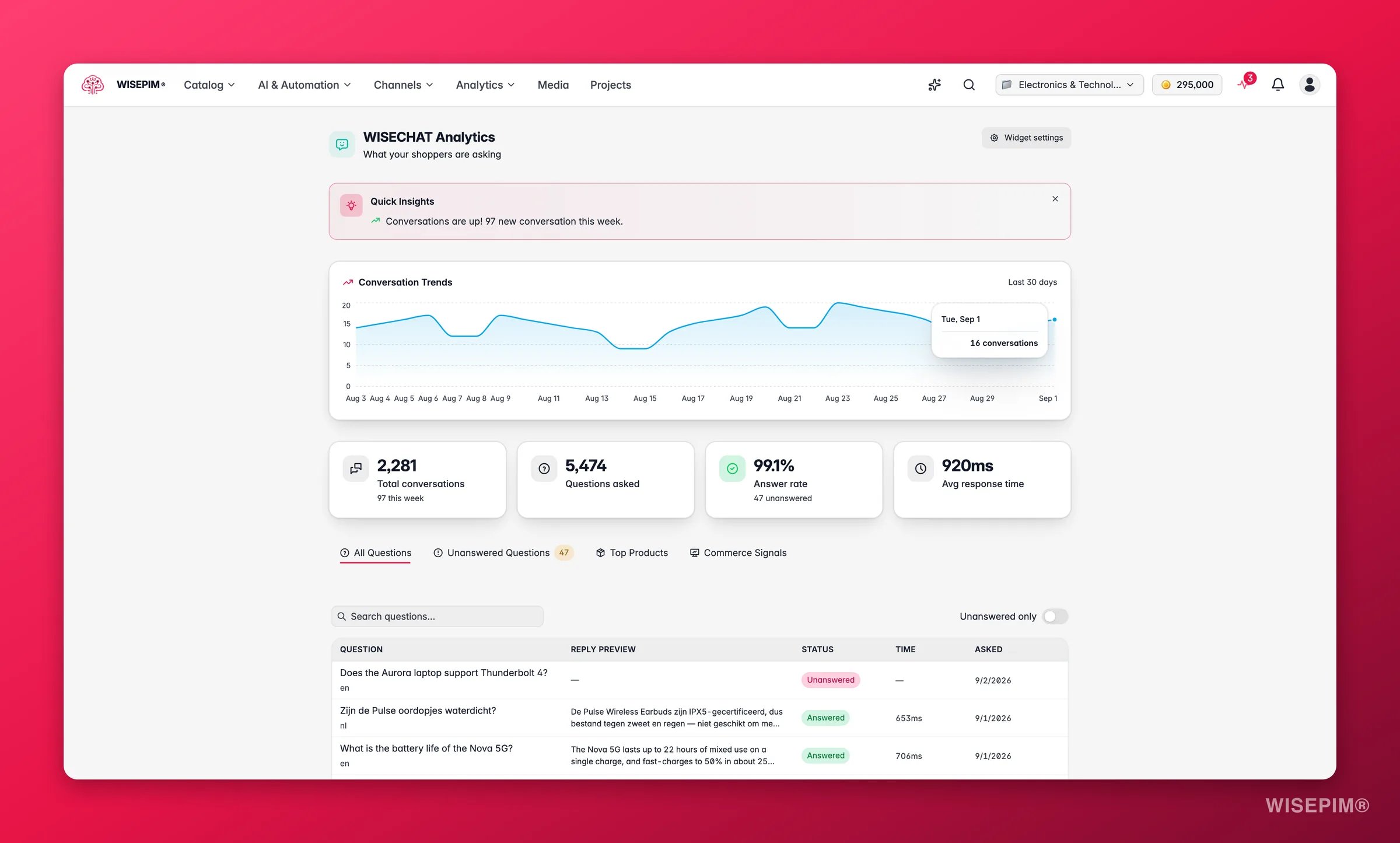
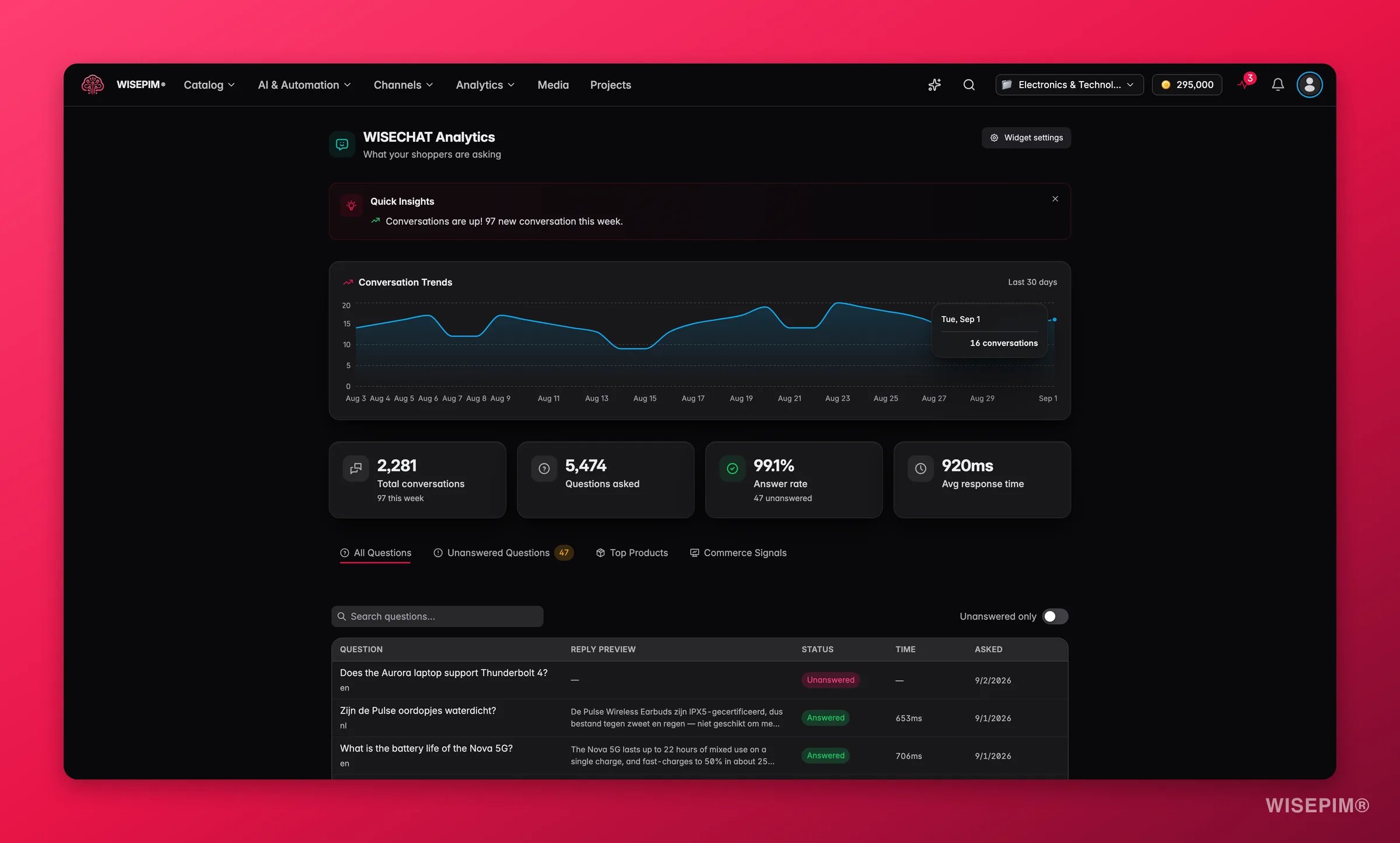
This is the analytics view inside WISEPIM, not the widget itself. You need the WISECHAT widget installed and enabled on your storefront first (set it up in WISECHAT settings). Until it has handled a few conversations, the page shows a short “install and wait for your first conversation” checklist.
The headline numbers
Four cards summarize the period:
A conversation-trend chart plots daily volume, so you can tie spikes to launches, campaigns, or seasonal demand.
What you can dig into
1
All questions
A searchable, paginated table of every question, the assistant’s reply, whether it was answered, and how fast. Filter to “unanswered only” to go straight to the problems.
2
Knowledge gaps
The unanswered questions, most recent first. Each one is a chance to improve: Add to Knowledge writes an answer the assistant will use next time, and Find related product searches your catalog for the product the question is about.
3
Top products
The products shoppers ask about most, ranked by mention count. Click through to open the product and strengthen its content while it has attention.
Reading the results
- A high answer rate with a long unanswered list still matters: even a handful of repeated unanswered questions points to one missing piece of content (a size guide, a compatibility note, a returns policy).
- The same question appearing repeatedly in Knowledge Gaps is the clearest signal of all. It is a specific thing your shoppers want to know and your listings do not say.
- A product near the top of Top Products with thin content is a priority: shoppers are interested, so every improvement compounds.
- A volume spike in the trend chart is a moment to make sure the assistant is well-fed, because more shoppers are relying on it.
Act on what you find
The same question keeps going unanswered
The same question keeps going unanswered
Open Knowledge Gaps, click Add to Knowledge, and write a clear answer. The assistant uses it immediately, so the next shopper who asks gets a confident reply. Outcome: your answer rate climbs and a recurring drop-off point closes.
A top-asked product has weak content
A top-asked product has weak content
From Top Products, open the product and enrich the fields shoppers are asking about (specs, compatibility, what’s in the box). Use Enriching Products to do it fast. Outcome: the assistant can answer from the listing itself, and the same content improves the product page for everyone.
A question is really about a product you sell
A question is really about a product you sell
Use Find related product to jump to the matching product, then add the missing detail or link it into the knowledge base. Outcome: the assistant connects shopper intent to the right product instead of giving a generic reply.
Your answer rate is dropping
Your answer rate is dropping
A falling answer rate usually means new questions the assistant has not been taught yet (often after a product launch or a campaign). Work through the Knowledge Gaps list and feed the recurring ones back in. Outcome: the assistant keeps pace with what shoppers are actually asking.
Related
WISECHAT settings
Install the widget, set its tone, and manage what it can access.
Knowledge Library
The answers and facts the assistant draws on.
AI Chat
The in-app assistant for your own catalog work.
Enriching Products
Turn shopper questions into richer product content.