

The Partner Dashboard is only visible to agency and reseller partners. If you manage multiple client projects but don’t see this section, reach out to your account manager.
Commission overview
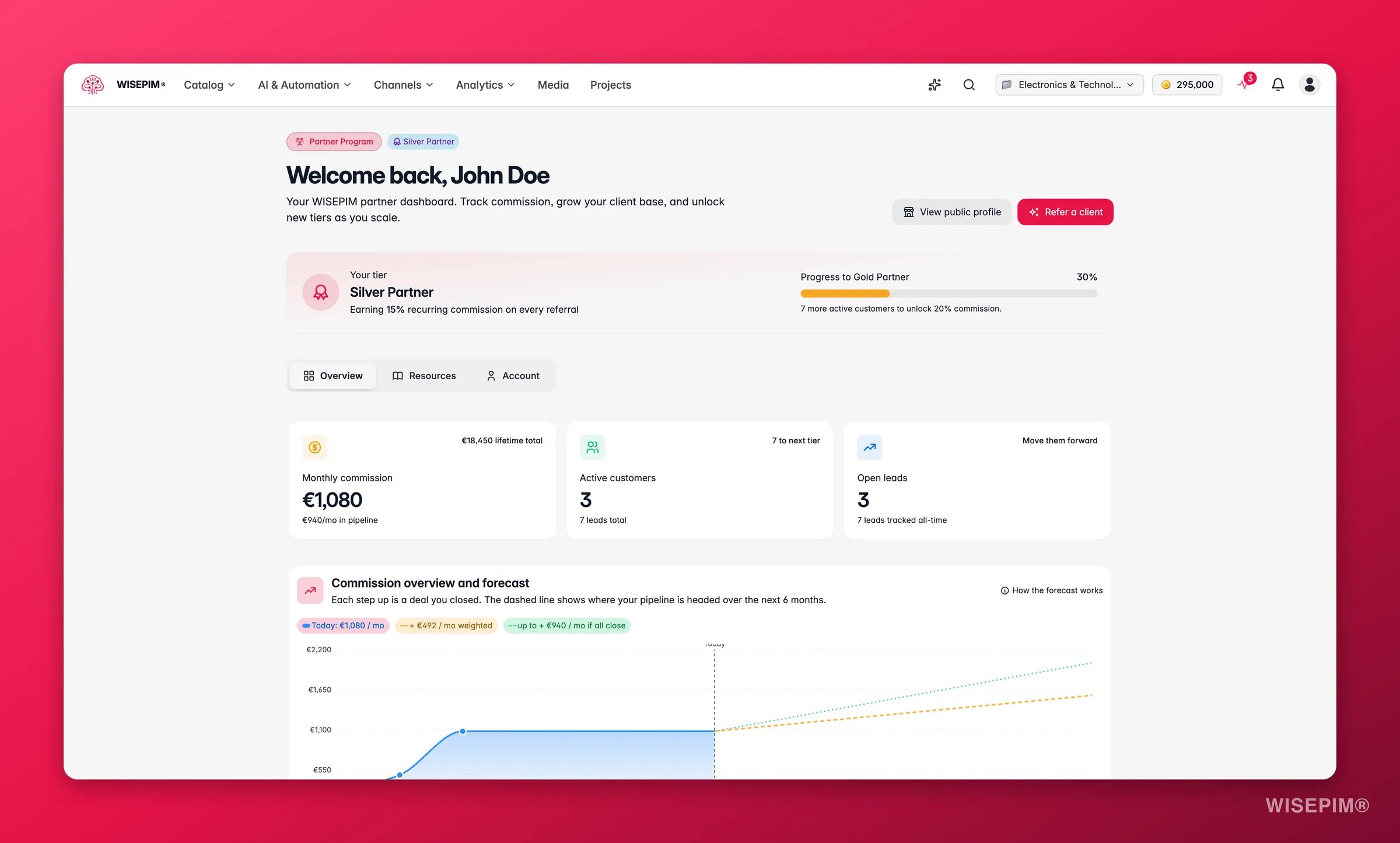
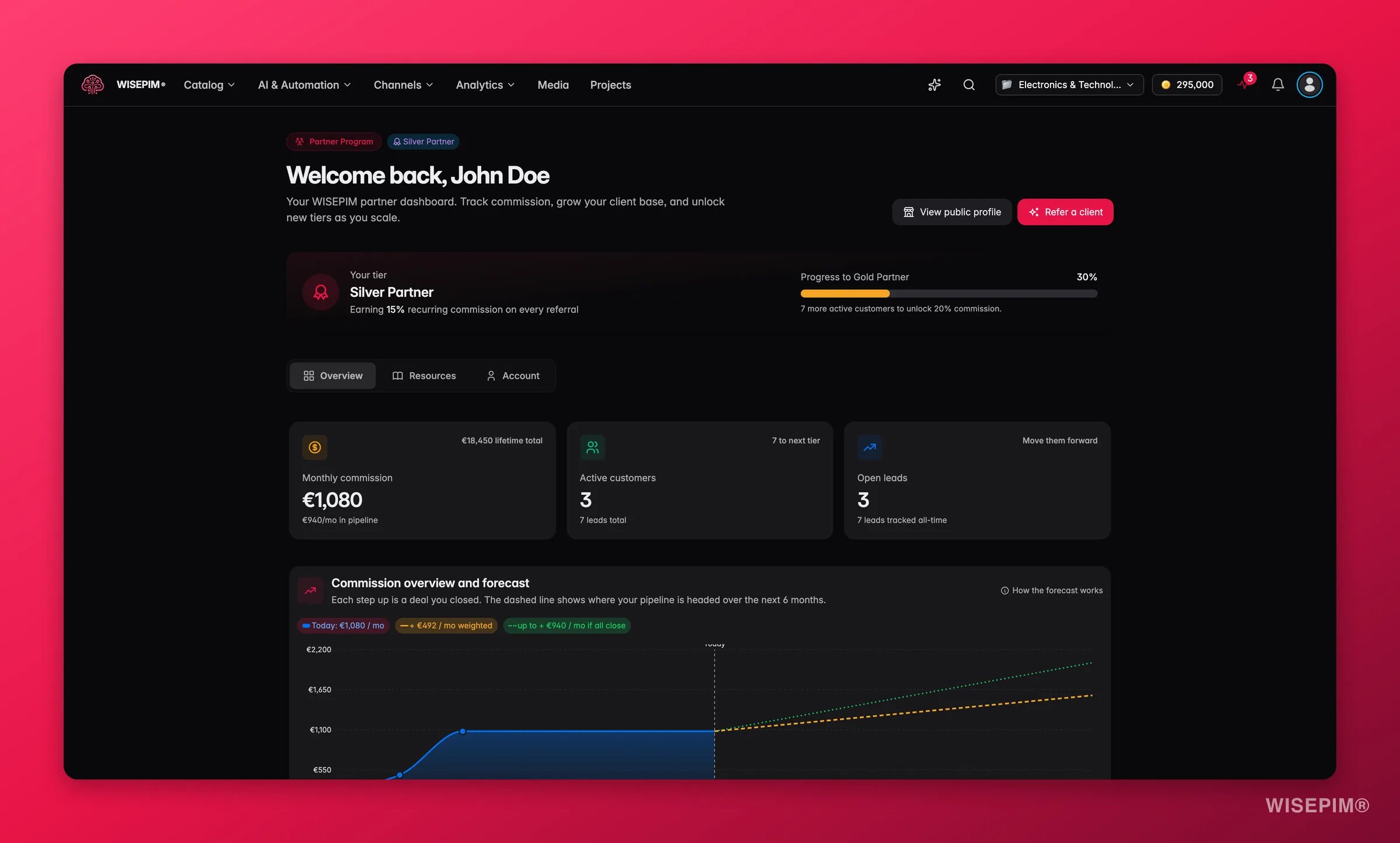
The Commission overview and forecast chart shows your realized monthly run rate as a solid area that steps up each time a lead converts to Won. To the right, a dashed forecast line extends six months ahead using two scenarios:- Weighted forecast: each open lead contributes its commission scaled by pipeline stage probability (Qualified: 30%, Proposal: 60%).
- If all close: the ceiling you unlock if every open deal converts at 100%.
Partner tiers
Your tier determines the recurring commission percentage you earn on every referral. As you accumulate active customers, you progress toward higher tiers and unlock a higher commission rate. The tier card shows your current rate, a progress bar toward the next tier, and exactly how many more active customers you need to unlock it.Payouts
The Payouts table lists every commission payment, organized by billing period. Each row shows the period, the amount, its status (Pending, Processing, Paid, Failed, or Cancelled), and the date it was paid. You can open the linked invoice directly from the table. Payouts are processed on the 5th of each month for the prior month’s commission. A new payout line appears once a referred customer has completed a full month on a paid plan.My customers
The My customers table lists every active customer you have referred. For each customer you can see:- Their current WISEPIM plan
- Last active date (so you can spot accounts going quiet)
- Your monthly commission for that account
- A health badge (Healthy, Watch, or At risk) based on their recent activity
A customer appears here after you mark the corresponding lead as Won and they sign up for WISEPIM. Health and last-activity data refresh automatically.
Your team
Partners can operate as a team within a shared partner organization. The Your team card lets owners and admins:- See all current members and their roles (Owner, Admin, Member)
- Invite new teammates by email (they receive a one-click join link valid for 14 days)
- Remove members or revoke pending invites
SEO audit
The SEO audit is a partner-exclusive tool you can use to audit any prospect or client’s product catalog. Paste a shop URL, choose the platform, and WISEPIM checks up to 10 product pages against 20+ SEO and structured data best practices. You get an AI-written executive summary, a list of the top issues, recommended actions, and per-page rewrites. Every audit run is saved to your Audit history, where you can:- Re-download the PDF report or XLSX workbook at any time
- Share a link to the audit results with your client
- Run the same audit again (the form pre-fills with the previous URL and platform)
- View share analytics to see how clients engage with the report
Related
Agencies
How WISEPIM’s multi-project architecture works for agency workflows: isolated client projects, bulk editing, and AI enrichment at scale.
Team management
Manage roles and permissions for your WISEPIM organization and invite team members.