

The order pipeline is rolling out per account. Some stores may not show order data yet. The rules below apply as soon as a store’s orders are imported.
Evidence, not estimates
The imported order records are the evidence. Everything else on the order pages, from daily totals to margins and forecasts, is calculated from them and can be rebuilt at any time. Each page states which kind of number you are looking at: imported, calculated or estimated.Trust marks
Every value on an order page carries one of four marks:
The reasons you will meet most:
Each reason also names who can act on it: You can fix this, Comes from
{platform}, On our side or Fills in by itself.
Order totals and measures
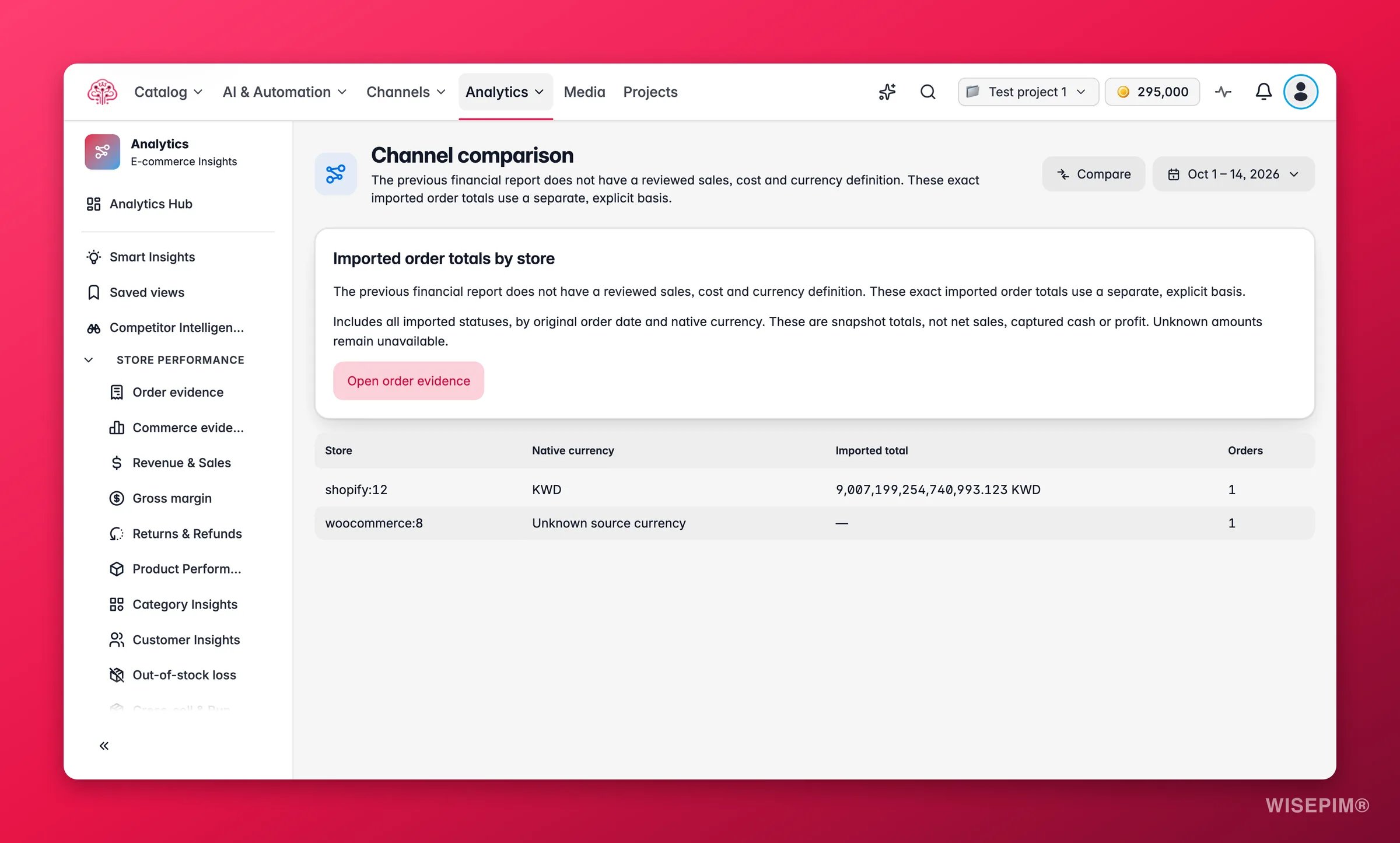
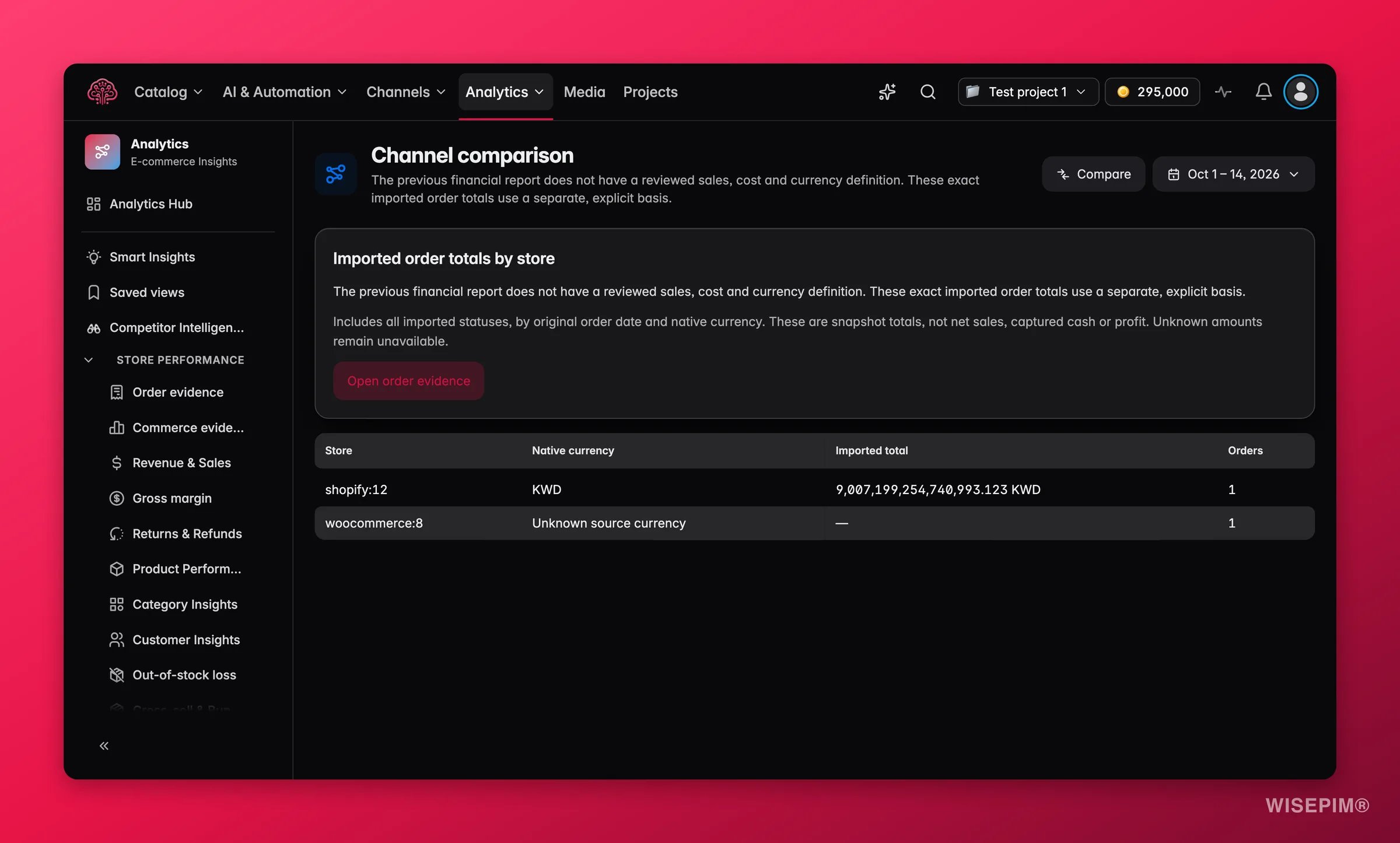
An Order total is the amount a store sent for an order, tax and shipping included, with refunds not subtracted. It is not net sales and not captured cash. The Report measure filter picks what the daily and per-store reports show:
The order list itself never changes with the measure.
Native currency
Every total is kept per store and per currency. Nothing is summed across currencies and nothing is converted on its own. Two consequences:- Share of sales on the By store view is a share of one currency.
- A reporting currency only appears in the card All stores in
{currency}on the Orders page, and only after you entered your own rate for each order date in Analytics settings. Rates are exact, one per day, and WISEPIM never falls back to the day before or to an inverse rate.
Complete days
Yesterday in your analytics timezone is the last complete day. Today is partial, so it is excluded from comparisons, targets, schedules and forecasts. The default period is Last 30 complete days, and a closed-window label such as Last 30 days (to 13 Oct) tells you where it stops. Order pages show up to 366 days; bookmarks for longer periods are moved to 12 months with a notice. A day with no orders counts as a zero day only when the import’s history for that day is confirmed. Otherwise it is a gap, and the daily charts leave it as a gap.Coverage
Coverage says how many orders a value is built from, never how much money. You see it as from 737 of 899 orders, as cost coverage per store and cost kind, as exchange-rate coverage per currency and day, as Matched to products for order lines, and as a history state per store: Full history since the store opened, History since your first import or History not confirmed.Estimates
The catalog cost price is snapshotted when an order line is first imported. Margins built on it are marked ≈. Only a purchase-price import or a posted invoice gives an exact cost, and an exact cost is never replaced by an estimate. Forecasts on Reorder Planning are estimates too, with a tested likely range.The margin ladder
Margin uses contribution margins, not accounting profit:
A full margin shows only when every cost in it is known. Partial margins are marked (known costs only).
Customers at equal age
Customer Insights groups customers by the month of their first observed order, per store, and compares cohorts at the same number of months since that order. “First observed” is not “first ever”: a buyer from before your first import looks new. Under Products in the first order, a customer counts under every product in that order, so the rows overlap and do not add up.Reconciliation
For each order, the parts the store sent (products, discounts, tax, shipping, fees, duties, tips, gift cards, adjustments) are checked against the store’s total: Adds up, Off by{amount} or Can’t check the total yet. Parts that balance prove the arithmetic, not that the order was paid or that every line is matched to a product.
Previews and posted data
Actions that change data, such as posting costs, importing purchase prices, linking order lines to products and marking duplicate orders, always run in two steps: a preview that shows what will change, then an apply. The preview is valid for 15 minutes, and the apply refuses if the data changed in between. Posted costs and exchange rates cannot be edited afterwards; product links are versioned, so the history is kept.How the old reports changed
Redirects keep your period, stores and currency where the new page supports them. The notice
{old} moved to {new}. Your bookmark still works. confirms it. There is no comparison between old and new figures, because they measured different things.
Act on what you find
A number is lower than your store's own dashboard
A number is lower than your store's own dashboard
Check the measure and the period first: order totals by order date, in the store’s currency, refunds not subtracted, today excluded. Then compare the reasons: orders with Currency not confirmed or without a total are left out here, where a store dashboard may include them. The Reconciliation view under Data health compares your own CSV export part by part.
Two stores sell in different currencies and you want one total
Two stores sell in different currencies and you want one total
Set a reporting currency in Analytics settings and add a rate for each order day. Until every day has a rate, the converted card shows N orders need an exchange rate. with the rest as a known subset.
A value is marked Known so far
A value is marked Known so far
Open About these numbers and read Missing. It names the part that is unknown, how many orders it affects and who can fix it. Fix queue, Costs, Unmatched products and Analytics settings cover the four fixes that are on your side.
You changed the timezone or currency settings
You changed the timezone or currency settings
Reports keep the old settings until you click Update reports in Analytics settings. Targets show Check the dates after a timezone change, because the day boundaries moved.
Related
Orders
Where most of these marks show up first.
Margin
The ladder, the estimates and what is blocking a full margin.
Order Detail
Reconciliation and amount source for one order.
Today
The setup steps that turn unknown into known.