

Short Description enrichment costs 1 credit per product. Output is written to the Enriched Short Description field, your original is preserved.
When to use it
- Your storefront or feed shows a short description in grids and cards, and it is empty or just a clipped version of the long description.
- You publish to marketplaces that use a separate short-description or “highlights” field.
- You want consistent length across every card so grids look tidy.
- As part of Auto-Fill, which fills missing short descriptions using your default prompt.
How to run it
1
Select products
Check products individually, or filter and select all matching results.
2
Open the Enrich modal
Click Enrich with AI in the toolbar.
3
Choose Short Descriptions
Pick Short Descriptions as the enrichment type.
4
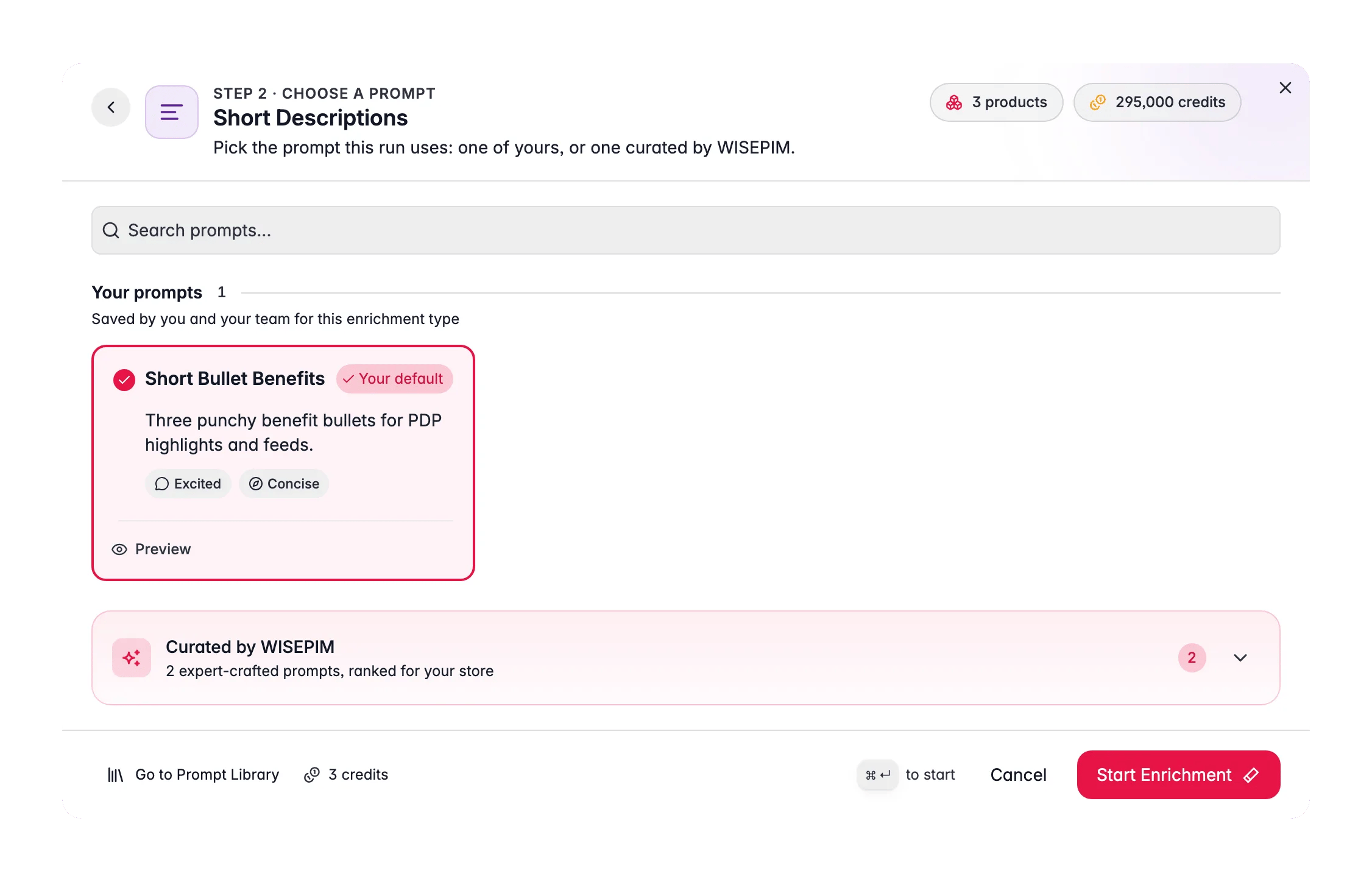
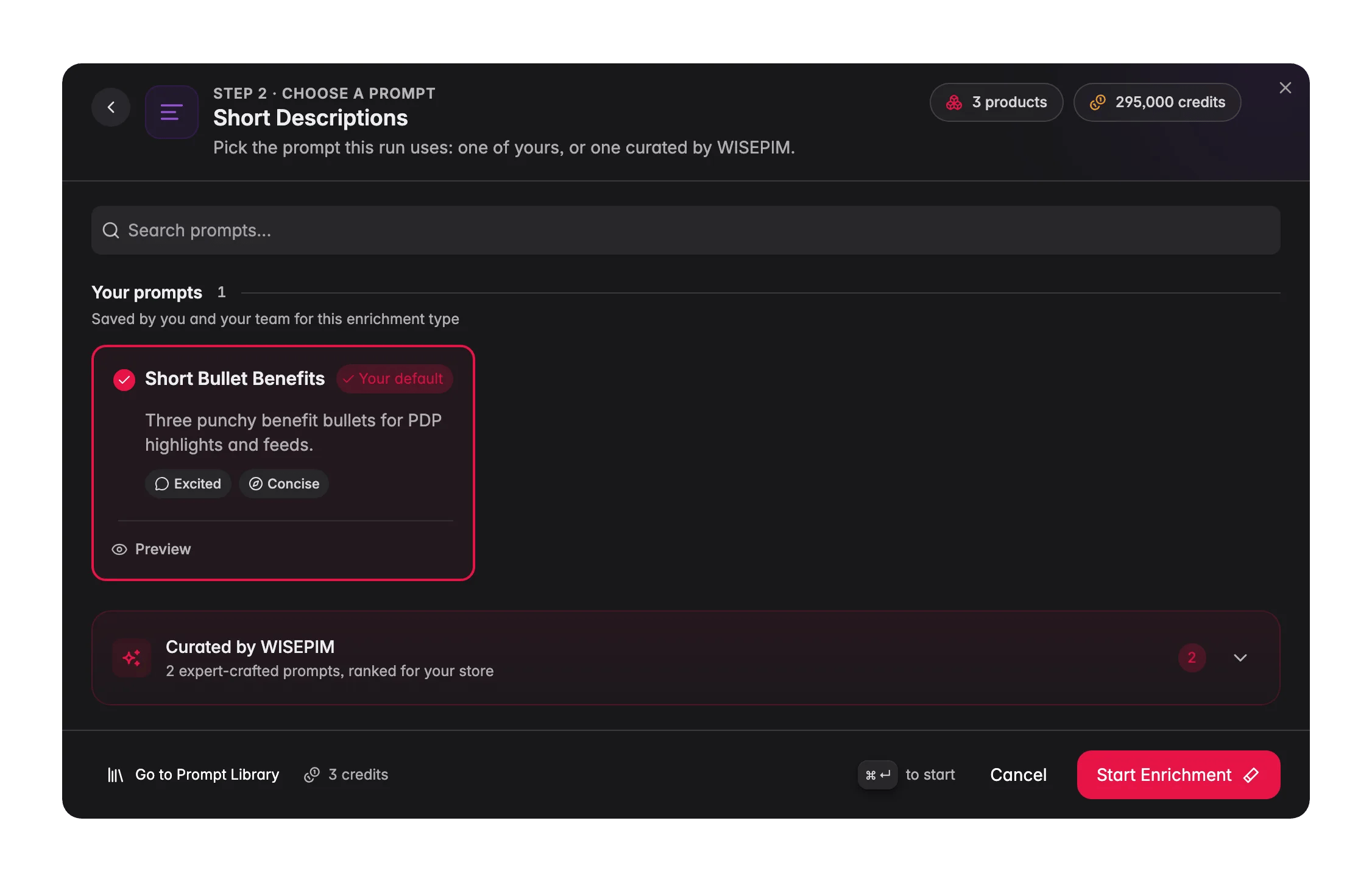
Select a prompt
Choose a short-description prompt from your Prompt Library. Default prompts from Settings → Enrich Prompts are pre-selected.No prompt of your own yet? Open the Curated Prompts tab. These are written by WISEPIM and ranked for your industry, so the best fit is near the top. Use Set as default on the one you pick and it is pre-selected from then on.
5
Pick a target size
The prompt carries a target size, so length is a setting rather than a sentence you have to write.
For short descriptions, Compact or a small Custom value is usually the right call.
6
Start Enrichment
Click Start Enrichment and track it in the Process Tracker. If a run stops early, use Resume there to finish only the products that were not processed yet, at no extra credit cost.
What a great short-description prompt produces
A short description is a discipline in editing. Bake the constraints into the prompt:- Set a hard length budget. One or two sentences, or a character ceiling (commonly 120–160 characters) that fits your card layout.
- Lead with the single biggest benefit. There is only room for one hook, make it the one that matters most to the shopper.
- Include one distinguishing detail. A key spec or use case helps the product stand out in a grid of similar items.
- No repetition of the title. The card already shows the title, the short description should add new information, not echo it.
Act on what you find
Short descriptions overflow the card
Short descriptions overflow the card
Drop the target size to Compact, or set a Custom size, and re-run a small batch to confirm. Outcome: summaries that fit every grid and card cleanly.
They just repeat the title
They just repeat the title
Add a rule: “Do not repeat the product title. Add a benefit or use case the title does not mention.” Outcome: cards that give shoppers a reason to click beyond the name.
Tone doesn't match the rest of the catalog
Tone doesn't match the rest of the catalog
Point the prompt at your Knowledge Library brand voice, or copy the voice rules from your full-description prompt. Outcome: consistent tone across short and long copy.
Related
Descriptions
Write the full product descriptions that pair with these summaries.
Enriching Products
Overview of all 15 enrichment types.
Prompt Library
Build and organize your short-description prompts.
Enrich Prompts
Set the default prompt used by Auto-Fill.