

These are project-level defaults. Select a project from the switcher first. If no project is active, the page asks you to pick one before you can set defaults.
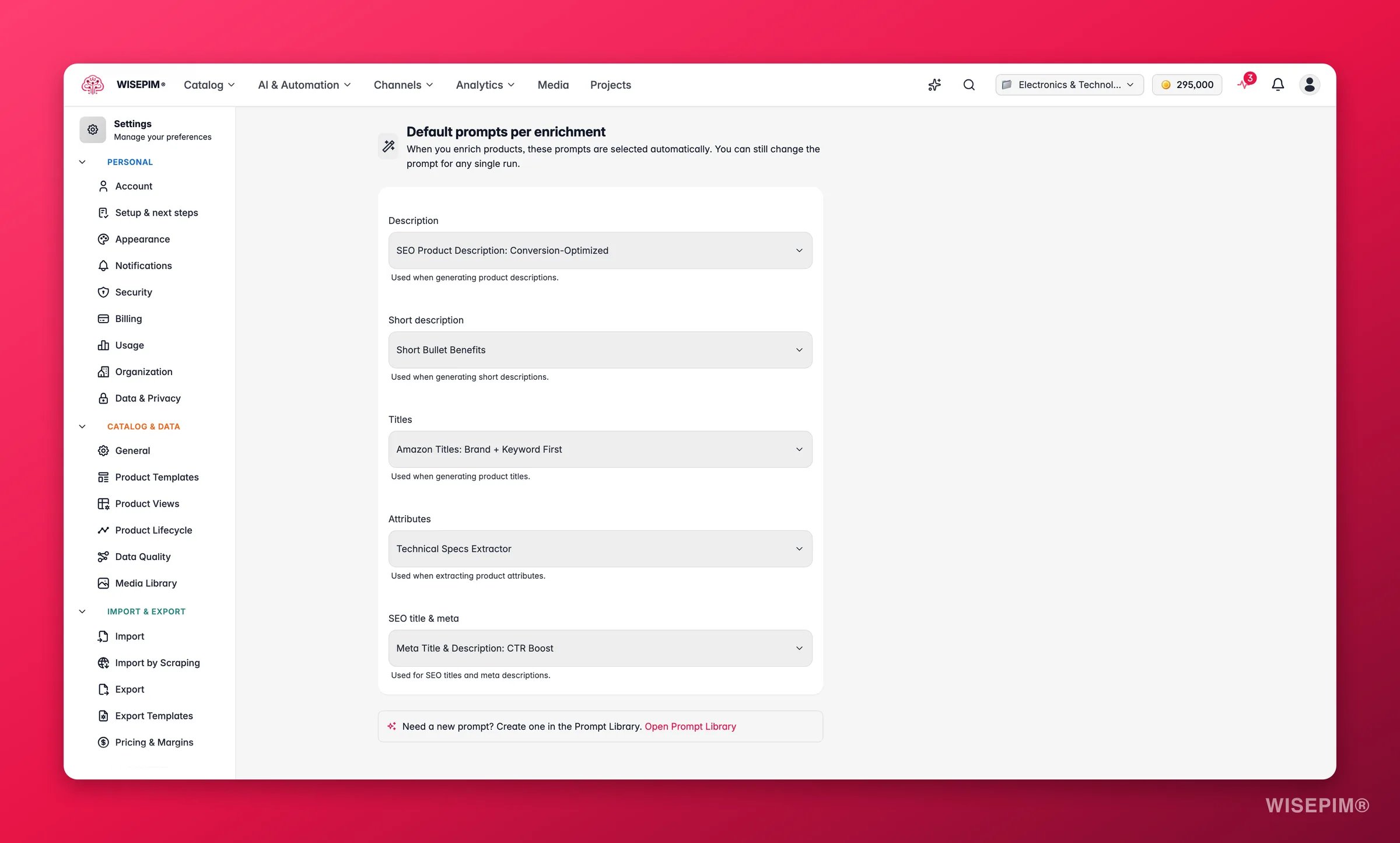
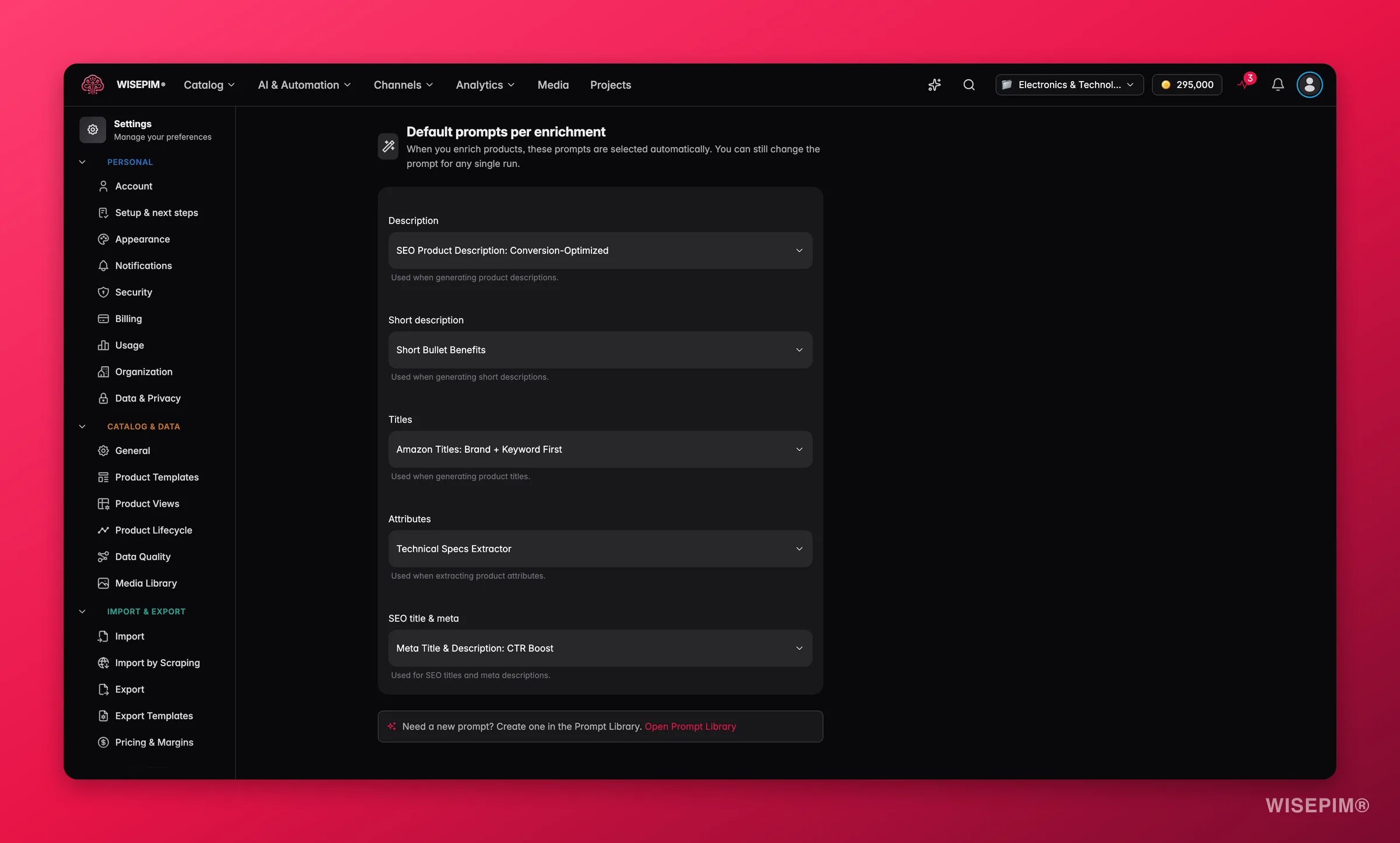
Default prompts per enrichment
Each enrichment type has its own dropdown. Pick a prompt and it becomes the default for that type across your project. Leave a dropdown on No default and WISEPIM falls back to its built-in instructions for that type.
Each dropdown lists only the prompts that match that enrichment type, so you can never assign a description prompt to the SEO slot by mistake. If a dropdown is empty, you have no prompt of that type yet. Create one first (see Save your changes below for where prompts come from).
Description and short description deliberately share a single default. A description-shaped prompt works for both, so setting one default covers both fields.
1
Find the enrichment type
Pick the row for the type you want to set, for example Titles or SEO title & meta.
2
Open the dropdown
It lists every prompt in your project that matches that enrichment type.
3
Choose a prompt
Select the prompt your team should use by default. To clear a default, set the dropdown back to No default.
Where your defaults show up
A default you set here does two things across the app:- Preselected in the Enrich modal. When anyone opens the Enrich modal for a product or a selection, the prompt for that enrichment type is already chosen. They can still switch to a different prompt for that single run. Your default is a starting point, not a lock.
- Used by Auto-Fill. Auto-Fill fills gaps in a product using your defaults, so it writes the missing description, titles, attributes, or SEO metadata with the exact prompts you picked here. No prompt selection step required.
Save your changes
Change any dropdown on this page and a save bar appears at the bottom right:- Save changes: stores your default prompts on the project.
- Reset: reverts every dropdown to the last saved state.
Related
Enriching products
See how the Enrich modal and Auto-Fill use the defaults you set here.
Prompt Library
Create and manage the prompts that appear in each enrichment dropdown.
Prompt Lab
Draft and test prompts before adding them to your library.
Settings Overview
Browse every personal and project setting in one place.