

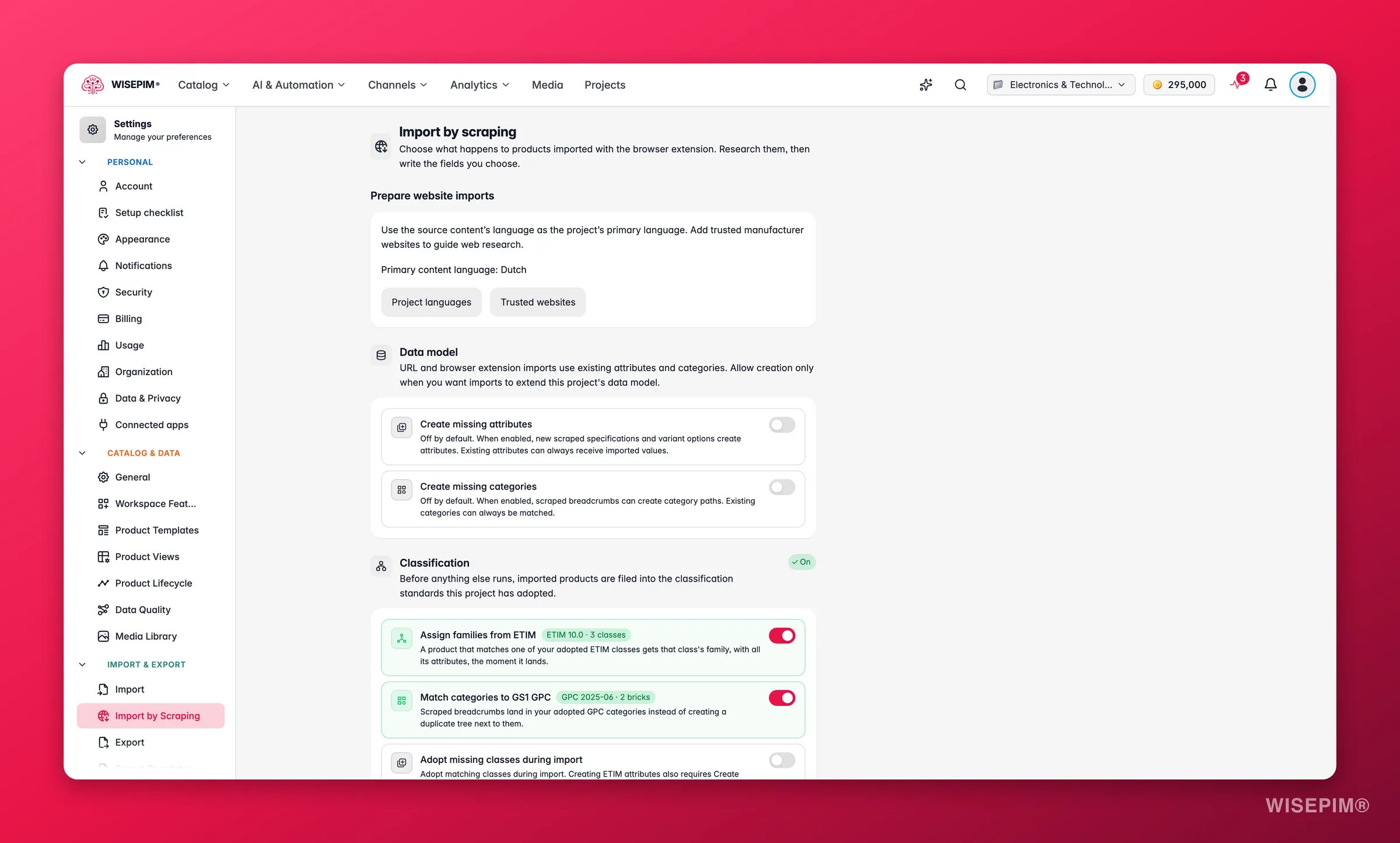
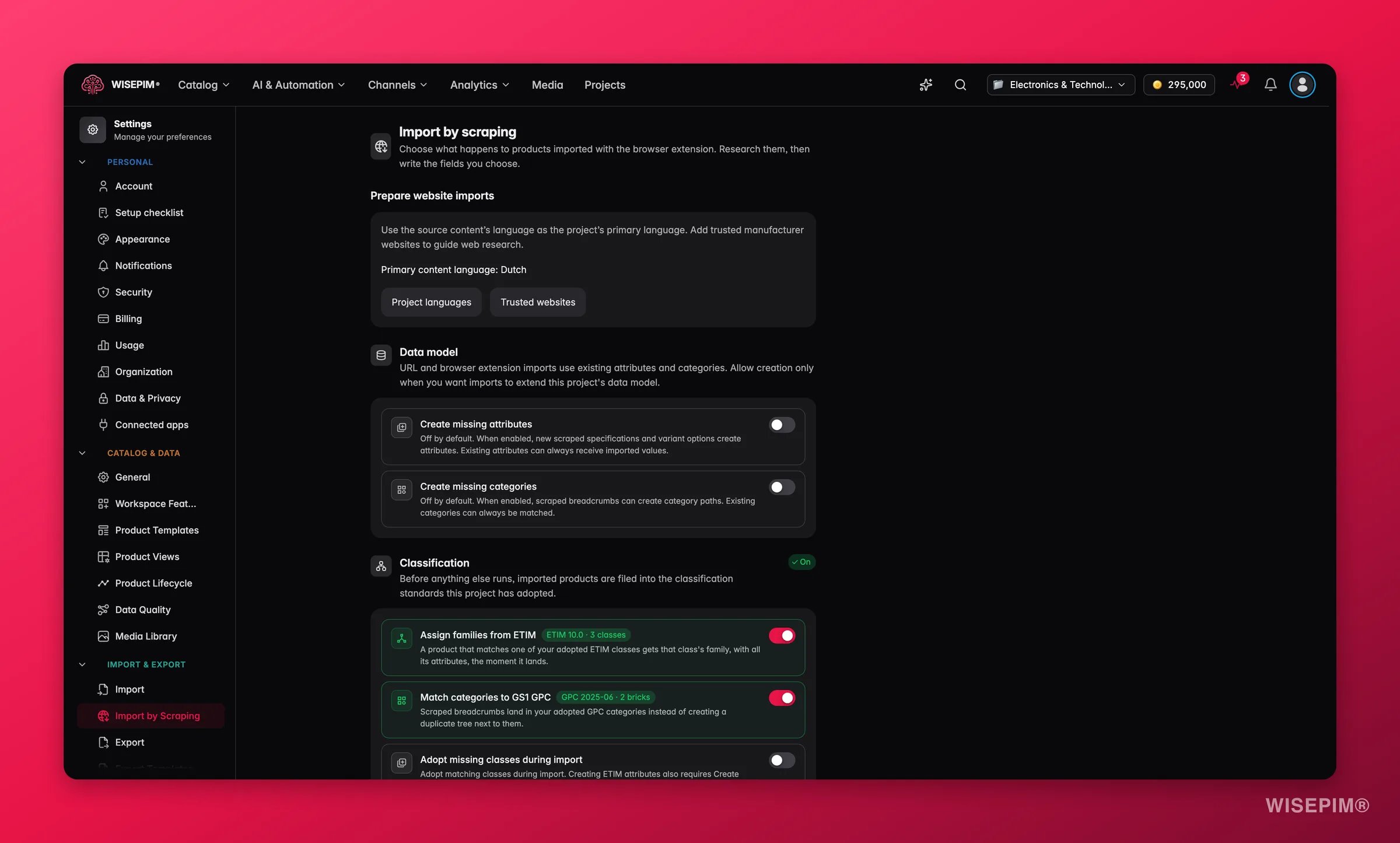
These settings are project-wide. The browser extension can skip the enrichment chain for a single import (useful when you grab one product just to look at it), but classification always runs. It is free and structural.
Prepare website imports
Two links help before your first import:- Project languages: shows the Primary content language. Set it to the language of the sites you import from, so the content lands in the right language.
- Trusted websites: add manufacturer websites to guide web research.
Data model
By default, extension imports fill the attributes and categories you already have. Allow creation only when you want imports to extend this project’s data model.Projects created since 19 October 2026 start with Create missing attributes on and Create missing categories off, so the specs of a first import aren’t lost. Older projects keep their stored setting, which is off for both unless you changed it.
Classification
If your project has adopted classification standards, imported products are filed into them before anything else runs:
The section shows which release you’re on and how many classes or bricks you’ve adopted (for example “ETIM 10.0 · 24 classes”). Until you’ve adopted at least one standard, the toggles stay inert and the section links you to Browse ETIM classes and Browse GPC categories to set that up first.
After an import: the enrichment chain
Turn on Enrich scraped products automatically and the steps below run, in order, whenever an extension import finishes.Step 1: Web research
Looks each product up on the web and merges the verified facts first, so the writing step has something real to work from. This costs research credits per product, and enrichment waits for the research to land before writing. This step needs the Pro plan or higher. Without it you can still run web research by hand from the products table. How research behaves (focus, allowed sources, which fields it may update) comes from Web Research settings.Step 2: Write the content
Bulk Enrich writes each field you pick, using the project’s default prompt unless you choose another per field:- Descriptions
- Short descriptions
- Titles
- SEO title and meta
- Attributes
Related
Web Scraping Import
Import products with the browser extension.
Classification (ETIM & GS1 GPC)
Adopt the ETIM classes and GPC categories imports file into.
Web Research Settings
Control what research focuses on and which fields it updates.
Bulk Enrich
The writing step of the chain, also available on its own.