

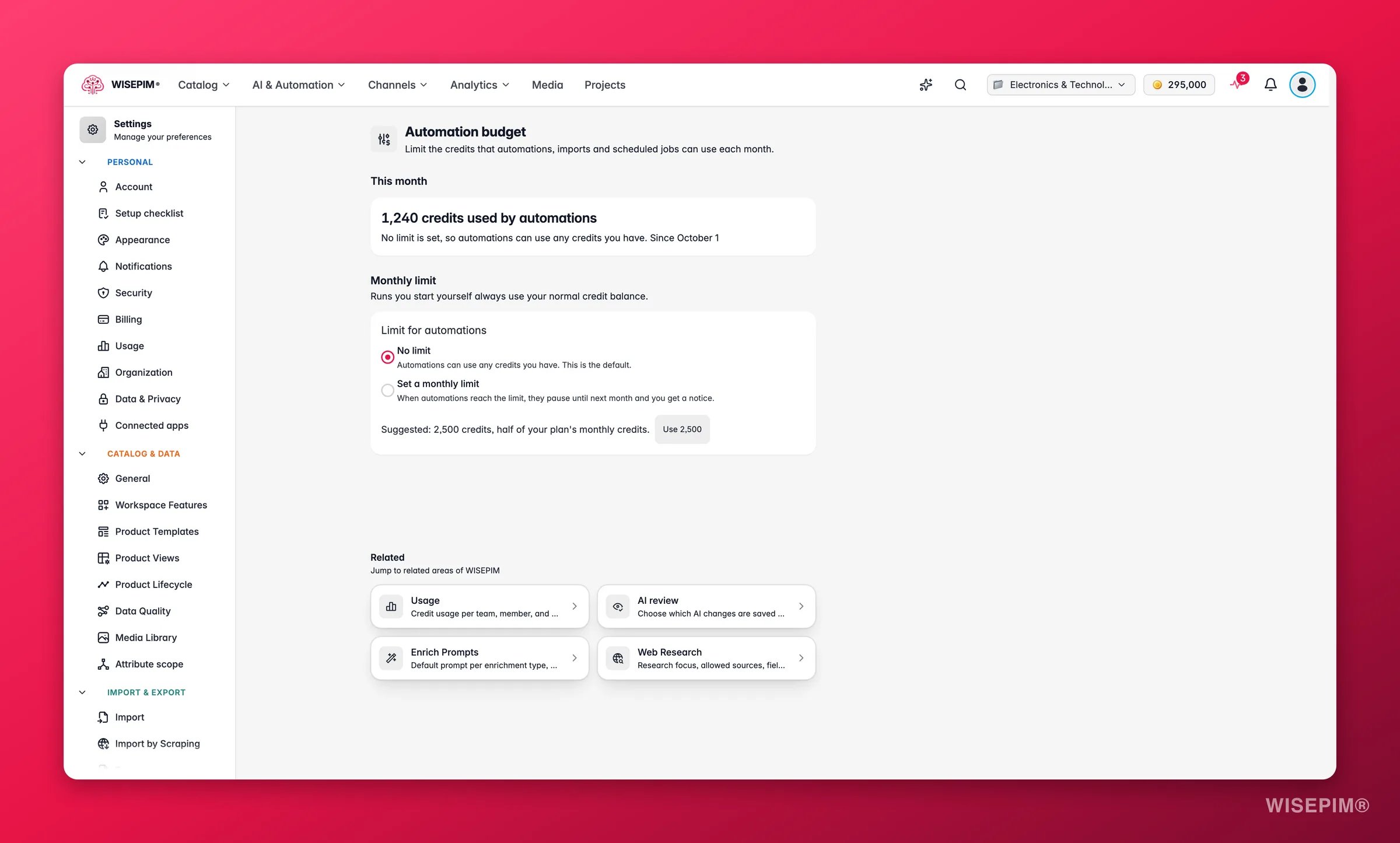
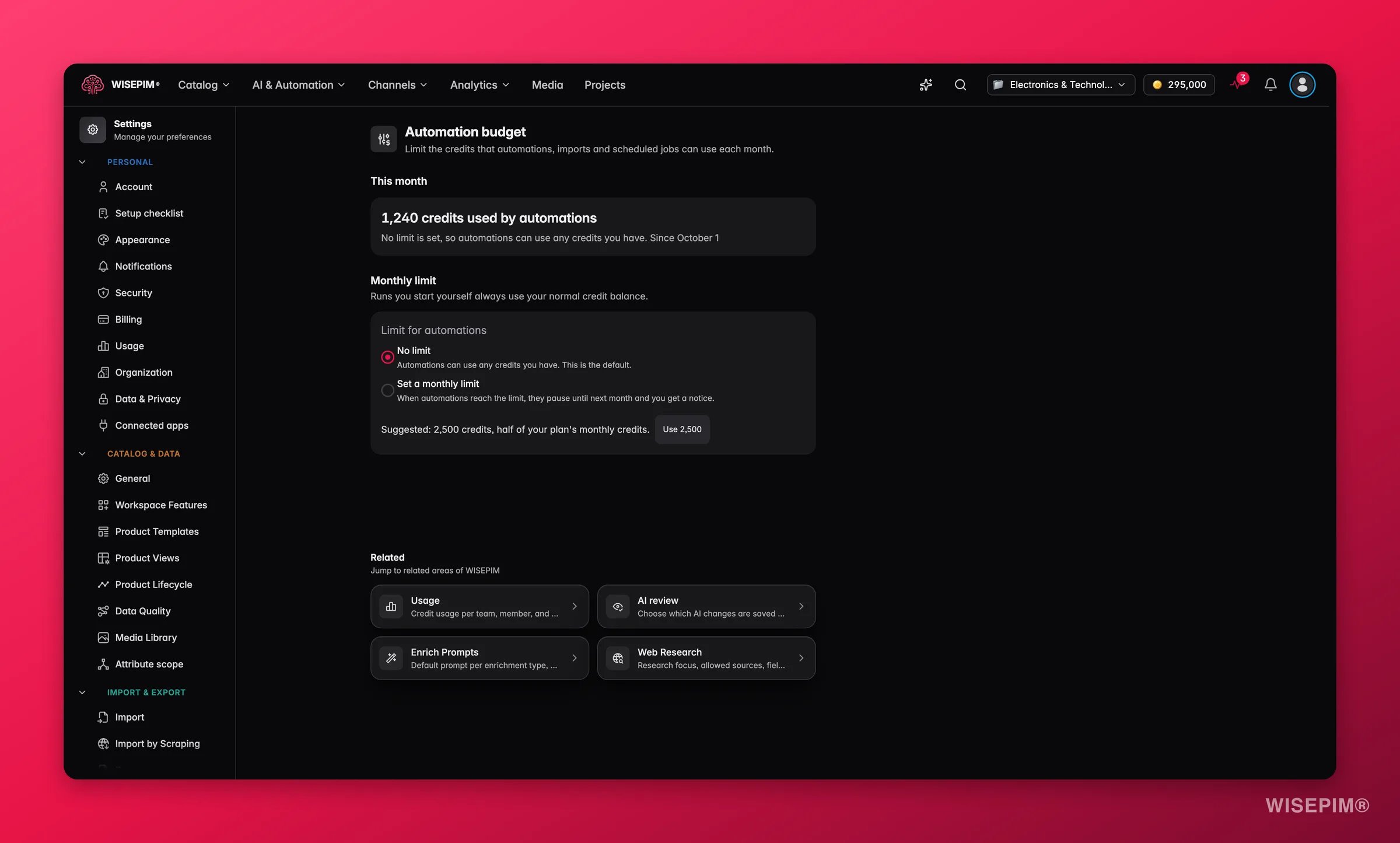
This is a cap, not an allocation. It does not set credits aside. Two other controls limit spending in different ways: monthly caps per team member in Usage Settings, and credit budgets per project in Organization Settings.
This month
The This month section shows what automations spent since the first of the month:- Without a limit: “120 credits used by automations” with “No limit is set, so automations can use any credits you have.”
- With a limit: “120 of 500 credits used” with a Credits used this month meter and a marker for your notice threshold, such as “Notice at 80%”.
Set a monthly limit
Under Monthly limit, choose Limit for automations:
With a limit, fill in two fields:
WISEPIM shows a suggested amount, such as “Suggested: 1,000 credits, half of your plan’s monthly credits.” Click Use 1,000 (or whatever amount is shown) to fill it in. The suggestion never applies itself.
Save your changes. You see “Automation budget saved”. Only project owners and admins can change the budget.
What counts as automation
When the limit is reached
WISEPIM checks the budget before it starts unattended work. If the estimated cost doesn’t fit in what is left this month, the work is skipped and does not start. Work that is already running always finishes, so spending can end up slightly over the limit. You get two in-app notices at most per month:
The budget resets on the first day of each calendar month. Refunds for failed work in the same month free up budget again.
Act on what you find
Automations paused in the middle of the month
Automations paused in the middle of the month
Raise Credits per month, or switch to No limit, so the next automated runs can start. Runs you start yourself keep working in the meantime.
You don't know what limit to set
You don't know what limit to set
Start with the suggested amount and keep the notice at 80%. Check what automations spent at the end of the month in Usage Settings and adjust.
You want to stop all automation spending for now
You want to stop all automation spending for now
Choose Set a monthly limit and enter 0 under Credits per month. Runs you start yourself keep working.
A teammate burns credits with manual runs
A teammate burns credits with manual runs
The automation budget doesn’t cover manual runs. Set a monthly cap per member in Usage Settings instead.
Related
Usage Settings
See where credits go and cap spending per team member.
Organization Settings
Share one credit pool across projects and give each project a budget.
AI Review Settings
Decide which AI changes are saved right away and which wait for you.
Catalog Jobs
Schedule catalog-wide jobs whose spending counts toward this budget.