

Category FAQs
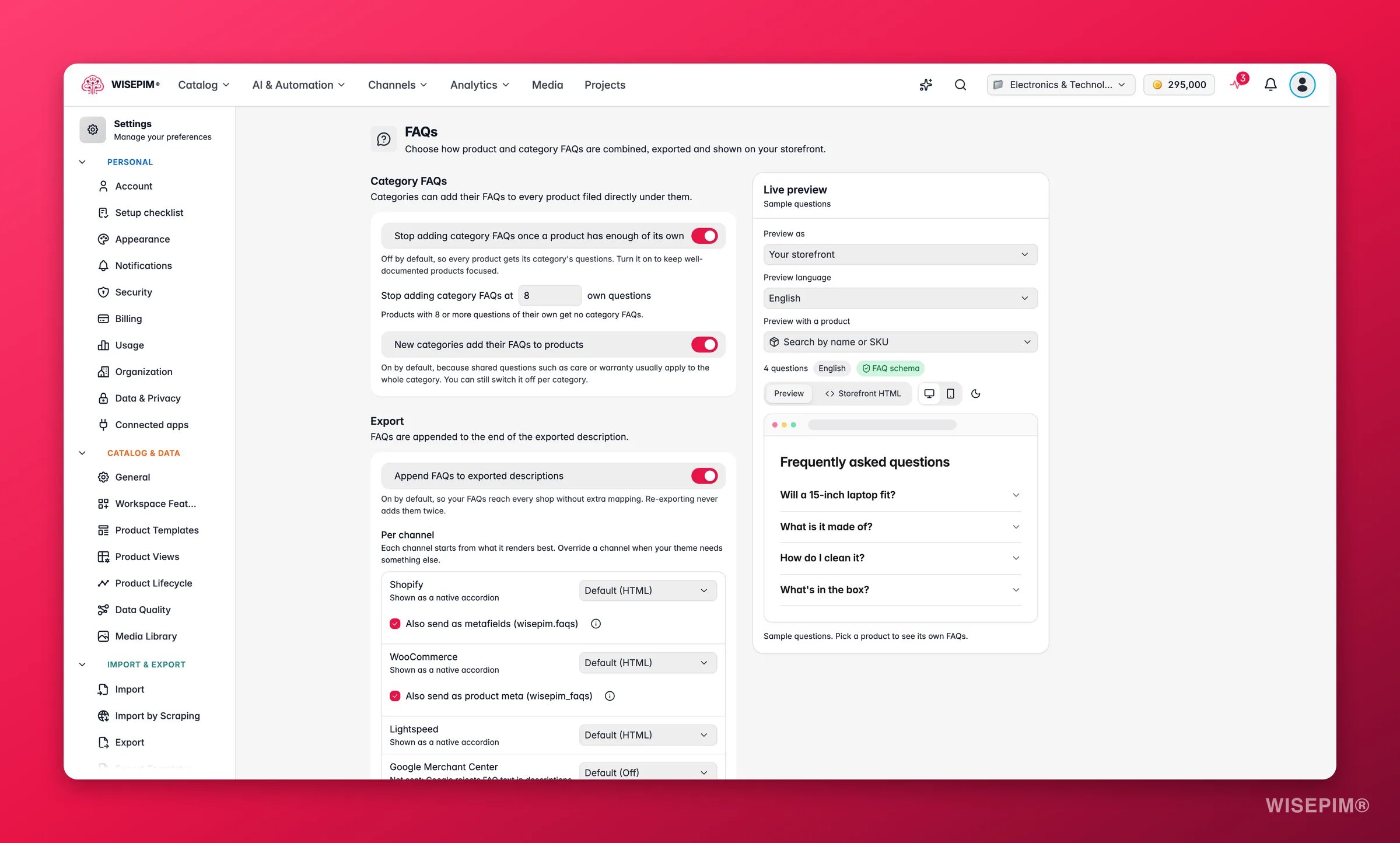
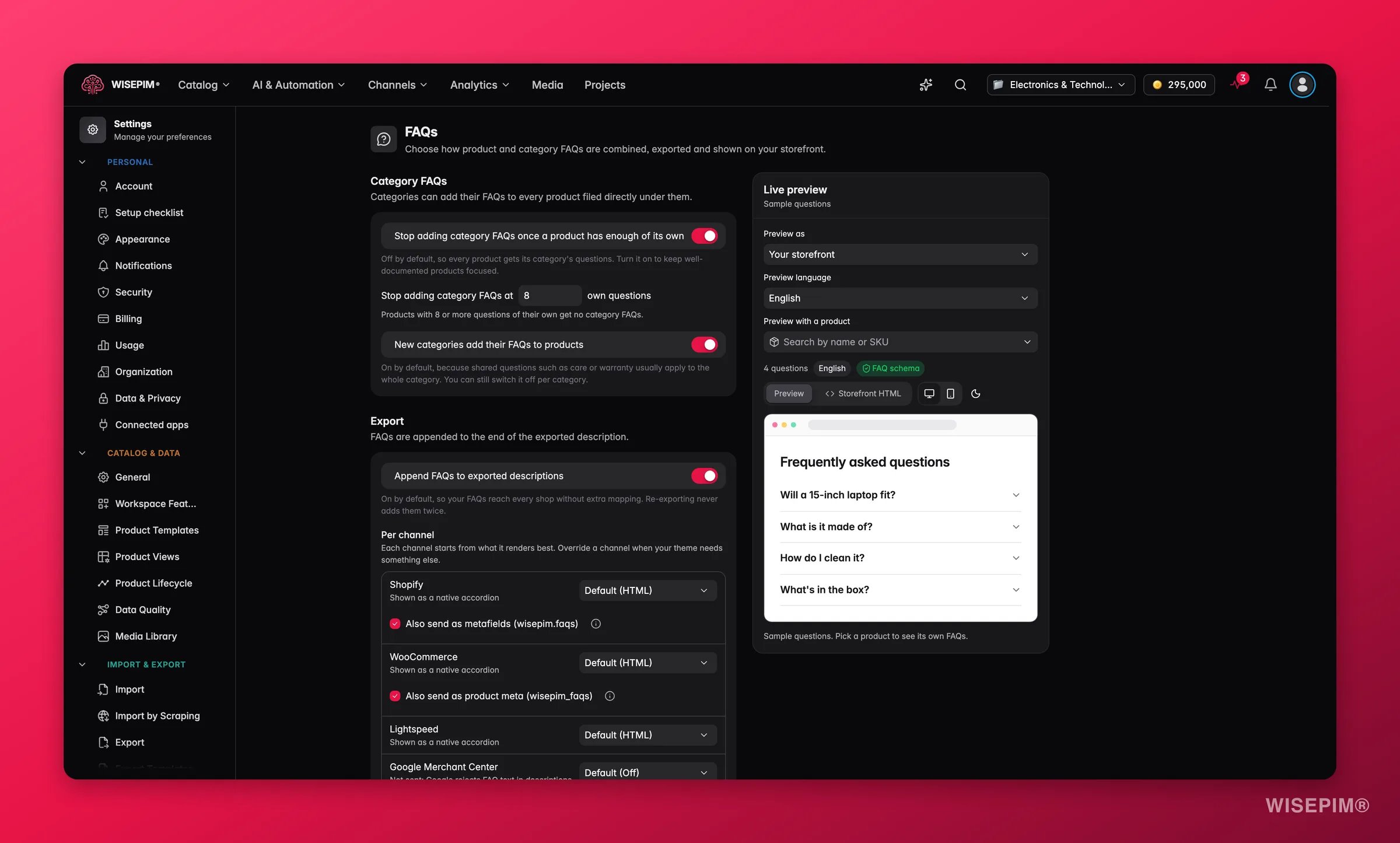
Categories can add their FAQs to every product filed directly under them. Two settings control this:
A single product can override the limit, or switch category questions off entirely, in its FAQs tab.
Export
FAQs are appended to the end of the exported description. Append FAQs to exported descriptions is on by default, so your FAQs reach every shop without extra mapping. Re-exporting never adds them twice: WISEPIM replaces the old block each time, and strips it again when you re-import the product.Per channel
Each channel starts from the format it renders best. Pick FAQ format for a channel to override it: Default, HTML, Plain text or Off. The default shows in brackets, for example Default (HTML), with a one-line reason below the channel name.
When a channel has a length limit on descriptions, WISEPIM drops whole questions from the end of the block to fit. It never cuts an answer in half.
Structured data
Three platforms can also receive the FAQs as clean data, so themes, apps and AI assistants can read them. All three are on by default:WISEPIM also sends FAQPage schema. Google shows FAQ rich results only for a few authoritative sites, so don’t expect them in search results. AI assistants and your theme still benefit.
Use it in your theme
The Use it in your theme section gives ready-made code to print the FAQPage schema from the structured data: Shopify: product template (Liquid) and WooCommerce: functions.php or a code snippets plugin (PHP). Click Copy and paste the code where your product template renders. If you print this JSON-LD yourself, turn off Add FAQ schema markup under Layout and style, so the page doesn’t carry two FAQPage entities. The Turn off schema markup button does that for you.Layout and style
These settings shape the HTML block inside your product descriptions. Use recommended resets them.Generation
These settings decide what happens when WISEPIM AI writes FAQs for your products.When suggestions are ready
This is the project default. You can pick another option for each run in the Enrich dialog.What counts as safe
A suggestion is added automatically only when it passes every rule:- Adds to the list, never replaces it (always on). Runs that replace a product’s FAQs always wait for you.
- Isn’t a duplicate (always on). It doesn’t repeat a question the product already shows, its own or from a category.
- Cites its sources (on by default). Every answer added without review points to product data or research.
- Stop once a product has enough questions of its own (off by default). When on, set Stop adding at a number of own questions per product. Off means only the 50-question limit applies.
Live preview
The Live preview panel updates as you change settings:- Preview as: Your storefront, or one of your channels.
- Preview language: see the heading and questions in another language.
- Preview with a product: search by name or SKU to use a real product’s FAQs instead of sample questions.
Act on what you find
FAQs show up twice on your Shopify product page
FAQs show up twice on your Shopify product page
Your theme probably prints the
wisepim.faqs metafield and the description also carries the block. Either set Shopify to Off under Per channel and render from the metafield, or untick Also send as metafields (wisepim.faqs).Google Merchant Center rejected descriptions
Google Merchant Center rejected descriptions
Keep Google Merchant Center on its default, Off. Google rejects FAQ text in descriptions.
The block looks unstyled in your theme
The block looks unstyled in your theme
Switch Style to Styled and pick colors, or keep Use my theme and target the
wpim-faq class in your theme’s CSS.Well-documented products get too many questions
Well-documented products get too many questions
Turn on Stop adding category FAQs once a product has enough of its own, or set Limit the number of questions to cap what shoppers see.
You review hundreds of AI suggestions after every run
You review hundreds of AI suggestions after every run
Set When suggestions are ready to Add the safe ones automatically. You then only review what a rule held back.
Related
Product FAQs
Write, generate and review FAQs per product and in bulk.
Exporting Products
Send products, with their FAQ block, to your channels.
Bulk Enrich
Run AI enrichment across many products at once.
Managing Product Categories
Add FAQs to a category and choose whether its products get them.