

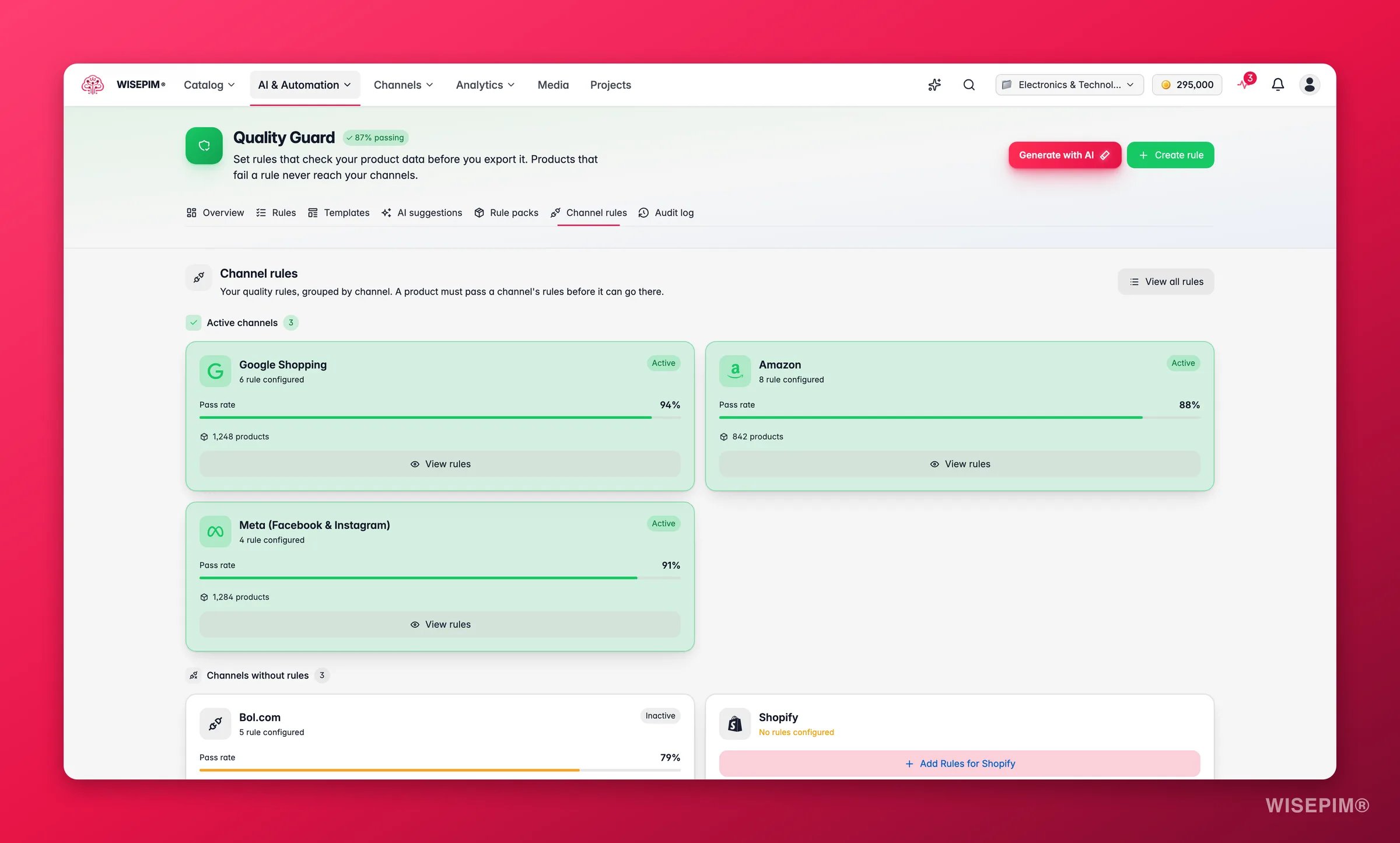
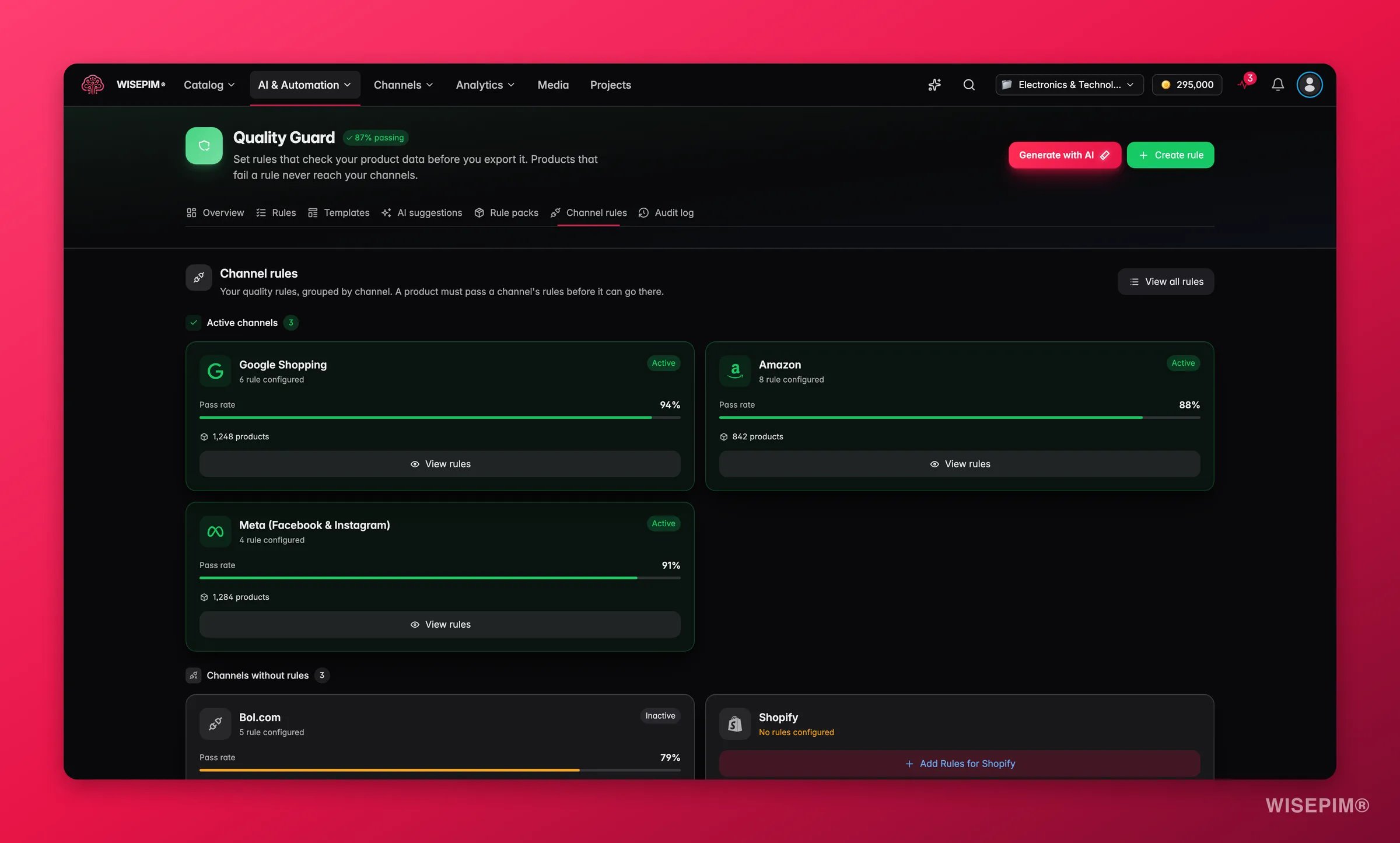
Channel Rules are not a new rule type. They are a filtered view of your existing quality rules, grouped by the channel they apply to. Give a rule a channel-specific scope and it shows up under that channel here.
Read the Channel Rules page
The page groups your rules by platform. Each channel card shows:- Channel name and icon: the platform this rule set covers.
- Rules count: how many quality rules apply to this channel.
- Compliance rate: the share of products that pass all of the channel’s rules.
- Products covered: how many products these rules affect.
- Status: whether the rule set is active or inactive.
- Active Channels: channels with active rules in place.
- Unconfigured Channels: connected channels that have no rules yet.
Supported channels
Quality Guard supports channel rules for every platform WISEPIM integrates with:Google Shopping
GTIN, brand, product category, image requirements, and title formatting.
Shopify
SEO fields, variant data, image counts, and product type classification.
Amazon
Bullet points, search terms, category attributes, and A+ content readiness.
Meta / Facebook
Product condition, availability, pricing format, and image specifications.
WooCommerce
Short descriptions, stock status, weight and dimensions, and category mapping.
Kaufland & More
Marketplace identifiers, shipping attributes, and compliance data.
Set up channel rules
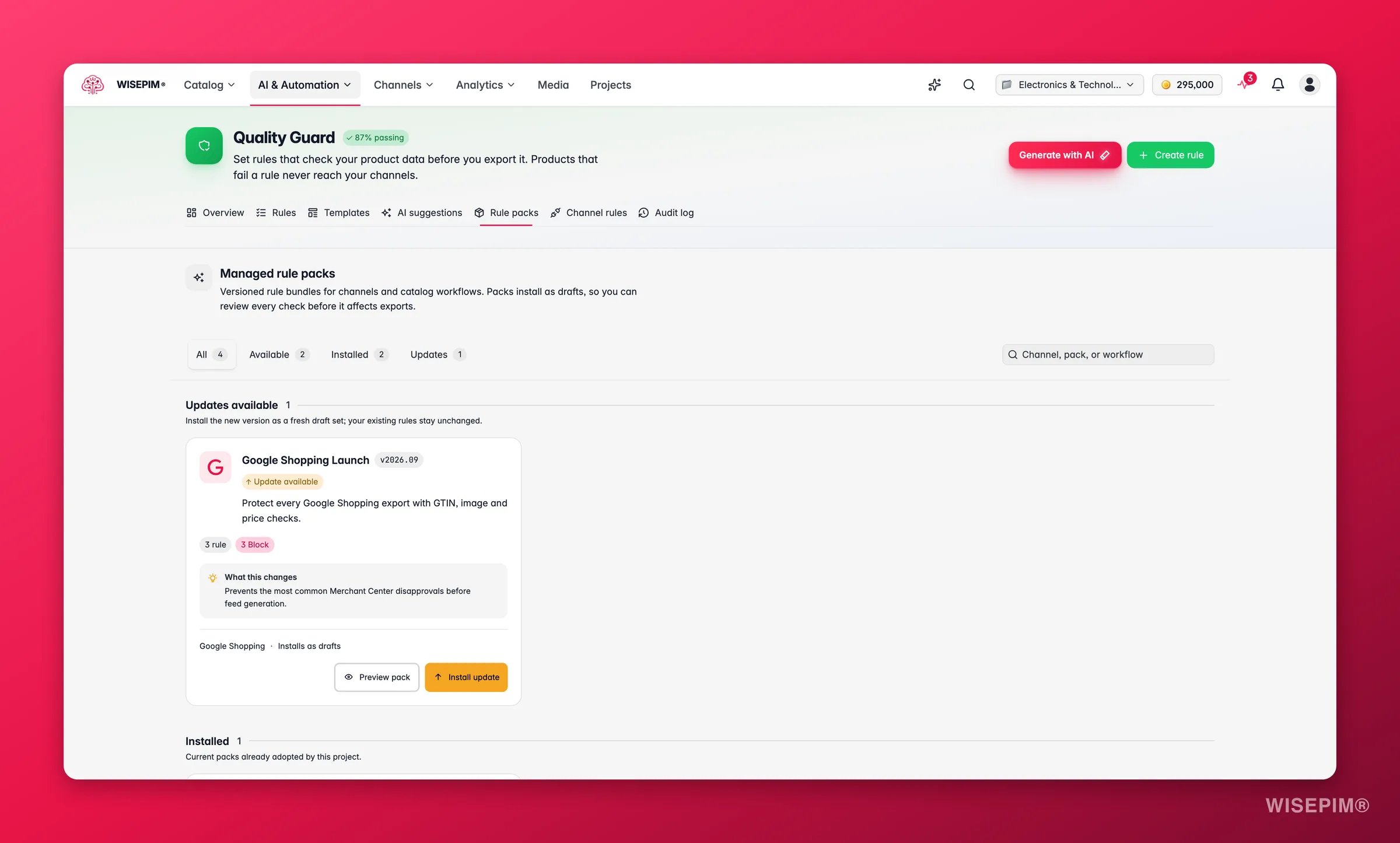
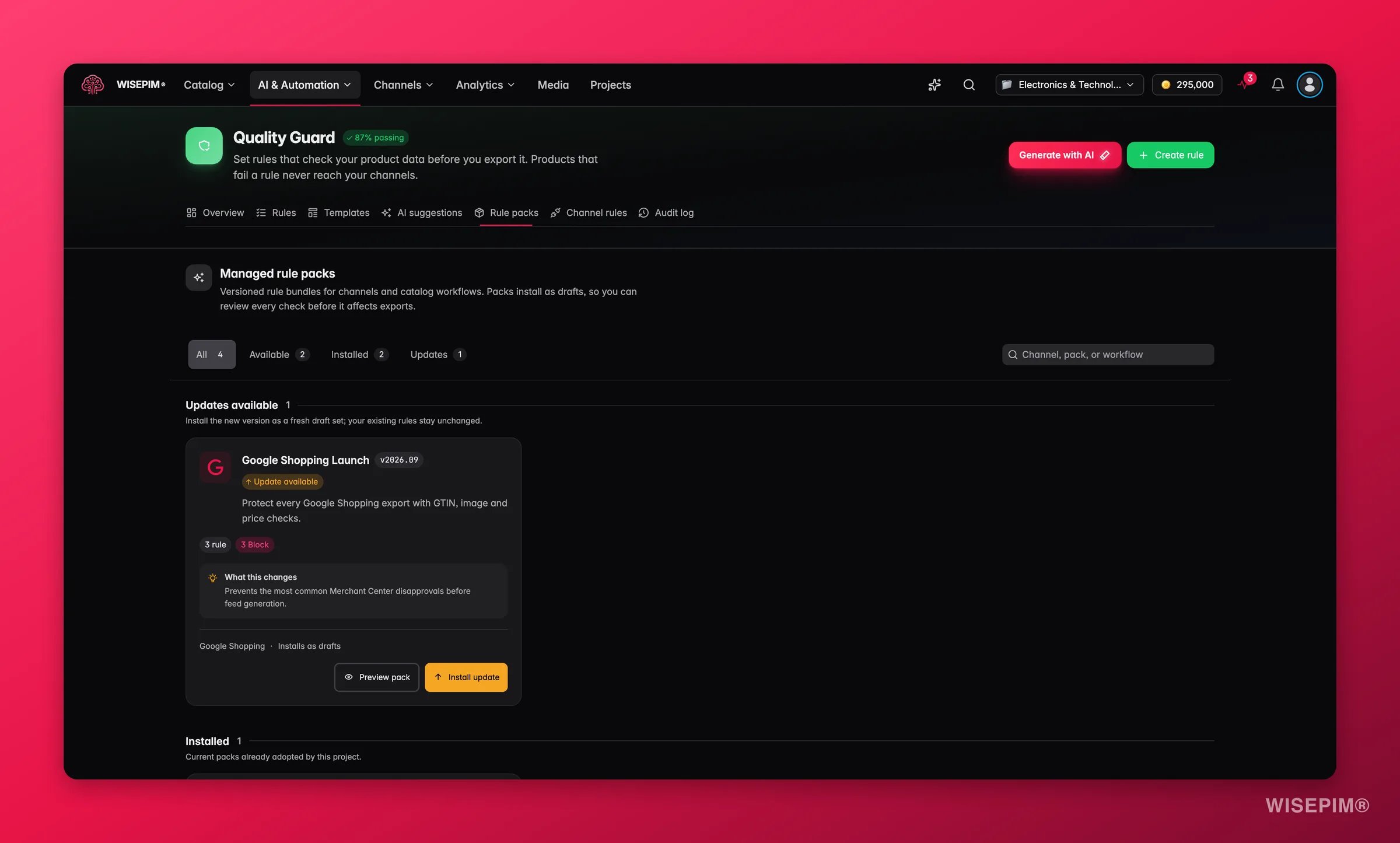
Not every pack is tied to a channel. Global packs such as Catalog Foundation or Media Readiness apply to every channel, curated packs follow a marketplace’s published spec, and Platform Ready packs are generated from a connector’s own export contract for CCV Shop, Lightspeed, Magento 2, Mirakl, Shopify, ShopWired and WooCommerce. See Rule Packs.
1
Find your channel
On the Channel Rules page, locate the channel you want to configure. If it sits under “Unconfigured Channels,” click Add Rules to start.
2
Create channel-scoped rules
When you create a rule, set its Scope to the channel. The rule then applies only when you export to that platform.
3
Use a template
For popular channels, WISEPIM offers pre-built rule templates that cover common platform requirements. Browse them from the Quality Guard dashboard and apply them in one click.
4
Check compliance
Return to the Channel Rules page to see each channel’s compliance rate. It tells you how many products are ready for that platform.
Track compliance
Each channel card shows a compliance rate: the share of covered products that pass all of the channel’s rules. The progress bar is color-coded:- Green (80%+): most products are export-ready.
- Yellow (60–79%): a notable share needs attention.
- Red (below 60%): this channel has significant data quality issues.
Common channel requirements
These are typical requirements you can enforce per channel. Treat them as starting points, then adjust to your own data standards.Google Shopping
Google Shopping
- GTIN/EAN is not empty and matches a 13-digit format
- Product Name is not empty and under 150 characters
- At least 1 product image
- Brand is not empty
- Price is greater than 0
Amazon
Amazon
- Product Name is between 50 and 200 characters
- Description is at least 200 characters
- At least 3 product images
- EAN/GTIN is not empty
- Product is assigned to at least one category
Shopify
Shopify
- Meta Title is between 30 and 60 characters
- Meta Description is between 120 and 160 characters
- At least 1 main image
- Price is not empty and greater than 0
Every business has unique requirements. Customize your channel rules to match your product data standards and platform setup.
Best practices
- One rule set per channel. Keep channel requirements separate from your general rules for clarity.
- Watch compliance trends. Check channel compliance rates often, especially before a big export.
- Start with templates. Pre-built templates cover the common requirements and save setup time.
- Test before you block. Use Warn severity first to see how many products are affected, then switch to Block once your data is solid.
- Keep rules current. Platforms change their requirements. Revisit your channel rules when you see export rejections.
Related
Quality Rules
Build and scope the rules that power each channel.
Quarantine
Handle products that fail a channel’s blocking rules.
Audit Log
Track every channel rule change over time.
Quality Guard Overview
See how channel rules fit the bigger quality picture.