

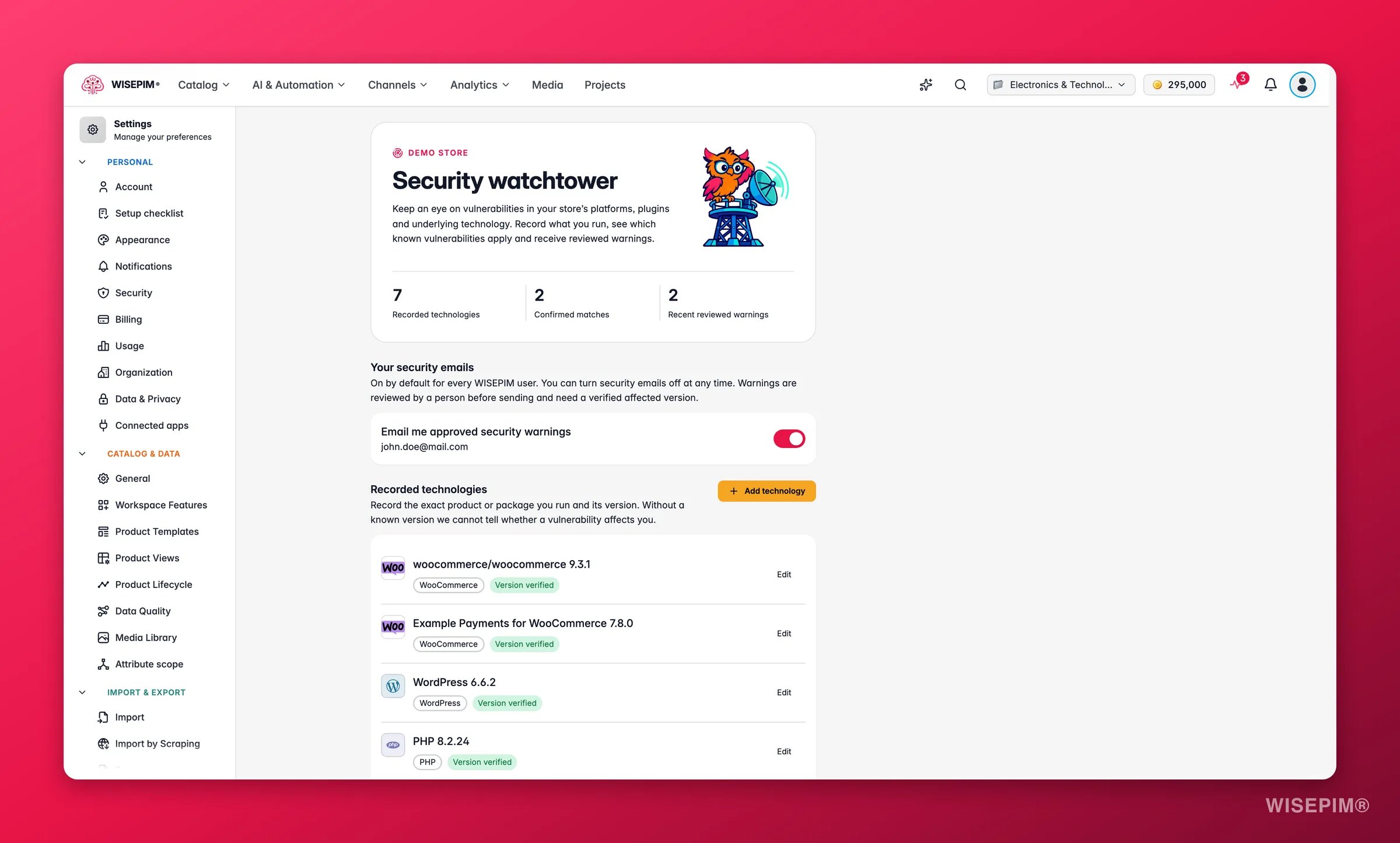
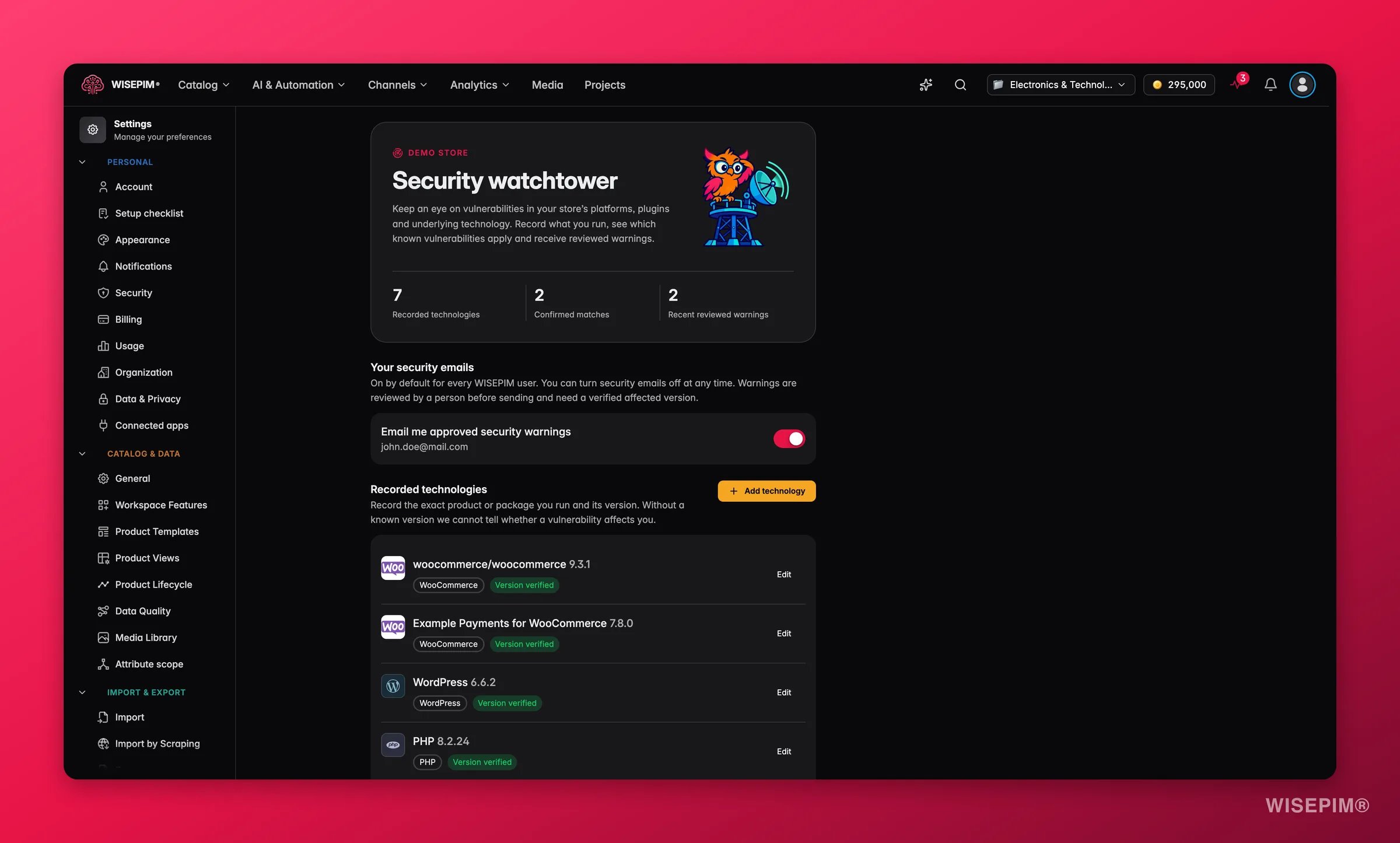
Your security emails
The Email me approved security warnings toggle is on by default for every WISEPIM user. You can turn it off at any time. It is a personal setting: every member of the project decides for their own address. A warning email only goes out when two things are true:- A person at WISEPIM has reviewed and approved the warning.
- The vulnerability affects a version that was recorded and verified in your project.
This toggle is separate from the Security watchtower notification type under Notification Settings. That type controls the bell notification in the app. This toggle controls the email.
Record your technologies
The Recorded technologies section lists the exact products and packages your store runs, with their versions. Without a known version WISEPIM cannot tell whether a vulnerability affects you, so this list is the foundation of everything else on the page.Automatic discovery from your connections
When you test a store connection under Integration Settings, the watchtower reads the technology behind it and records it for you:
Discovery needs a clean public HTTPS store URL. Records that come from a connection get the same badges as manual ones, so check them and edit anything that looks off.
Add a technology by hand
Click Add technology to open the Technology details form. Fill in:- Technology family: a searchable picker over the catalogue of 184 families. Filter by category: Runtimes, Libraries, Infrastructure, Databases & cache, Message queues, Search, Frameworks, Frontend, Ecommerce, Content management, PIM & product data, Automation, Marketing, Analytics, Operations, Identity & access, Collaboration, ERP & warehouse, Payments, CRM, Shipping and AI services. Search by package name, such as
symfony/http-kernel, or by an alias, such aspostgres. - Product or package: the exact ecosystem name. For Composer packages that is the vendor and package, such as
shopware/core. For WordPress plugins and themes it is the exact name or the wordpress.org slug, such aselementor. API versions are not installed software versions. - Installed version: the version you run, for example
6.5.8.2. - Currently in use: turn this off for software you keep recorded but no longer run. It then shows as Inactive.
- Version evidence: where you read the version, for example
composer.lock, your hosting panel or the admin footer. - I verified this version against the deployed installation: tick this once you have checked the version on the live store, not on a staging copy.
Vendor-managed services, such as a hosted SaaS tool, show Vendor managed. The vendor applies the fixes, so you record them for context only. Their versions are not matched against known vulnerabilities.
Known vulnerabilities in your stack
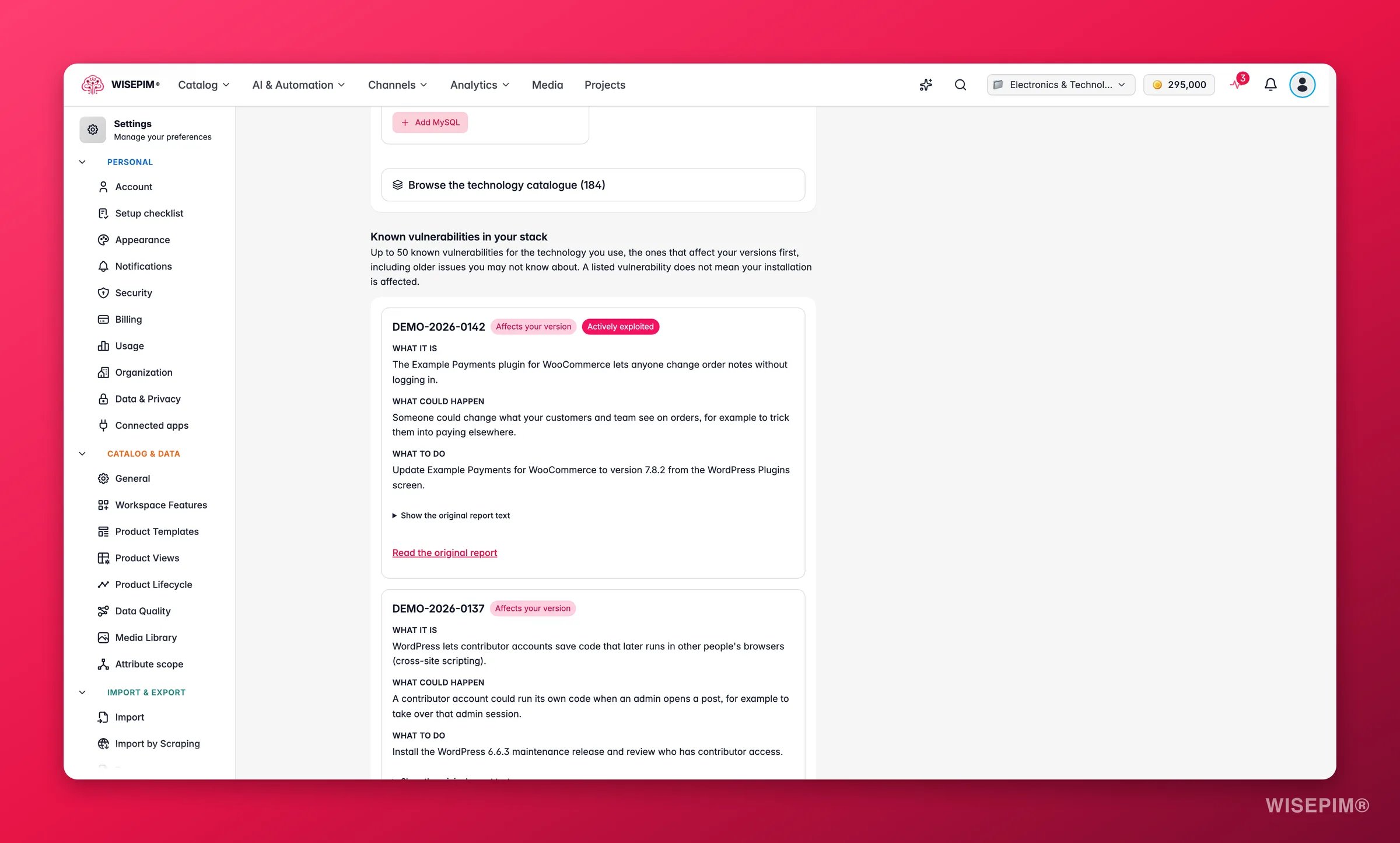
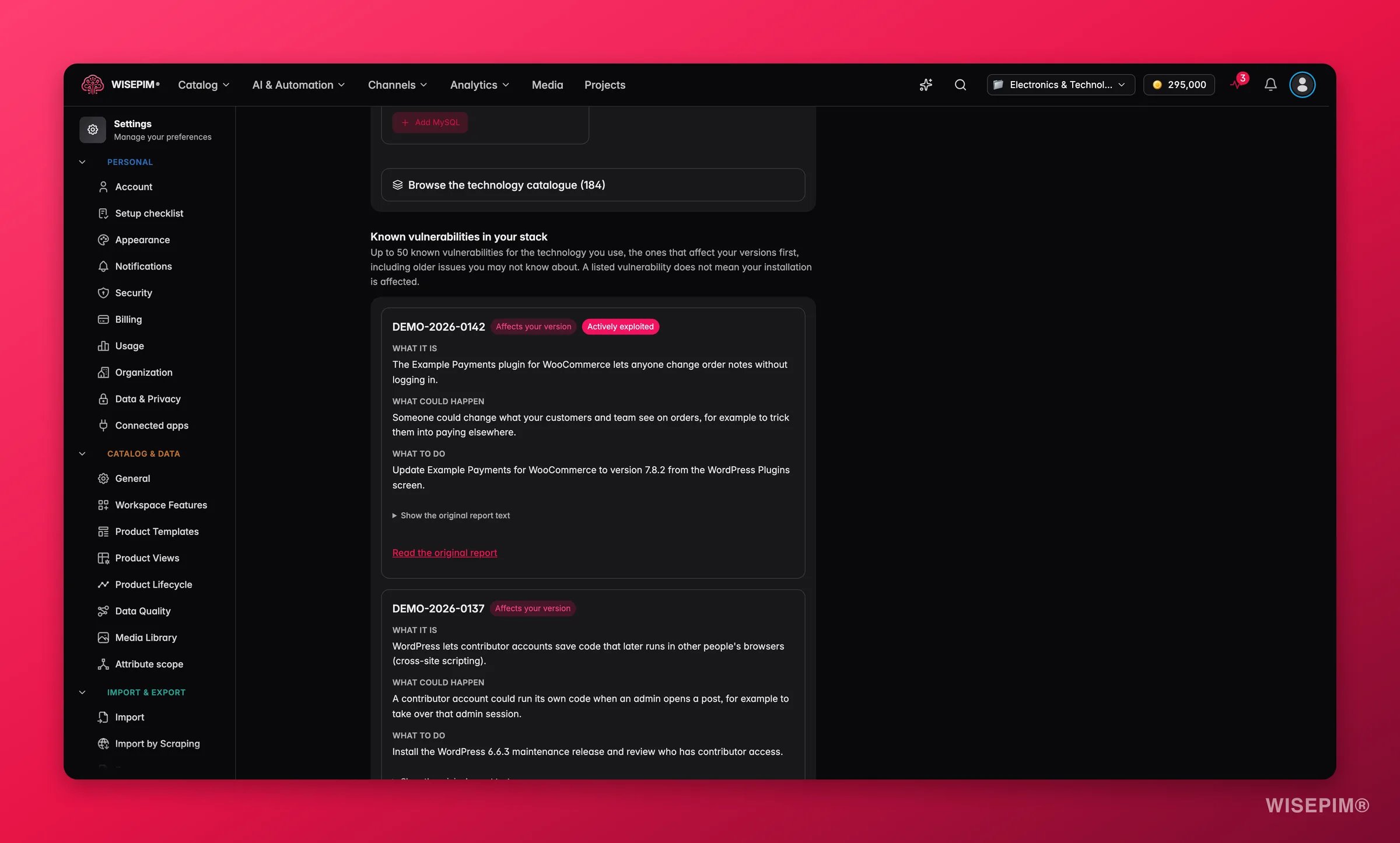
Every card explains the issue in plain language:
- What it is: the vulnerability in one or two sentences.
- What could happen: the realistic consequence for a store.
- What to do: the fix, naming the release that closes the issue.
How matching works
Matching is deliberately conservative. A warning is only worth something if it is right.- Versions match on exact numbers or numeric ranges from the advisory. An unknown version never matches.
- WordPress core never matches a plugin or theme vulnerability. A plugin matches only when you recorded it by its exact name or slug.
- Vendor-managed services are never matched.
Coverage and data sources
The watchtower follows Magento and Adobe Commerce, WooCommerce and WordPress, Shopware, PrestaShop, OpenCart, PHP, MySQL and MariaDB. For WordPress it also includes more than 42,000 plugin and theme records from Wordfence Intelligence, including vulnerabilities that have no fix yet. Sources are CVE.org, the CISA Known Exploited Vulnerabilities catalogue, OSV, publisher advisories on GitHub, NVD and Wordfence. Each card names its source and license under Data sources and licenses. The monitor checks for new and changed records every 15 minutes.Understand your technology stack
Below the inventory, Understand your technology stack suggests related components worth checking, based on the architecture of what you recorded. Each suggestion tells you the relationship:- Extends this platform: a plugin, app or theme that runs inside a platform you recorded.
- Built on this technology; verify the deployed release: a dependency the platform ships with.
- May use this component; verify the actual configuration: an optional component that is common but not guaranteed.
Warning history and the email
Recent reviewed warnings lists your latest 20 approved warning emails that the email provider accepted. Provider acceptance does not confirm inbox delivery, so check your spam folder if you expect one and it is missing. A warning email:- Has a subject that starts with “Security watchtower:”.
- Opens with “This does not mean your store has been hacked”, because it is about a known vulnerability in a version you run, not about an intrusion.
- Carries the same What it is, What could happen and What to do sections as the card on this page, and says “Actively exploited, according to CISA” where that applies.
- Has a Read the original report button and a per-project unsubscribe link, which is the same as turning off the toggle above.
What it is not
Security watchtower is an early-warning service. It is not a penetration test, it does not scan your store for intrusions, and it does not install patches. A warning identifies a known vulnerability in a verified version; your team stays responsible for assessing the guidance, applying the update and checking the result. If WISEPIM does not know your version, it will not guess.Permissions
- Project editors, admins and the owner manage technology records.
- Viewers see the page and the vulnerabilities, but can only change their own email preference. The page says so: “A project editor can manage technology records. You can manage your own email preference.”
- The email toggle is always personal, whatever your role.
Act on what you find
A warning email arrived
A warning email arrived
Open the project it names and go to Settings > Security watchtower. Find the card with Affects your version, read What to do and update to the named release on your store’s own update screen. Then edit the technology record with the new version and tick the verification checkbox. The vulnerability drops out of your confirmed matches once the version is outside the affected range.
A plugin you run is not in the catalogue
A plugin you run is not in the catalogue
Pick the platform family it belongs to, such as WordPress or Shopware, and enter the plugin in Product or package by its exact name or slug. Plugins you built yourself, or premium plugins that have never had a public report, cannot be matched because there is nothing to match against.
A record shows Version unknown or Needs verification
A record shows Version unknown or Needs verification
Look the version up at the source: the admin footer, your hosting panel or
composer.lock. Edit the record, enter it under Installed version, note where you found it under Version evidence and tick the checkbox. Until then the record cannot trigger a warning, and matching vulnerabilities show Needs checking instead of Affects your version.Auto-discovery recorded nothing for your WooCommerce store
Auto-discovery recorded nothing for your WooCommerce store
Open Integration Settings, make sure the store URL is a public HTTPS address without extra path segments, and test the connection again. Discovery runs on a successful test.
You get too many emails, or none at all
You get too many emails, or none at all
Turn the Email me approved security warnings toggle off to stop emails for this project. If you expect emails and see none, check the toggle is on, check Recent reviewed warnings for accepted sends, and remember that only verified versions with an approved warning trigger an email.
Related
Notification Settings
Decide whether security warnings also appear as a bell notification in the app.
Security Settings
Protect your own WISEPIM login with two-factor authentication and session control.
Integration Settings
Connect and test your store so the watchtower records its technology automatically.
WooCommerce Integration
Set up the connection that discovers WordPress, PHP, the database and every active plugin.