

Choose how you get alerts
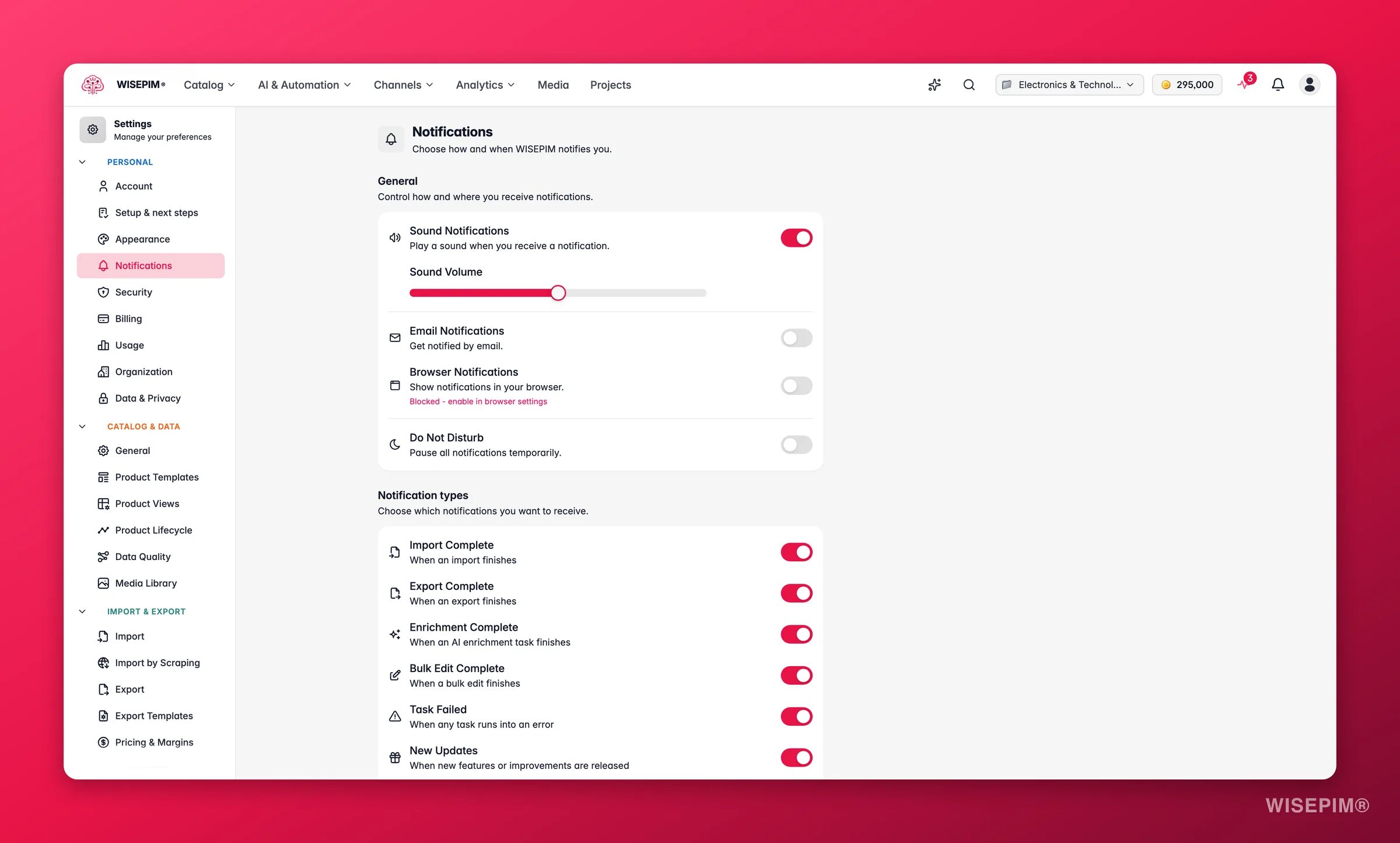
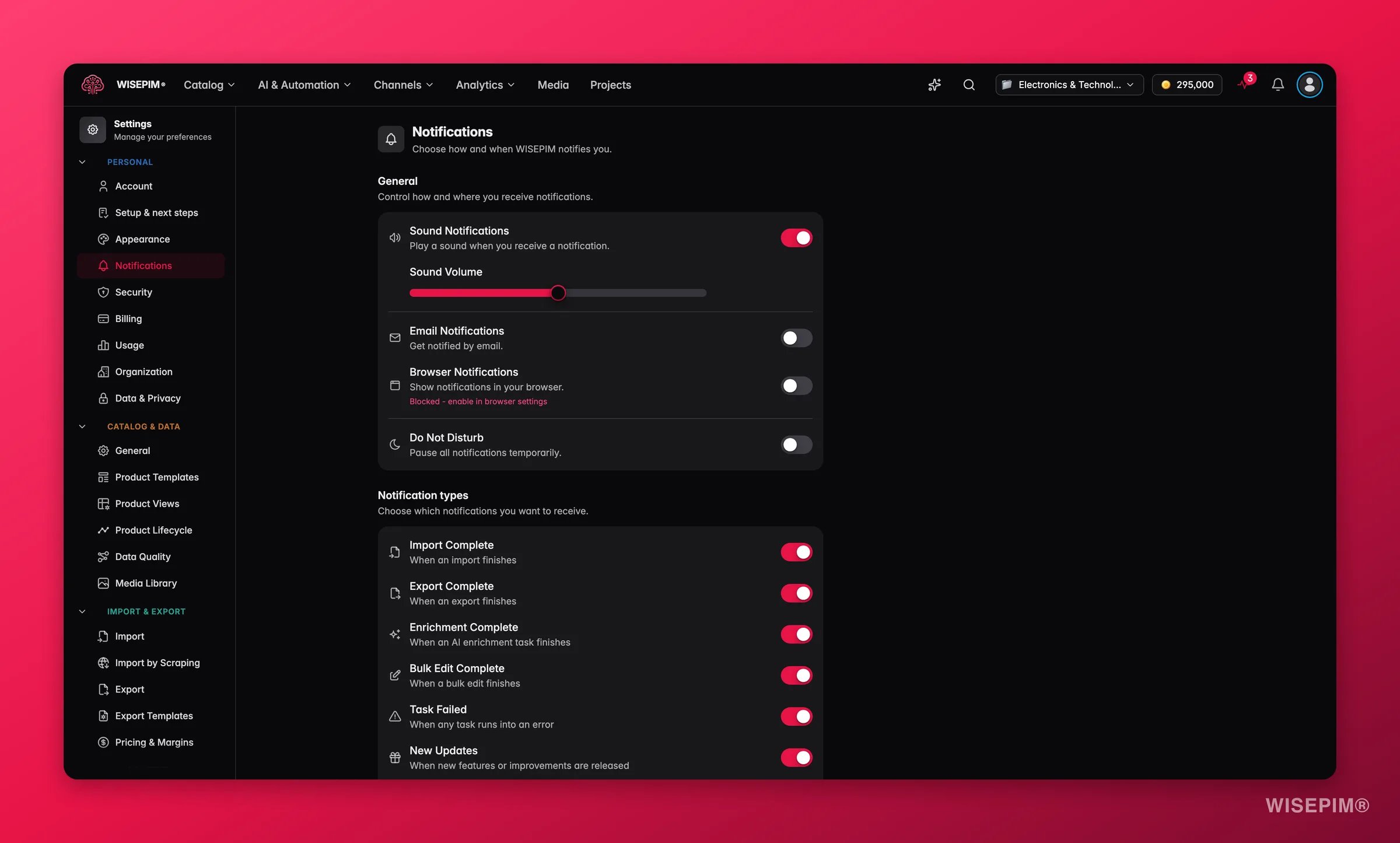
Notifications arrive in real time. The moment a task finishes or fails, the alert appears. You never have to refresh the page to find out.
Sound
Play a sound when something happens. Turn this on to reveal a volume slider, then set the level from 0 to 100.Browser
Get push alerts even when WISEPIM sits in a background tab. Your browser asks for permission the first time.1
Turn on the toggle
Your browser shows a permission prompt if you have not allowed notifications before.
2
Click Allow
The permission status appears below the toggle: granted, denied, or not yet requested.
Mute everything with Do Not Disturb
Turn on Do Not Disturb to pause every notification at once. Use it for focused work sessions. Your alerts stay off until you turn it back off.Pick which events you hear about
Switch each notification type on or off so your feed stays focused.Order imports do not send notifications. Scheduled order syncs run quietly in the background so they never flood your feed. To check on one, open the Process Tracker and set the source filter to System.
The weekly catalog digest
Once a week WISEPIM emails you a digest of the projects you own or belong to, up to five of them, most recently changed first. It is on by default for every account with an email address and arrives on Monday at 08:00 in your timezone. Every number in it comes from data already in the app. Depending on what your projects have, the digest covers:- Overview: product count, quality score with its week-over-week change, completion, and what needs attention.
- Quality by domain and What happened this week: which products were touched, added or updated, and by whom.
- What WISEPIM did for you: enrichment per kind and the estimated hours saved.
- Needs attention: content gaps with Fix buttons that open a pre-filtered product list, plus the three lowest-scoring products.
- Sales, Google Search and site traffic: revenue, orders and average order value versus the previous week, Search Console clicks and rising queries, and GA4 sessions and conversions when those sources are connected.
- Alerts fired, Achievements unlocked, a Suggested focus for next week and one Did you know? feature tip.
Free and trial accounts that have not logged in or changed anything for a week receive the digest built on the sample products, with a banner saying so.
Save your changes
A save bar appears at the bottom of the page when you have unsaved changes.- Click Save to store your preferences.
- Click Undo to go back to your last saved settings.
Your settings live on the server, so they follow you across devices and browsers.
Related
Account settings
Update your registered email, the address your notifications go to.
Enriching products
Run AI enrichment and get an alert when it finishes.
Bulk editing
Make changes in bulk and get notified when the job completes.
Importing products
Start an import and know the moment it is done.