

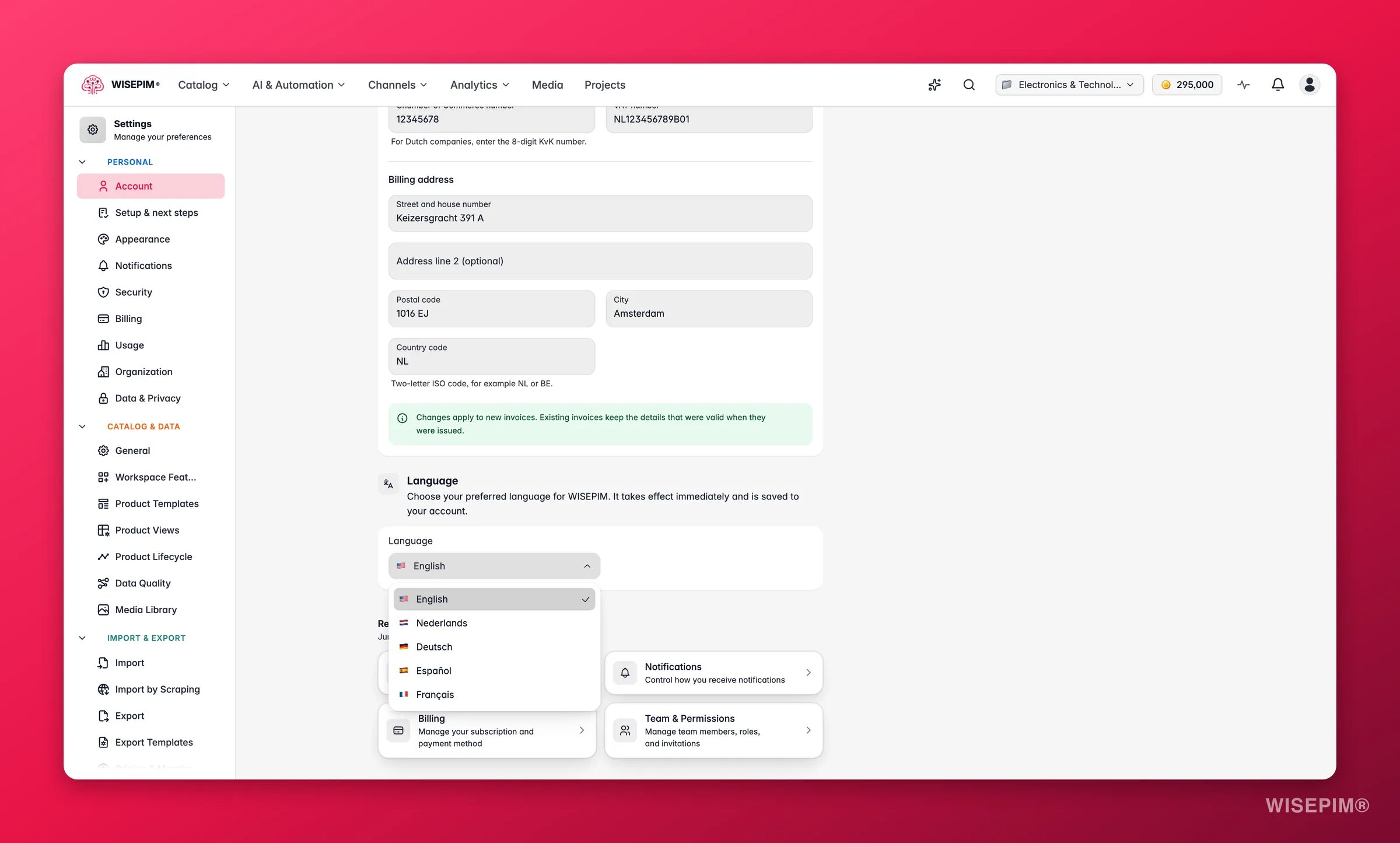
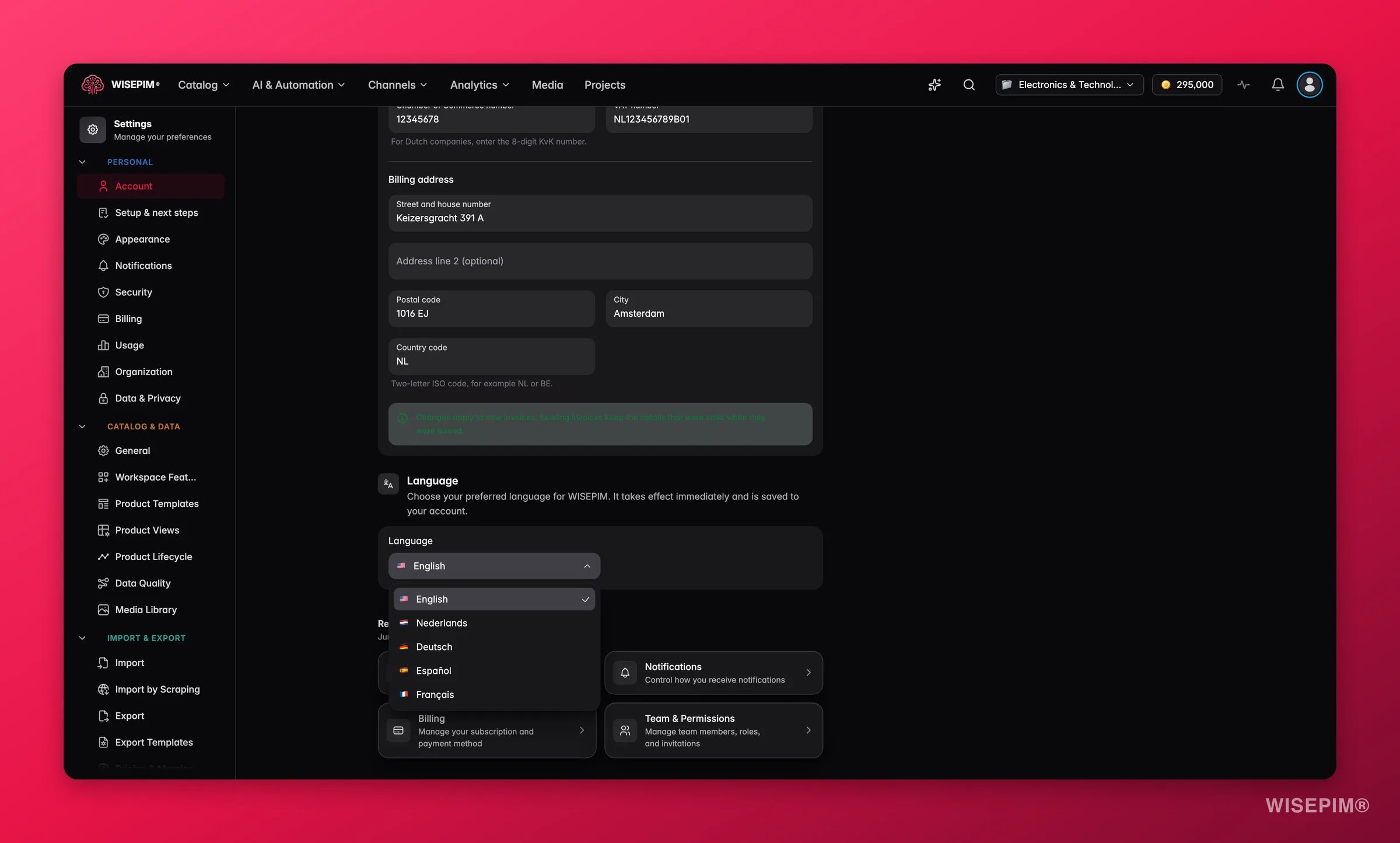
This setting controls the app interface language only. It has nothing to do with translating your product content into other languages. For that, see Translation Settings.
Changing your language
Go to Settings > Account and find the Language section. Open the dropdown, pick your preferred language, and the interface switches immediately (no page reload needed). Your choice is saved to your profile automatically. You can also set your language during the onboarding flow when you first sign up.Supported languages
Default language for new accounts
When you create a new account, WISEPIM picks a sensible starting language based on how you signed up and your browser’s language preference. If you registered from a Dutch-language page, Dutch is selected. Otherwise, your browser language is used as a hint, falling back to English. You can change this at any time from Settings > Account.Interface language vs. product translations
These are two separate things:- Interface language: the language WISEPIM uses for menus, labels, and buttons. Changing it here affects only you.
- Product content translation: translating your catalog (titles, descriptions, attributes) into target languages for your customers. Configure this on the Translation Settings page and run it from the Translating Products workflow.
Related
Account Settings
Update your profile name, email, and other personal account details.
Translation Settings
Configure how AI translates your product content into other languages.
Translating Products
Run bulk AI translations on your product catalog.