

Change your password
1
Enter your current password
Type your existing password in the Current Password field. Click the eye icon to show or hide what you type.
2
Choose a new password
Type your new password in the New Password field. It must be at least 8 characters long.
3
Confirm the new password
Type the new password again in the Confirm New Password field. Both entries must match.
4
Save
Click Save in the bar at the bottom of the page. Your new password takes effect right away.
Review active sessions
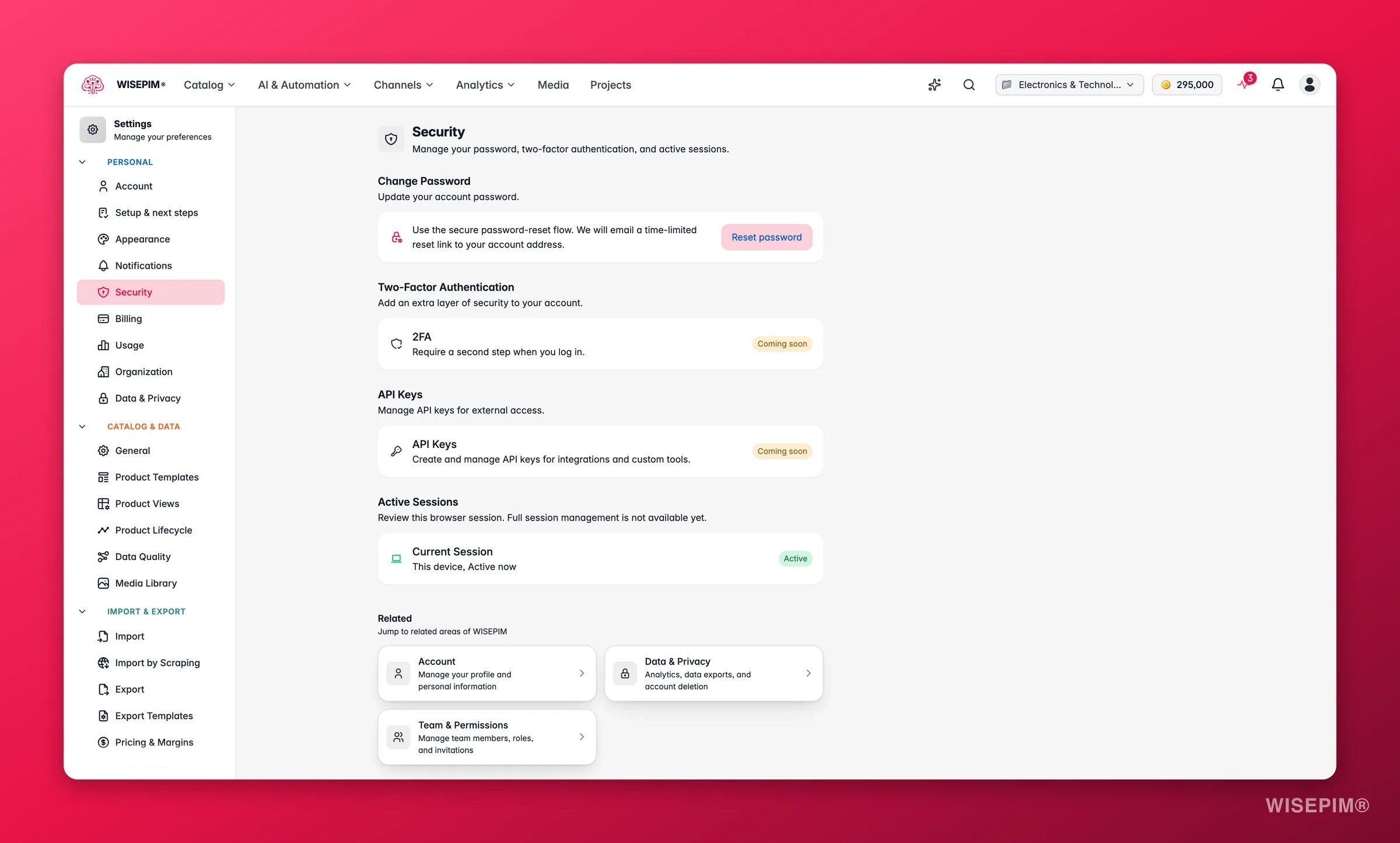
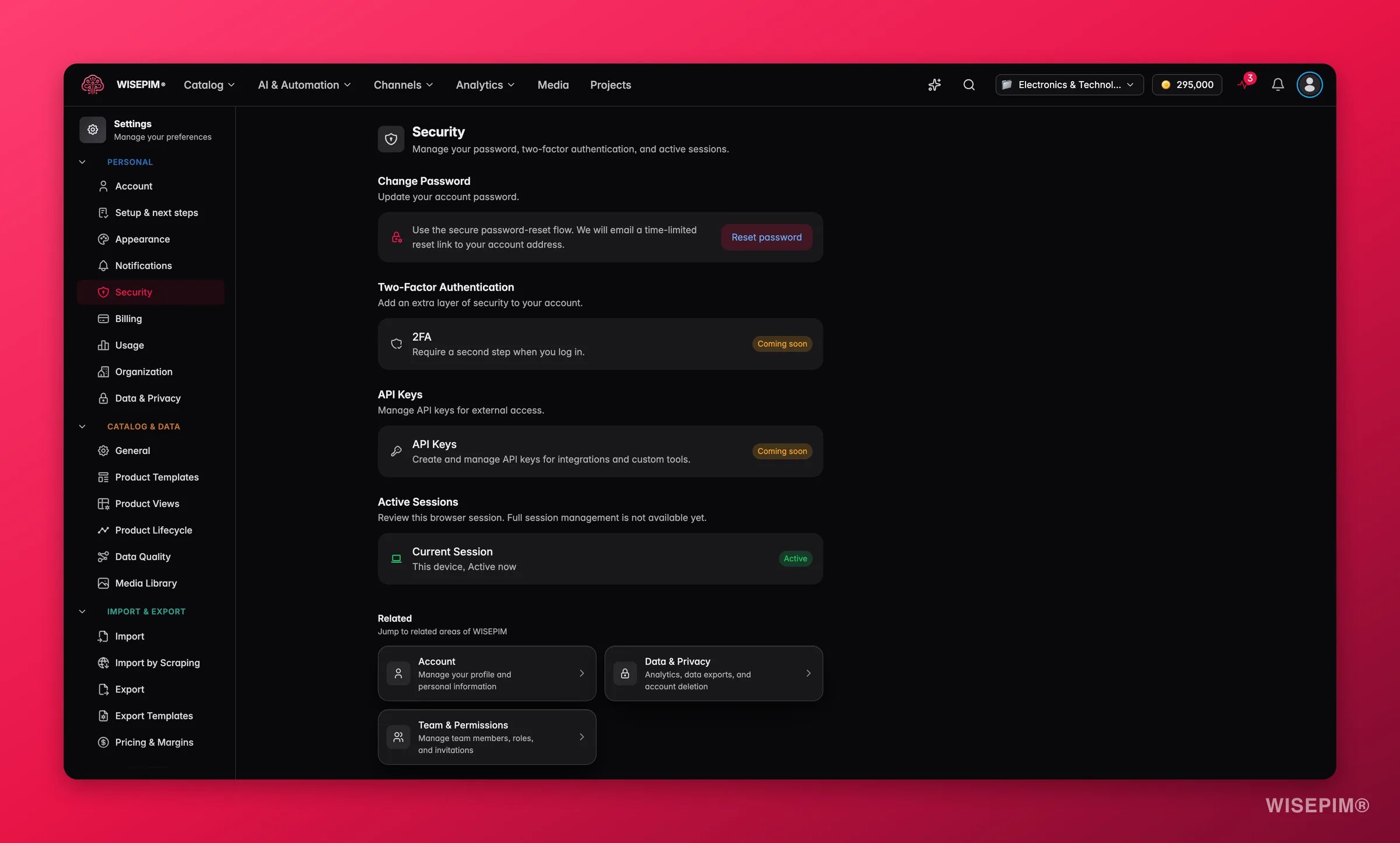
The Active Sessions section lists where your account is signed in right now. Check it to make sure no one else has access. For each session you see:
If you spot a device you do not recognize, change your password right away.
Stay protected
A few simple habits keep your account safe:- Use a unique password that you do not reuse on other sites.
- Never share your login details with anyone.
- Sign out on shared or public computers when you finish.
- Check your active sessions now and then for unfamiliar devices.
- Change your password if you think it may have leaked.
Coming soon
We are building more ways to lock down your account.Two-factor authentication (2FA)
Two-factor authentication (2FA)
Two-factor authentication adds a second step when you sign in, so a password alone is not enough to get in. Soon you will be able to turn it on with an authenticator app.
API keys
API keys
API keys let you connect external tools and services to WISEPIM in code. Soon you will be able to create, manage, and revoke keys from this page.
Related
Account settings
Update your name, email, and profile details.
Data privacy
See how your data is handled and manage privacy options.
Team management
Invite people and control who can access your projects.