

Turn analytics on or off
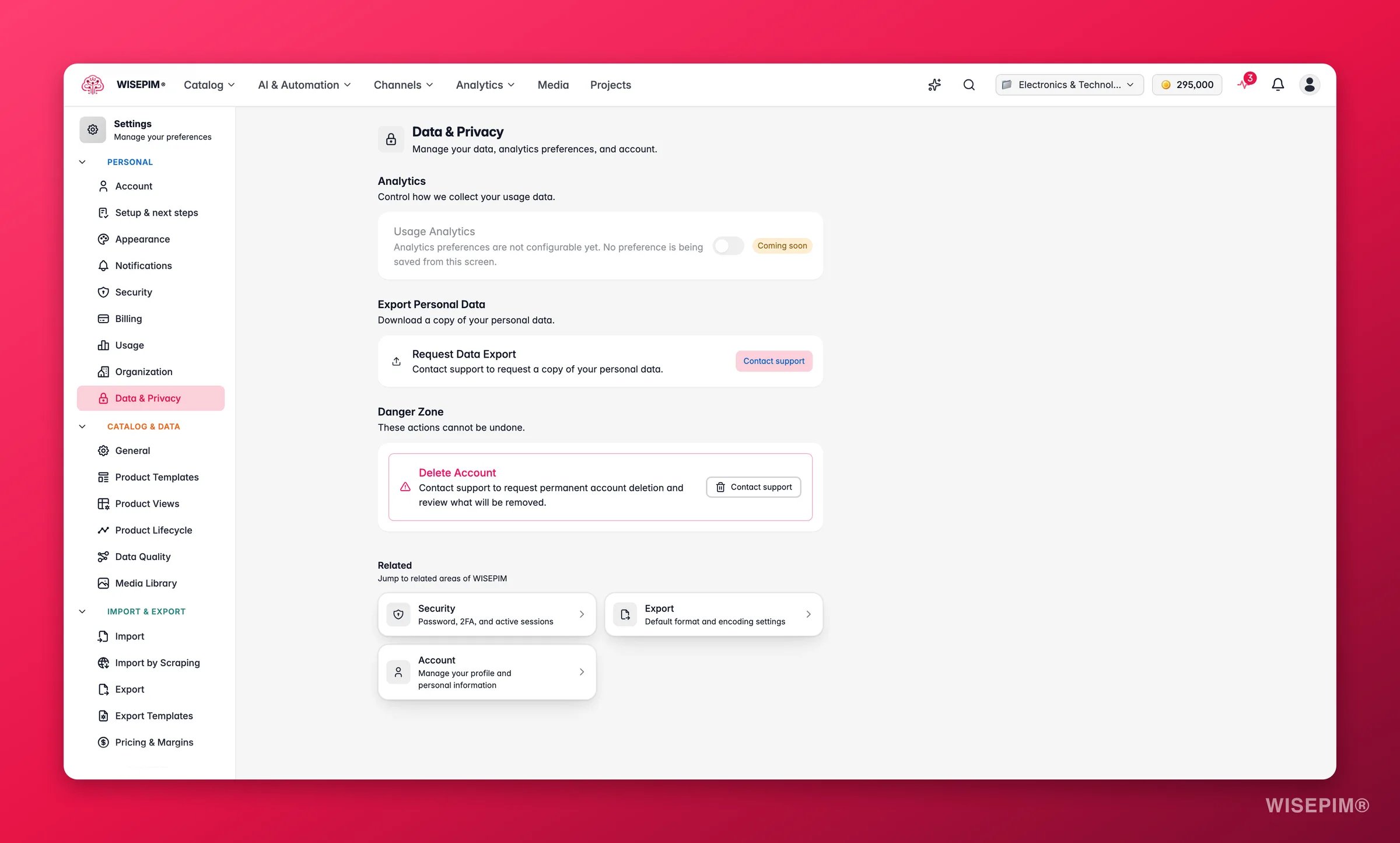
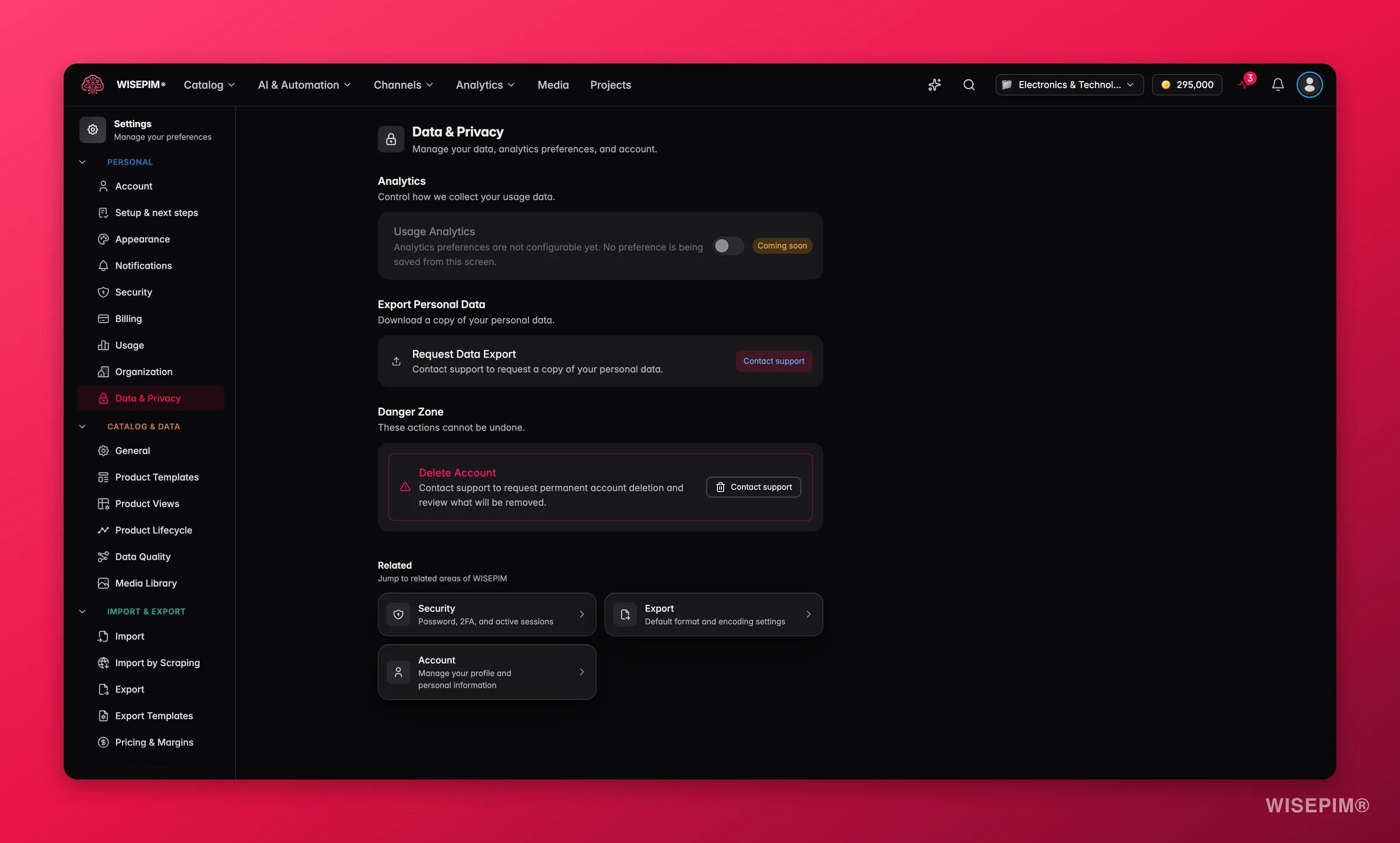
Switching analytics off stops new data collection right away. It does not remove data collected before then.
Export your personal data
Download a complete copy of everything WISEPIM holds about you. Use it as a personal backup or to meet a data portability request.1
Open Data & Privacy
Go to Settings > Data & Privacy.
2
Click Export
In the Export personal data section, click Export.
3
Check your inbox
WISEPIM prepares your file and emails a download link to your registered address.
Delete your account
Account deletion is permanent and cannot be undone. You will find it in the Danger Zone at the bottom of the page.1
Click Delete
In the Danger Zone, click Delete.
2
Confirm
A confirmation window opens. Type DELETE in capitals to confirm.
3
Finish
Click Delete my account. You will get a confirmation email.
Your GDPR rights
WISEPIM supports your rights under the General Data Protection Regulation (GDPR):
Have another privacy question? Contact the WISEPIM support team.
Related
Account settings
Update the name and email linked to your account.
Security settings
Set a strong password, enable 2FA, and review active sessions.