

Checkout runs through Mollie. You can pay with iDEAL, major credit cards, or SEPA direct debit. WISEPIM never stores your full payment details. Mollie keeps your payment method on file for future purchases and subscriptions.
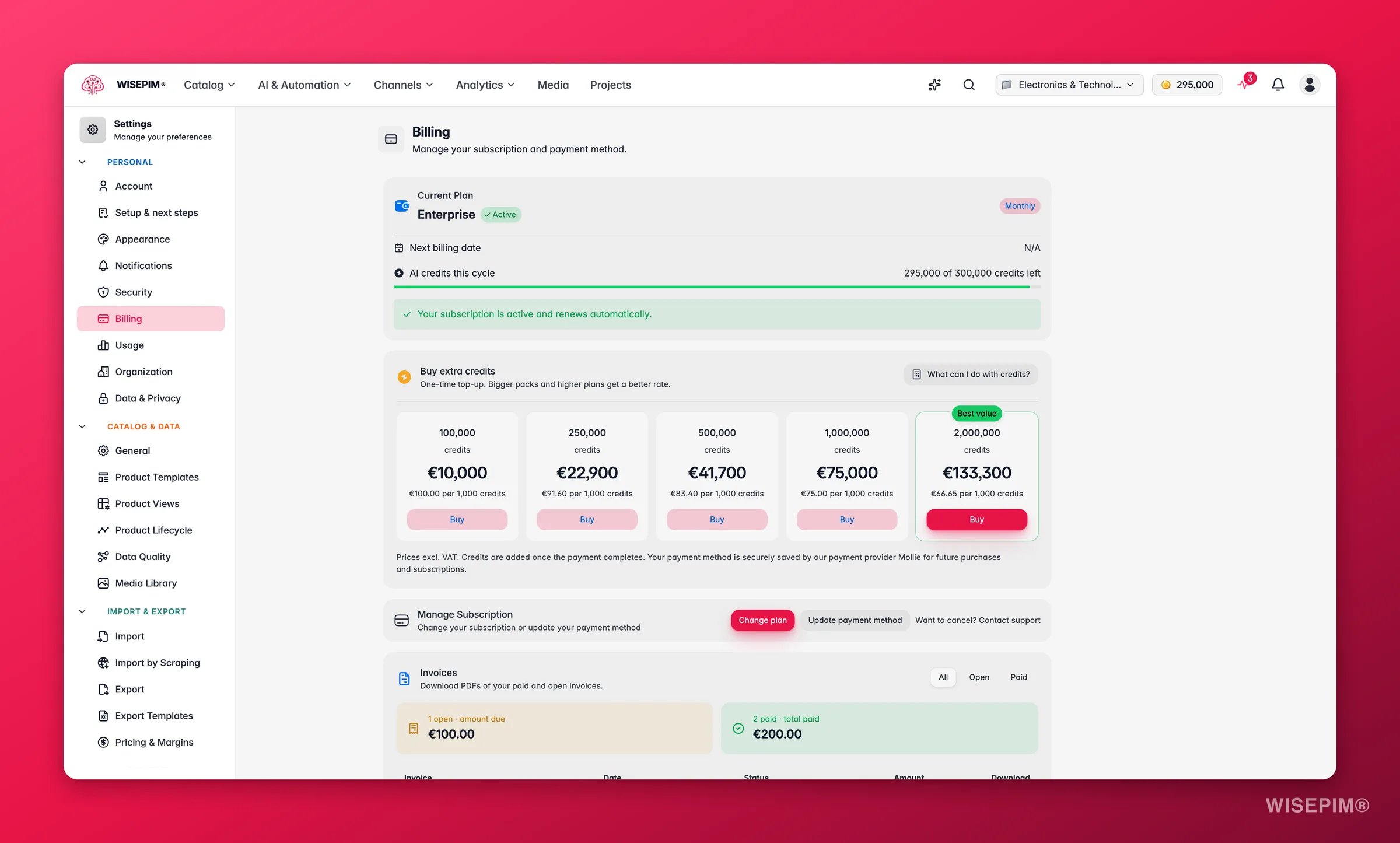
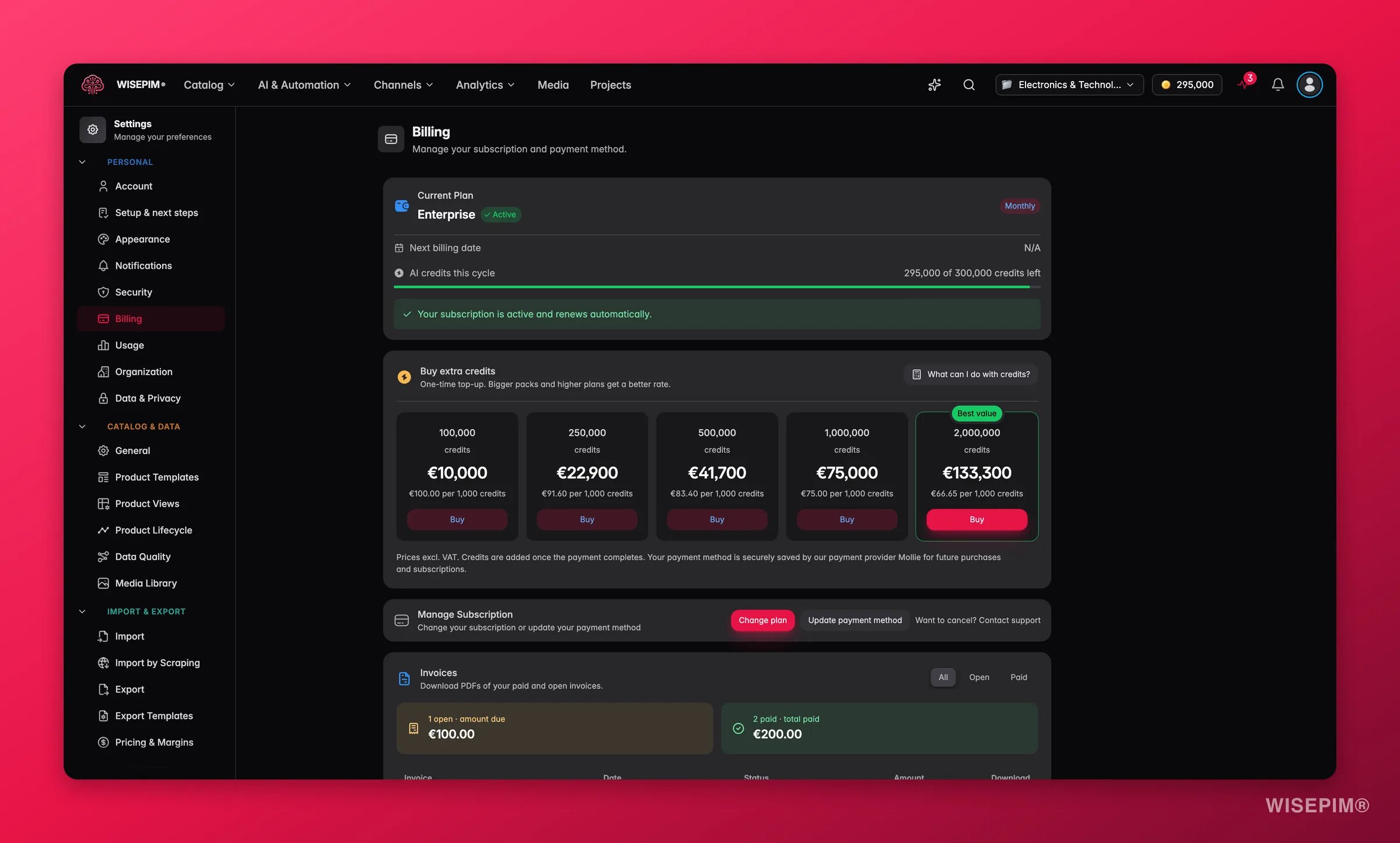
See your subscription at a glance
A summary card at the top of the page shows the essentials:What each status means
Track your AI credits
Every AI action in WISEPIM spends credits. Your plan includes a monthly credit allowance, and the billing page shows how much of it you have used. You can also see your balance without leaving the page you are on. The header shows N remaining, with a Get more credits link next to it. Want to know who spent what? Usage Settings breaks credits down per project, team member, and action.What each action costs
Failed translations are refunded automatically, per product and per language, at the rate you were charged.
Buy extra credits
Ran low before your renewal? Buy a credit pack. This is a one-time top-up, not a change to your plan.1
Open Buy extra credits
The section sits on the billing page, under your plan.
2
Pick a pack size
Each pack shows its price per 1,000 credits, so you can compare sizes at a glance.
3
Click Buy
Checkout opens at Mollie. Pay with iDEAL, card, or SEPA direct debit.
Bigger packs and higher plans get a better rate per 1,000 credits. Unused pack credits roll over, so nothing you buy expires at your next renewal.
Prices exclude VAT, and credits are added once the payment completes. Your payment method is securely saved by the payment provider Mollie, so a later pack is paid with the saved method and your balance updates within a minute. Reopening an old payment link never charges you twice: WISEPIM shows “That payment was already processed earlier, so no new charge was made and your credits were added at the time.”
Manage your subscription
Three actions cover everything you need.Change plan
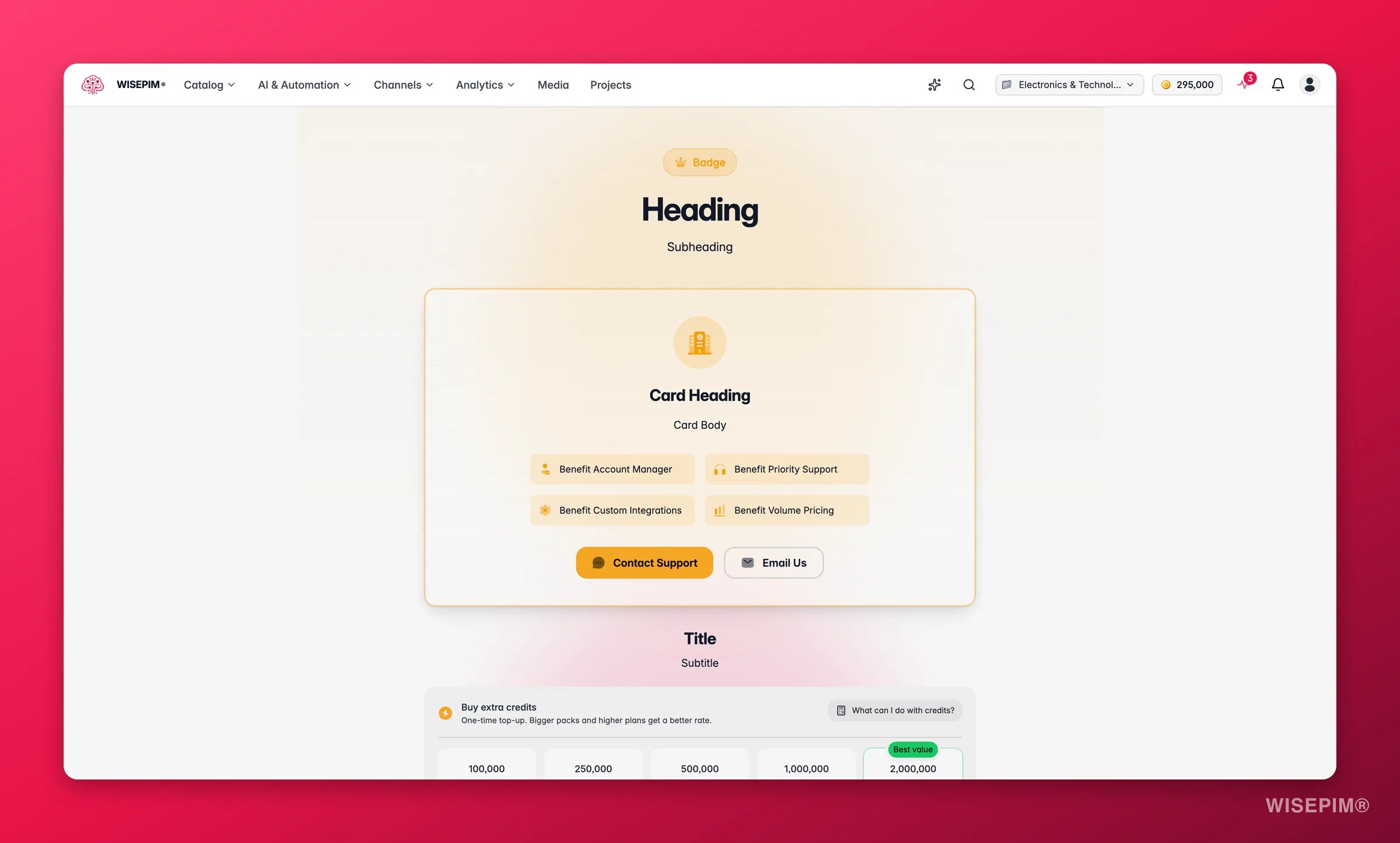
Upgrade in the middle of a billing cycle and you pay only the difference for the days you have left. Your renewal date stays the same.
Update payment method
Click Update payment method to change the card or bank account you pay with. Do this as soon as a card expires, so a renewal never fails.Cancel subscription
Click Cancel subscription. A confirmation window (“Cancel your plan?”) lists what you lose, so nothing comes as a surprise.Cancelling does not cut you off straight away. You keep full access until the end of the period you already paid for. After that date your subscription ends.
Invoices
Every payment gets an invoice, and they all live on this page.- Filter the list with All, Open, or Paid.
- Each row shows the invoice number, date, status, and amount.
- Click Download PDF to save a copy for your bookkeeping.
Invoice statuses
Related
Account settings
Update the name and email tied to your subscription.
Security settings
Protect the account that owns your billing with a strong password and 2FA.
Enriching products
See what each enrichment type does before you spend credits on it.
Process Tracker
Watch running tasks, and resume the ones that stopped without paying twice.