

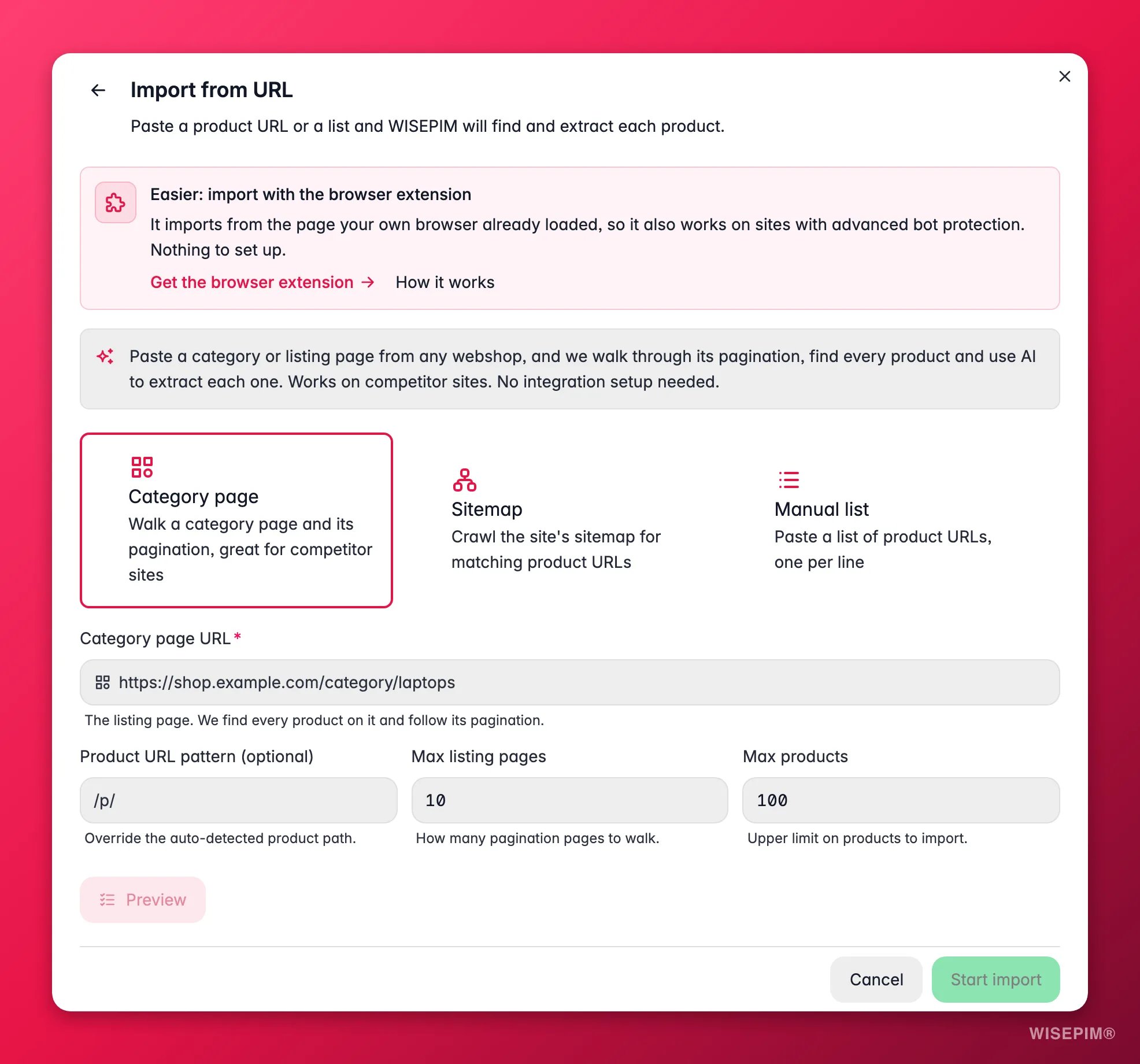
Web Scraping Import works on any public website, with no API keys or setup. It always shows you a live preview of one extracted product before you commit, so you can confirm the data looks right first.
How it works
1
Pick a source mode
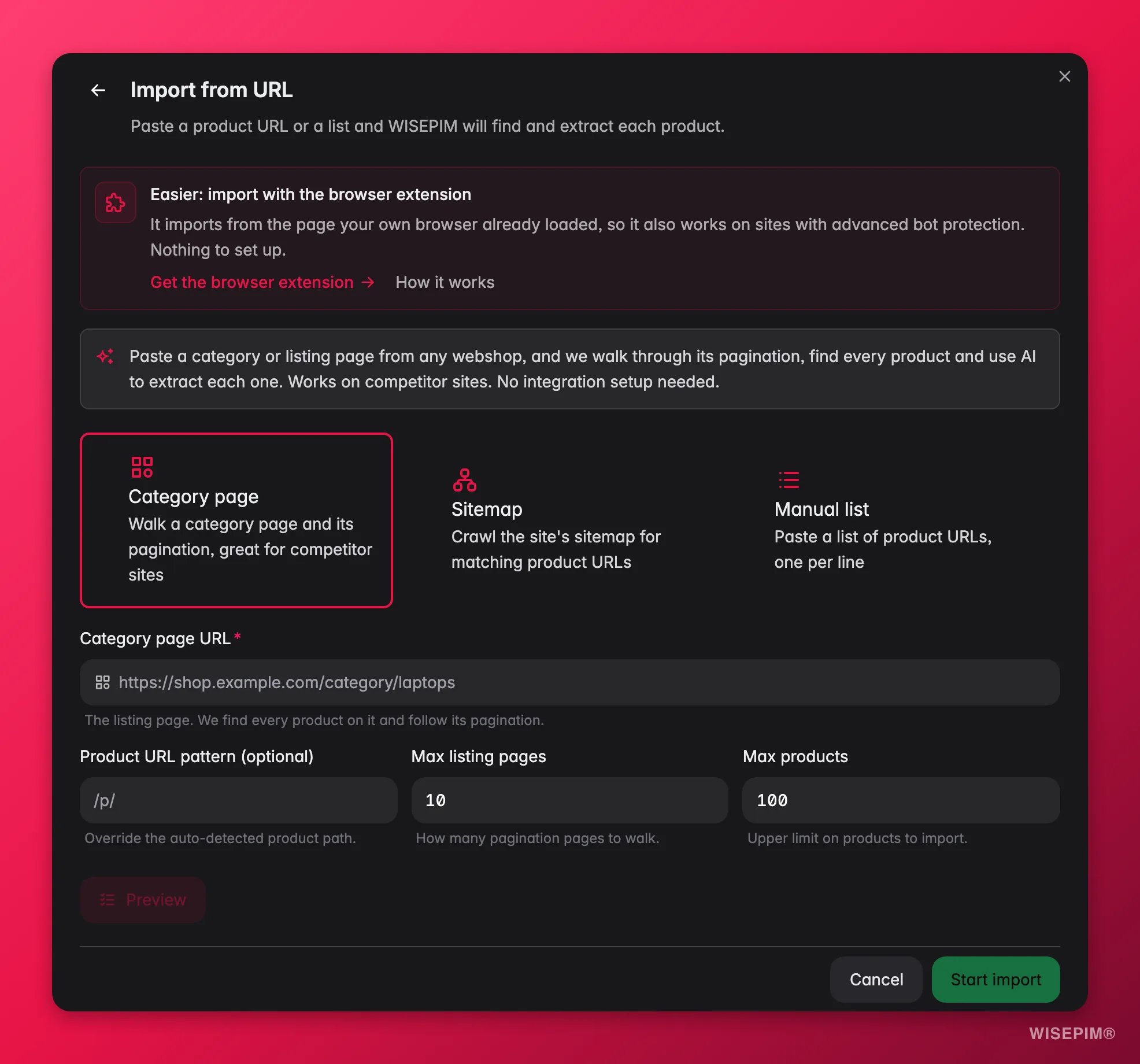
Category page walks a listing page and its pagination to find every product (best for a supplier or competitor catalog). Sitemap starts from one product URL and finds similar pages across the site. Manual list takes a list of product URLs you paste in, one per line.
2
Add the URL and limits
Paste the seed URL. Optionally set a URL pattern (to include only the right pages) and caps on how many listing pages and products to pull, so a first run stays small.
3
Preview one product
Run the preview. WISEPIM reports how many product URLs it matched, the pattern it detected, a few sample URLs, and one fully extracted product so you can check the fields landed correctly.
4
Import
Happy with the preview? Start the import. It runs in the background, so you can leave the page and watch progress in the Process Tracker. When it finishes, the products are in your catalog, ready to work with.
Controls you can set
You shape each scrape with a few optional overrides. The defaults work for most sites, so reach for these only when a run needs a nudge:- Sitemap URL override: point WISEPIM at the right sitemap when a site doesn’t declare one in its
robots.txt. Use this if the sitemap mode can’t find product URLs on its own. - Product URL pattern override: tell WISEPIM which URLs count as products (for example
/p/or/products/) when the auto-detected pattern picks up the wrong pages. - Max listing pages: how many pagination pages of a category to walk. Raise it for large catalogs, keep it low for a quick test.
- Max products: an upper bound on how many products a run imports. A safety cap that keeps a first run small and predictable.
A single run can match up to 5,000 product URLs. Each page is read up to 1,000,000 characters of HTML, and a run reads up to 8,000,000 characters in total across all pages. These ceilings are generous enough for most supplier catalogs. If you are pulling something bigger, split it into runs by category.
Reading the preview
The preview exists so you never import blind:- Matched URL count tells you whether the crawl found roughly the number of products you expected. Zero or far too few means the pattern or seed URL needs adjusting.
- The detected pattern shows which URLs will be treated as products. If it is catching category or blog pages, tighten the pattern with the product URL pattern override.
- The extracted sample is the real test: check that name, price, images, and key attributes mapped correctly before you commit to the full run.
When a site blocks the scraper
Some webshops sit behind bot protection: Cloudflare, DataDome, and similar services that block anything that isn’t a real person in a real browser. When WISEPIM hits one, it doesn’t fail with a vague error. It tells you which site is protected and which service is doing the blocking, then points you at the fix. The fix is the WISEPIM browser extension. It imports from the page your own browser already loaded, so the protection never applies: as far as the site is concerned, you are just a visitor reading a product page. You get the same extraction, on sites the crawler cannot reach.Import with the browser extension
The extension works on Chrome, Edge, and Firefox. Setup takes a minute:1
Install the extension
Open the browser extension page in WISEPIM and choose Add to Chrome, Add to Edge, or Add to Firefox.
2
Pick the project
Back in WISEPIM, choose the project this browser should import into under Import into project.
3
Connect this browser
Click Connect this browser. The browser now appears in your Connected browsers list, showing which project it imports into and when it was last used.
4
Import from any product page
Open a product page in that browser and use the extension to send it into WISEPIM.
Each connected browser gets its own key, scoped to the one project you picked. The extension never sees your password. Click Disconnect on a browser and it stops importing immediately.
Classify scraped products automatically
If your project has adopted classification standards, scraped imports can file themselves into them. Before anything else runs, each imported product is checked against the standards you’ve adopted. Configure this under Settings → Import by Scraping, in the Classification section:- Assign families from ETIM (on by default): a product that matches one of your adopted ETIM classes gets that class’s family - with all its attributes - the moment it lands.
- Match categories to GS1 GPC (on by default): scraped breadcrumbs land in your adopted GPC categories instead of creating a duplicate tree next to them.
- Adopt missing classes during import (off by default): when a product clearly matches a class or category you haven’t adopted yet, adopt it on the spot. Leave it off to only use what you already adopted.
Enrich scraped products automatically
A scraped product page rarely carries everything you want. WISEPIM can close that gap the moment an import finishes, without you selecting anything.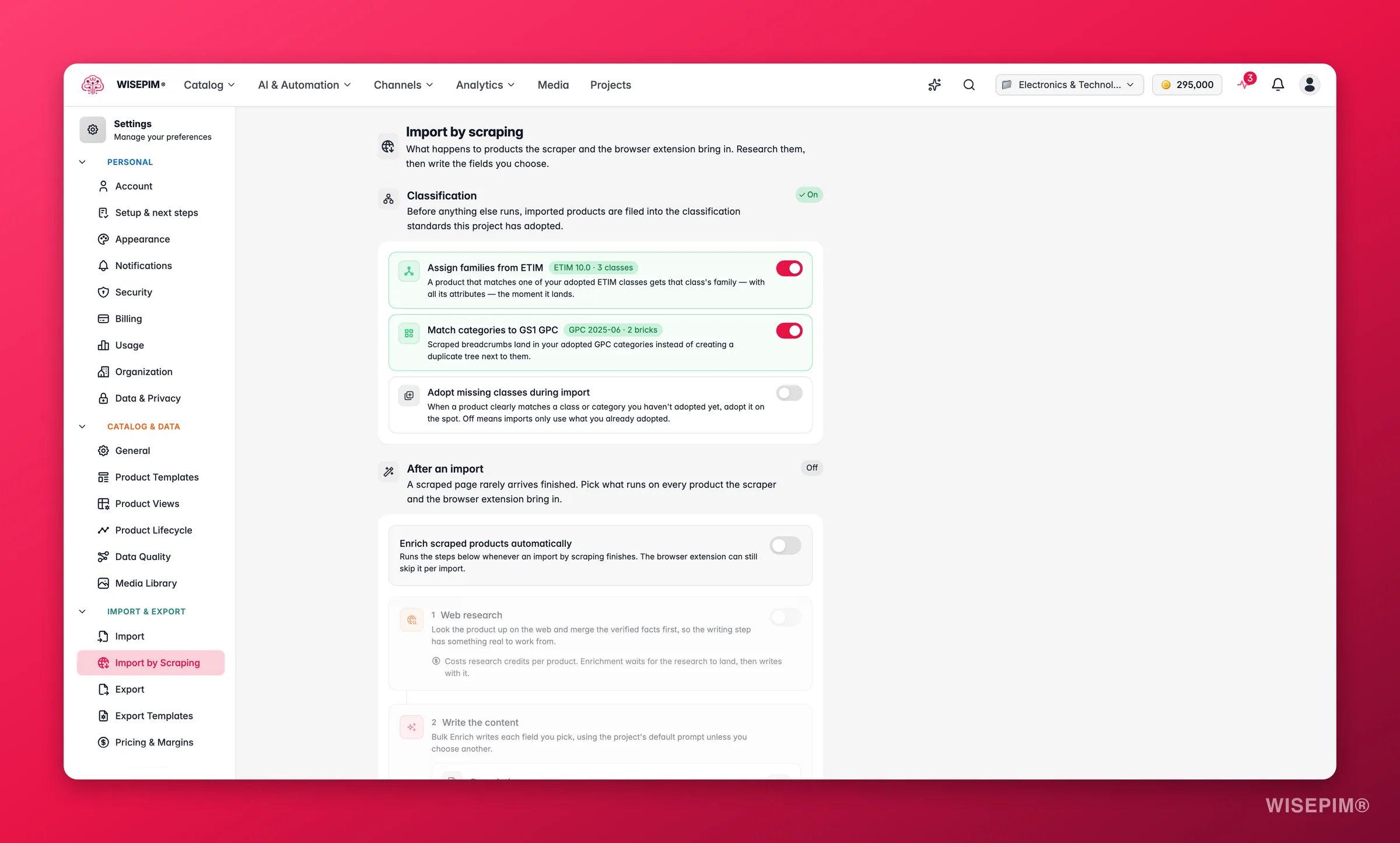
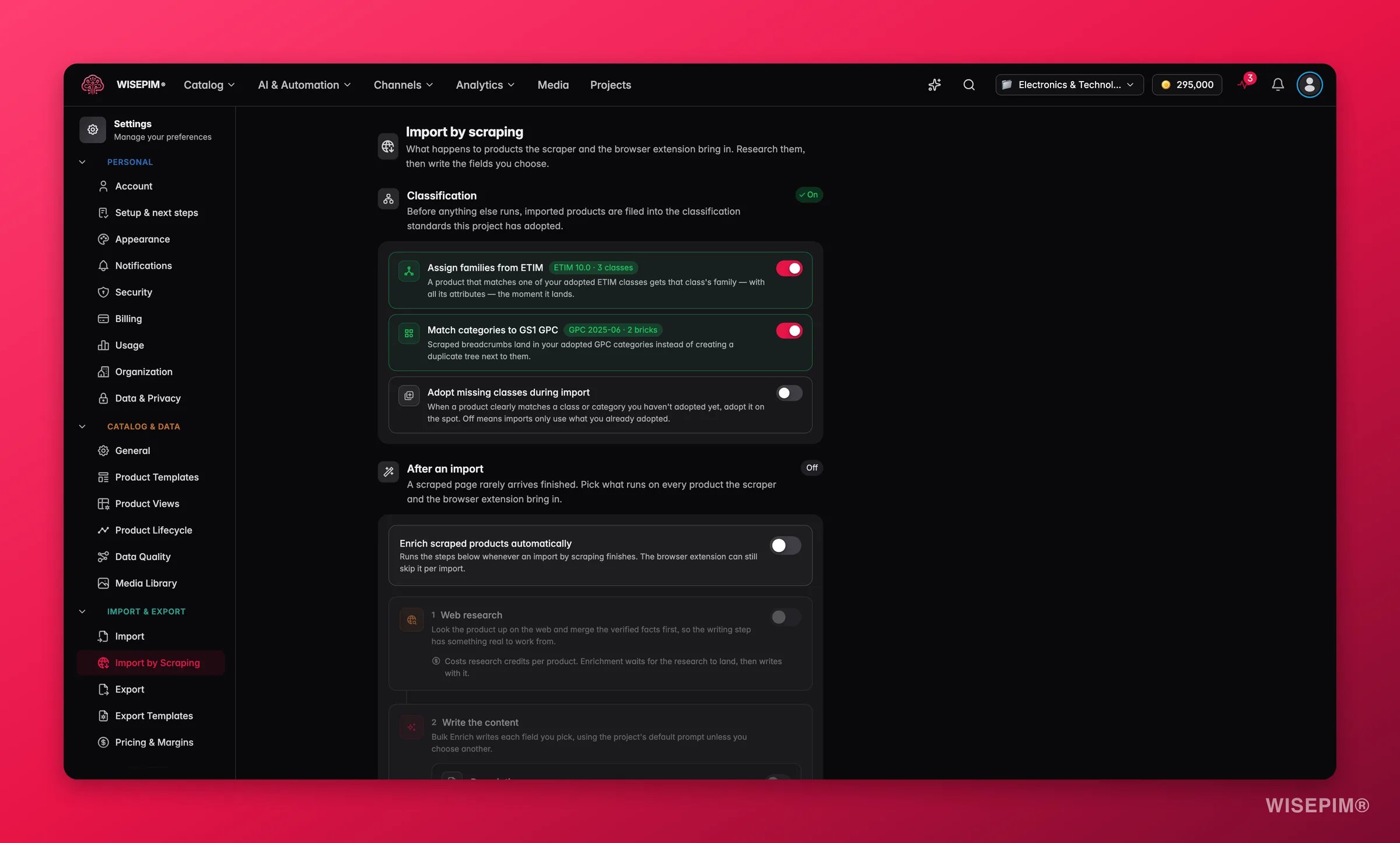
- Web research gathers facts about each product from the web. This step needs the Pro plan or higher. Without it you can still run web research by hand from the products table.
- Bulk Enrich writes the fields you choose: descriptions, short descriptions, titles, SEO title and meta, and attributes. Each field uses your project’s default prompt unless you pick a different one.
Act on what you find
The preview matched 0 (or far too few) products
The preview matched 0 (or far too few) products
The seed URL or pattern is off. For a category page, make sure you pasted the listing page (not a single product); for sitemap mode, paste a real product URL so WISEPIM can learn the pattern. Adjust the pattern override and preview again. Outcome: the crawl finds the full set before you spend an import run on it.
The sample product is missing fields
The sample product is missing fields
Some sites bury data in scripts or images. Re-preview to confirm it is consistent, import what extracts cleanly, then fill the gaps with Enriching Products (AI can read the product images to recover attributes). Outcome: a complete catalog even when the source page was thin.
You will import from the same site again
You will import from the same site again
Note the settings that worked: the source mode, the seed or category URL, and any pattern or sitemap overrides. Next time the supplier updates, enter the same values to pull the changes. For sources you re-import often, a structured feed is the more reliable long-term option when one is available. Outcome: repeatable supplier onboarding.
You need a feed, not a scrape
You need a feed, not a scrape
If the source can give you an XML or CSV feed, prefer Feed Hub import or file import: structured feeds are faster and more reliable than crawling. Use scraping when no feed is available. Outcome: the right tool for each source.
How it compares
Related
Importing Products
File-based import (CSV, Excel) when you have structured data.
Feed Hub
Import from and publish to XML / feed sources.
Web Research
Research products on the web to enrich what you already have.
Enriching Products
Fill any gaps the scrape left, with AI.