

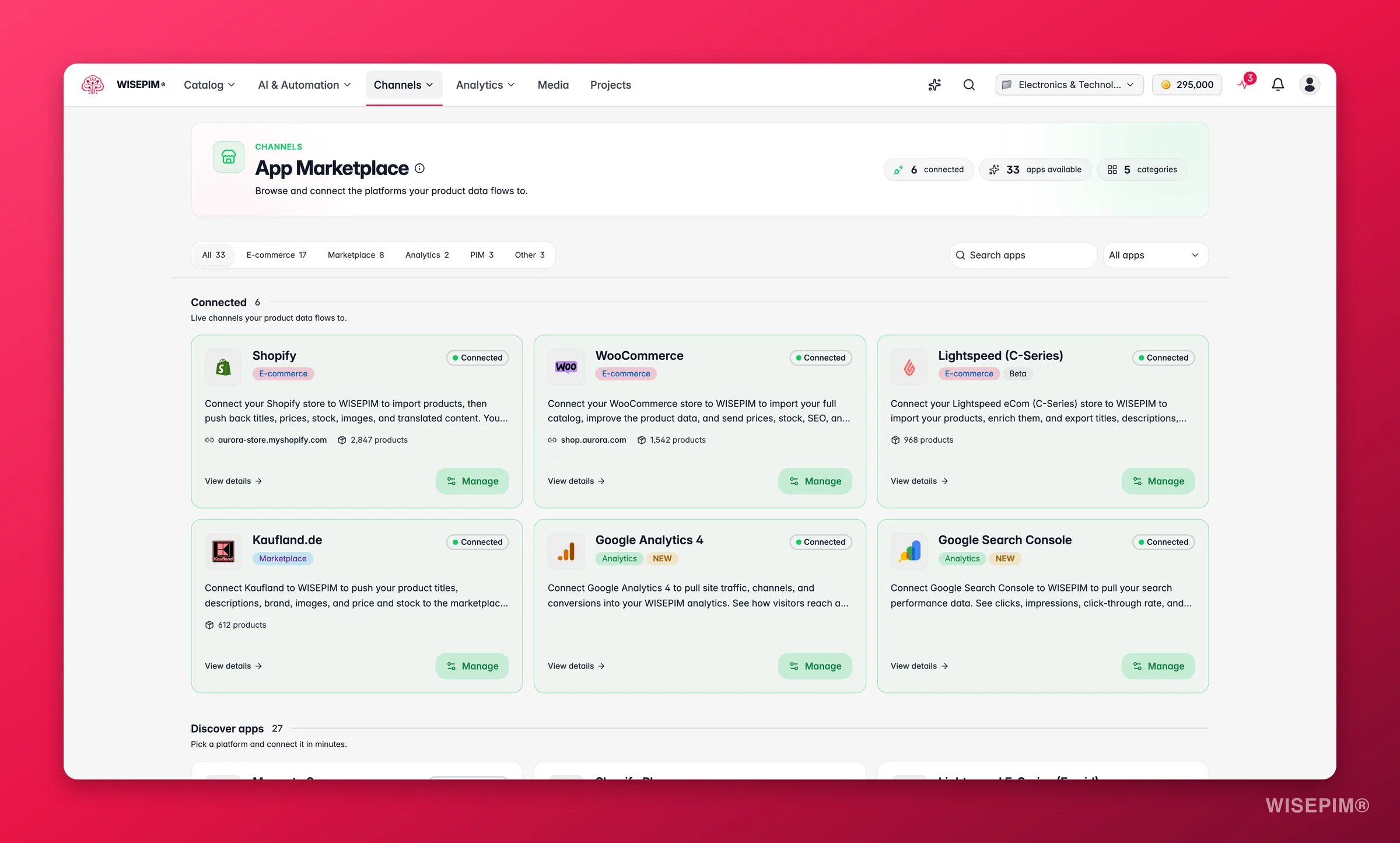
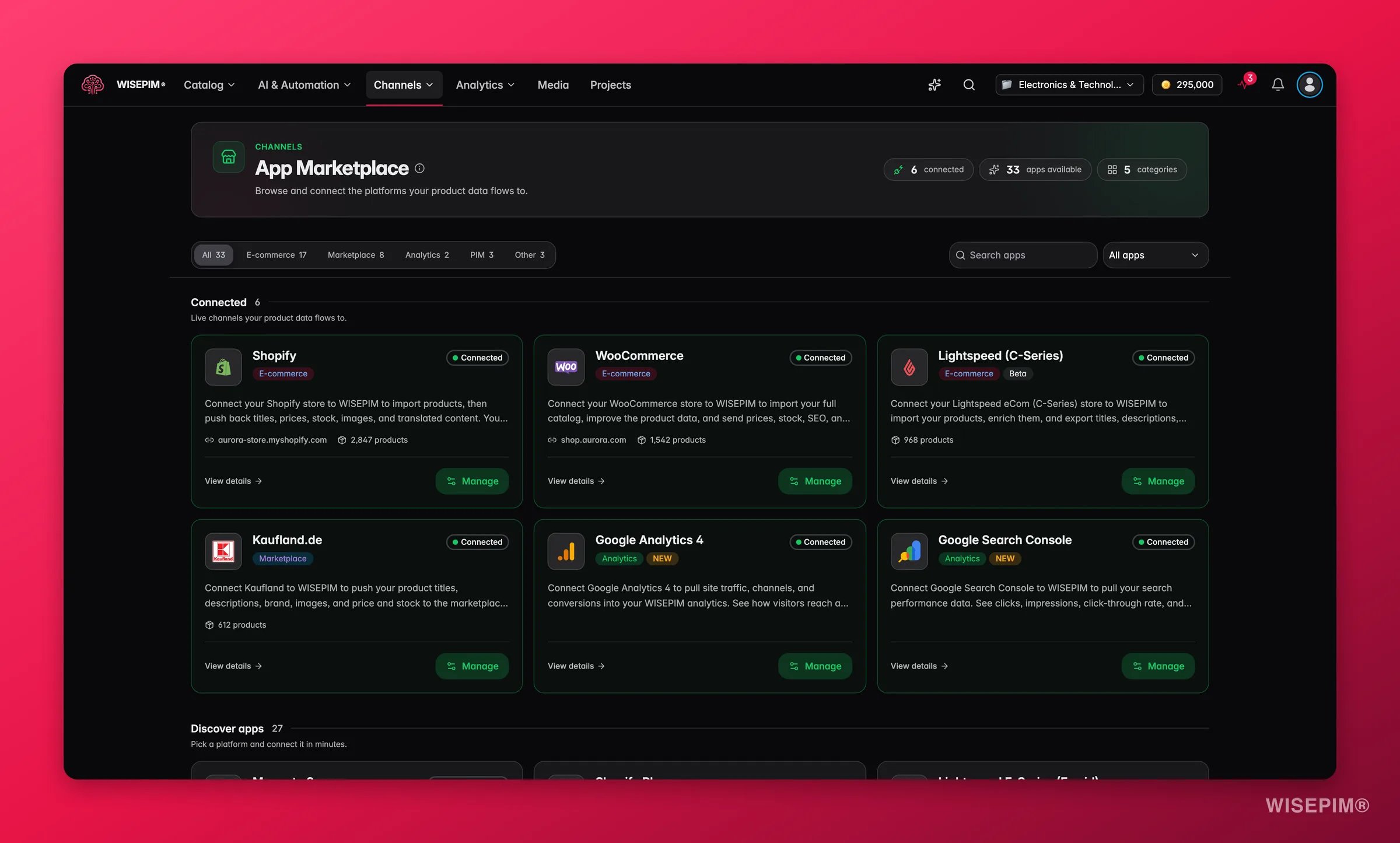
On your first platform import, WISEPIM automatically pulls in your categories and attributes alongside your products. No manual setup required. Your catalog structure is ready from the start.
Import sources
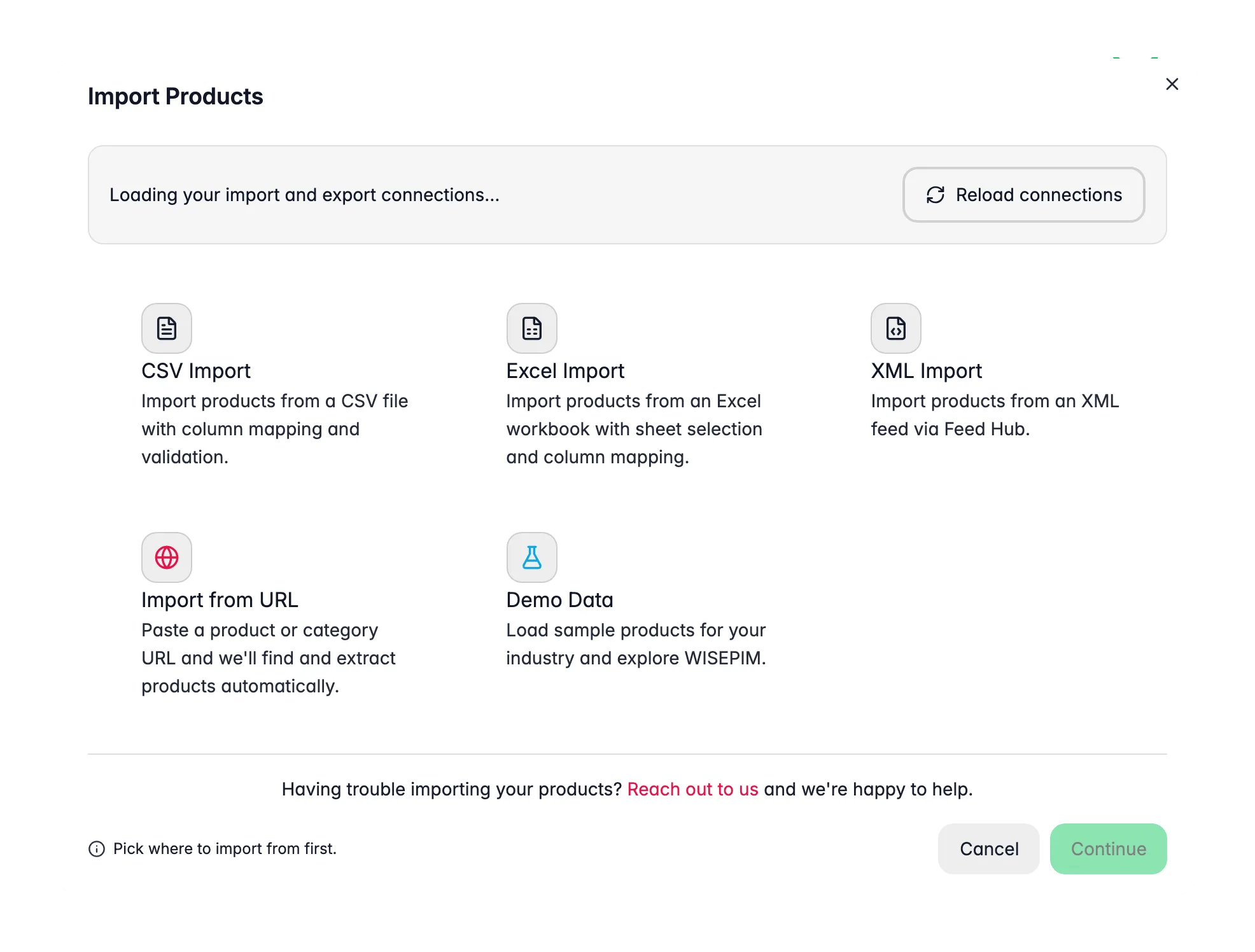
The import modal builds its list of sources automatically. Any connected integration that supports import appears as an option, so the more platforms you connect, the more you can import from. You don’t need to manage a fixed list.- E-commerce platforms: any connected integration that supports import, for example Shopify, WooCommerce, Magento, Lightspeed, Lightspeed E-Series (Ecwid), BigCommerce, PrestaShop, Shopware, Squarespace, CCV Shop, and more
- CSV files: any spreadsheet with product data
- Excel files:
.xlsxworkbooks, with a sheet picker - Web scraping: paste a URL and let AI extract products, no file or API needed (see Web Scraping Import)
- Demo data: a ready-made sample catalog for your industry, perfect for exploring WISEPIM before you import your own
If you don’t see a platform in the list, it just means it isn’t connected yet. Set up the integration on the Integrations page and it will appear automatically.
Connect your platform first
Before importing from an e-commerce platform, you need to set up the integration. Each platform has its own way of generating API credentials. Follow the guide for your platform:Shopify
Generate a custom app and API key
WooCommerce
Create REST API keys
Magento
Set up an integration token
Lightspeed
Connect your Lightspeed account
Kaufland
Get your Kaufland API credentials
WebshopImporter
Configure WebshopImporter
- Go to the Integrations page
- Select your platform and enter your API credentials
- Test the connection
- Save
Running a platform import
1
Go to the Products page
Click the Import button in the toolbar.
2
Pick your source
Select the platform you want to import from. Only connected integrations are shown.
3
Choose a store (if you have more than one)
If a platform has several stores connected, WISEPIM asks which one to import from. With a single store, it skips this and goes straight to the import.
4
Narrow the scope, if you want
Under One-time import scope you can limit this run instead of pulling the whole store: only products modified since or created since a date (with 24 hours, 7 days and 30 days presets), a maximum number of products, Only these SKUs or Exclude these SKUs (paste a list or a spreadsheet column, up to 5,000), and Only these categories already in your project (up to 500). Some platforms add their own parameters, such as status, vendor, product type or tag. Which options appear depends on what the platform’s API can filter on.
5
Let WISEPIM do the work
WISEPIM connects to your platform, discovers your products, and pulls everything in, including categories, attributes, and product relationships.
6
Review your catalog
Once the import completes, spot-check a few products to make sure everything came through correctly.
Imports run in the background. You can keep working in WISEPIM while your products are being pulled in. You’ll get a notification when it’s done.
CSV import
- First row should contain column headers
- Use UTF-8 encoding
- Include at least product names and SKUs
sep=; line, skips title or supplier preamble rows above the header, and cleans numbers written as € 1.299,00, 899,-, (12.50) or 1,299.00. Placeholders such as UNKNOWN stay empty instead of turning into 0. Barcodes typed as =8718164601441 or in scientific notation are recovered, and an invalid check digit is a warning, not a failed row.
Files must be
.csv and up to 300 MB. WISEPIM warns you as files get large (over 10 MB, 50 MB, and 100 MB) so you know a big upload may take a moment; files over 80 MB are uploaded in chunks. Excel workbooks have a smaller limit, see Excel import.1
Upload
Drag in your file or browse for it. WISEPIM analyzes it and shows the row count, the detected delimiter, and the encoding. On a very large file the row count is an estimate at first, shown with a
≈ in front of it, until parsing finishes. If it guessed wrong, you can switch the delimiter (comma, semicolon, tab, tilde, or pipe) or encoding right here, and it will recognize source systems like Shopify, WooCommerce, and Magento exports automatically.2
Configure
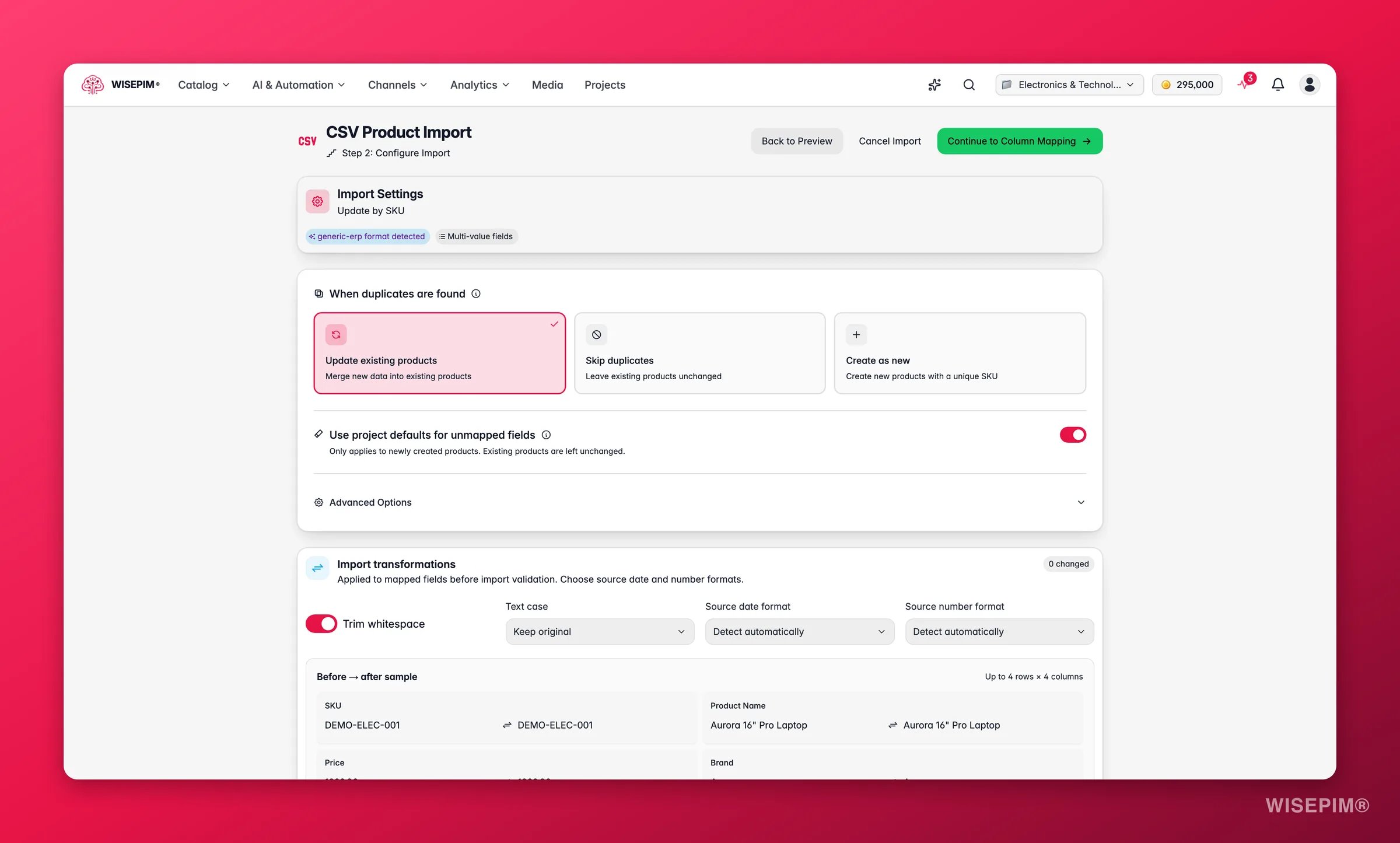
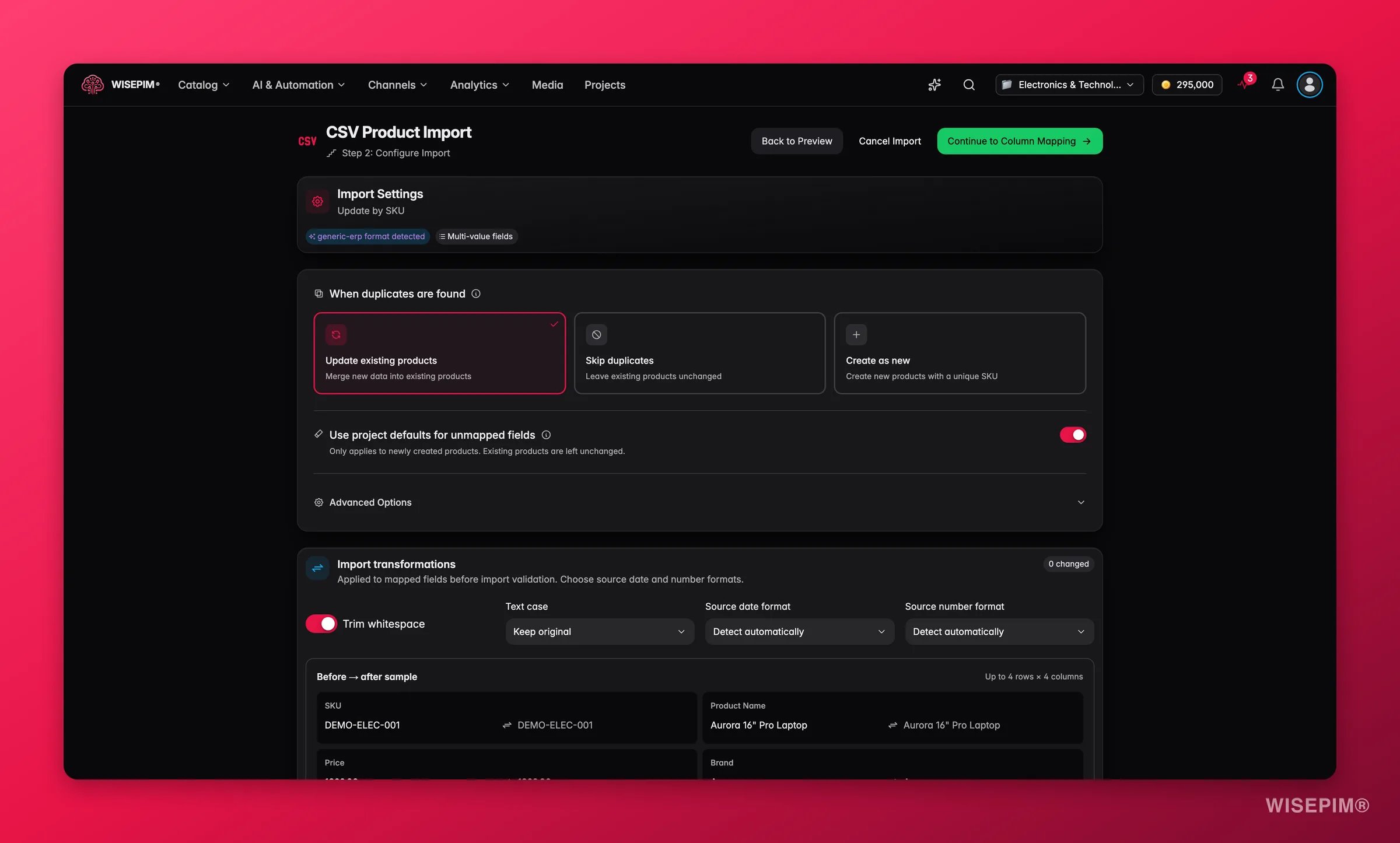
Set how the import should behave before you map anything. This step is where you choose:
- Duplicate handling: what happens when a product already exists, matched by SKU. Choose Update existing products (merge new data into them), Skip duplicates (leave them unchanged), or Create as new (add them with a unique SKU). This is a per-import choice - it is saved in import templates, and it is independent of the project-wide conflict resolution setting that governs platform imports.
- Multi-value delimiter: the character that separates several values in one cell (see below)
- Dynamic attributes: turn extra columns into attributes automatically, and optionally create any that don’t exist yet
- Nested data: handle JSON columns and parent/variant relationships when your file contains them
3
Mapping
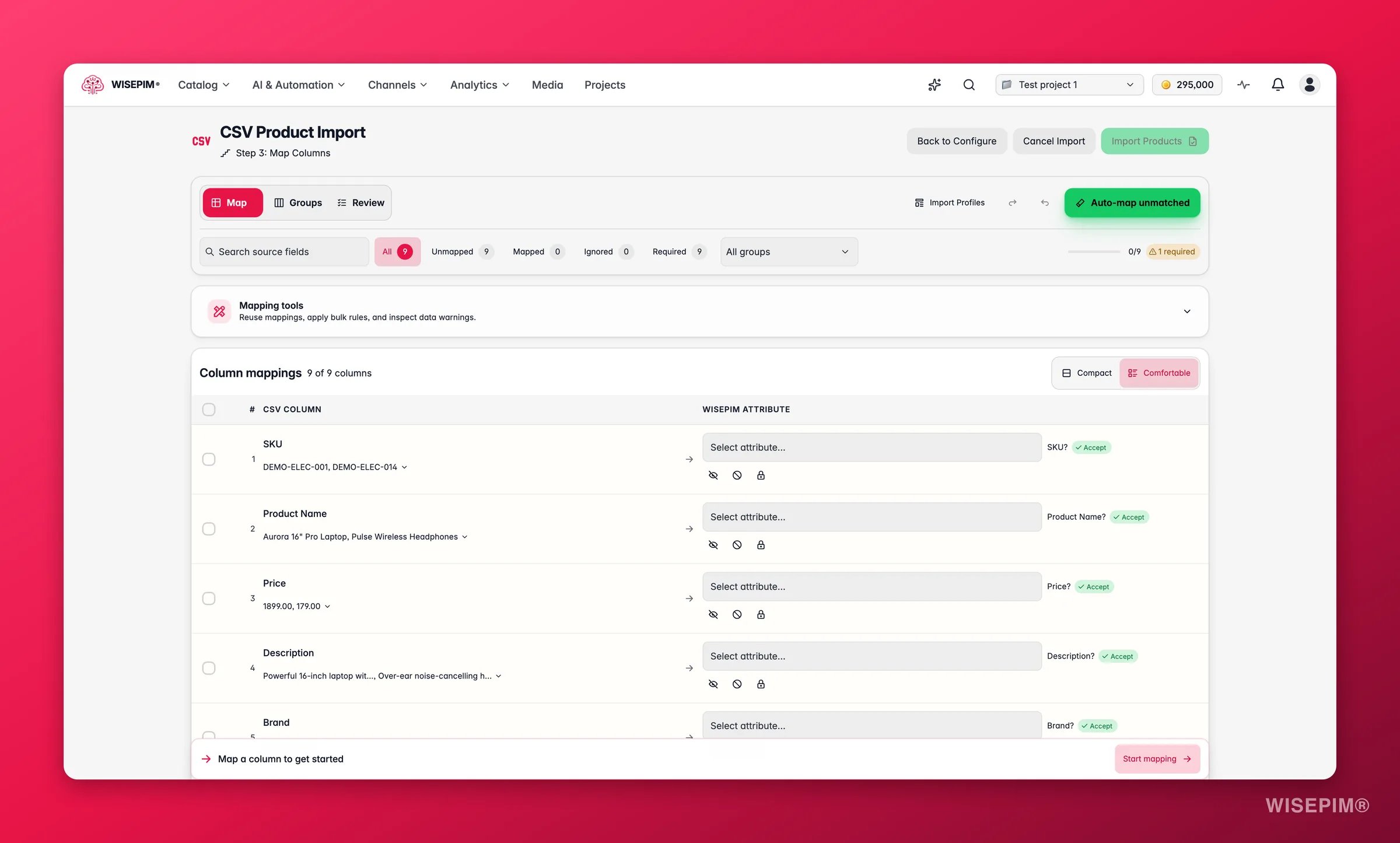
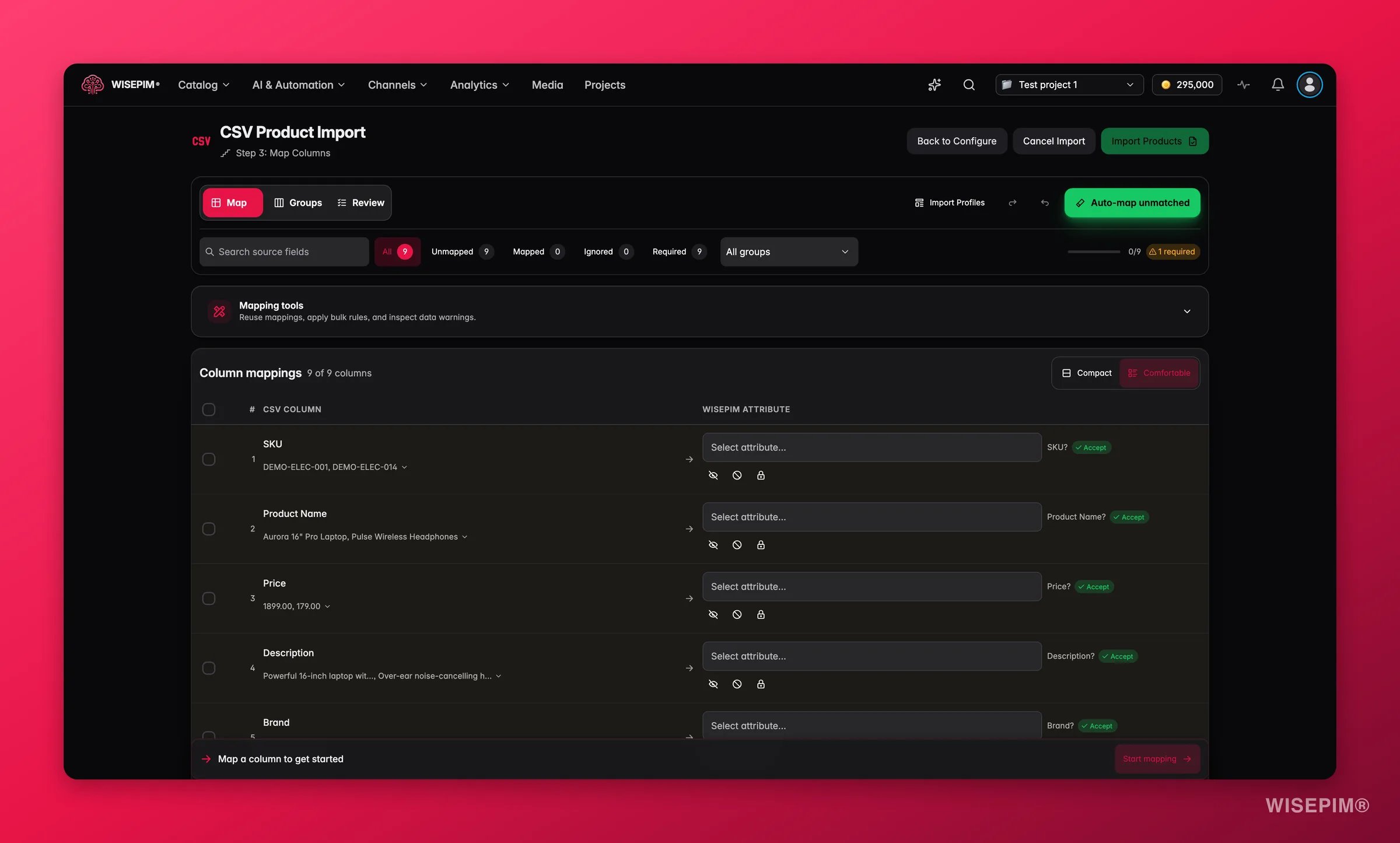
Match your CSV columns to WISEPIM fields. Auto-mapping proposes matches, you decide the rest, and the Sample readiness panel tells you when the import can start. See Map your columns below. Save the result as a template or recipe to reuse next time.
4
Importing
WISEPIM imports your products in the background and shows progress as it goes.
Map your columns
The mapping step has three modes. Switch between them whenever you like; they all edit the same mapping.
Auto-map unmatched finds matches for your unmapped columns with AI and smart name matching. The suggestions land in a review list first, each with a confidence level (High, Medium, Low) and the reason for the match. Uncheck the ones you do not want, change a target where needed, then apply the rest.
Filter the columns by status to focus on what is left: Unmapped, Mapped, Ignored, Required, Locked, Conflicts, or Low confidence. The issue queue counts what still needs a decision (“3 issues need attention”) and steps you through them; press ⌘J to jump to the next one. Every change is listed under Change history, with Undo and Redo.
Sample readiness checks the mapping against the preview rows and lists the blockers before you can start: unresolved columns, required fields still missing, mapping conflicts, errors in the sample, and duplicate headers. Every source column needs an explicit decision: map it, ignore it, or mark it not applicable. Only the preview sample is validated up front; the remaining rows are checked during the import itself.
The Transform preview (trim whitespace, text case, date and number display) shows what a cleanup would look like on a small sample before you map. It is a preview only for now: the settings are saved with your profile and sent along with the import, but the CSV importer does not apply the transformations yet.
Mapping tools
The Mapping tools panel has three tabs:- Recipes: save the current mapping as a recipe and apply it to the next file from the same source. Recipes are stored on this device for the active project, up to 20. Pick one and the Schema comparison shows which fields are reused, new, or removed before you apply it.
- Rules: a Bulk mapping rule for files with many similar columns. Match columns by Starts with, Ends with, Contains, or Has tokens, then choose an action: Map by remaining name, Map to one target, Ignore fields, or Mark not applicable. Preview shows the matches, changes, and issues without touching the mapping; Apply rule commits them.
- Warnings: sample values that may not fit the type of the field they are mapped to, so a text column pointed at a number field is caught before the import.
Variants in a flat file
Supplier files usually list every size and color as its own row. The importer’s Nested Data step can turn those rows into proper parent/variant structures during the import, so you don’t have to group them afterwards. When the file’s structure suggests variants, the step shows a Variants detected chip and proposes a setup. Enable nested data handling and pick a Variant mode:- No variants: import all rows as separate products.
- Parent-Child: link variants to parent products using an identifier column - pick the Parent identifier column and the Child/SKU identifier column.
- Grouped by attribute: group rows by a shared attribute, for example all colors of the same product.
Import templates
Once you’ve mapped a file, save the setup as a template: your column mappings and duplicate-handling choices, reusable on every future import with the same file shape. WISEPIM ships built-in templates for common source systems, detects Shopify, WooCommerce, and Magento exports and offers the matching one, and you can save your own. Next time you import a file from the same supplier or export, apply the template and skip the mapping work. For a quick, on-device alternative, use a recipe. When you apply a saved template to a file whose headers differ, the Profile compatibility check shows which mappings are compatible, which saved columns are missing from this file, and which columns are new. Apply compatible mappings applies only the matches and leaves the new columns unresolved for you to review. A template cannot be applied while the file has duplicate headers.Multiple images in one column
A single CSV column can hold multiple image URLs separated by a delimiter. WISEPIM splits them automatically: the first URL becomes the main product image and the remaining URLs are added as gallery images. You set the separator in the Multi-Value panel of the Configure step. The default is the pipe character (|), which is the most common choice, and you can switch it to a semicolon (;) or comma (,) to match your file.
If WISEPIM finds several image columns in your file, it surfaces a notice: “Multiple image URLs detected.” The first column mapped to images becomes the main image; the rest go into the gallery. No extra steps needed.
Nested category paths
Your file can carry a whole category tree in one cell. Write the path with slashes and WISEPIM builds every level for you:Template defaults fill the rest
Your file rarely has every field. Product template defaults close that gap: any field your file doesn’t map gets the default value you set in Import settings, so new products land complete instead of half empty. Defaults can cover status, type, visibility, brand, supplier, price, cost, stock, shipping, units, country of origin, and product family. Text fields can also use pattern defaults with{{variable}} placeholders, so a value like {{brand}} {{name}} is built per product.
Template defaults are on by default and you can turn them off for a single import. They only apply when a product is created. Updates to products you already have are never touched, so a re-import can’t overwrite real data with a default.
A re-import never turns a missing value into a zero either. When the source leaves out a price or a stock quantity, WISEPIM keeps the value you already have. A real
0 in the source is still stored as 0.Excel import
Prefer to work in Excel? Choose Excel Import in the import modal to open the dedicated Excel importer. It accepts.xlsx workbooks up to 10 MB. Older .xls files are not supported: save them as .xlsx first.
1
Open the Excel importer
Click Import on the Products page and pick Excel Import.
2
Upload your workbook and pick a sheet
Drag in or browse for your
.xlsx file. If the workbook has more than one sheet, use the Sheet selector to choose the one to import from.3
Map and import
Match your columns to WISEPIM fields in the same mapping workspace as the CSV importer, including the Sample readiness check and draft resume. Then start the import. WISEPIM brings your products in and notifies you when it’s done.
Demo data
Want to explore WISEPIM before importing your own catalog? Choose Demo Data, pick your industry, and WISEPIM loads a sample catalog with products, categories, attributes, and families already set up. It’s the fastest way to see how everything fits together, and you can clear it out later when your real products are ready.How long does it take?
Import speed depends on catalog size and your platform’s API rate limits. Each platform throttles requests differently, so times can vary.CSV imports are fast because there’s no API rate limiting involved. Platform imports depend on how quickly the source platform serves requests. Shopify, Magento, and WooCommerce all have different rate limits.
Post-import completeness scan
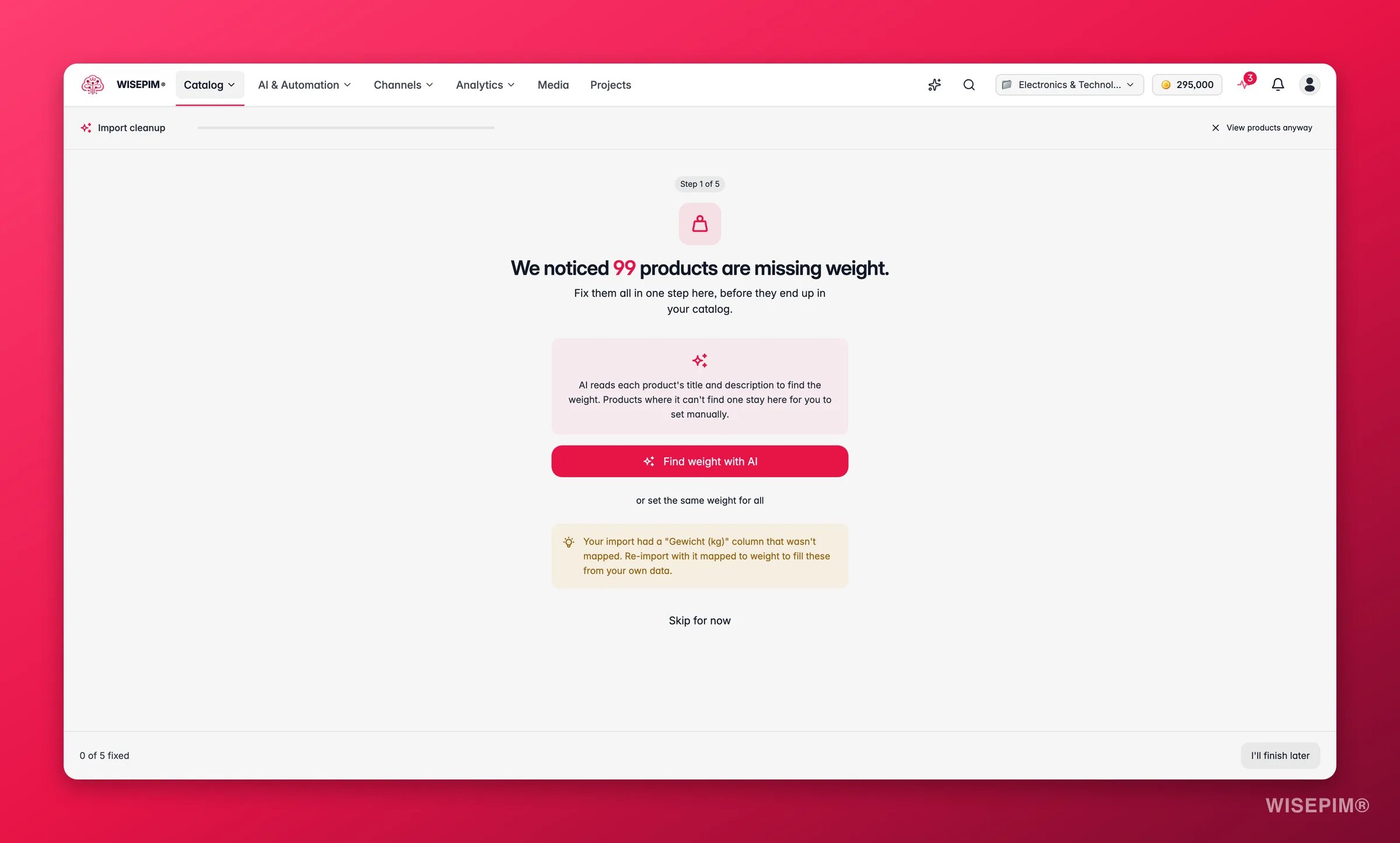
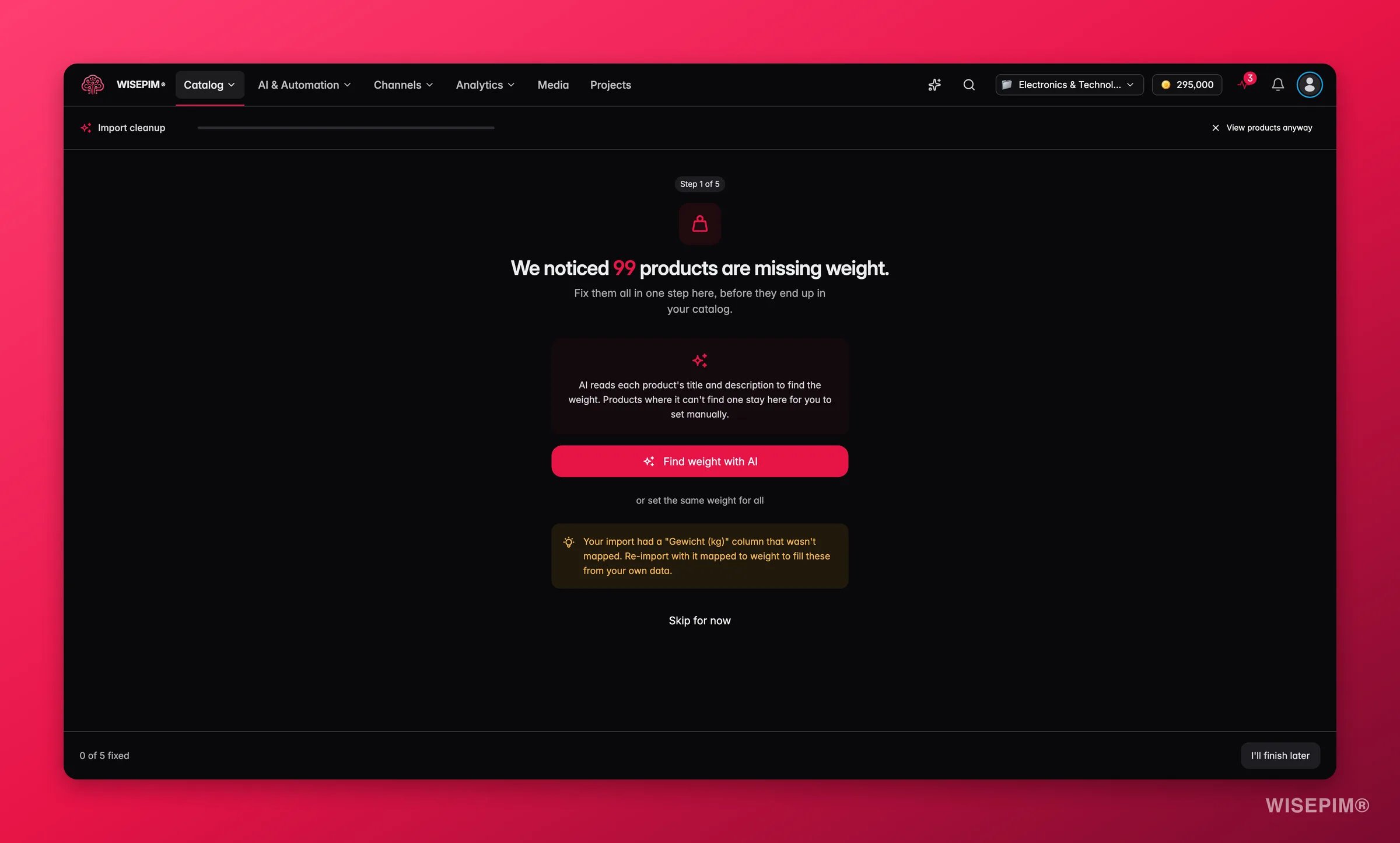
- Missing images: WISEPIM checks whether an unmapped column in your original file might hold the image URLs. If so, it suggests re-running the import with that column mapped. You can also paste a placeholder URL to fill all products at once.
- Missing weight or price: AI reads each product’s existing title and description and extracts the value where it finds one. For products where it can’t, you can set a single value for all of them.
- Other field gaps: similar step-by-step fix options, including AI enrichment for text fields.
After your import
Once your products are in, here’s what to do next:- Work through the Cleanup Wizard: if critical fields are missing, the wizard opens automatically. Fix them before you publish
- Spot-check your data: open a few products and verify the information came through correctly
- Review your categories: your category structure was imported automatically. Make sure it looks right
- Check your attributes: same for attributes. They’re already there, ready to use
- Enrich with AI: this is where WISEPIM starts earning its keep. Select products and let the AI improve your content
Undo an import
Imported the wrong file, or the wrong store? Open the import in the Process Tracker and choose Rollback. It removes what that import brought in, so you can fix your file and run it again from a clean starting point.Where each product came from
Every product remembers the source it first arrived from: a platform, a file, a scrape, or a feed. WISEPIM records this once, on the first import, and never changes it afterwards, so it stays a reliable record of origin. You can filter your catalog by import source on the Products page. That makes it easy to answer questions like “show me everything that came from this supplier’s file” before a bulk edit, an enrichment run, or a cleanup.Troubleshooting
Import not starting
- Check that your integration is connected and tested on the Integrations page
- Verify your API credentials haven’t expired
- Make sure your API user has the right permissions
No products found
- Confirm your store actually has published products
- Check API user permissions, as some platforms restrict product visibility
- Try re-testing the integration connection
CSV issues
- Save as CSV (UTF-8): encoding problems cause garbled text
- Remove special characters from column headers
- Make sure required fields (name, SKU) are mapped
Slow import
Large catalogs take time, and platform API rate limits can slow things down. If an import seems stuck, check the Process Tracker for status updates.Related
Import Settings
Configure the mappings and defaults every import runs with.
Web Scraping Import
Import products straight from any webshop URL.
Process Tracker
Follow long-running imports and see exactly what changed.
Exporting Products
Send your enriched catalog back out to your channels.
Import your first catalog
A guided first import, from source file to a catalog you can work with.