

This report needs order history (to learn each product’s sales velocity) and inventory data (to know when products were out of stock). The lost-revenue figure is an estimate based on historical demand.
Key metrics
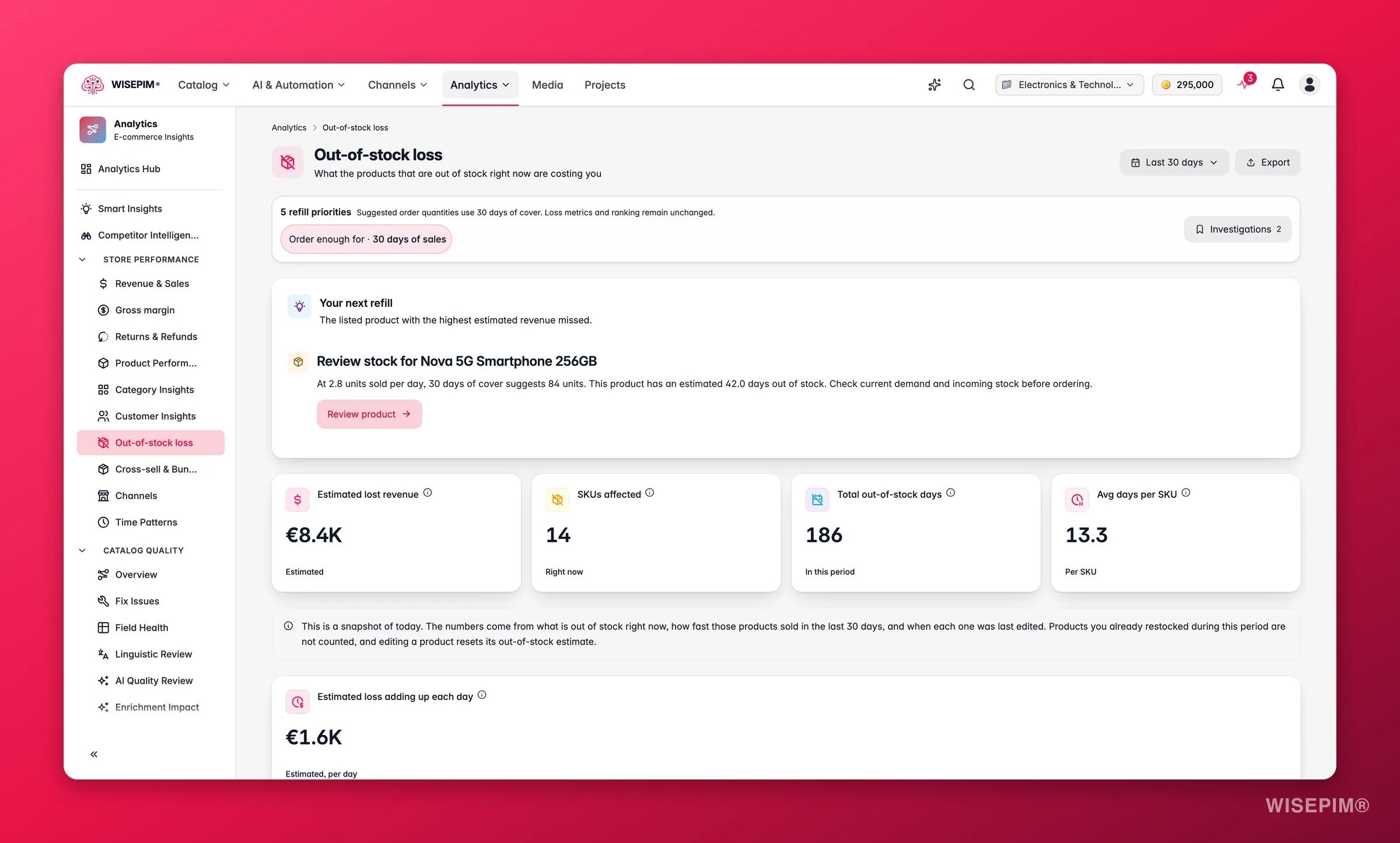
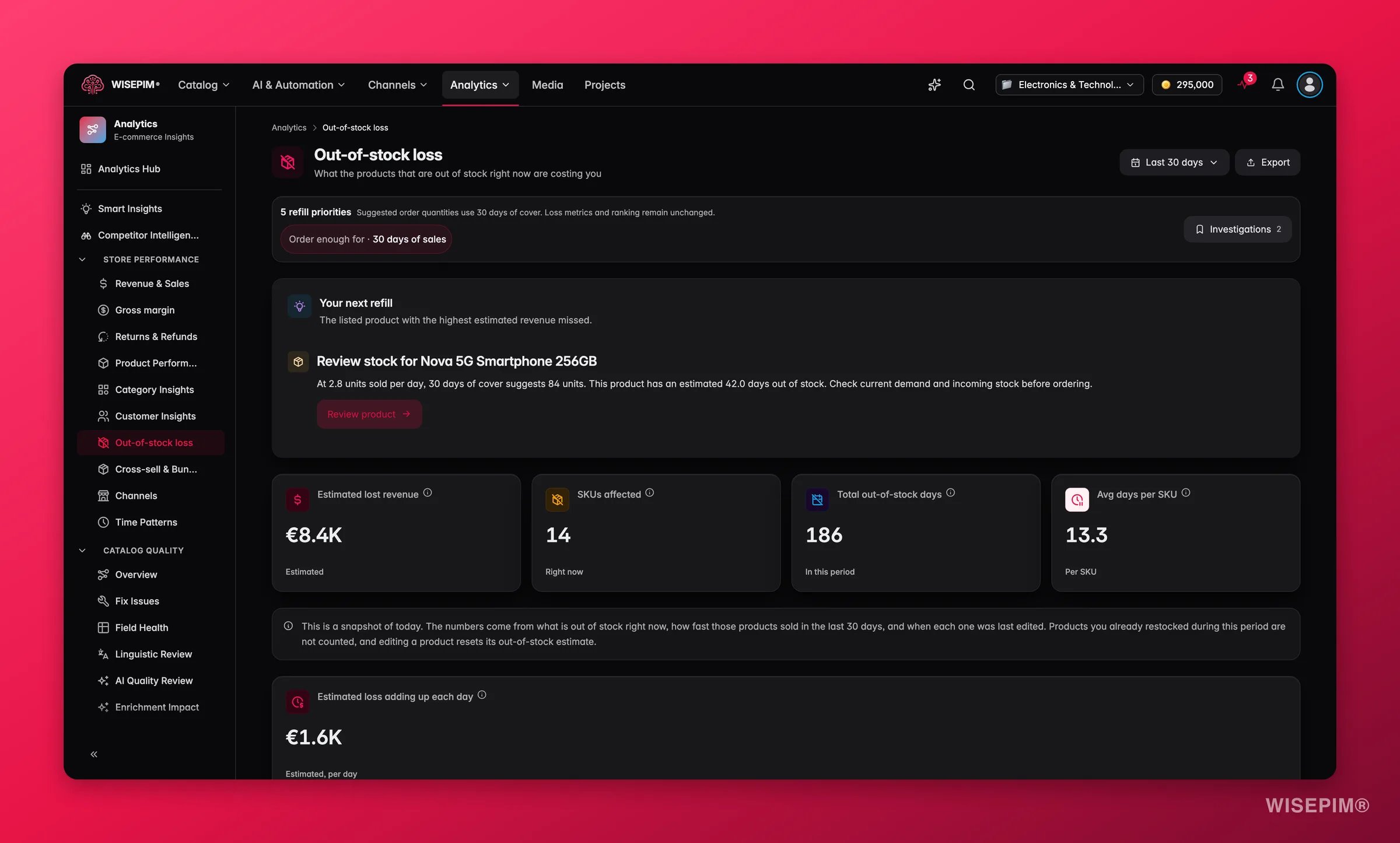
What good looks like
There is no universal benchmark for “acceptable” stock-outs, a fashion retailer manages them differently from a replenishable goods seller. But these directional signals apply broadly:
The refill priority table uses built-in severity thresholds to help triage:
Charts and tables
- Lost revenue over time: when stock-outs cost you the most, so you can tie losses to demand spikes or seasonal peaks.
- SKUs out of stock per day: (shown when available) how many products were simultaneously unavailable each day. A rising count signals a systemic restock problem rather than isolated SKU issues.
- Lost revenue by category: the categories where availability hurts you most. Use this to prioritize which category to fix first.
- Refill priority: a ranked table of products to restock, with their severity status (Critical, At Risk, Watch), average units sold per day, days out of stock, and estimated lost revenue. Export as CSV to share with a buyer or warehouse team.
Reading the results
- A few SKUs account for most of the lost revenue: this is the common pattern. Your top 5–10 out-of-stock products often represent over half of total estimated loss. Focus the refill priority table on Critical items first.
- Lost revenue spikes align with a specific date: this usually corresponds to a demand event (sale, external traffic spike, seasonal peak) that exhausted stock faster than expected. Use Time Patterns to anticipate these windows next time.
- Many SKUs affected but low total lost revenue: the out-of-stock products are slow movers. Low urgency, but worth reviewing reorder minimums so they stay available passively.
- A whole category in red: likely a supplier or lead-time issue affecting the category as a whole, rather than individual SKU mis-forecasting.
Act on what you find
Critical SKUs need immediate restocking
Critical SKUs need immediate restocking
Open each Critical-status product from the refill priority table and update stock levels. Use Bulk: Update Stock to push updated quantities across channels at once. For recurring top sellers, set up a low-stock automation alert so you are notified before they run out, see Automations. Outcome: restore availability on your highest-revenue SKUs and stop the daily revenue loss they represent.
A category is driving most lost revenue
A category is driving most lost revenue
Filter the refill priority table by category (or use the lost revenue by category chart) and review reorder triggers for that group. A systemic gap often means the reorder point is set too low or lead times have changed. Adjust quantities in bulk with Bulk: Update Stock. Outcome: reduce category-level availability failures rather than chasing individual SKUs one at a time.
Stock-outs peak around the same period each year
Stock-outs peak around the same period each year
Cross-reference with Time Patterns to confirm seasonality, then build a pre-season stock buffer. You can automate a reorder trigger ahead of the peak using Automations. Outcome: eliminate predictable peak-season stock-outs before they happen.
Average days per SKU is high across the board
Average days per SKU is high across the board
Prolonged unavailability usually signals a supply-chain or lead-time problem rather than a forecasting one. Verify supplier lead times in your integrations and consider safety-stock buffers on your fastest-moving lines. Connect or audit your inventory feeds under Integrations to ensure stock levels are syncing in near real time. Outcome: reduce average downtime per SKU so that each stock-out event is shorter and less costly.
Related
Time Patterns
Refill bestsellers before your peak windows.
Revenue & Sales
See the revenue stock-outs are eating into.
Bulk: Update Stock
Update stock levels across many products at once.
Automations
Automate low-stock alerts and supplier syncs.