

Enforce your dictionary
1
Select products
Check the products you want to update, or use filters and select all matching results.
2
Open Bulk Edit and choose Enforce Dictionary
Click Bulk Editing, then search for “Enforce Dictionary” or find it under Text & Content.
3
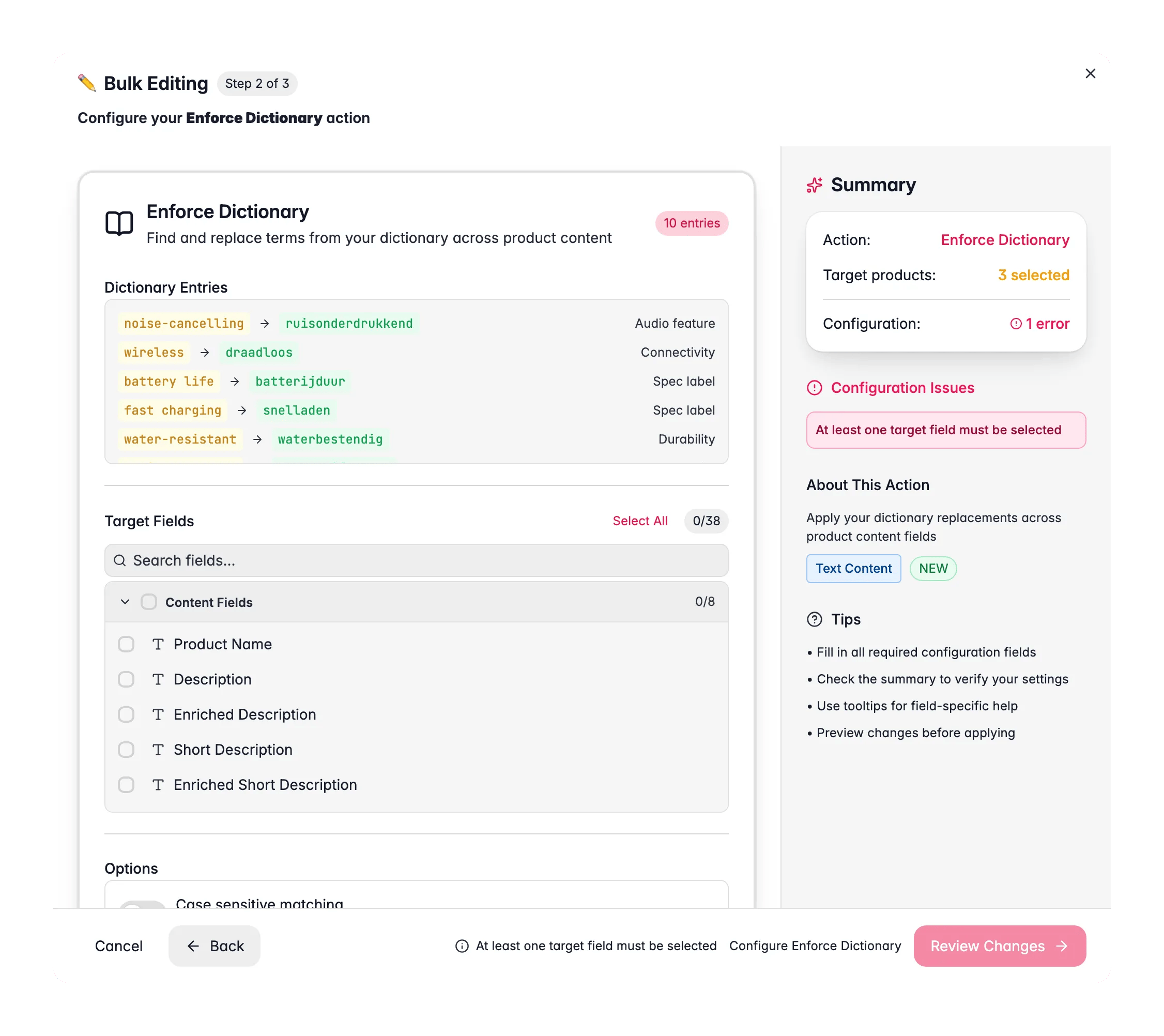
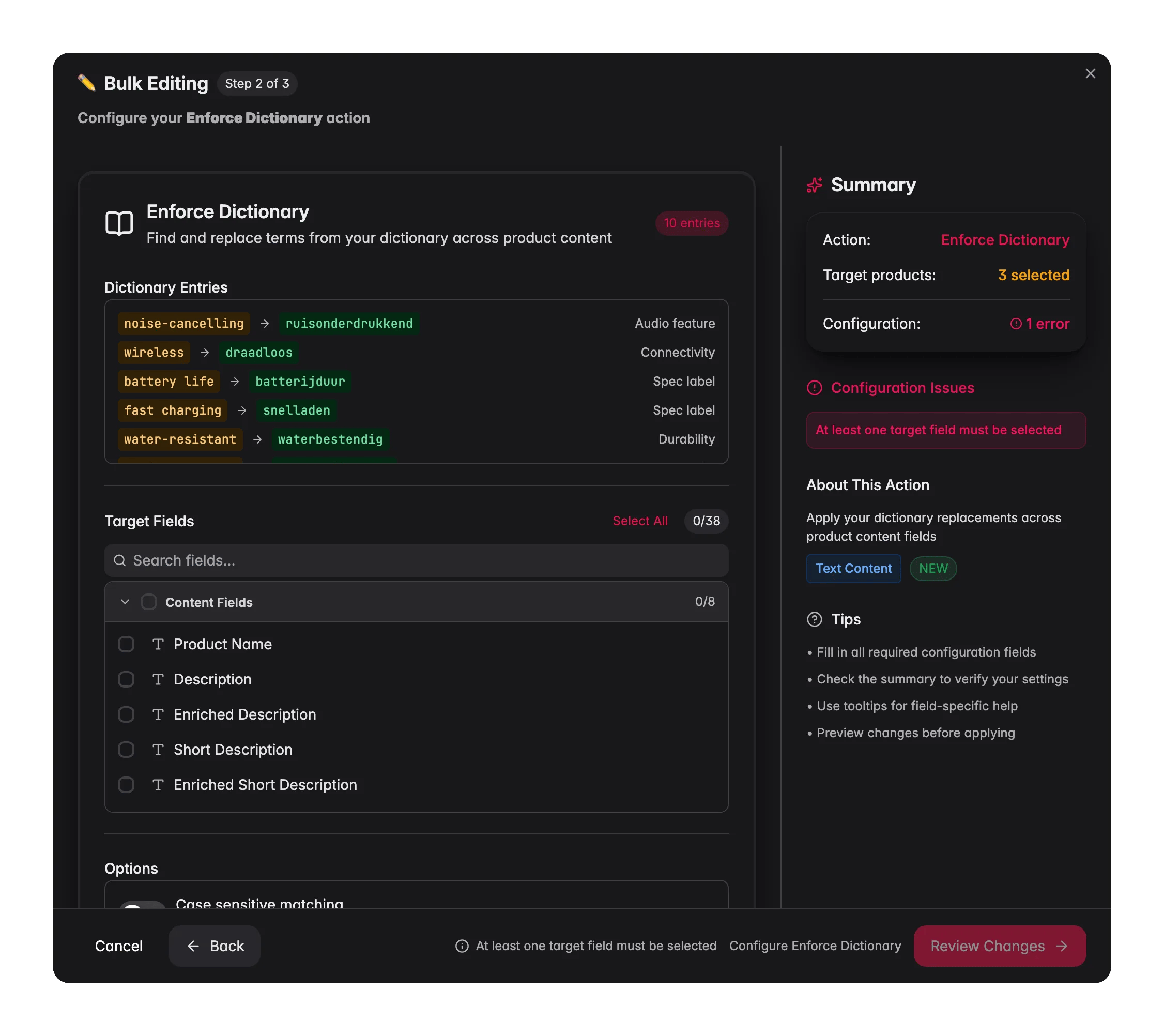
Review your dictionary entries
WisePIM loads your active dictionary and shows each term and its replacement. Set up your terms first in Settings → Translation → Dictionary if the list is empty.
4
Choose your target fields
Pick which fields to scan: product name, descriptions, SEO fields, identifiers, custom text attributes, and any translated fields per language.
5
Set matching options and apply
Toggle case-sensitive matching if you need it, then click Apply.
Options
Fields you can target
- Content fields: product name, description, enriched description, short description, enriched short description, SEO title, SEO description, meta keywords.
- Identifier fields: SKU, EAN, UPC, MPN, brand, supplier.
- Custom attributes: any text or textarea custom attribute, grouped by attribute group.
- Translated fields: the same content fields for each language you have set up, so you can enforce terminology per locale.
When to use it
- Brand and house style. Replace casual or legacy wording with your approved terms across thousands of products at once.
- After a translation pass. Lock in the correct term for a concept so the whole catalog reads consistently in each language.
- After an import. A supplier feed often uses its own vocabulary. Enforce your dictionary to bring it in line with how you describe products.
Only active dictionary entries are applied. Entries marked Keep as-is are left out, so protected names and trademarks stay exactly as they are.
Related
Find and Replace
Replace a single phrase across many products at once.
Standardize Text Case
Fix inconsistent capitalization across text fields.
Remove Links
Strip hyperlinks from product content in bulk.
All bulk actions
Browse every bulk editing action by category.