

Update the weight
1
Select products
Check the products you want to update. Or use filters and select all matching results.
2
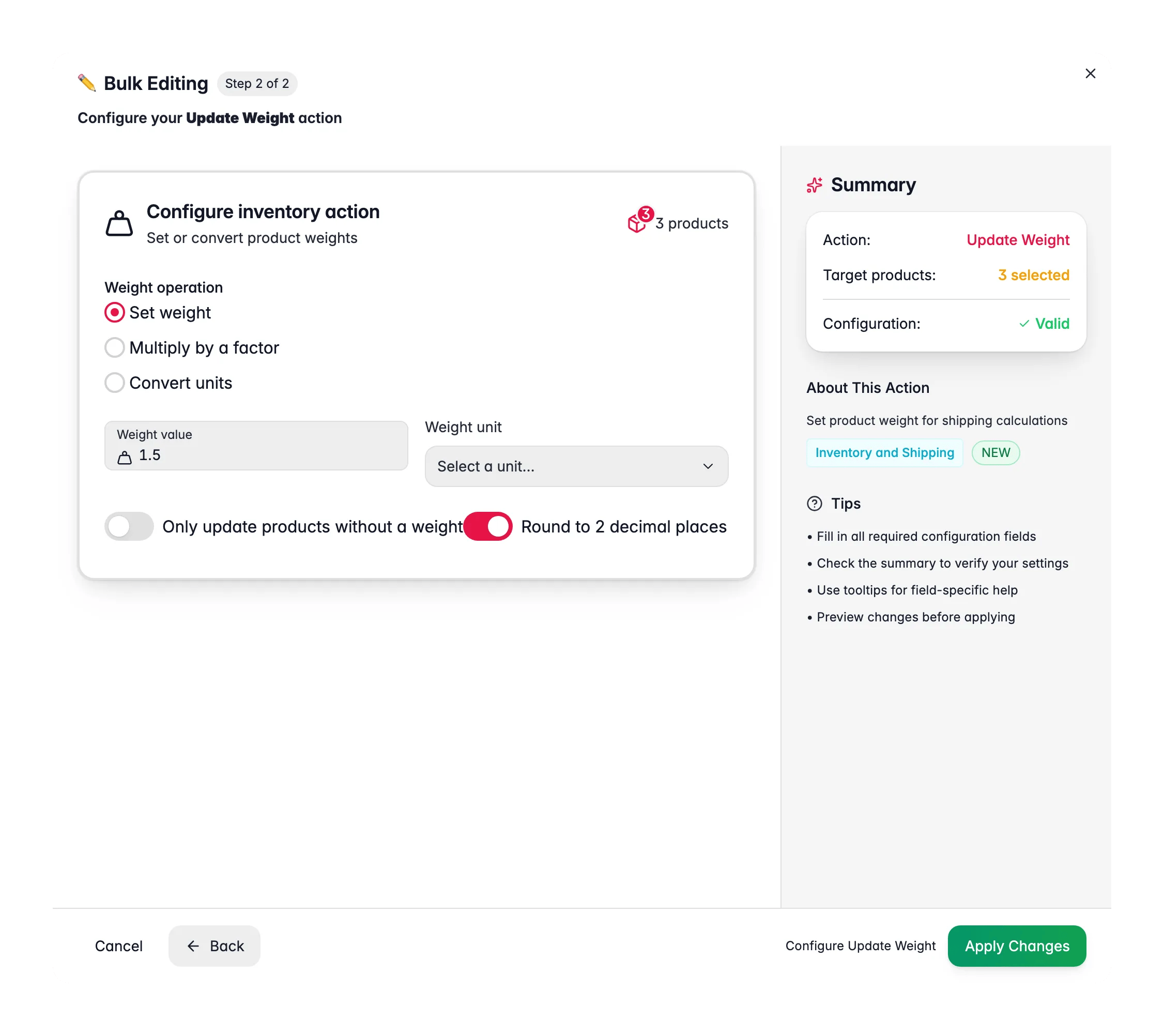
Open Bulk Edit and choose Update Weight
Click Bulk Editing, then search for “Update Weight” or find it under Inventory & Shipping.
3
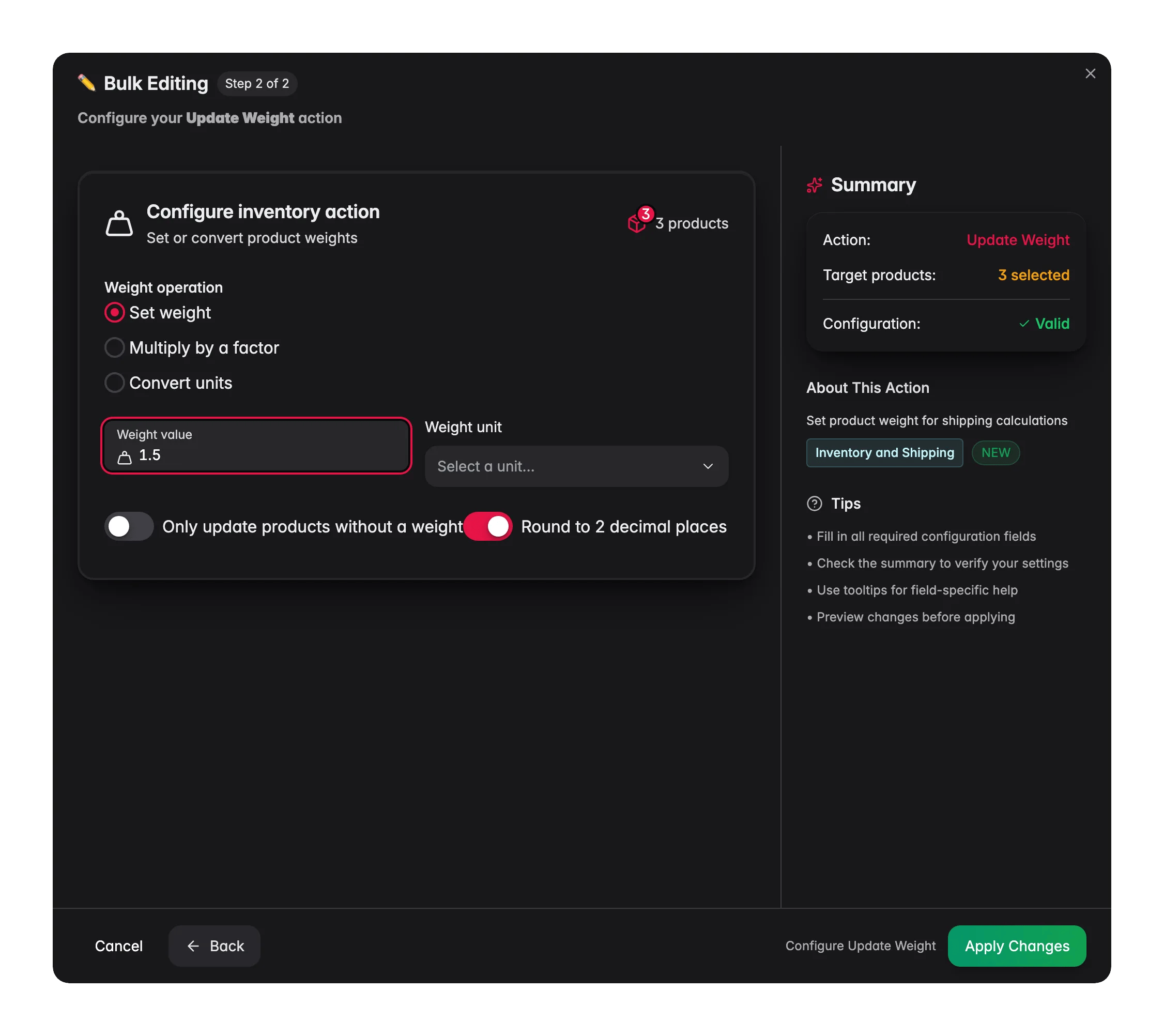
Choose the operation
Pick Set, Multiply, or Convert units.
4
Enter the values and apply
Set the weight or conversion details, then click Apply.
Operations
Options
Supported units
With Convert units, the conversion factor is applied for you. Pick the source and target units, and weights are recalculated automatically.
Related
Set Dimensions
Set length, width, and height for accurate shipping.
Shipping Settings
Update HS codes, country of origin, and shipping flags.
Update Stock
Set or adjust stock quantities across your selection.
All bulk actions
Browse every bulk editing action by category.