

Update shipping settings
1
Select products
Check the products you want to update, or use filters and select all matching results.
2
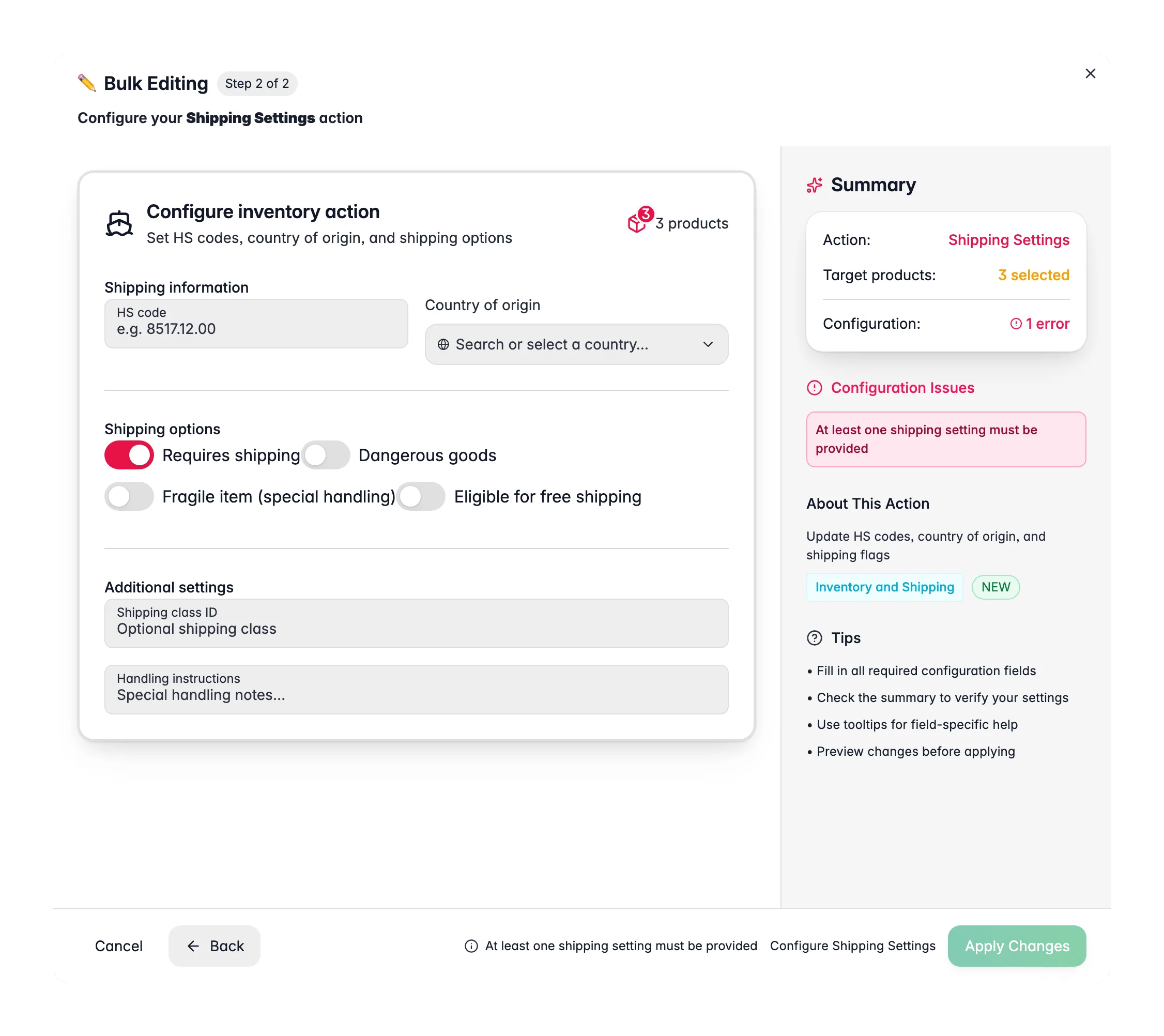
Open Bulk Edit and choose Shipping Settings
Click Bulk Editing, then search for “Shipping Settings” or find it under Inventory & Shipping.
3
Fill in the fields you want to change
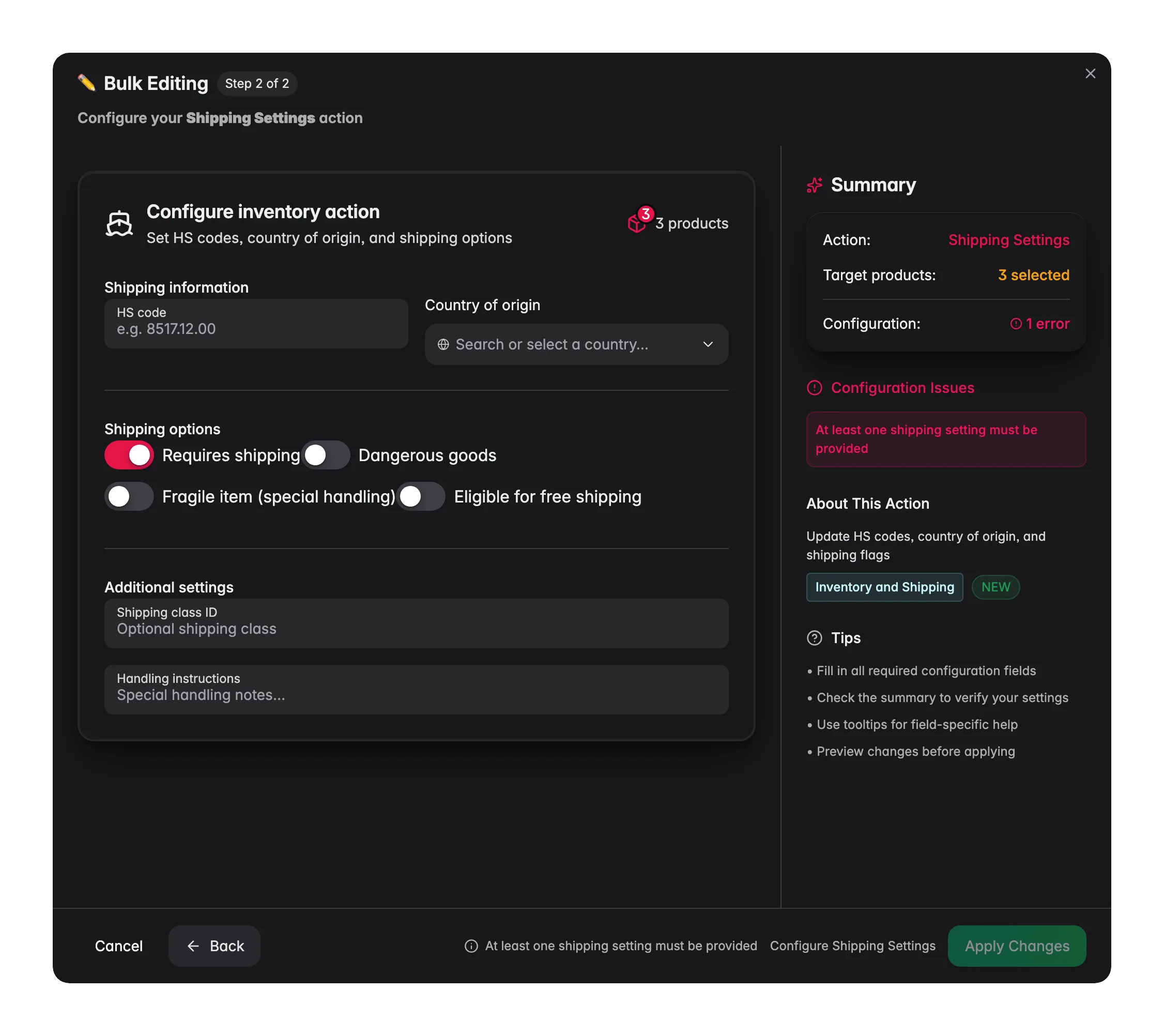
Set HS codes, country of origin, shipping flags, or handling notes. Leave the rest blank.
4
Apply
Click Apply to update the selected products.
Options
Customs information
Shipping flags
Additional settings
Tips
- Bulk-set HS codes by product type: filter by category first, then apply the right code.
- After onboarding a new supplier, filter by supplier and set their Country of Origin in one go.
- Use Handling Instructions for warehouse notes like “Keep upright” or “Temperature sensitive”.
Related
Set Dimensions
Set length, width, and height for shipping.
Update Weight
Set or adjust product weight in bulk.