

This page shows one order. The date picker doesn’t change it. Store, currency and period still travel with the links back to the reports.
The header
What was bought
The receipt lists every order line with its quantity and line total. Each line is either linked to a product in your catalog, with an Edit product button, or marked Not linked to a product with Link to product. The footer counts them: 3 of 4 lines linked to products.Linking a line here applies to every past order with the same store reference, not this one alone. Product and margin reports pick the change up after the next report update.
What the customer paid
The payment card breaks the total into Products, Discount, Shipping, Tax and Total, and then checks them against the store’s own total:
Parts a platform never sends are listed as Not reported by
{platform}: {components}. WISEPIM keeps them unknown instead of guessing, which is why a verdict of Can’t check the total yet is not an error on your side.
Order details
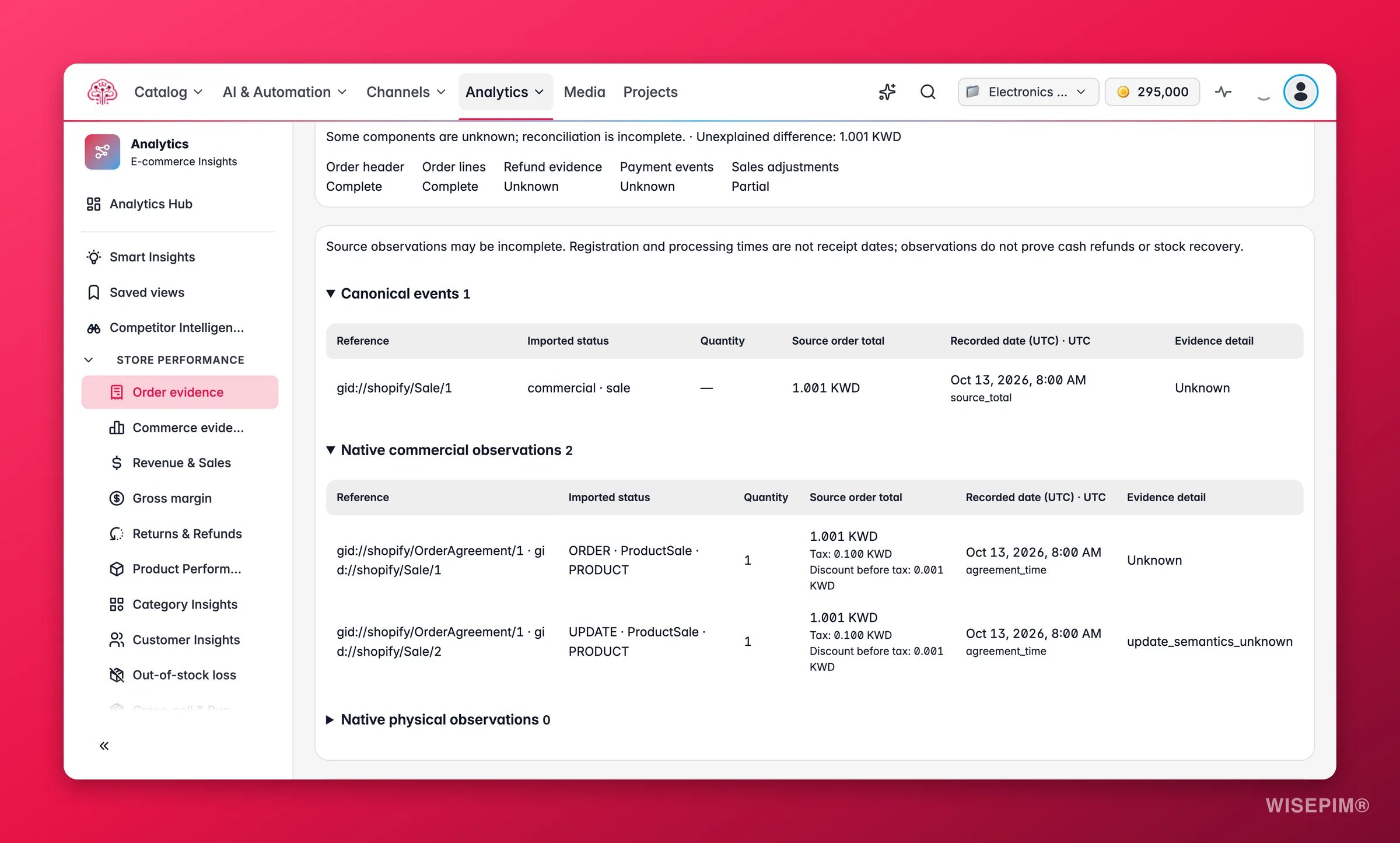
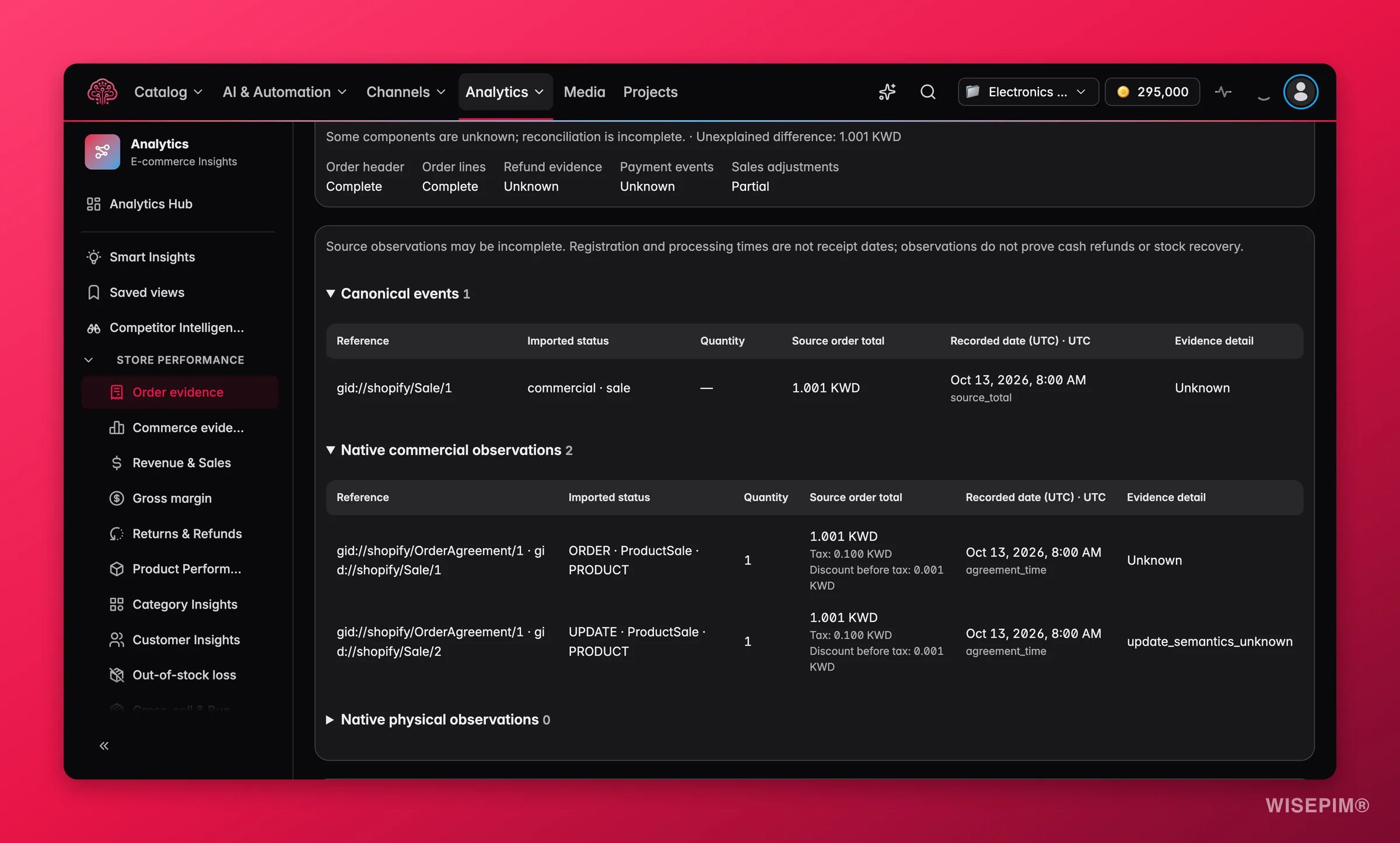
A completeness row shows what the import covered for this order: Order details, Order lines, Refunds, Payments and Sales adjustments, each marked Complete, Partial, Unknown or Not supported. Not supported means the platform does not offer that record at all.Refunds
The Refunds card lists each refund the store recorded, with its amount and date. Two caveats are on the page:- No refunds imported for this order. A refund made outside the store won’t show here.
- The date shown can be the order date, because the platform doesn’t always send the refund date.
bol orders
For a bol order, a row explains why it stays out of money totals: bol shares line prices but not a confirmed order total or currency, so we keep bol orders out of money totals. Line prices are shown as bol listed them. The Add bol invoices button takes you to Costs, where bol’s commission and fees can be posted from an invoice.Source records (for support)
A collapsed section at the bottom holds the raw records: Sales records from the platform and Shipment and return records from the platform. The warning above them applies to both: “These records can be incomplete. Their times are when the platform registered them, which can differ from when goods arrived.” Each amount also carries its Amount source: As sent by the store, From an older import; it may be rounded, or Amount unknown. An order whose currency the adapter could not confirm is marked Currency not confirmed.Act on what you find
The total is off by a small amount
The total is off by a small amount
Expand Source records (for support) and compare the sales records with the payment card. A rounding difference on an older import shows From an older import; it may be rounded as the amount source. A difference on a fresh order usually means the platform sent a part WISEPIM does not import yet; the Not reported by line names it.
A line is not linked to a product
A line is not linked to a product
Click Link to product and pick the catalog product. If the same reference shows up on many orders, do it once in Unmatched products instead, where the preview tells you how many order and refund lines the link will touch.
A refund you know about is missing
A refund you know about is missing
Refunds only show when the store recorded them against this order. A refund issued through a payment provider or outside the store does not arrive. If the store did record it, check the connection in Data health and wait for the next import.
Support asks for the record behind a number
Support asks for the record behind a number
Use Copy order number, then open About these numbers on the Orders page and click Copy for support. Together they give support the order, the data version and the settings version to reproduce what you saw.
Related
Orders
The order list this page opens from, with the same filters.
Margin
Where the costs for these order lines turn into a margin per store.
How Order Numbers Work
Why unknown is never zero, and what reconciliation does and does not prove.
Integration Health
Sync status per connection when records are missing.