

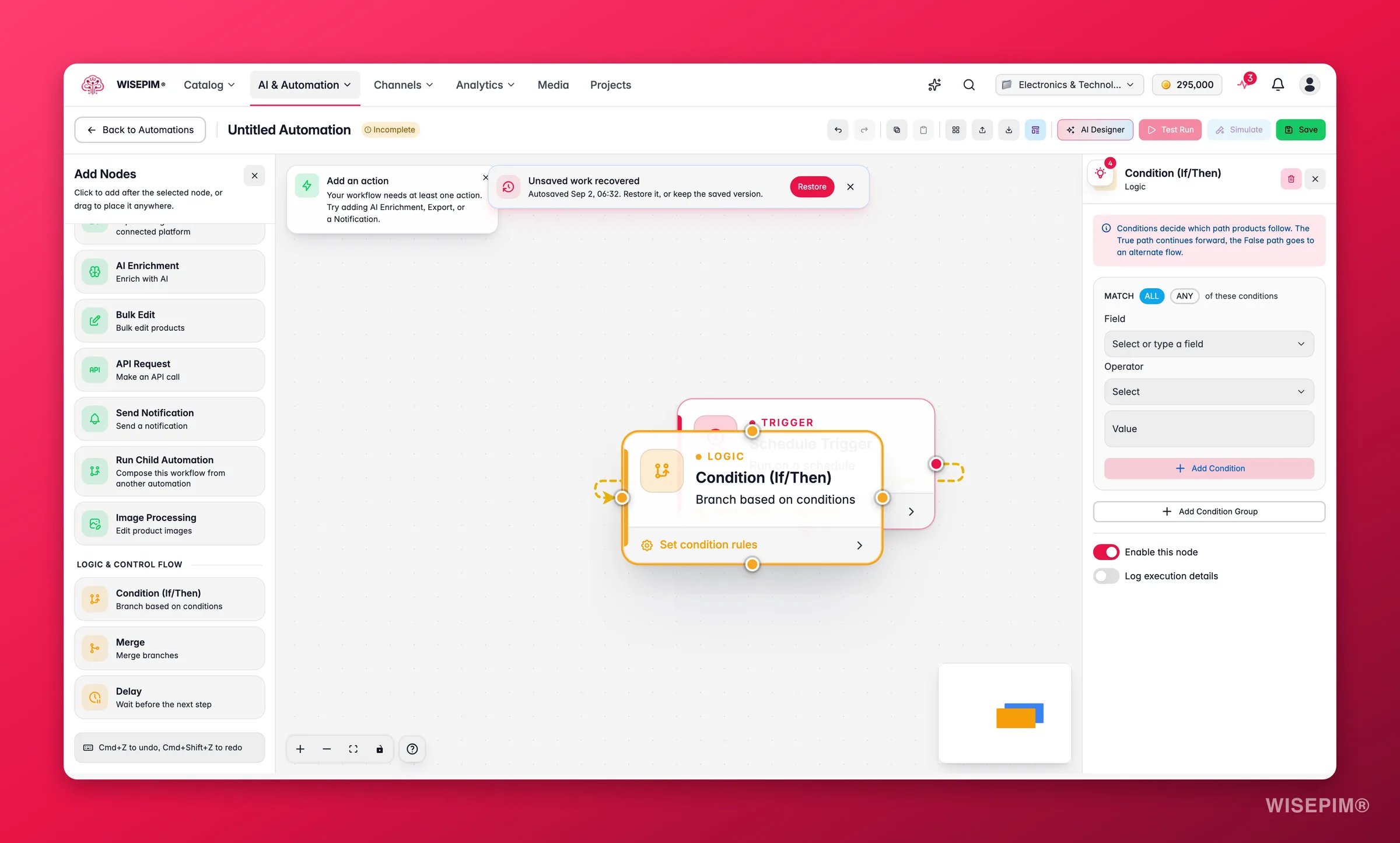
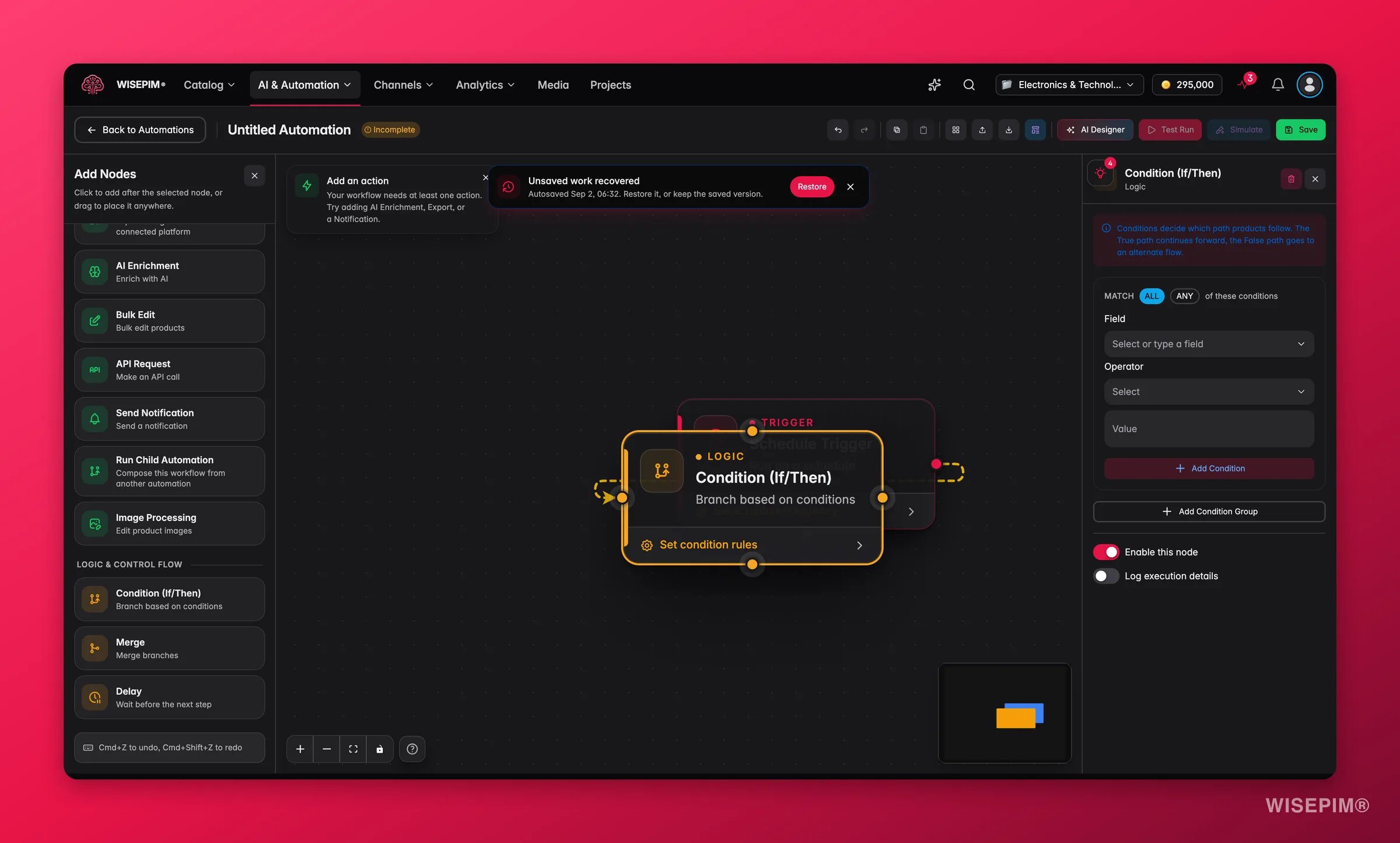
Logic nodes control the flow of your automation. Use them to create conditional branches, recombine parallel paths, or add pauses between steps.Documentation Index
Fetch the complete documentation index at: https://docs.wisepim.com/llms.txt
Use this file to discover all available pages before exploring further.
Logic nodes work with any combination of triggers, data nodes, and action nodes. Add them anywhere in your workflow to control how products are routed.
Condition (If/Then)
Create branching paths based on product data. Products that match the condition follow the “true” path; products that don’t follow the “false” path.| Setting | Description |
|---|---|
| Condition groups | One or more groups of rules to evaluate |
| Group logic | AND (all groups must match) or OR (any group can match) |
| Rule Setting | Description |
|---|---|
| Field | The product field to evaluate (e.g., title, price, status, category, any attribute) |
| Operator | The comparison to perform |
| Value | The value to compare against |
| Field Type | Operators |
|---|---|
| Text | equals, not equals, contains, does not contain, starts with, ends with, is empty, is not empty |
| Numeric | equals, not equals, greater than, less than, greater than or equal, less than or equal, between |
| Select / Status | equals, not equals, is one of, is not one of |
| Boolean | is true, is false |
| Date | before, after, between, is empty |
Merge
Combine two or more parallel branches back into a single flow. The merge node collects products from all incoming connections and passes them downstream as one set. No configuration is needed — simply connect multiple branches to the merge node’s input handles. When to use Merge:- After a Condition node, to recombine the true and false paths
- When multiple parallel action branches need to converge before a final step (e.g., sending a summary notification)
Delay
Pause the workflow for a specified duration before continuing to the next node.| Setting | Description |
|---|---|
| Delay type | Fixed duration, random duration, or until a specific time |
| Duration | For fixed delays: the amount of time to wait (minutes, hours, or days) |
| Range | For random delays: a minimum and maximum duration |
| Until time | For time-based delays: the specific time of day to resume |
- Wait between an import and an export to allow time for manual review
- Stagger API calls to avoid rate limits
- Delay notifications until business hours
Next Steps
Triggers
See all 7 trigger types that can start your automations.
Action Nodes
See all the actions your automations can perform.

