

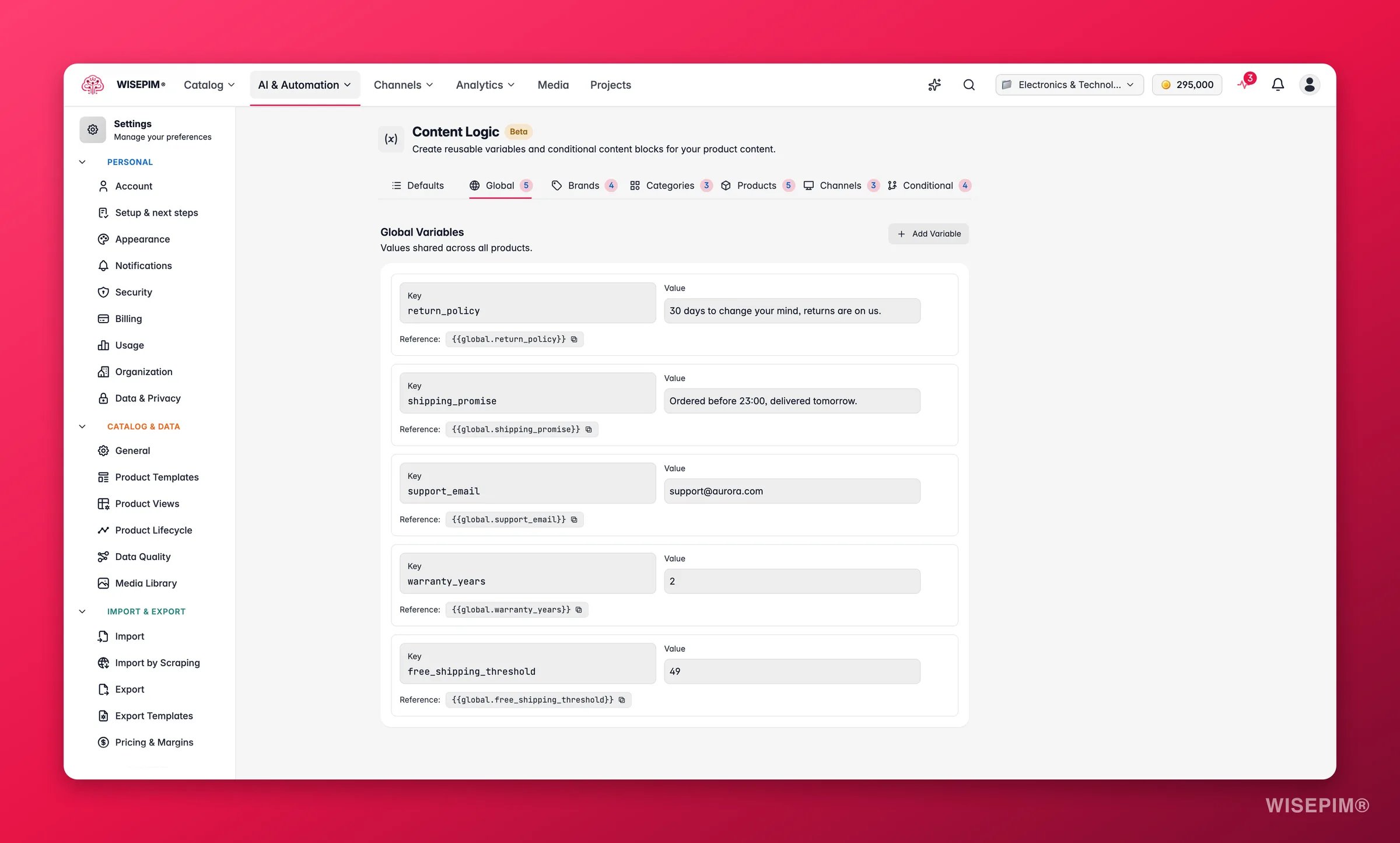
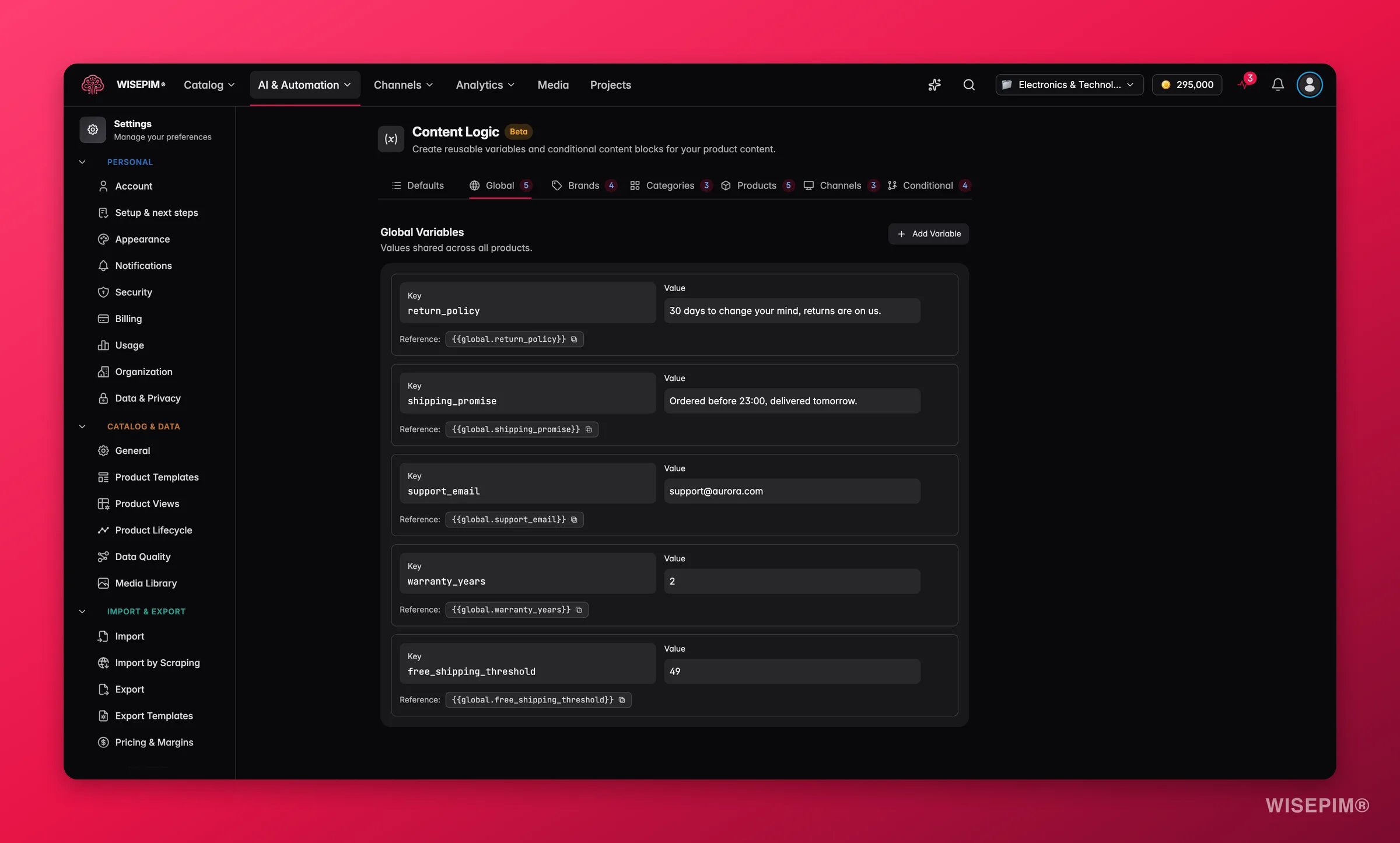
Use global variables for anything that does not change per product. They are your single source of truth for company-wide content.
Create a global variable
1
Add a key and value
On the Global tab, create a variable. Give it a clear key (like
support_email) and the value you want it to resolve to.2
Reference it in content
Use
{{global.your_key}} in any formula-enabled field. Type {{ to trigger autocomplete and pick from your variables.What you can use them for
Global variables shine when the same text appears across many products. Here are the most common uses.Company name and contact details
Define your company info once, then reuse it in descriptions, legal text, CTAs, and export templates.
Reference them in a description:
“Order from Industrial Supplies BV at shop.industrialsupplies.com. Questions? Contact support@industrialsupplies.com.”
Shipping and return policies
Keep policy text consistent. When terms change, you update one value instead of editing every product.
If your free-shipping threshold moves from €50 to €75, change the variable once. Every product that references it gets the new text.
B2B ordering terms
Standardize ordering information across your whole catalog.
Use them in a description:
“Ships within 3-5 business days. Net 30 for approved accounts.”
Compliance and legal text
Centralize regulatory text so updates reach every product at once.
Add it to descriptions with Append/Prepend:
Promotions and seasonal messaging
Create promo text you can switch on and off by editing one variable.
When the sale ends, clear the value or set the next promotion. Every product that uses
{{global.promo_text}} updates right away.
Warehouse and logistics notes
Centralize warehouse instructions that appear in export templates or internal descriptions.Brand-agnostic product content
Use globals for content that does not vary by brand or category.
Add it to every product with one bulk action:
Tips
- Keep keys descriptive.
shipping_promiseis easier to recognize thansp1across dozens of formulas. - Chain variables. Globals can reference other globals, so a single edit can cascade everywhere.
- Treat them as your source of truth. When shipping terms, policies, or contact info change, update once and let it propagate.
Related
Product Variables
Compute values per product with formulas.
Brand Variables
Store different values per brand.
Category Variables
Store different values per category.
Append / Prepend
Add variable content to many products at once.