> ## Documentation Index
> Fetch the complete documentation index at: https://docs.wisepim.com/llms.txt
> Use this file to discover all available pages before exploring further.
# WebshopImporter-integratie
> Koppel WebshopImporter aan WISEPIM om je catalogus te importeren en synchroniseren. Voeg je API-sleutels toe en wissel binnen enkele minuten productdata uit.
Koppel WebshopImporter aan WISEPIM om je catalogus te importeren en je productdata gesynchroniseerd te houden. Voeg om te beginnen je WebshopImporter-API-sleutels toe in WISEPIM.
## Voeg je API-sleutels toe
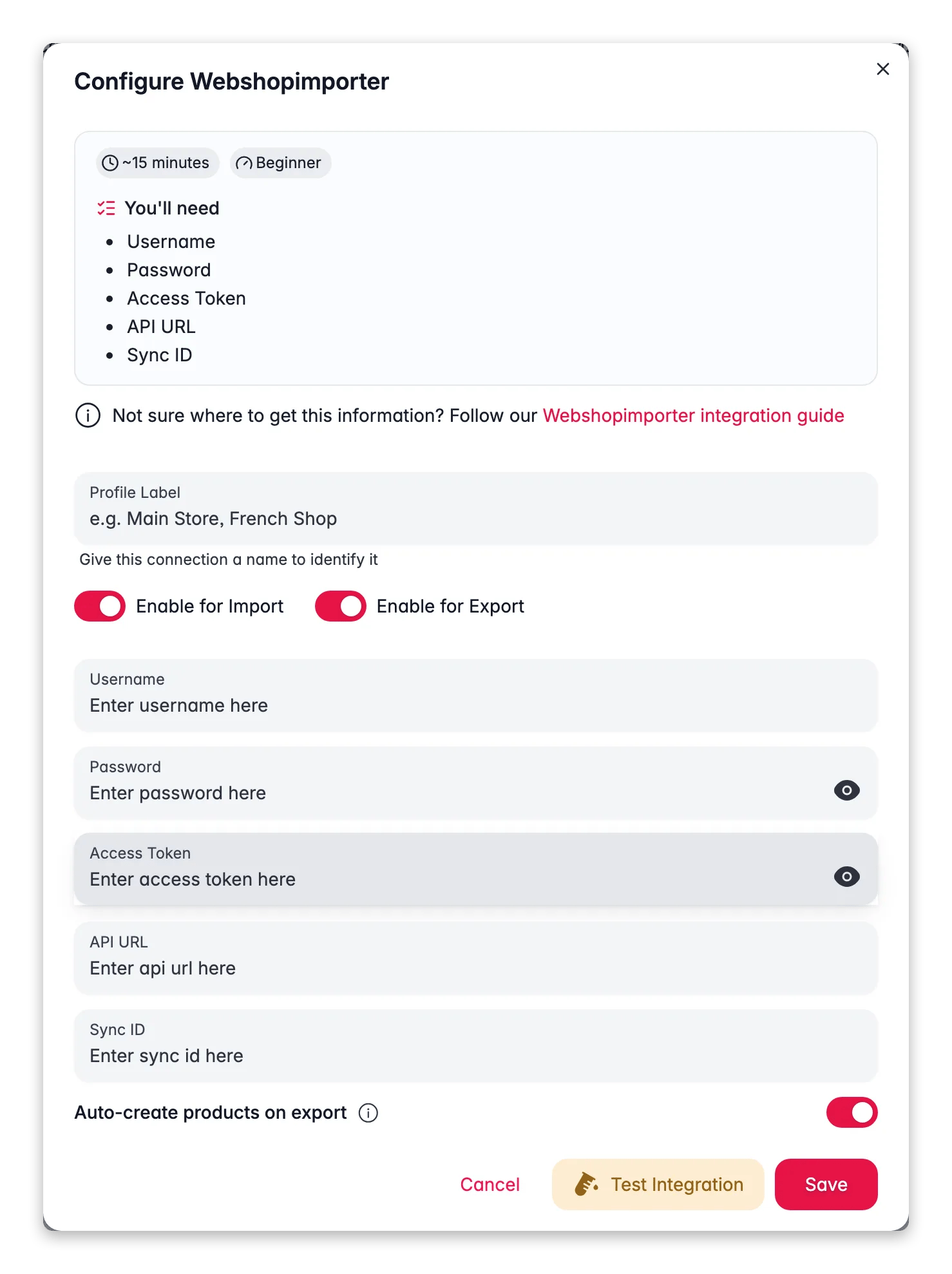
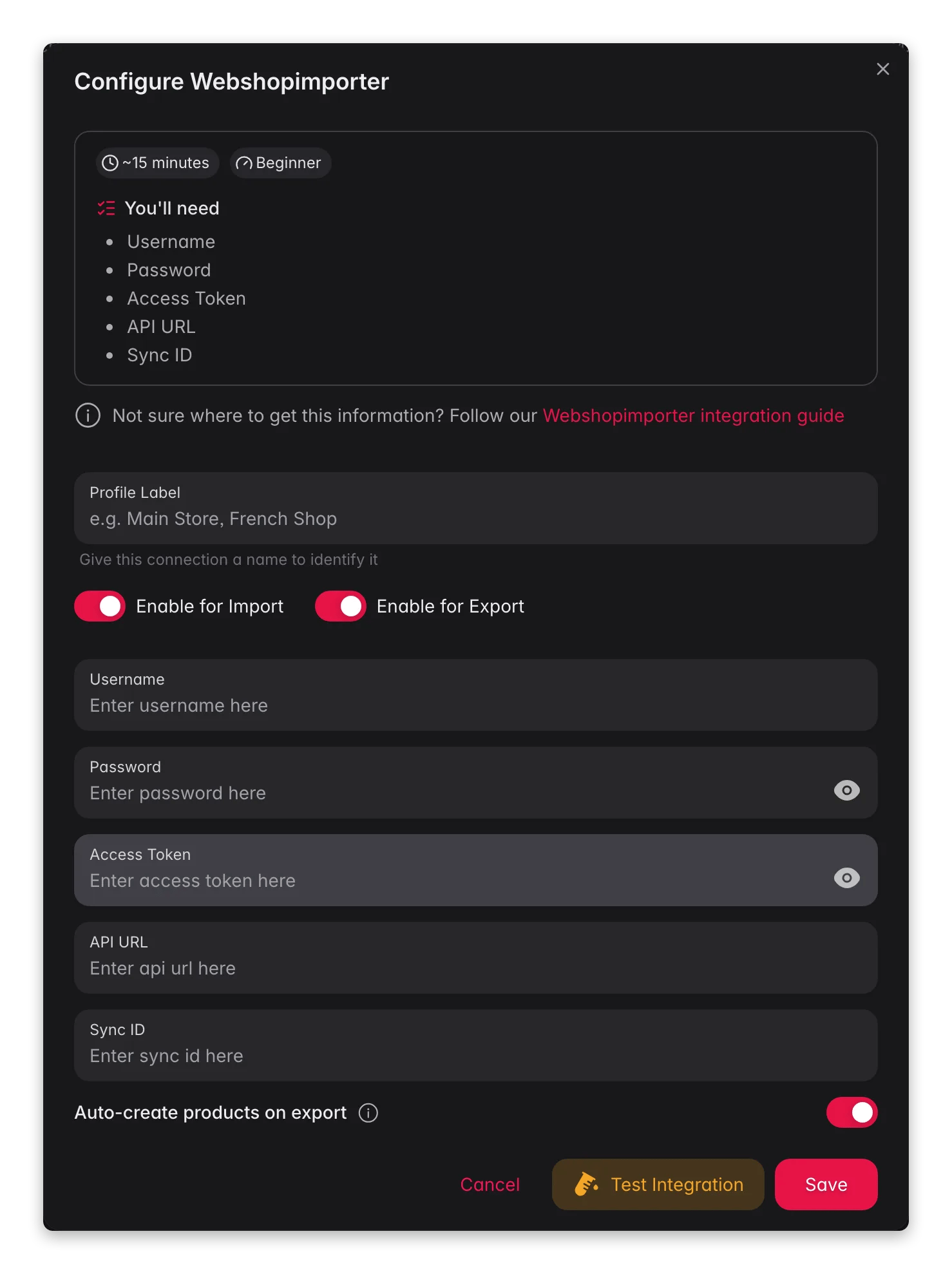 Log in op WISEPIM en ga naar **Instellingen** > **Integraties** > **WebshopImporter**.
Klik op **API-sleutel toevoegen** om een nieuwe koppeling te starten.
Vul de verplichte velden in:
* **API Key-naam**: een naam die je later herkent
* **API Key**: de API-sleutel van je webshop
* **API Secret**: het API-geheim van je webshop
* **Webshop-URL**: de basis-URL van je webshop
Klik op **Opslaan** om je gegevens te bewaren. WISEPIM kan nu productdata uitwisselen met je webshop.
Houd je API-sleutels privé en deel ze nooit openbaar. Denk je dat een sleutel is gelekt? Genereer hem dan direct opnieuw vanuit het beheerpaneel van je webshop.
## Gerelateerd
Bekijk elk platform waarmee WISEPIM koppelt en open de installatiehandleiding.
Haal je catalogus in WISEPIM zodra de integratie is gekoppeld.
Verbeter je geïmporteerde productdata met AI.
Log in op WISEPIM en ga naar **Instellingen** > **Integraties** > **WebshopImporter**.
Klik op **API-sleutel toevoegen** om een nieuwe koppeling te starten.
Vul de verplichte velden in:
* **API Key-naam**: een naam die je later herkent
* **API Key**: de API-sleutel van je webshop
* **API Secret**: het API-geheim van je webshop
* **Webshop-URL**: de basis-URL van je webshop
Klik op **Opslaan** om je gegevens te bewaren. WISEPIM kan nu productdata uitwisselen met je webshop.
Houd je API-sleutels privé en deel ze nooit openbaar. Denk je dat een sleutel is gelekt? Genereer hem dan direct opnieuw vanuit het beheerpaneel van je webshop.
## Gerelateerd
Bekijk elk platform waarmee WISEPIM koppelt en open de installatiehandleiding.
Haal je catalogus in WISEPIM zodra de integratie is gekoppeld.
Verbeter je geïmporteerde productdata met AI.