> ## Documentation Index
> Fetch the complete documentation index at: https://docs.wisepim.com/llms.txt
> Use this file to discover all available pages before exploring further.
# Ondersteunde platformen
> Bekijk elk platform waarmee WISEPIM koppelt: Shopify, WooCommerce, Magento, BigCommerce, Shopware, Lightspeed, Akeneo en meer. Kies je platform om de installatiehandleiding te openen.
WISEPIM koppelt met de platformen die je al gebruikt. Importeer je producten vanuit het ene platform, verrijk ze met AI en exporteer ze naar waar je verkoopt. Kies hieronder je platform om de installatiehandleiding te openen.
## Kies je platform
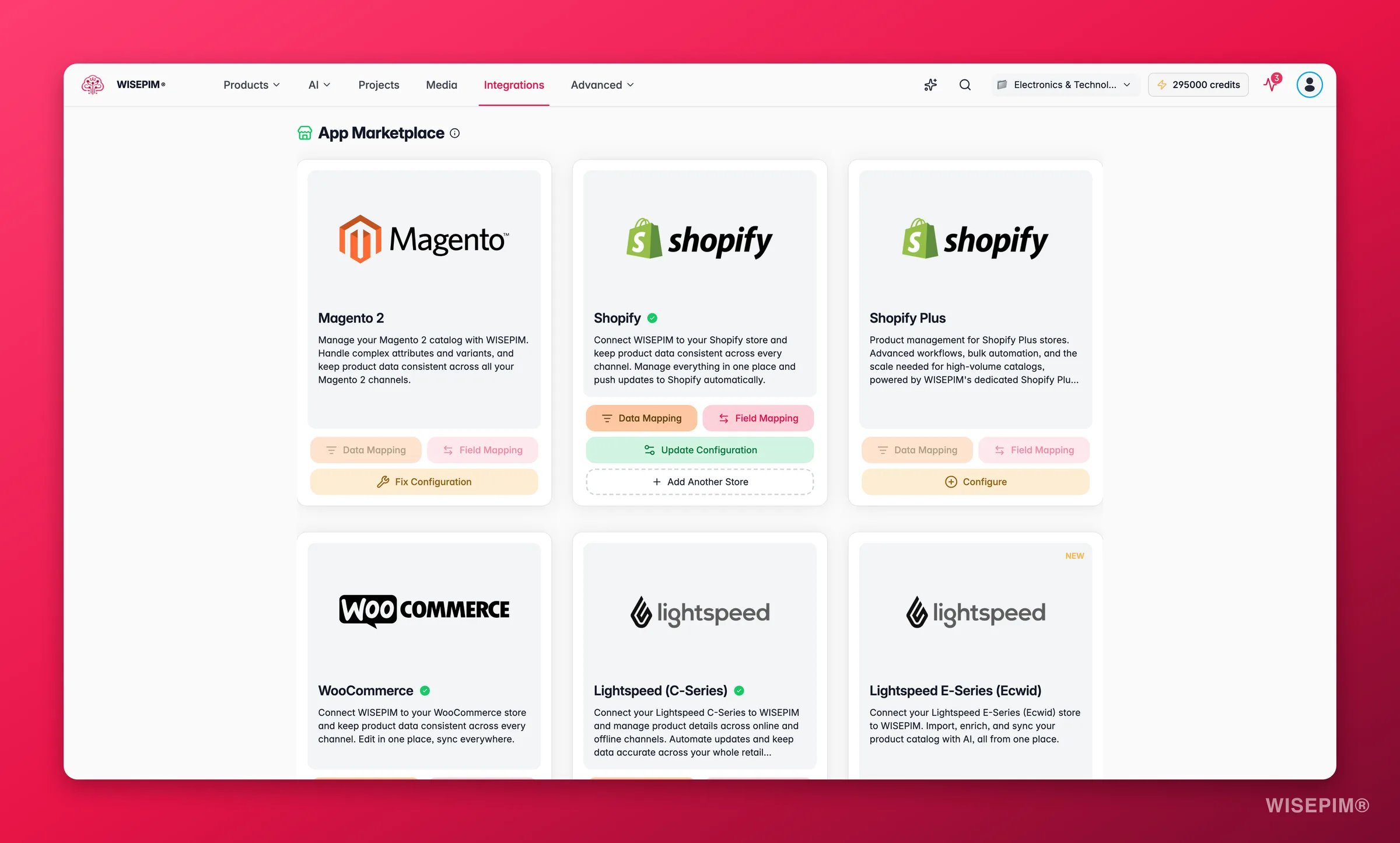
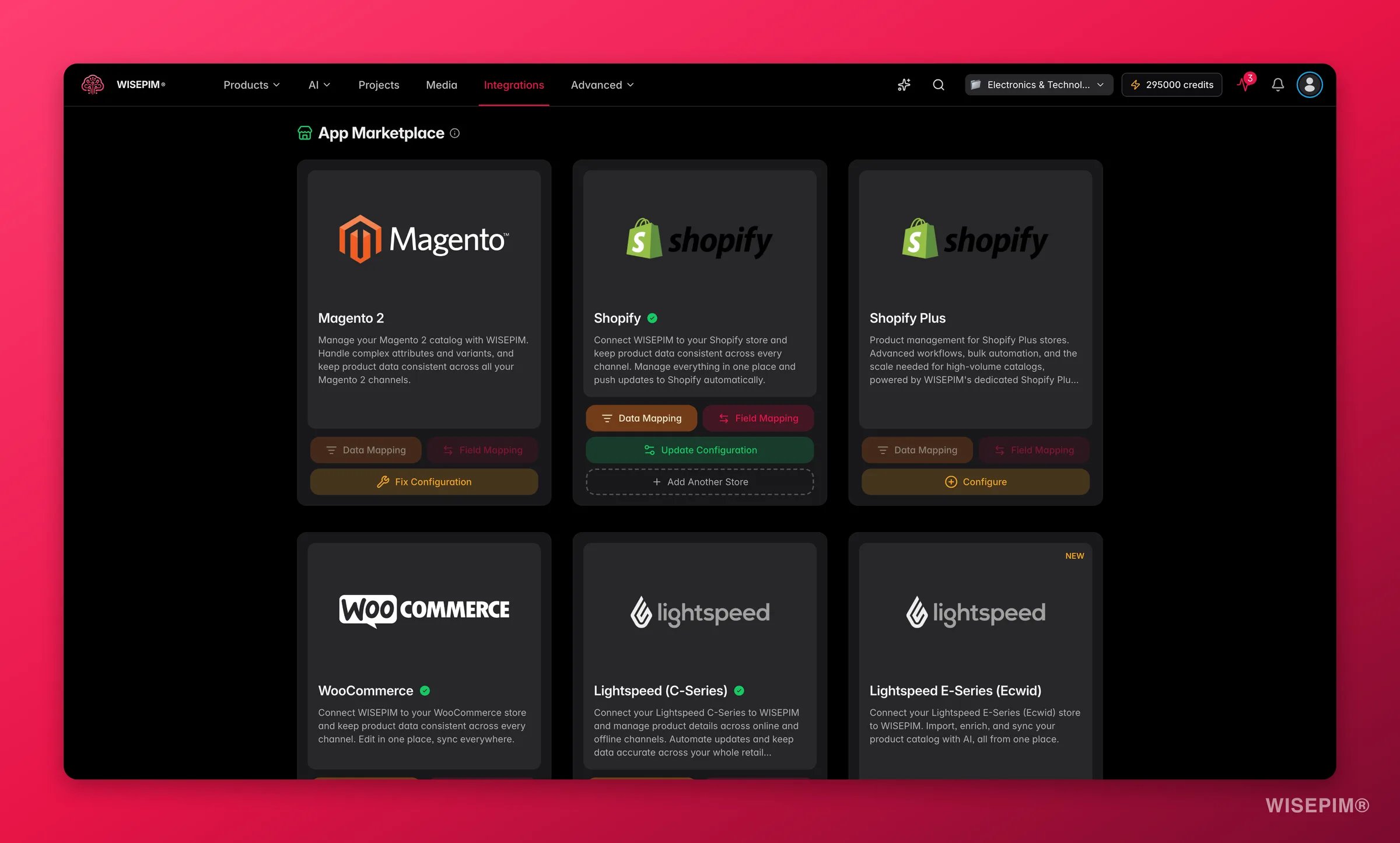 ### E-commerceplatformen
Koppel je Shopify-winkel via de API en verrijk je productdata.
Koppel je open-source WooCommerce-winkel en verrijk je productdata.
Importeer producten uit Magento 2 Open Source of Enterprise en verrijk ze met AI.
Koppel je BigCommerce-winkel met een API-token op winkelniveau.
Koppel je PrestaShop-winkel met een webservice key.
Koppel je Shopware 6-winkel via de Admin API.
Koppel je Squarespace Commerce-winkel met een API key.
Koppel je Lightspeed eCom-winkel en verrijk je productdata binnen enkele minuten.
Koppel je Ecwid / Lightspeed E-Series-winkel en verrijk je catalogus.
Koppel je CCV Shop-winkel en verrijk je productdata.
Koppel je open-source Medusa headless commerce-winkel.
Koppel je Symfony-gebaseerde Sylius-winkel via de Admin API.
Koppel je Django Oscar-winkel via zijn product-API.
Publiceer verrijkte content naar je WordPress-site met een Application Password.
Synchroniseer je catalogus in beide richtingen met je Akeneo PIM.
### Marktplaatsen
Exporteer je verrijkte producten naar de Kaufland-marktplaats.
### Magazijn & data
Importeer producten en live voorraadniveaus uit je Picqer-magazijn.
Haal dropshipment-content van je leveranciers binnen en verrijk die als je eigen content.
Importeer productdata rechtstreeks uit je Databricks-tabellen.
WISEPIM werkt over platformen heen. Importeer producten vanuit het ene platform en exporteer ze naar een ander, allemaal in dezelfde werkruimte.
## Staat jouw platform er niet bij?
We voegen voortdurend nieuwe platformen toe. Staat het jouwe er nog niet bij, of heb je speciale wensen? [Neem contact op](https://swiftsync.ai/contact) en we bespreken de mogelijkheden.
### E-commerceplatformen
Koppel je Shopify-winkel via de API en verrijk je productdata.
Koppel je open-source WooCommerce-winkel en verrijk je productdata.
Importeer producten uit Magento 2 Open Source of Enterprise en verrijk ze met AI.
Koppel je BigCommerce-winkel met een API-token op winkelniveau.
Koppel je PrestaShop-winkel met een webservice key.
Koppel je Shopware 6-winkel via de Admin API.
Koppel je Squarespace Commerce-winkel met een API key.
Koppel je Lightspeed eCom-winkel en verrijk je productdata binnen enkele minuten.
Koppel je Ecwid / Lightspeed E-Series-winkel en verrijk je catalogus.
Koppel je CCV Shop-winkel en verrijk je productdata.
Koppel je open-source Medusa headless commerce-winkel.
Koppel je Symfony-gebaseerde Sylius-winkel via de Admin API.
Koppel je Django Oscar-winkel via zijn product-API.
Publiceer verrijkte content naar je WordPress-site met een Application Password.
Synchroniseer je catalogus in beide richtingen met je Akeneo PIM.
### Marktplaatsen
Exporteer je verrijkte producten naar de Kaufland-marktplaats.
### Magazijn & data
Importeer producten en live voorraadniveaus uit je Picqer-magazijn.
Haal dropshipment-content van je leveranciers binnen en verrijk die als je eigen content.
Importeer productdata rechtstreeks uit je Databricks-tabellen.
WISEPIM werkt over platformen heen. Importeer producten vanuit het ene platform en exporteer ze naar een ander, allemaal in dezelfde werkruimte.
## Staat jouw platform er niet bij?
We voegen voortdurend nieuwe platformen toe. Staat het jouwe er nog niet bij, of heb je speciale wensen? [Neem contact op](https://swiftsync.ai/contact) en we bespreken de mogelijkheden.