> ## Documentation Index
> Fetch the complete documentation index at: https://docs.wisepim.com/llms.txt
> Use this file to discover all available pages before exploring further.
# Billing Settings
> See your plan, billing cycle, and renewal date at a glance. Upgrade, change your payment method, or download invoices through the secure Stripe portal.
Billing settings show your current subscription and let you manage it. Check your plan, see when you renew, and open the Stripe portal to make any change.
## See your subscription at a glance
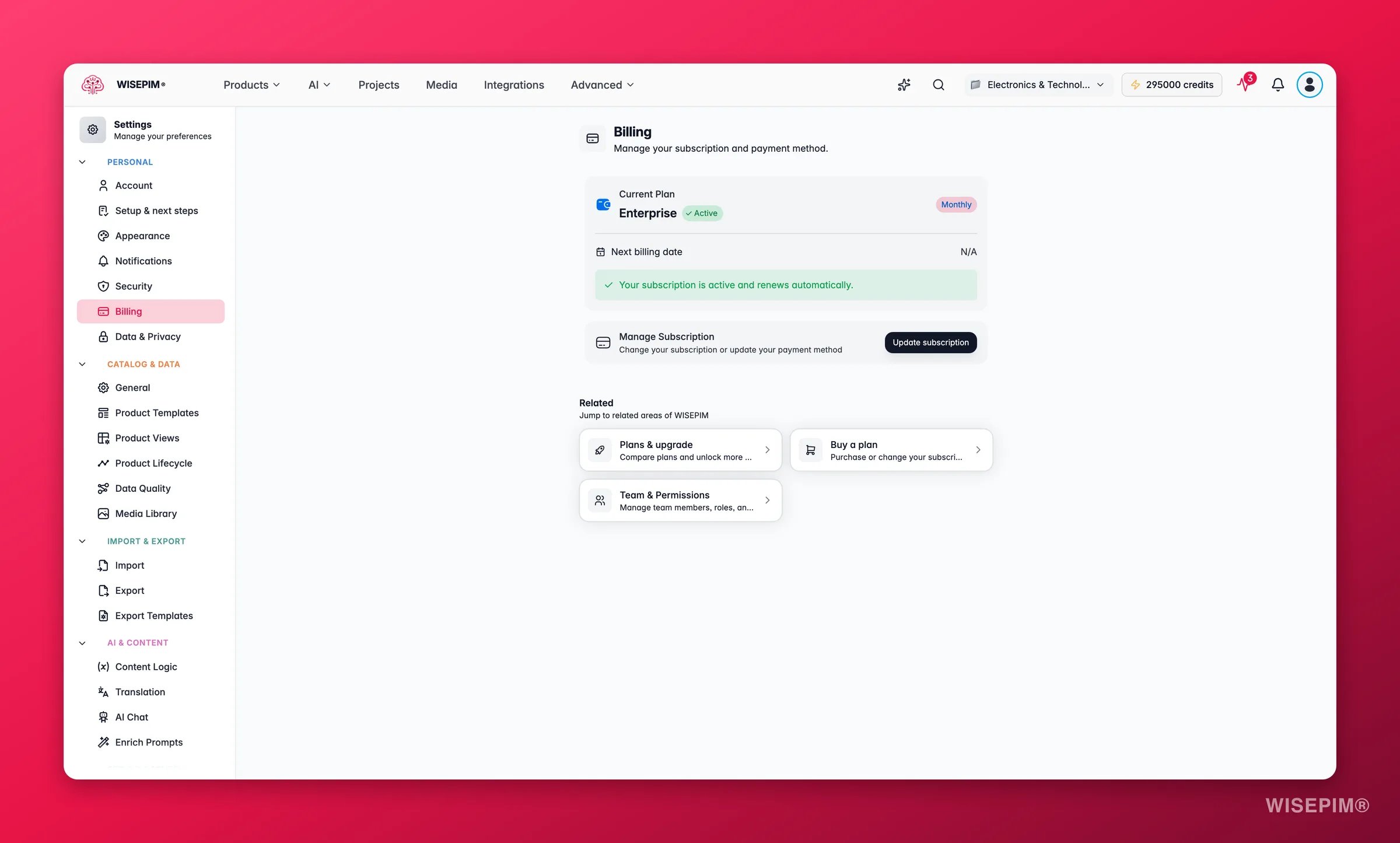
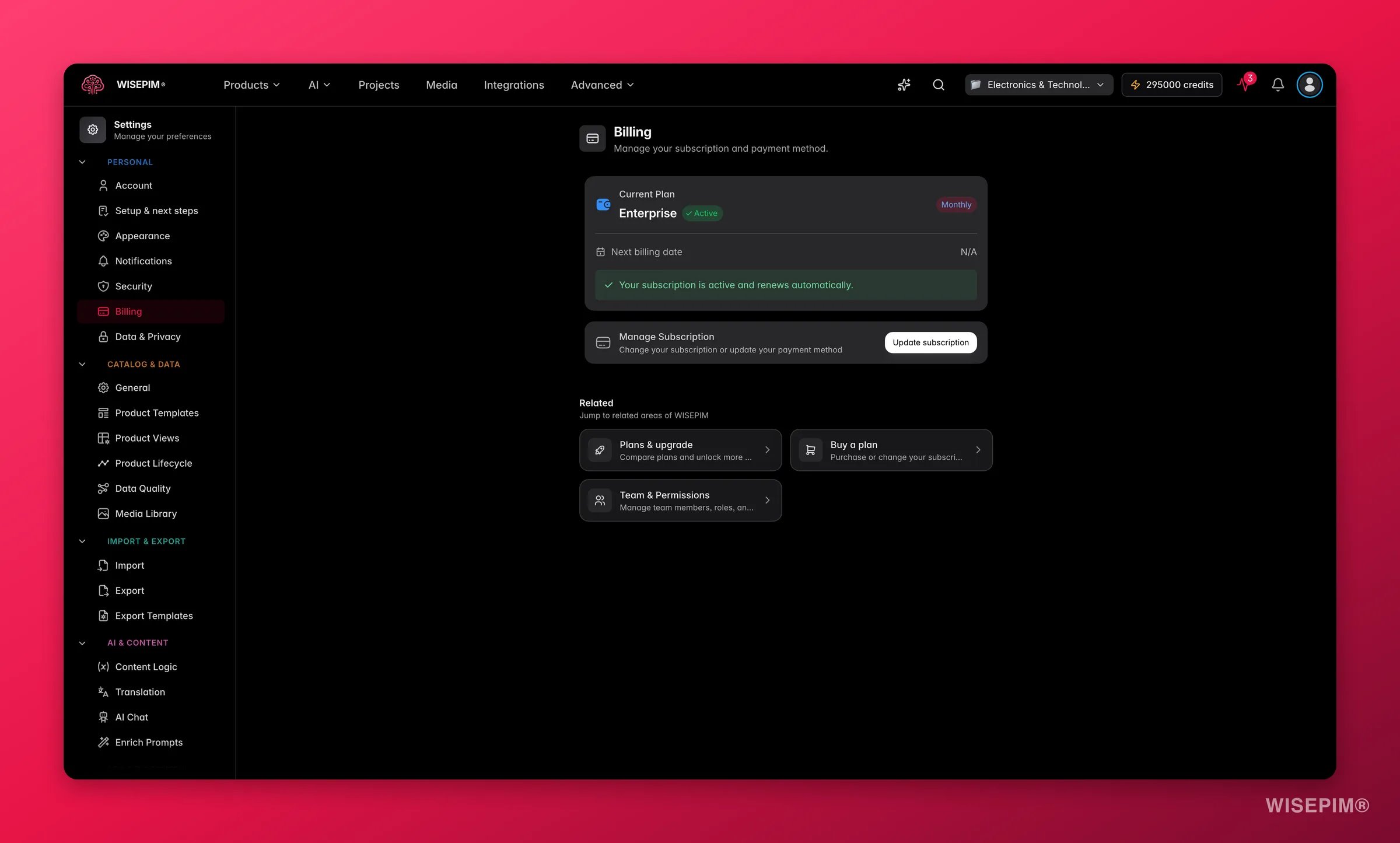 A summary card at the top of the page shows the essentials:
| Field | What it tells you |
| ----------------------- | ---------------------------------------------------------- |
| **Current plan** | Your active plan name (for example Free, Pro, or Business) |
| **Billing period** | Whether you pay monthly or annually |
| **Subscription status** | Your current status (see the table below) |
| **Next billing date** | When your next payment or renewal is due |
### What each status means
| Status | Meaning |
| -------------- | ----------------------------------------------------- |
| **Active** | Your subscription is running and renews automatically |
| **Trialing** | You are on a free trial |
| **Cancelling** | Your subscription ends when the current period closes |
| **Canceled** | Your subscription has ended |
| **Past due** | A payment failed and needs your attention |
| **Paused** | Your subscription is paused for now |
If your status shows **Past due**, update your payment method right away. Otherwise you may lose access to premium features.
## Manage your subscription
Click **Update subscription** (or **Manage subscription** if you are cancelling) to open the Stripe billing portal. In the portal you can:
* Change your plan or billing period
* Update your payment method
* View past invoices and payment history
* Reactivate a cancelled subscription
* Cancel your subscription
Billing runs securely through Stripe. WISEPIM never stores your full payment details.
## Upgrade your plan
Go to **Settings > Billing**.
The Stripe billing portal opens in a new tab.
Choose the plan and billing period that fit your needs.
Enter or confirm your payment details to complete the upgrade.
Annual billing usually costs less than paying month to month.
## Related
Update the name and email tied to your subscription.
Protect the account that owns your billing with a strong password and 2FA.
A summary card at the top of the page shows the essentials:
| Field | What it tells you |
| ----------------------- | ---------------------------------------------------------- |
| **Current plan** | Your active plan name (for example Free, Pro, or Business) |
| **Billing period** | Whether you pay monthly or annually |
| **Subscription status** | Your current status (see the table below) |
| **Next billing date** | When your next payment or renewal is due |
### What each status means
| Status | Meaning |
| -------------- | ----------------------------------------------------- |
| **Active** | Your subscription is running and renews automatically |
| **Trialing** | You are on a free trial |
| **Cancelling** | Your subscription ends when the current period closes |
| **Canceled** | Your subscription has ended |
| **Past due** | A payment failed and needs your attention |
| **Paused** | Your subscription is paused for now |
If your status shows **Past due**, update your payment method right away. Otherwise you may lose access to premium features.
## Manage your subscription
Click **Update subscription** (or **Manage subscription** if you are cancelling) to open the Stripe billing portal. In the portal you can:
* Change your plan or billing period
* Update your payment method
* View past invoices and payment history
* Reactivate a cancelled subscription
* Cancel your subscription
Billing runs securely through Stripe. WISEPIM never stores your full payment details.
## Upgrade your plan
Go to **Settings > Billing**.
The Stripe billing portal opens in a new tab.
Choose the plan and billing period that fit your needs.
Enter or confirm your payment details to complete the upgrade.
Annual billing usually costs less than paying month to month.
## Related
Update the name and email tied to your subscription.
Protect the account that owns your billing with a strong password and 2FA.