> ## Documentation Index
> Fetch the complete documentation index at: https://docs.wisepim.com/llms.txt
> Use this file to discover all available pages before exploring further.
# Account Settings
> Update your name and email in WISEPIM. Keep your profile current so teammates recognize you and notifications reach the right inbox.
Your account holds the personal details tied to your WISEPIM login. Keep your name and email up to date so teammates recognize you and your notifications land in the right inbox.
## Update your profile
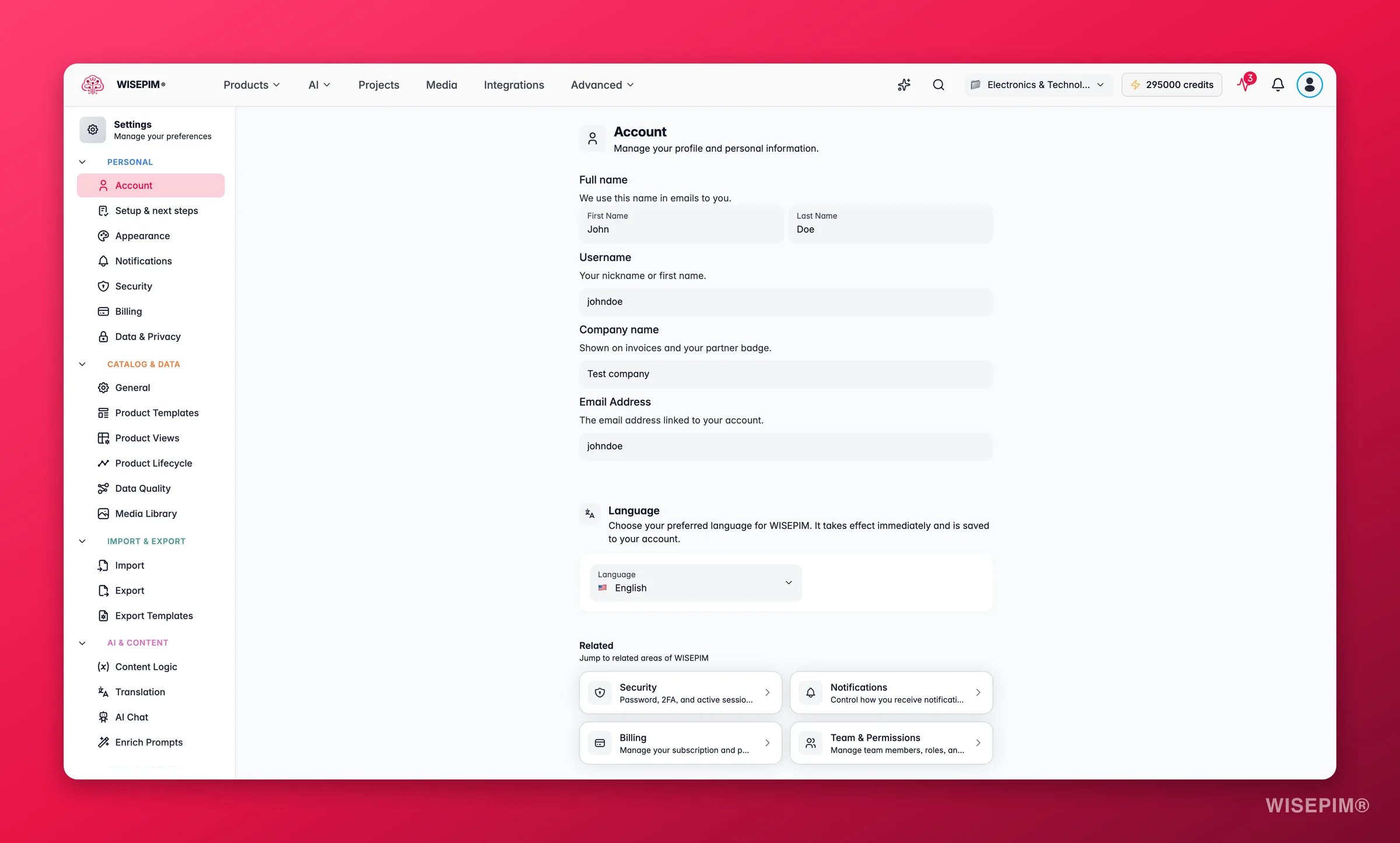
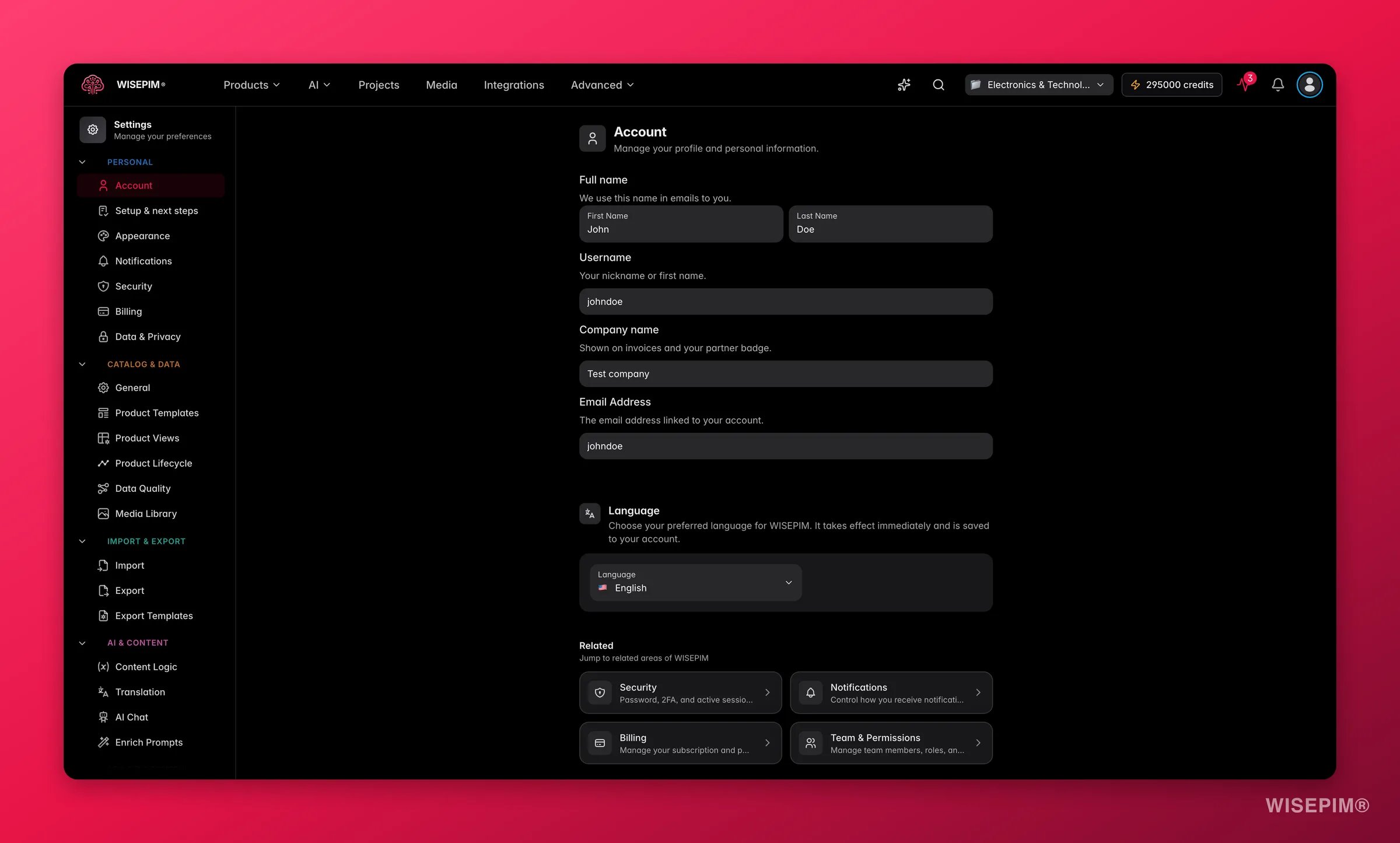 Go to **Settings > Account**, or click the Account card on the Settings hub.
Update your **First Name** and **Last Name**. This name appears in emails and anywhere your identity is shown in the platform.
Change the **Email Address** field. This is also your login, so make sure you can access the new inbox first.
A save bar appears at the bottom of the page when you have unsaved edits. Click **Save** to keep them, or **Undo** to revert.
## Fields reference
| Field | What it does | Editable |
| ------------- | -------------------------------------------------- | -------- |
| First Name | Your given name, shown in emails and the interface | Yes |
| Last Name | Your family name | Yes |
| Username | Your account username (same as your email) | No |
| Email Address | The email tied to your account and used to log in | Yes |
Your username comes from your email address, so you cannot change it on its own. When you update your email, your username updates with it.
Your email is your login. Make sure you can access the new inbox before you save, or you may lock yourself out.
## Related
Change your password, set up two-factor authentication, and review active sessions.
Choose which updates reach you by email, in your browser, or with a sound.
Pick a theme, set the font size, and tune the interface to your taste.
Browse every personal and project setting in one place.
Go to **Settings > Account**, or click the Account card on the Settings hub.
Update your **First Name** and **Last Name**. This name appears in emails and anywhere your identity is shown in the platform.
Change the **Email Address** field. This is also your login, so make sure you can access the new inbox first.
A save bar appears at the bottom of the page when you have unsaved edits. Click **Save** to keep them, or **Undo** to revert.
## Fields reference
| Field | What it does | Editable |
| ------------- | -------------------------------------------------- | -------- |
| First Name | Your given name, shown in emails and the interface | Yes |
| Last Name | Your family name | Yes |
| Username | Your account username (same as your email) | No |
| Email Address | The email tied to your account and used to log in | Yes |
Your username comes from your email address, so you cannot change it on its own. When you update your email, your username updates with it.
Your email is your login. Make sure you can access the new inbox before you save, or you may lock yourself out.
## Related
Change your password, set up two-factor authentication, and review active sessions.
Choose which updates reach you by email, in your browser, or with a sound.
Pick a theme, set the font size, and tune the interface to your taste.
Browse every personal and project setting in one place.