> ## Documentation Index
> Fetch the complete documentation index at: https://docs.wisepim.com/llms.txt
> Use this file to discover all available pages before exploring further.
# Knowledge Library
> Teach WISEPIM your brand voice, products, and audience. Fill in your Knowledge Library so AI writes content that sounds like your team, not a robot.
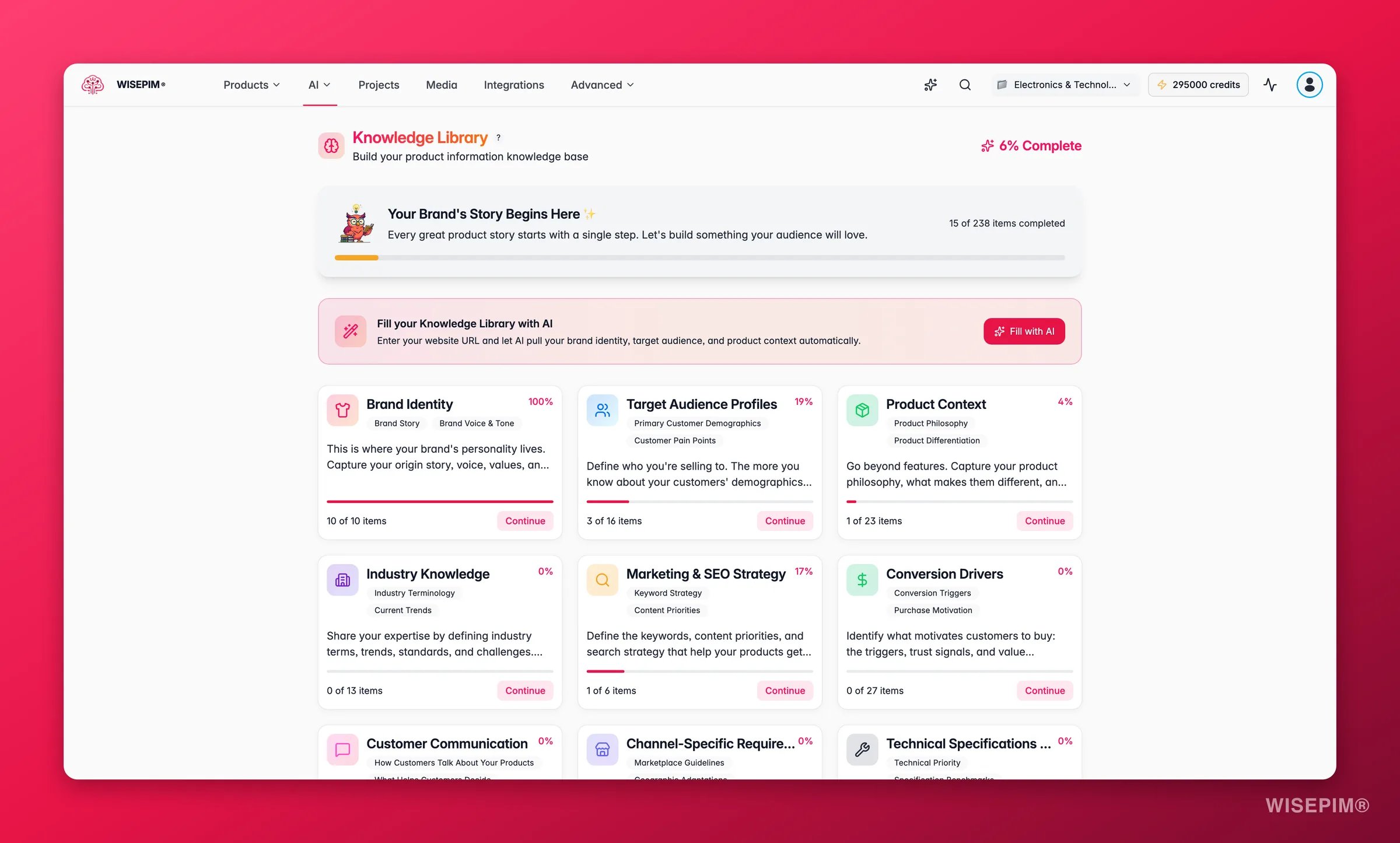
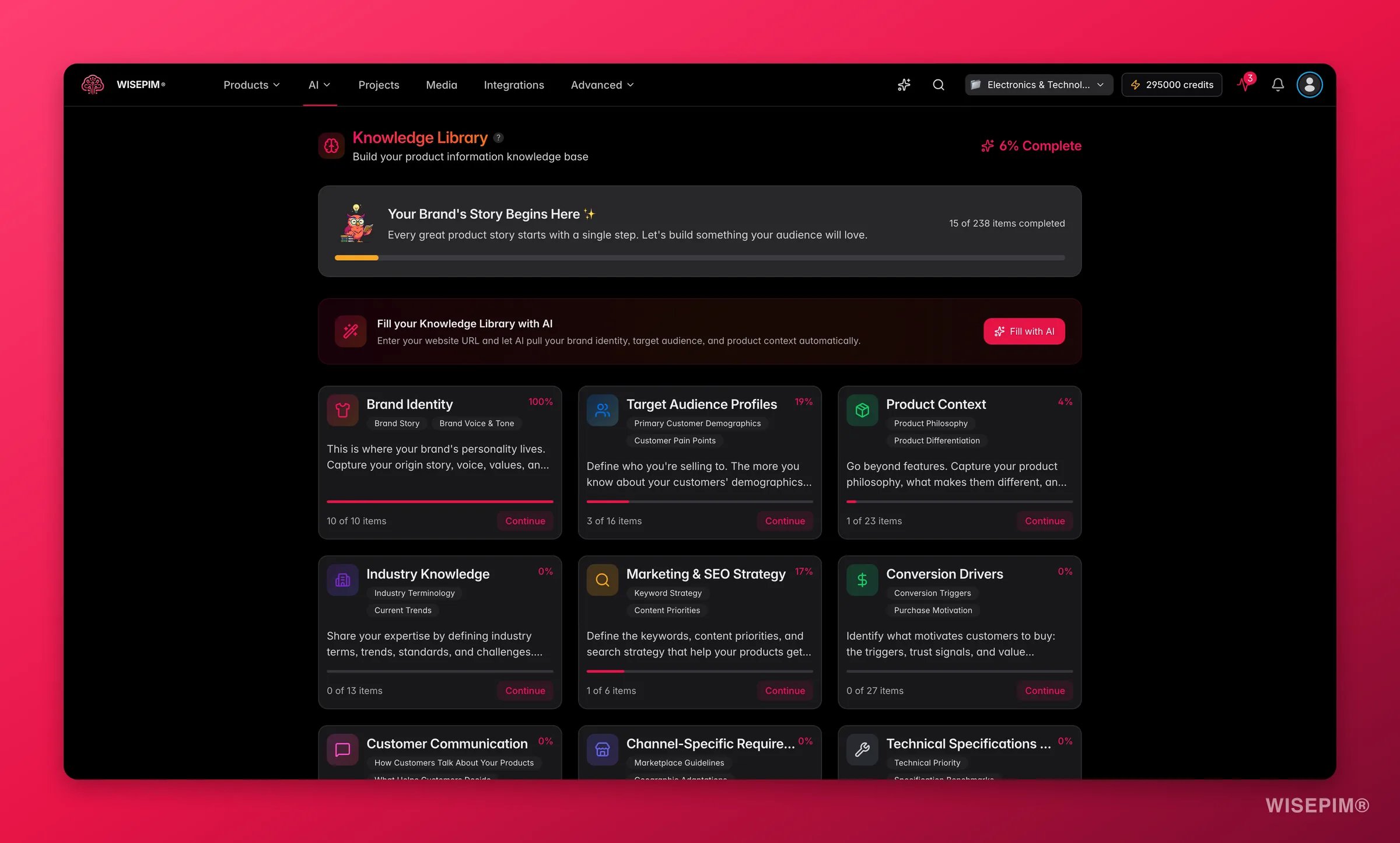 The Knowledge Library is your brand's memory. It holds your voice, your products, and your audience in one place. Every AI feature reads from it, so the more you fill in, the more your generated content sounds like you.
A complete Knowledge Library is the single biggest lever for better AI content. Spend an hour here and every product description, title, and translation improves.
## Why it matters
Without context, AI writes generic copy. With your Knowledge Library filled in, the same AI knows your tone, your selling points, and who you are talking to.
| Without a Knowledge Library | With a complete Knowledge Library |
| --------------------------------- | ----------------------------------- |
| Generic, one-size-fits-all copy | Content in your own voice |
| Inconsistent tone across products | Consistent messaging everywhere |
| Misses your key selling points | Highlights what makes you different |
| Talks past your customers | Speaks to your real audience |
## Knowledge categories
Your Knowledge Library is split into focused sections. Fill in the ones that matter most to you first. You do not need to complete every field to see results.
Your mission, values, and story. This is the foundation, so start here. Include your brand positioning and what sets you apart.
How your brand sounds. Add tone-of-voice adjectives (friendly, expert, playful), your communication style, and words or phrases to use or avoid.
Who you sell to. Describe your customer segments, their pain points, their goals, and the questions they ask before buying.
Why customers choose you. Capture your core benefits, your competitive advantages, and the value you deliver over alternatives.
Rules your content must follow. Note required formats, must-have details, and any compliance or industry terminology to respect.
Your visual identity. Document brand colors, imagery style, and any visual conventions AI should keep in mind.
## Fill in your Knowledge Library
Navigate to the Knowledge Library from your main menu. You can also jump straight to any section from the [Command Menu](/en/essentials/command-menu).
Begin with brand identity. It is the foundation every other section builds on.
Open a category card and fill in its fields. Finishing one section before moving on keeps your context coherent.
Concrete details beat vague ones. Write in the tone you want AI to copy, and use the exact terms your industry uses.
Your progress saves automatically as you type. Each category shows its own completion percentage, and the overview shows your total.
Already have brand guidelines, a tone-of-voice doc, or customer research? Use them as your source. Copying from existing material is the fastest way to a complete library.
## Track your progress
The overview shows a completion percentage based on how many fields you have filled with meaningful content. Use it to spot gaps.
* **Per-category progress** shows which sections still need attention.
* **Overall progress** shows how close you are to a complete library.
* **Low-completion categories** are the best place to focus next.
The Knowledge Library is your brand's memory. It holds your voice, your products, and your audience in one place. Every AI feature reads from it, so the more you fill in, the more your generated content sounds like you.
A complete Knowledge Library is the single biggest lever for better AI content. Spend an hour here and every product description, title, and translation improves.
## Why it matters
Without context, AI writes generic copy. With your Knowledge Library filled in, the same AI knows your tone, your selling points, and who you are talking to.
| Without a Knowledge Library | With a complete Knowledge Library |
| --------------------------------- | ----------------------------------- |
| Generic, one-size-fits-all copy | Content in your own voice |
| Inconsistent tone across products | Consistent messaging everywhere |
| Misses your key selling points | Highlights what makes you different |
| Talks past your customers | Speaks to your real audience |
## Knowledge categories
Your Knowledge Library is split into focused sections. Fill in the ones that matter most to you first. You do not need to complete every field to see results.
Your mission, values, and story. This is the foundation, so start here. Include your brand positioning and what sets you apart.
How your brand sounds. Add tone-of-voice adjectives (friendly, expert, playful), your communication style, and words or phrases to use or avoid.
Who you sell to. Describe your customer segments, their pain points, their goals, and the questions they ask before buying.
Why customers choose you. Capture your core benefits, your competitive advantages, and the value you deliver over alternatives.
Rules your content must follow. Note required formats, must-have details, and any compliance or industry terminology to respect.
Your visual identity. Document brand colors, imagery style, and any visual conventions AI should keep in mind.
## Fill in your Knowledge Library
Navigate to the Knowledge Library from your main menu. You can also jump straight to any section from the [Command Menu](/en/essentials/command-menu).
Begin with brand identity. It is the foundation every other section builds on.
Open a category card and fill in its fields. Finishing one section before moving on keeps your context coherent.
Concrete details beat vague ones. Write in the tone you want AI to copy, and use the exact terms your industry uses.
Your progress saves automatically as you type. Each category shows its own completion percentage, and the overview shows your total.
Already have brand guidelines, a tone-of-voice doc, or customer research? Use them as your source. Copying from existing material is the fastest way to a complete library.
## Track your progress
The overview shows a completion percentage based on how many fields you have filled with meaningful content. Use it to spot gaps.
* **Per-category progress** shows which sections still need attention.
* **Overall progress** shows how close you are to a complete library.
* **Low-completion categories** are the best place to focus next.
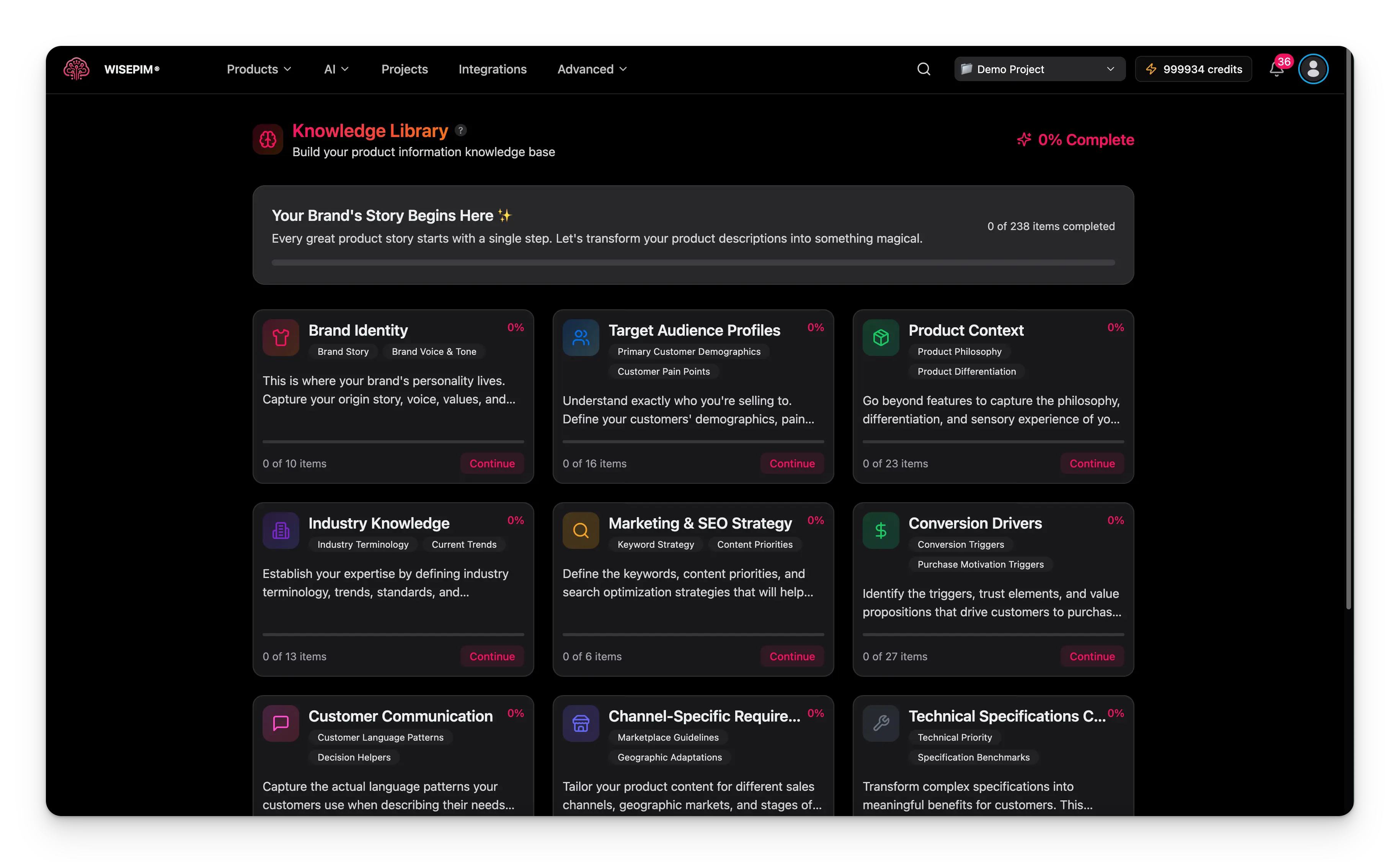 ## Keep it current
Your Knowledge Library is a living document. Update it whenever your brand, products, or audience change. Common triggers:
* Your messaging or positioning shifts.
* You launch a new product line or category.
* Your audience grows or changes.
* The market or competition moves.
After a major update, generate a few sample descriptions and check that the AI output matches your brand. Adjust the relevant section if anything feels off.
## Troubleshooting
Fill in **brand voice** and **brand identity** thoroughly. Add concrete tone adjectives and example phrases your brand uses. Vague input gives vague output.
Add detail to **value proposition** and **content requirements**. List your specific benefits and the must-have details every description should include.
Complete **target audience**. Add customer segments, common questions, and pain points so AI knows who it is writing for.
Start with the sections that matter most, not every field. Set aside dedicated time and reuse your existing brand documents.
## Related
Generate titles, descriptions, and SEO copy that draws on your Knowledge Library.
Build and test prompts that use your brand context automatically.
Jump straight to any Knowledge Library section in one keystroke.
Chat with an AI that already knows your brand and products.
## Keep it current
Your Knowledge Library is a living document. Update it whenever your brand, products, or audience change. Common triggers:
* Your messaging or positioning shifts.
* You launch a new product line or category.
* Your audience grows or changes.
* The market or competition moves.
After a major update, generate a few sample descriptions and check that the AI output matches your brand. Adjust the relevant section if anything feels off.
## Troubleshooting
Fill in **brand voice** and **brand identity** thoroughly. Add concrete tone adjectives and example phrases your brand uses. Vague input gives vague output.
Add detail to **value proposition** and **content requirements**. List your specific benefits and the must-have details every description should include.
Complete **target audience**. Add customer segments, common questions, and pain points so AI knows who it is writing for.
Start with the sections that matter most, not every field. Set aside dedicated time and reuse your existing brand documents.
## Related
Generate titles, descriptions, and SEO copy that draws on your Knowledge Library.
Build and test prompts that use your brand context automatically.
Jump straight to any Knowledge Library section in one keystroke.
Chat with an AI that already knows your brand and products.