> ## Documentation Index
> Fetch the complete documentation index at: https://docs.wisepim.com/llms.txt
> Use this file to discover all available pages before exploring further.
# WebshopImporter Integration
> Connect WebshopImporter to WISEPIM to import and sync your catalog. Add your API keys and start exchanging product data in minutes.
Connect WebshopImporter to WISEPIM to import your catalog and keep product data in sync. To start, add your WebshopImporter API keys in WISEPIM.
## Add your API keys
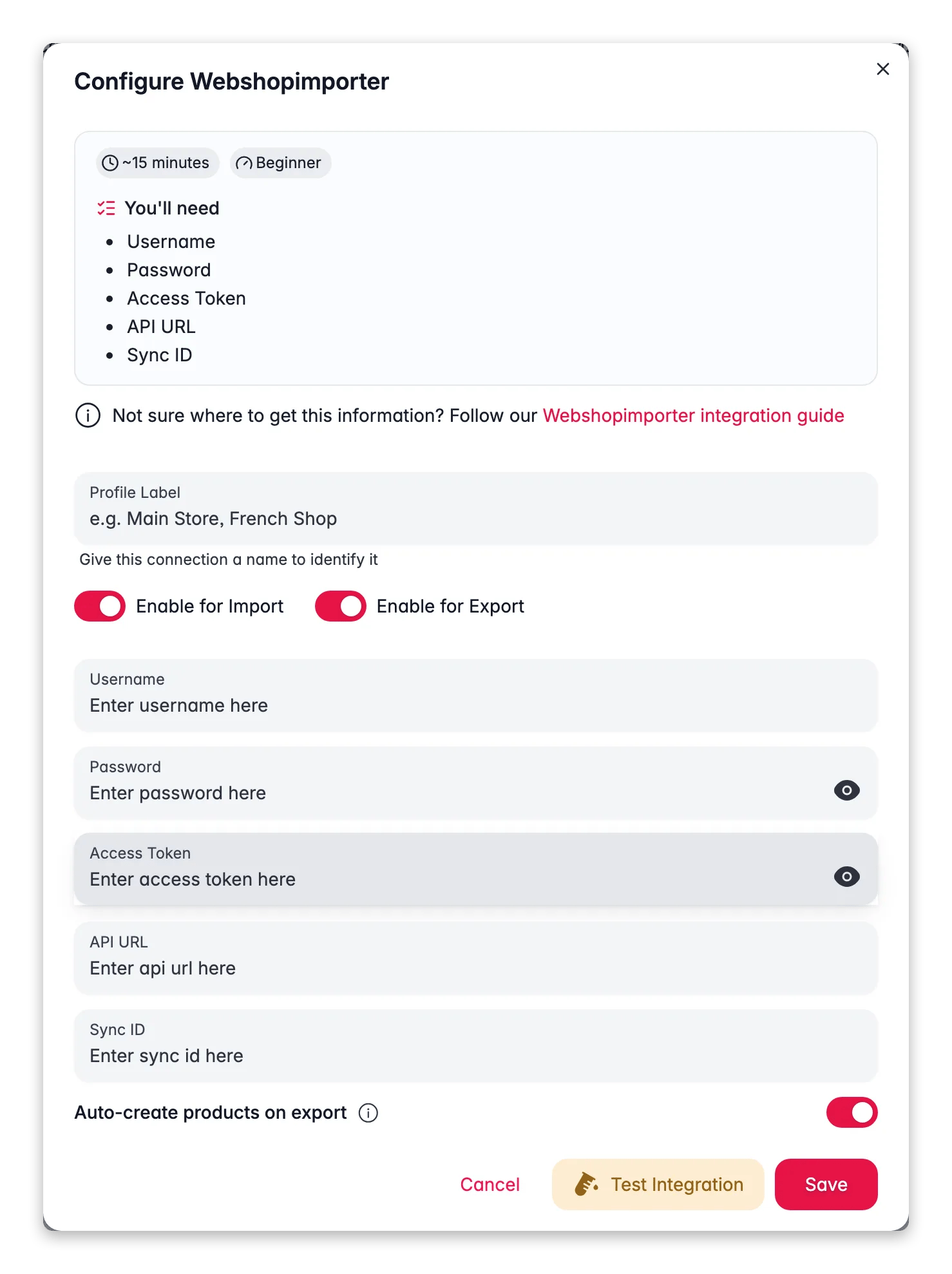
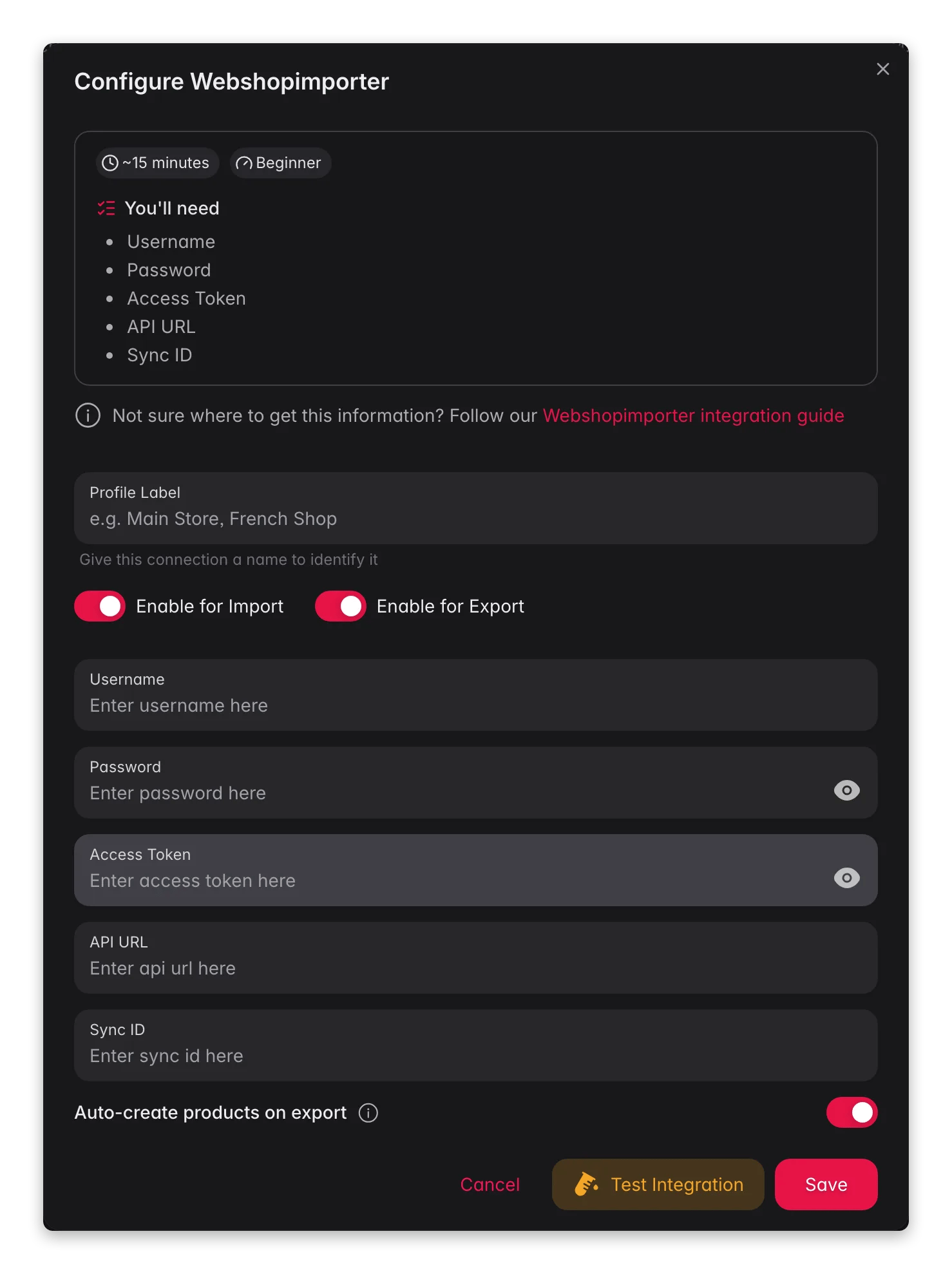 Log in to WISEPIM, then go to **Settings** > **Integrations** > **WebshopImporter**.
Click **Add API Key** to start a new connection.
Complete the required fields:
* **API Key Name**: a name you'll recognize later
* **API Key**: your webshop's API key
* **API Secret**: your webshop's API secret
* **Webshop URL**: the base URL of your webshop
Click **Save** to store your credentials. WISEPIM can now exchange product data with your webshop.
Keep your API keys private and never share them publicly. If you think a key has been exposed, regenerate it right away from your webshop's admin panel.
## Related
See every platform WISEPIM connects to and open its setup guide.
Bring your catalog into WISEPIM once the integration is connected.
Improve your imported product data with AI.
Log in to WISEPIM, then go to **Settings** > **Integrations** > **WebshopImporter**.
Click **Add API Key** to start a new connection.
Complete the required fields:
* **API Key Name**: a name you'll recognize later
* **API Key**: your webshop's API key
* **API Secret**: your webshop's API secret
* **Webshop URL**: the base URL of your webshop
Click **Save** to store your credentials. WISEPIM can now exchange product data with your webshop.
Keep your API keys private and never share them publicly. If you think a key has been exposed, regenerate it right away from your webshop's admin panel.
## Related
See every platform WISEPIM connects to and open its setup guide.
Bring your catalog into WISEPIM once the integration is connected.
Improve your imported product data with AI.