> ## Documentation Index
> Fetch the complete documentation index at: https://docs.wisepim.com/llms.txt
> Use this file to discover all available pages before exploring further.
# Supported Platforms
> See every platform WISEPIM connects to: Shopify, WooCommerce, Magento, BigCommerce, Shopware, Lightspeed, Akeneo, and more. Pick your platform to open its setup guide.
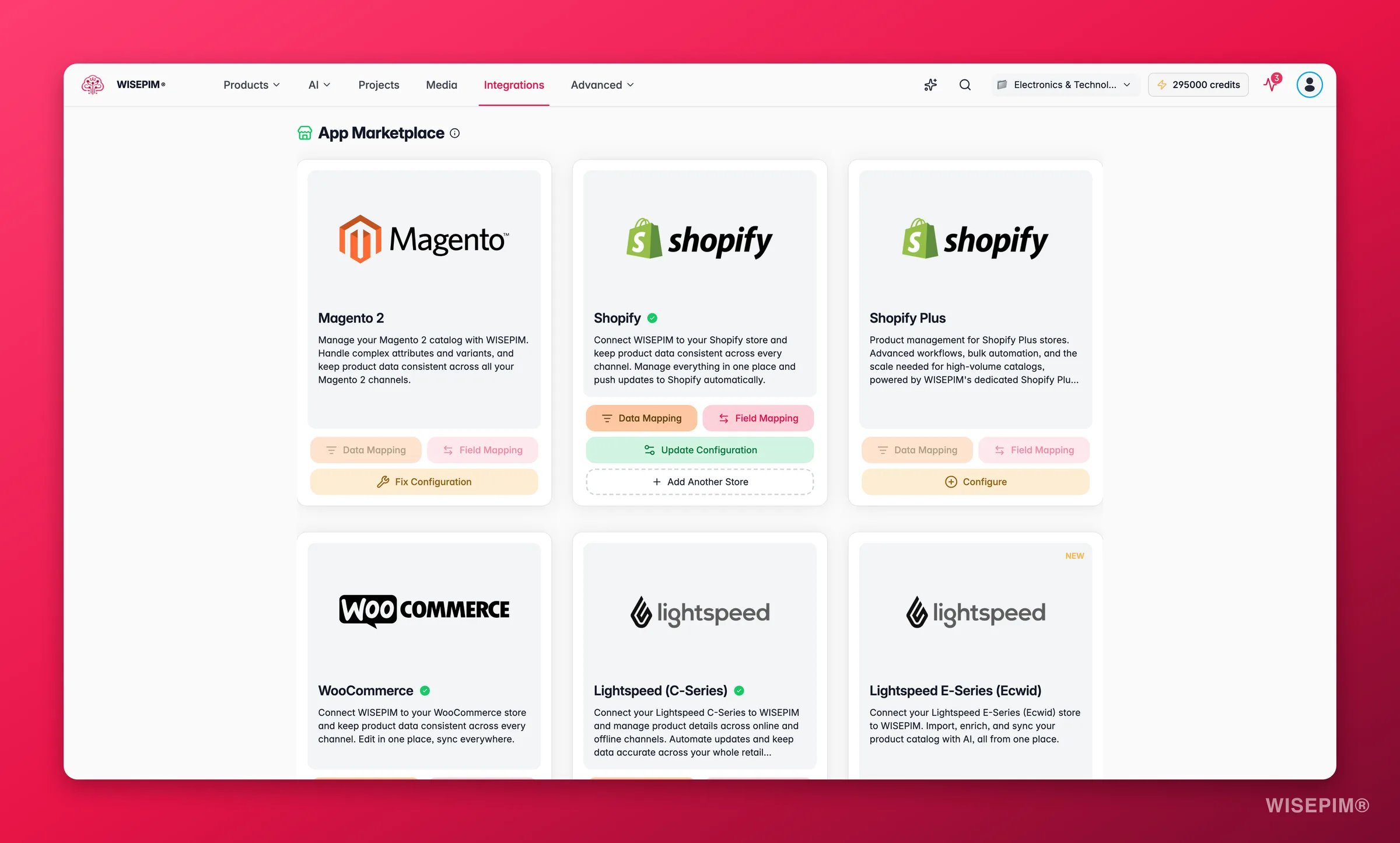
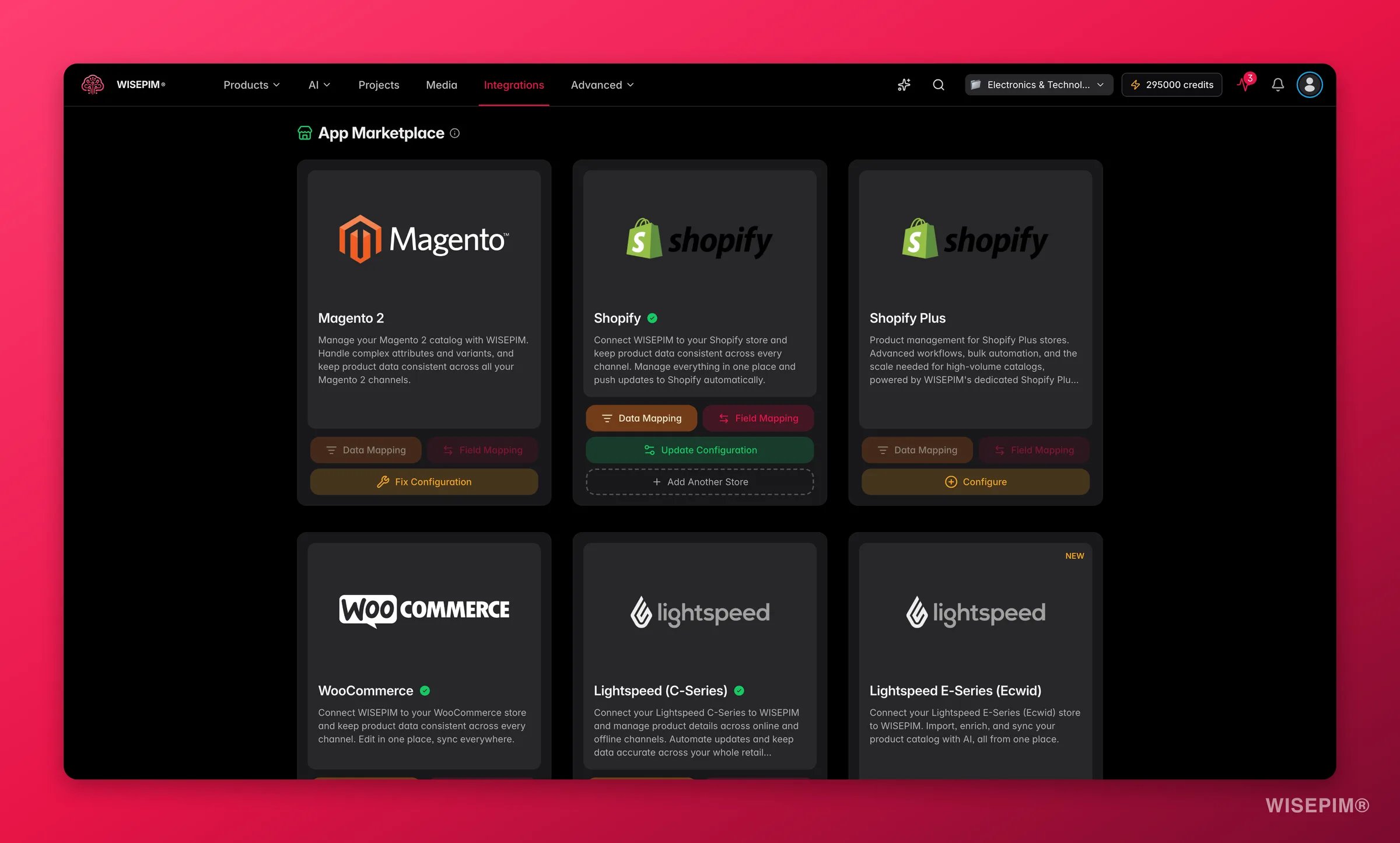
WISEPIM connects to the platforms you already use. Import your products from one platform, enrich them with AI, and export them wherever you sell. Pick your platform below to open its setup guide.
## Choose your platform
 ### E-commerce platforms
Connect your Shopify store through the API and enrich your product data.
Connect your open-source WooCommerce store and enrich your product data.
Import products from Magento 2 Open Source or Enterprise and enrich them with AI.
Connect your BigCommerce store with a store-level API token.
Connect your PrestaShop store with a webservice key.
Connect your Shopware 6 store through the Admin API.
Connect your Squarespace Commerce store with an API key.
Connect your Lightspeed eCom store and enrich your product data in minutes.
Connect your Ecwid / Lightspeed E-Series store and enrich your catalog.
Connect your CCV Shop store and enrich your product data.
Connect your open-source Medusa headless commerce store.
Connect your Symfony-based Sylius store through the Admin API.
Connect your Django Oscar store through its product API.
Publish enriched content to your WordPress site with an Application Password.
Sync your catalog both ways with your Akeneo PIM.
### Marketplaces
Export your enriched products to the Kaufland marketplace.
### Warehouse & data
Import products and live stock levels from your Picqer warehouse.
Pull in dropshipment content from your suppliers, then enrich it as your own.
Import product data straight from your Databricks tables.
WISEPIM works across platforms. Import products from one platform and export them to another, all in the same workspace.
## Don't see your platform?
We add new platforms all the time. If yours isn't listed yet, or you have special requirements, [get in touch](https://swiftsync.ai/contact) and we'll discuss the options.
### E-commerce platforms
Connect your Shopify store through the API and enrich your product data.
Connect your open-source WooCommerce store and enrich your product data.
Import products from Magento 2 Open Source or Enterprise and enrich them with AI.
Connect your BigCommerce store with a store-level API token.
Connect your PrestaShop store with a webservice key.
Connect your Shopware 6 store through the Admin API.
Connect your Squarespace Commerce store with an API key.
Connect your Lightspeed eCom store and enrich your product data in minutes.
Connect your Ecwid / Lightspeed E-Series store and enrich your catalog.
Connect your CCV Shop store and enrich your product data.
Connect your open-source Medusa headless commerce store.
Connect your Symfony-based Sylius store through the Admin API.
Connect your Django Oscar store through its product API.
Publish enriched content to your WordPress site with an Application Password.
Sync your catalog both ways with your Akeneo PIM.
### Marketplaces
Export your enriched products to the Kaufland marketplace.
### Warehouse & data
Import products and live stock levels from your Picqer warehouse.
Pull in dropshipment content from your suppliers, then enrich it as your own.
Import product data straight from your Databricks tables.
WISEPIM works across platforms. Import products from one platform and export them to another, all in the same workspace.
## Don't see your platform?
We add new platforms all the time. If yours isn't listed yet, or you have special requirements, [get in touch](https://swiftsync.ai/contact) and we'll discuss the options.