> ## Documentation Index
> Fetch the complete documentation index at: https://docs.wisepim.com/llms.txt
> Use this file to discover all available pages before exploring further.
# Quick Win
> See WISEPIM enrich real products in minutes. The Quick Win flow connects a channel, runs AI on a small sample, and shows you exactly what changed and how much time you saved.
Quick Win is a guided five-step flow built for new users. In a few minutes it pulls real products from your store (or uses demo data), runs AI enrichment on a small sample, and shows you a before-and-after comparison alongside concrete impact numbers.
You don't need to set up your full catalog first. Quick Win works with three sample products and can use demo data if you're not ready to connect a channel yet.
## The five steps
Each step takes a few seconds. You can adjust anything along the way, and nothing touches your live catalog until you choose to run enrichment on it.
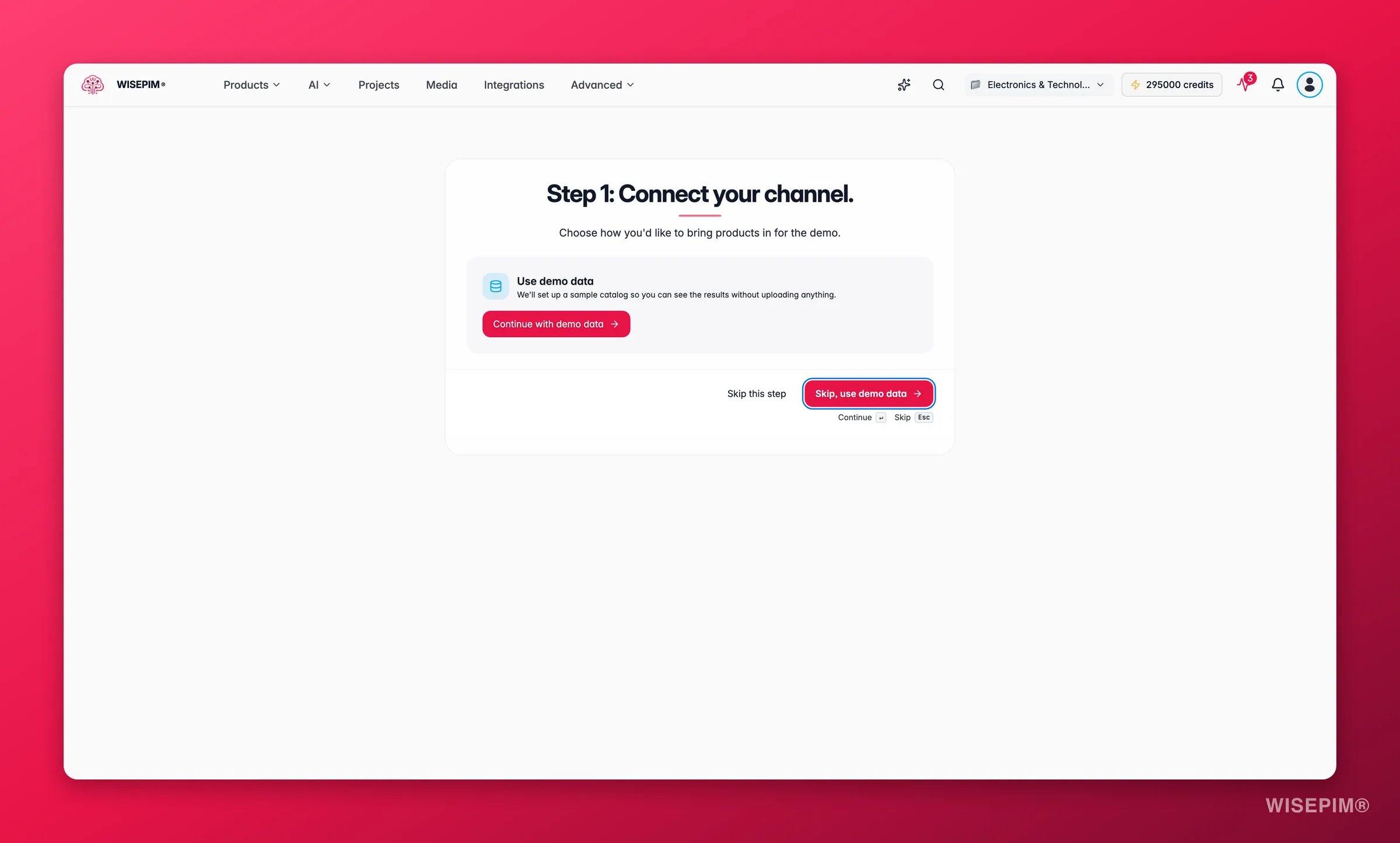
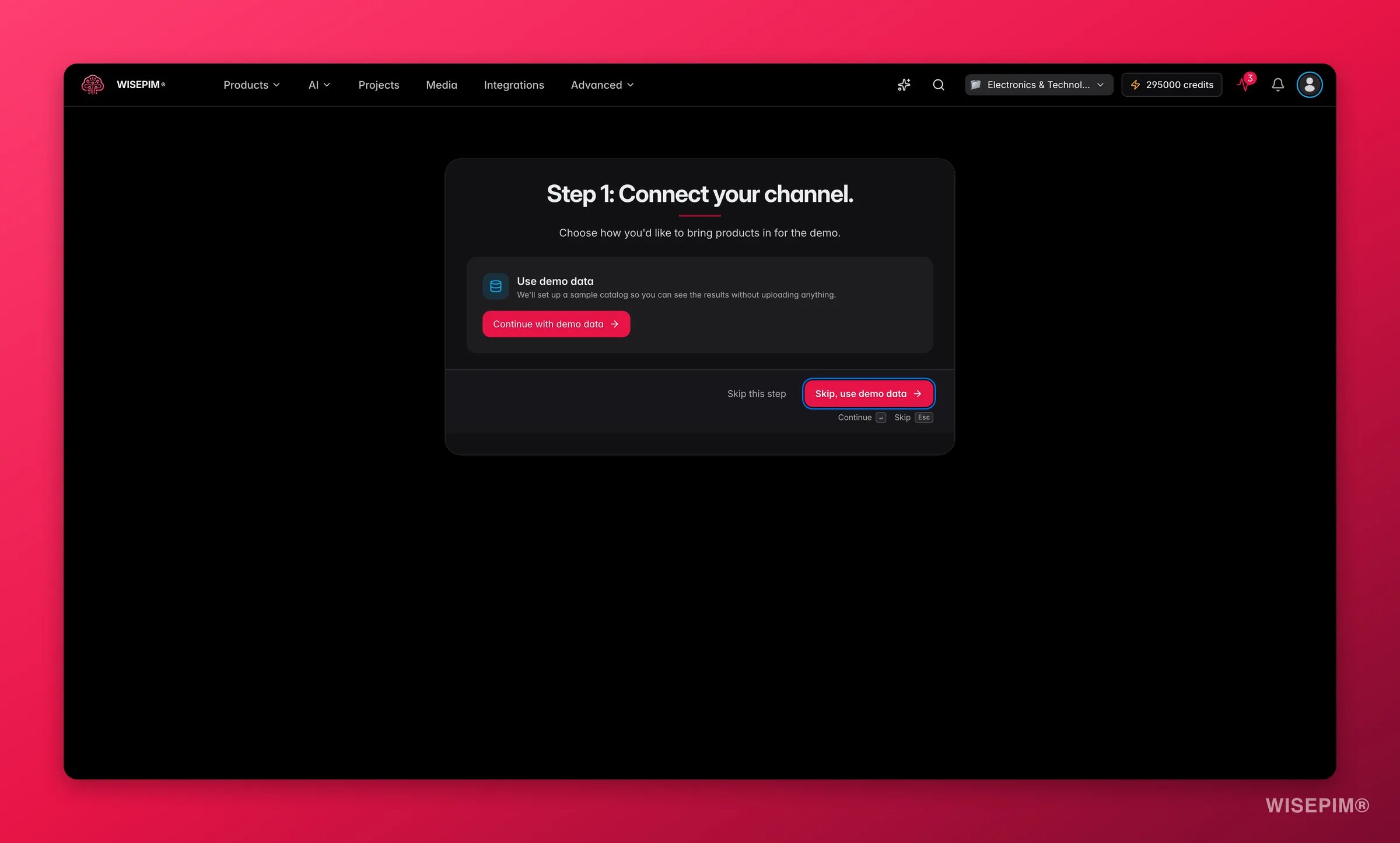
Choose the channel WISEPIM should pull sample products from: Shopify, Google Shopping, kaufland.de, or others. If you're not ready to connect yet, select **Skip, use demo data** and WISEPIM sets up a sample catalog for you.
When a channel is already connected, WISEPIM shows it as **Ready** and pre-selects it. Hit **Continue** to move on.
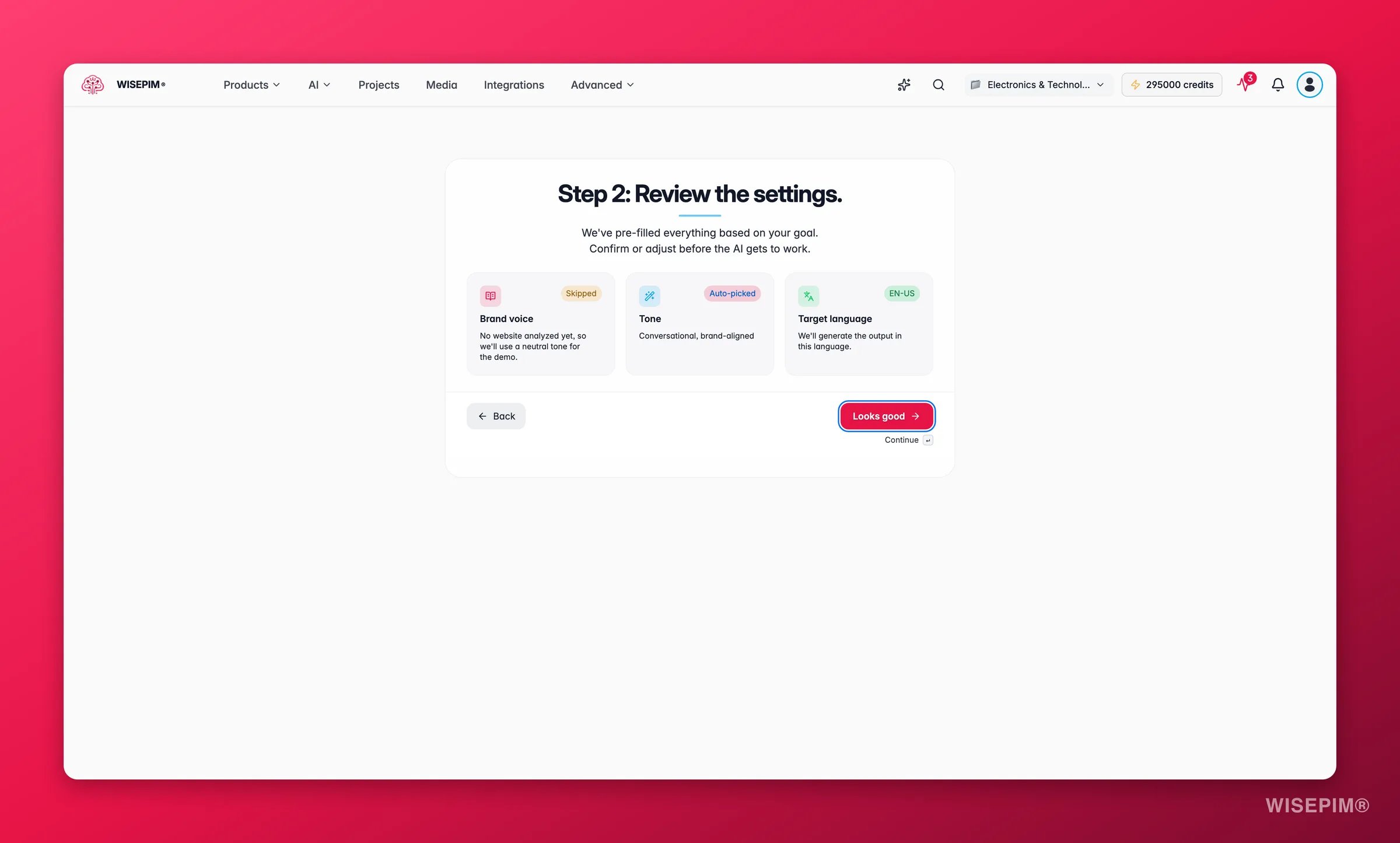
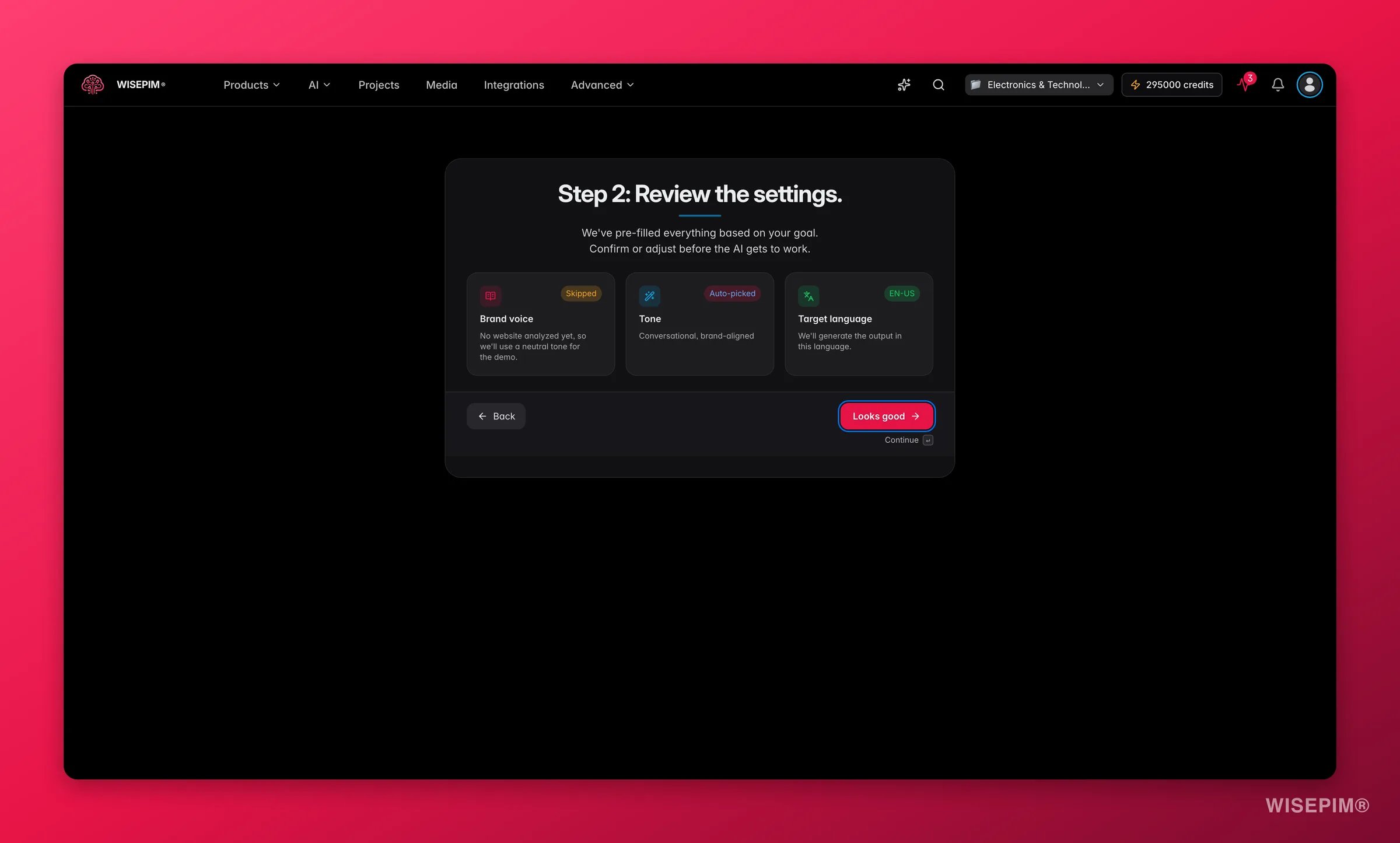
 Before the AI starts, WISEPIM shows the settings it will use: your brand voice (learned from your website, if available), the tone preset it picked for your channel, and the output language.
Everything is pre-filled based on your goal. Adjust anything that doesn't look right, then click **Looks good**.
* **Brand voice**: if WISEPIM has already read your site, you'll see the URL and page count. If not, it falls back to a neutral tone for the demo.
* **Tone preset**: auto-selected per channel (e.g. benefit-driven for Google Shopping, SEO-optimized for search).
* **Target language**: the language the enriched content will be generated in.
Before the AI starts, WISEPIM shows the settings it will use: your brand voice (learned from your website, if available), the tone preset it picked for your channel, and the output language.
Everything is pre-filled based on your goal. Adjust anything that doesn't look right, then click **Looks good**.
* **Brand voice**: if WISEPIM has already read your site, you'll see the URL and page count. If not, it falls back to a neutral tone for the demo.
* **Tone preset**: auto-selected per channel (e.g. benefit-driven for Google Shopping, SEO-optimized for search).
* **Target language**: the language the enriched content will be generated in.
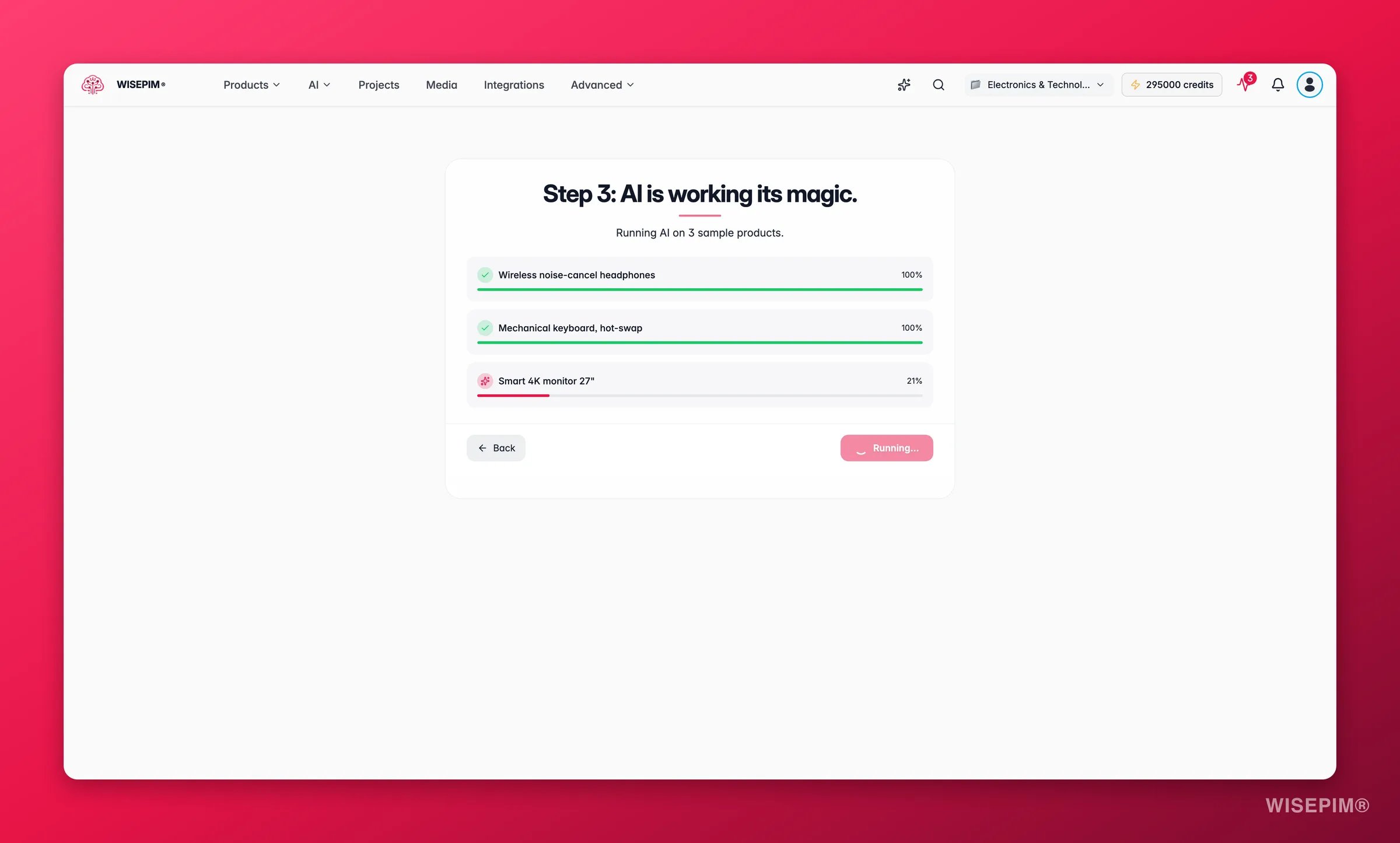
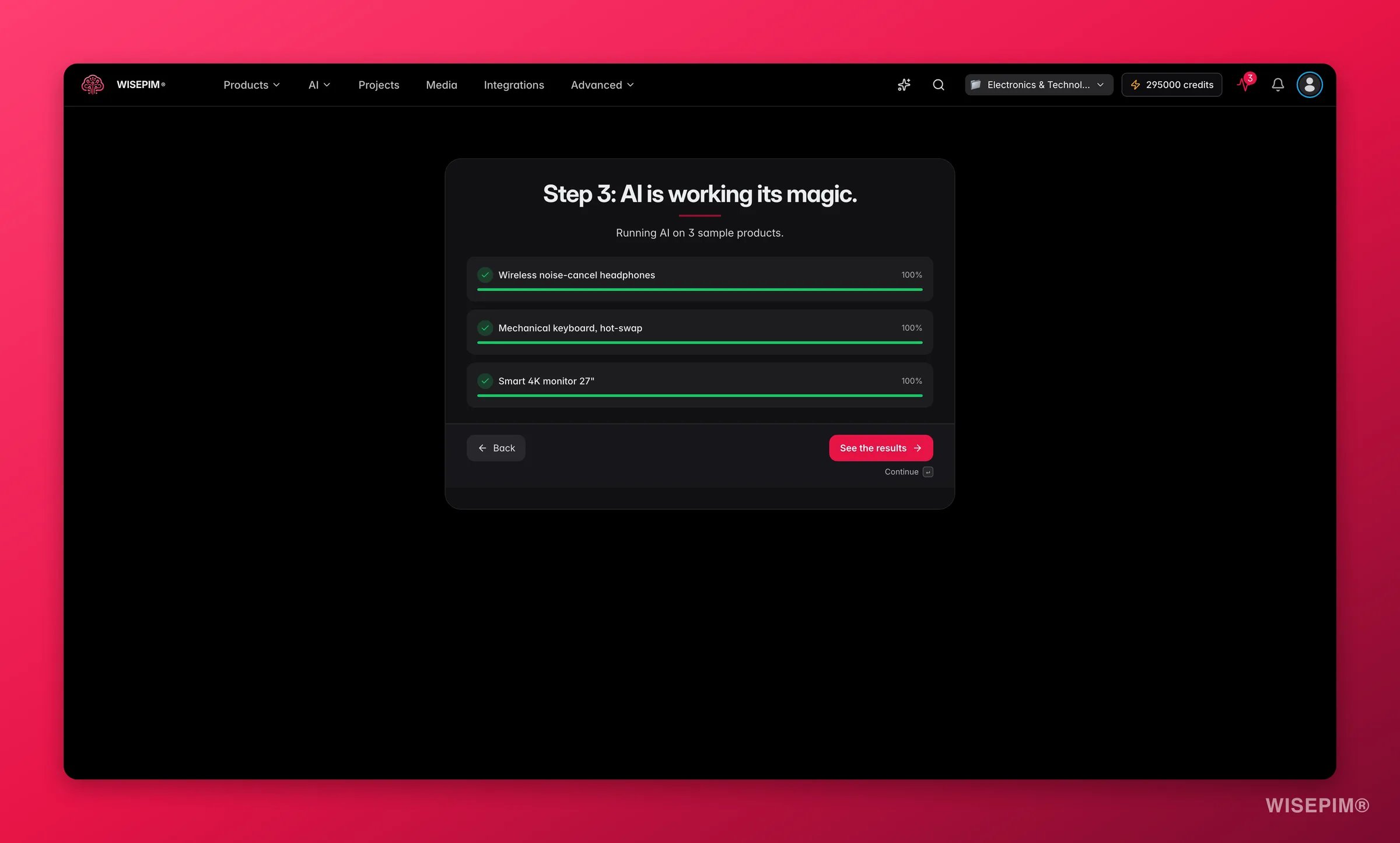
 WISEPIM runs AI enrichment on three sample products. A progress indicator shows each product being processed. This step usually takes under a minute.
The button stays greyed out while the job runs. When enrichment finishes, it changes to **See the results**.
WISEPIM runs AI enrichment on three sample products. A progress indicator shows each product being processed. This step usually takes under a minute.
The button stays greyed out while the job runs. When enrichment finishes, it changes to **See the results**.
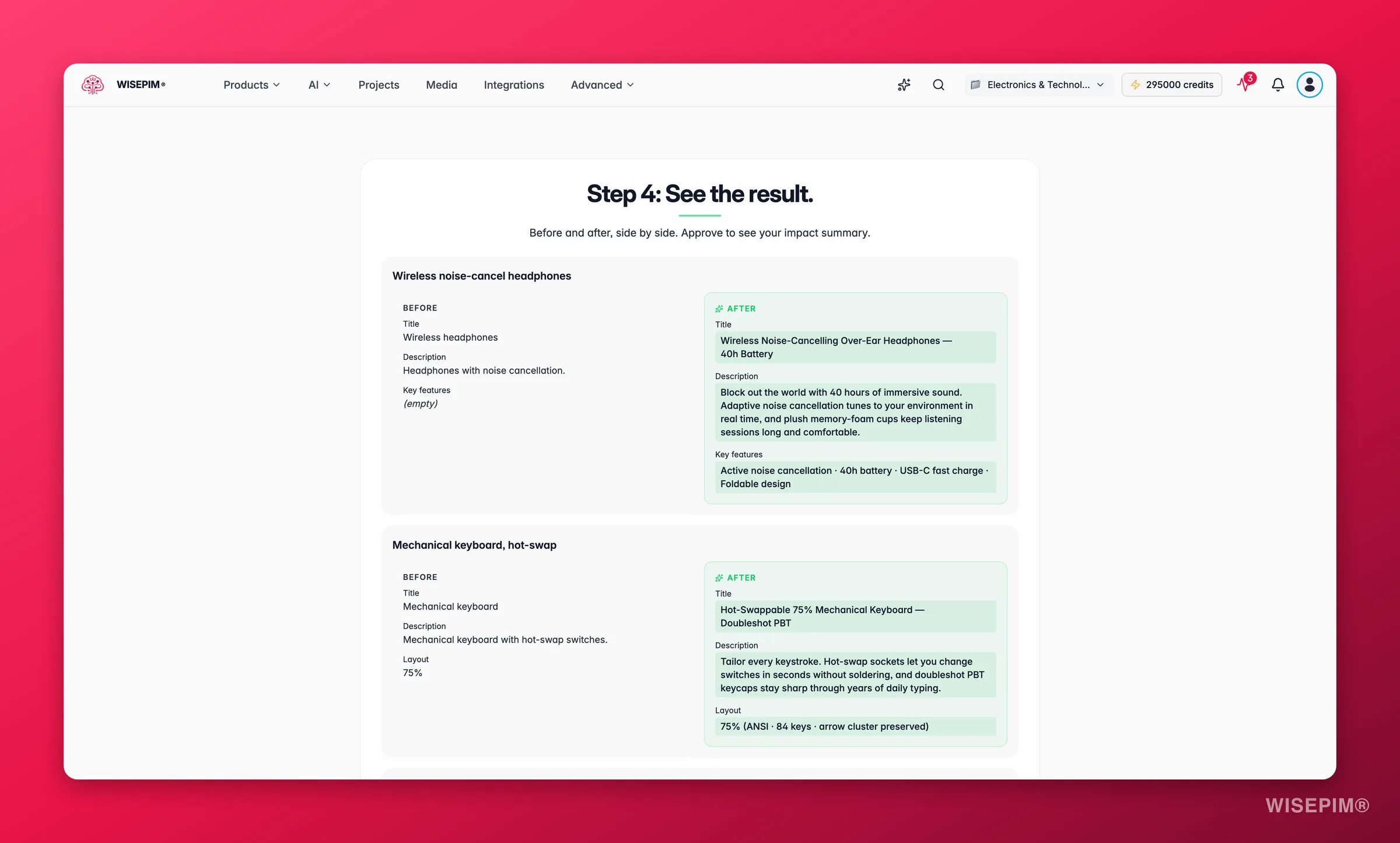
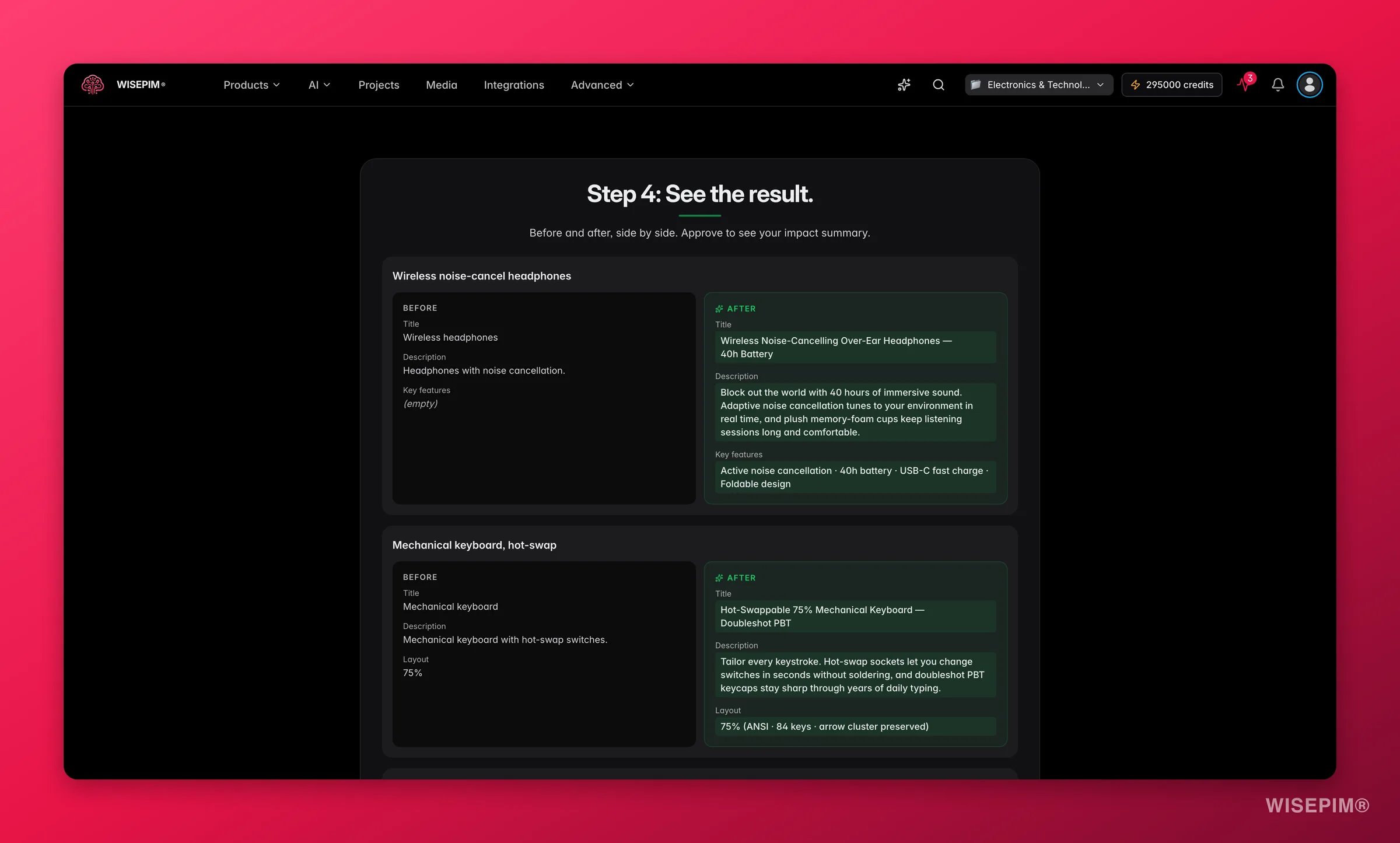
 You see the three products side by side: the original content on the left, the AI-enriched version on the right. Empty fields from the original are marked **(empty)** so you can see exactly what was added.
For channel-specific channels (Google Shopping, Shopify, kaufland.de) you also see a channel preview showing how the product will appear on that platform.
When you're happy with what you see, click **Approve and see impact** to move to the final step.
You see the three products side by side: the original content on the left, the AI-enriched version on the right. Empty fields from the original are marked **(empty)** so you can see exactly what was added.
For channel-specific channels (Google Shopping, Shopify, kaufland.de) you also see a channel preview showing how the product will appear on that platform.
When you're happy with what you see, click **Approve and see impact** to move to the final step.
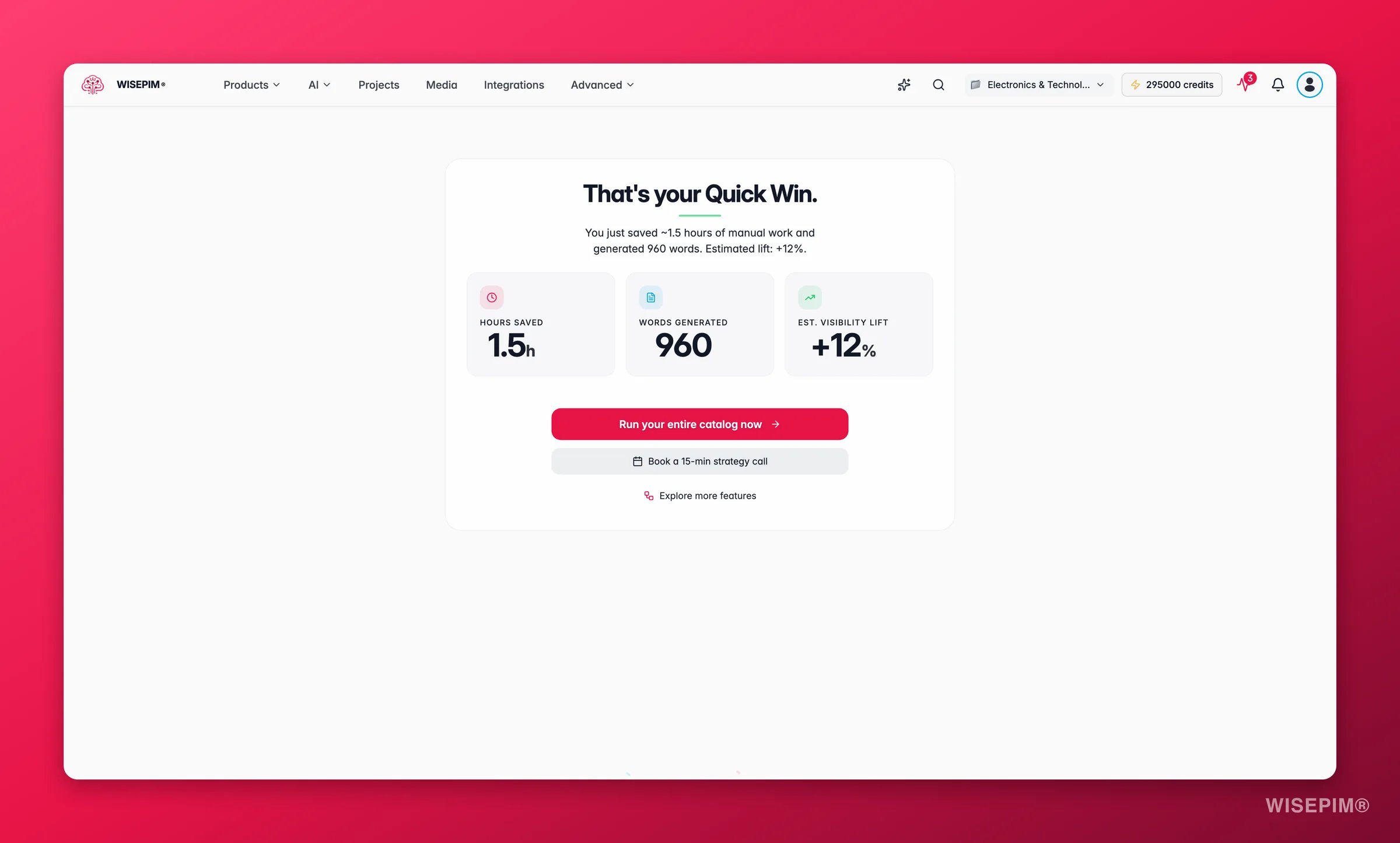
 The final screen shows three metrics for the sample run:
* **Hours saved**: the manual time this enrichment would have taken
* **Words generated**: the volume of content the AI produced
* **Est. visibility lift**: an estimated improvement in search and channel visibility
From here you can run enrichment on your full catalog, book a strategy call, or continue exploring the rest of WISEPIM.
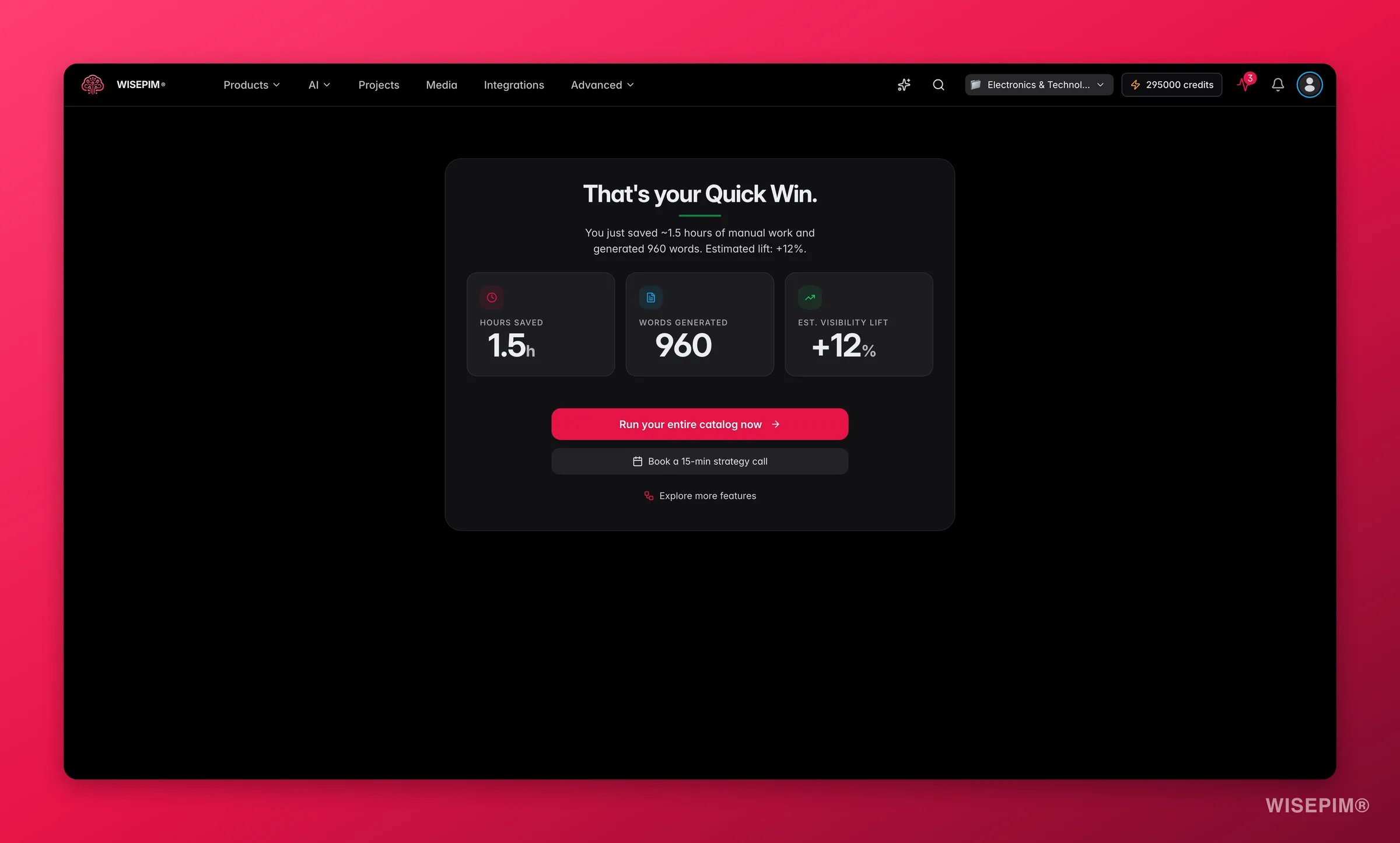
The final screen shows three metrics for the sample run:
* **Hours saved**: the manual time this enrichment would have taken
* **Words generated**: the volume of content the AI produced
* **Est. visibility lift**: an estimated improvement in search and channel visibility
From here you can run enrichment on your full catalog, book a strategy call, or continue exploring the rest of WISEPIM.
 ## What happens to your catalog
Quick Win runs on a **three-product sample** only. Nothing is written back to your store or your live catalog during the flow, so it's safe to run as many times as you like. When you're ready to apply the same enrichment at scale, the final step hands you off to full-catalog [enrichment](/en/essentials/enriching-products).
## Starting Quick Win again
Quick Win is always accessible from the dashboard or the main navigation. You can run it multiple times, for example to test a different channel or tone preset.
Trying different **tone presets** in the Context step is the fastest way to feel how brand voice changes the output. Run it once with the auto-selected preset, then again with a different one, and compare the previews.
## Related
The full guided setup: connect your first channel, import products, and publish enriched content.
Learn how AI enrichment works across your full catalog: titles, descriptions, SEO meta, attributes, and more.
## What happens to your catalog
Quick Win runs on a **three-product sample** only. Nothing is written back to your store or your live catalog during the flow, so it's safe to run as many times as you like. When you're ready to apply the same enrichment at scale, the final step hands you off to full-catalog [enrichment](/en/essentials/enriching-products).
## Starting Quick Win again
Quick Win is always accessible from the dashboard or the main navigation. You can run it multiple times, for example to test a different channel or tone preset.
Trying different **tone presets** in the Context step is the fastest way to feel how brand voice changes the output. Run it once with the auto-selected preset, then again with a different one, and compare the previews.
## Related
The full guided setup: connect your first channel, import products, and publish enriched content.
Learn how AI enrichment works across your full catalog: titles, descriptions, SEO meta, attributes, and more.