> ## Documentation Index
> Fetch the complete documentation index at: https://docs.wisepim.com/llms.txt
> Use this file to discover all available pages before exploring further.
# Clear Attribute Values
> Bulk clear custom attribute values from products. Clear specific attributes, all of them, or everything in a product family, with a backup option.
Remove values from custom product attributes in bulk. Clear specific attributes, all custom attributes, or every attribute that belongs to a product family.
Use this to clean up bad imports, retire attributes you no longer use, or reset data before re-enriching it.
This permanently removes the values. There is no undo. Turn on **Create backup of cleared values** before clearing many attributes at once.
## Clear attribute values
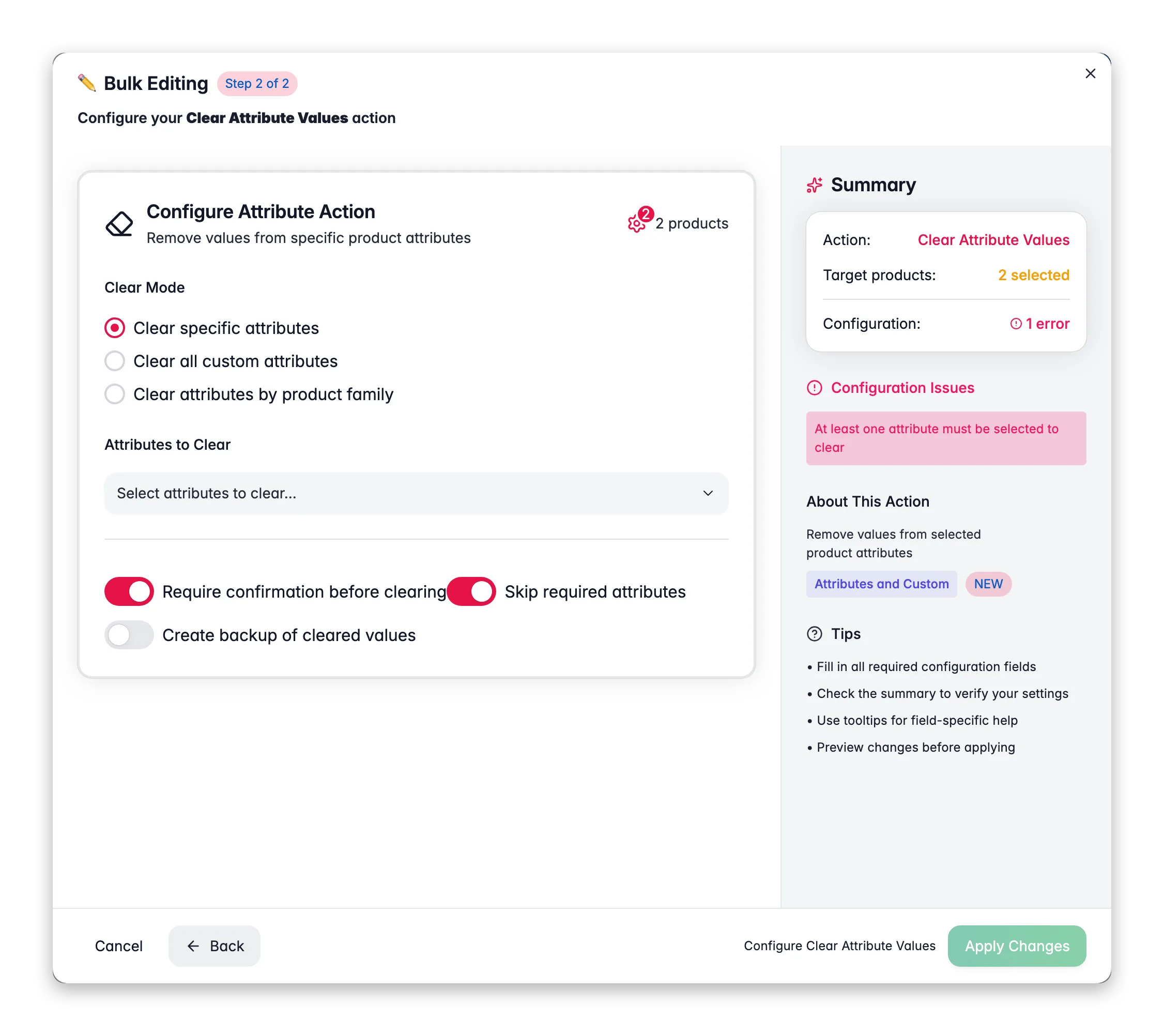
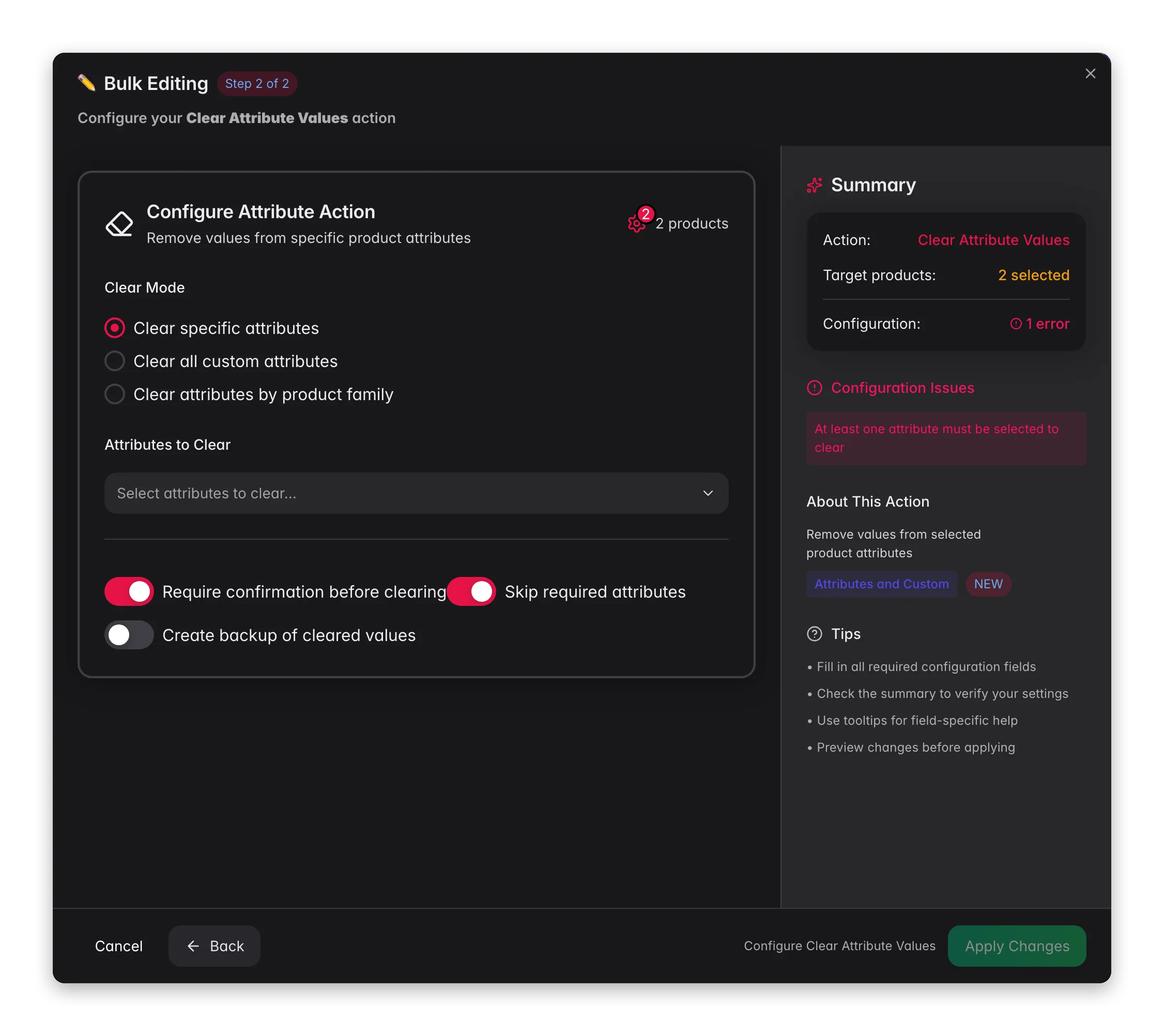 Check the products you want to update. Or use filters and select all matching results.
Click **Bulk Edit**. Search for "Clear Attribute" or find it under **Attributes & Custom Fields**.
Decide whether to clear specific attributes, all custom attributes, or attributes by product family.
If you chose specific attributes, pick which ones to clear.
Review the summary of how many attributes and products are affected, then click **Apply**.
## Clear modes
| Mode | What it clears |
| -------------------------------------- | ------------------------------------------------------- |
| **Clear specific attributes** | The individual attributes you select |
| **Clear all custom attributes** | Every custom attribute value |
| **Clear attributes by product family** | Every attribute that belongs to a chosen product family |
## Options
| Option | What it does | Default |
| ---------------------------------------- | ---------------------------------------------- | ------- |
| **Require confirmation before clearing** | Adds an extra confirmation step before it runs | On |
| **Skip required attributes** | Leaves attributes marked as required untouched | On |
| **Create backup of cleared values** | Saves the values before clearing them | Off |
## Tips
* Turn on **Create backup of cleared values** before any large clearing job. It is your safety net if you need to restore data.
* Keep **Skip required attributes** on so you don't accidentally remove values your product data depends on.
* Read the summary carefully before you confirm. It shows the total attributes to clear and how many products are affected.
## Related
Fill an attribute with a fixed value instead of clearing it.
Fix bad values in place instead of wiping them.
Clean up stray spaces left over from imports.
Browse every bulk action available in WisePIM.
Check the products you want to update. Or use filters and select all matching results.
Click **Bulk Edit**. Search for "Clear Attribute" or find it under **Attributes & Custom Fields**.
Decide whether to clear specific attributes, all custom attributes, or attributes by product family.
If you chose specific attributes, pick which ones to clear.
Review the summary of how many attributes and products are affected, then click **Apply**.
## Clear modes
| Mode | What it clears |
| -------------------------------------- | ------------------------------------------------------- |
| **Clear specific attributes** | The individual attributes you select |
| **Clear all custom attributes** | Every custom attribute value |
| **Clear attributes by product family** | Every attribute that belongs to a chosen product family |
## Options
| Option | What it does | Default |
| ---------------------------------------- | ---------------------------------------------- | ------- |
| **Require confirmation before clearing** | Adds an extra confirmation step before it runs | On |
| **Skip required attributes** | Leaves attributes marked as required untouched | On |
| **Create backup of cleared values** | Saves the values before clearing them | Off |
## Tips
* Turn on **Create backup of cleared values** before any large clearing job. It is your safety net if you need to restore data.
* Keep **Skip required attributes** on so you don't accidentally remove values your product data depends on.
* Read the summary carefully before you confirm. It shows the total attributes to clear and how many products are affected.
## Related
Fill an attribute with a fixed value instead of clearing it.
Fix bad values in place instead of wiping them.
Clean up stray spaces left over from imports.
Browse every bulk action available in WisePIM.