> ## Documentation Index
> Fetch the complete documentation index at: https://docs.wisepim.com/llms.txt
> Use this file to discover all available pages before exploring further.
# AI Product Titles
> Generate or rewrite product titles with AI, front-loaded with the keywords shoppers search for and consistent across your whole catalog.
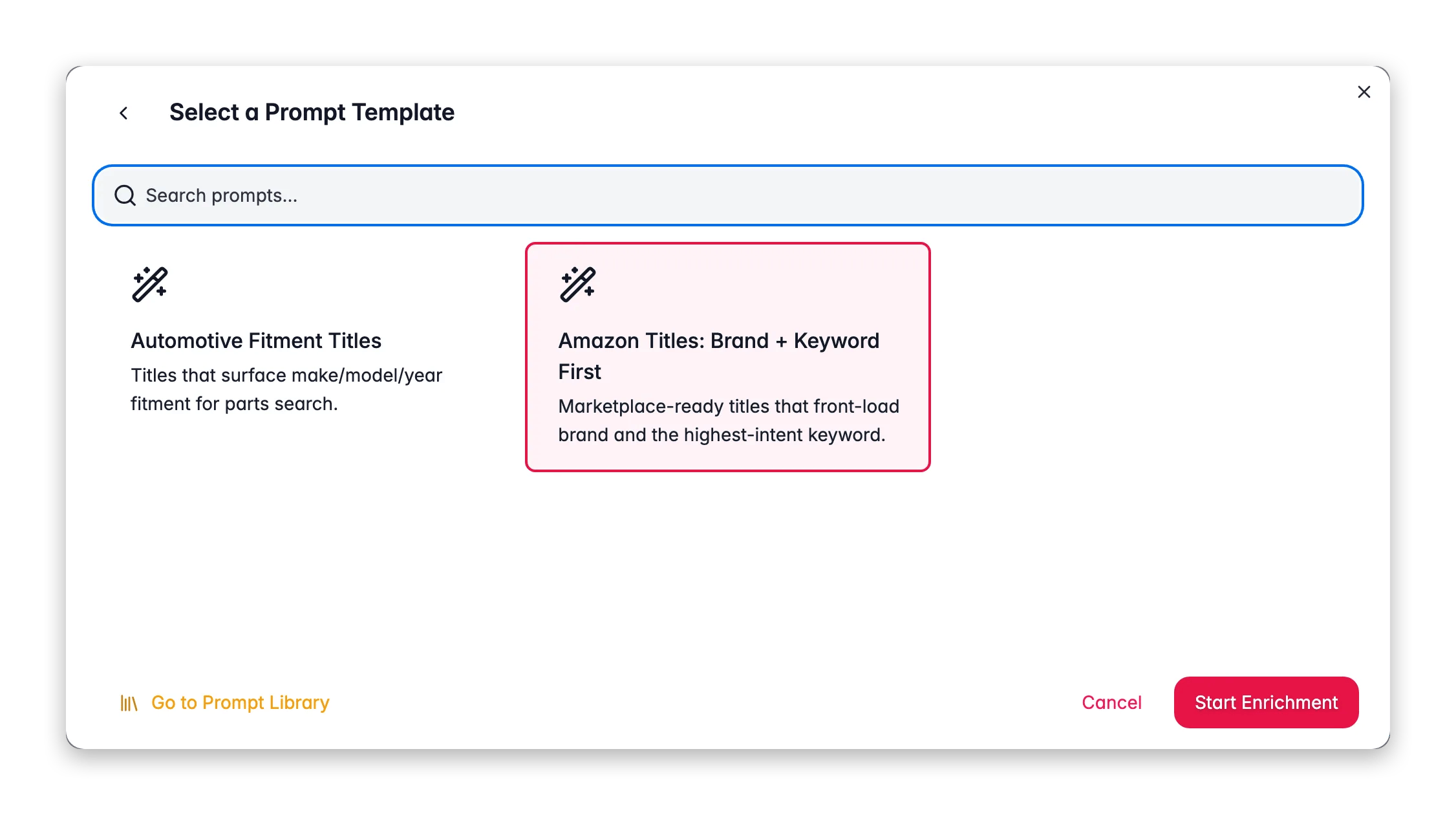
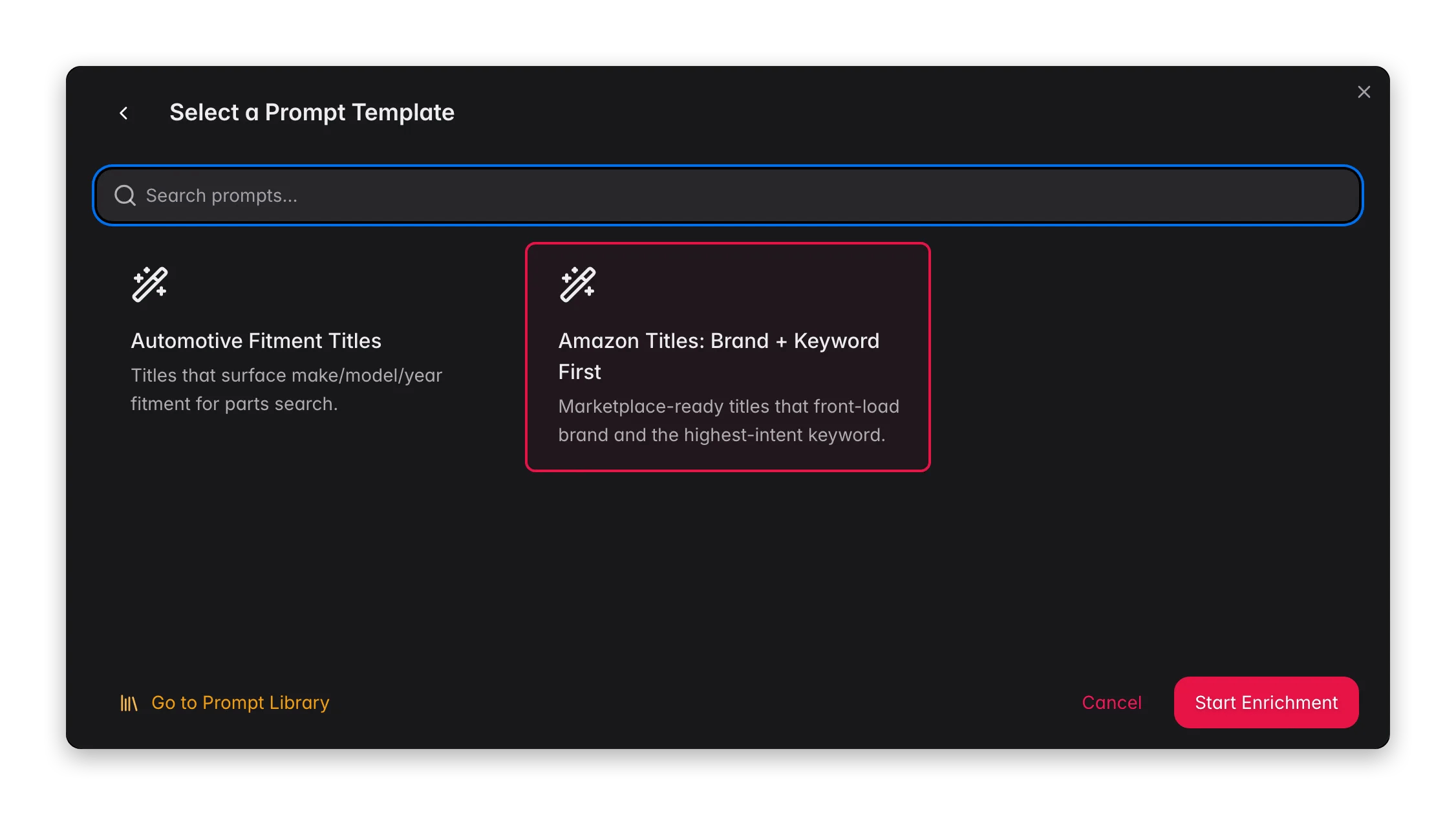 The product title is the single most-read field in your catalog. It appears in search results, category grids, feeds, and marketplace listings, often before any image or description. Title enrichment uses AI to write clear, consistent, keyword-aware titles from each product's existing data and your chosen prompt.
**What it enables:** turn raw supplier names like `BSH-SMS6ZCI00E` into shopper-ready titles like `Bosch Serie 6 Dishwasher, 14 Place Settings, Stainless Steel`, across thousands of products at once, with a consistent structure you define.
Title enrichment costs **1 credit per product**. The generated title is written to the **Reviewed Name** field, your original product name is never overwritten, so you can compare and roll back.
## When to use it
* **After an import** where titles are supplier codes, manufacturer part numbers, or inconsistent free text.
* **Before publishing to a marketplace or feed** that has its own title conventions (Amazon, Google Shopping, Bol.com).
* **When titles read inconsistently**, some have the brand first, some don't, some include the size, some don't.
* **As part of [Auto-Fill](/en/ai/auto-fill)**, which fills missing titles automatically using your default title prompt.
## How to run it
Check individual products, or filter and select all matching results. Filtering by "no title" or by supplier helps you target the products that need it.
Click **Enrich with AI** in the toolbar.
Pick **Titles** as the enrichment type.
Choose a title prompt from your [Prompt Library](/en/essentials/prompt-library). The prompt defines the structure, tone, and length. If you set a default in [Settings → Enrich Prompts](/en/settings/enrich-defaults), it is pre-selected.
Click **Start Enrichment**. The job runs in the background, track it in the [Process Tracker](/en/other-features/process-tracker).
## What a great title prompt produces
A strong title prompt encodes a repeatable formula. A common, high-performing structure is:
```
Brand + Product line + Product type + 1–2 key specs + Variant
```
For example: `Philips Hue White and Color Ambiance Smart Bulb E27, 1100 lumens`.
Good practices to bake into your prompt:
* **Front-load the keyword.** Put the words shoppers actually search for near the start, search engines and grid views truncate the end.
* **Keep brand placement consistent.** Decide whether the brand leads every title, and stick to it across the catalog.
* **Include the distinguishing spec.** Size, color, capacity, or material is often what separates two variants in a results list.
* **Set a length ceiling.** Around 60–70 characters reads well in most grids and feeds. State it in the prompt.
* **No marketing fluff.** "Amazing", "best-in-class", and "premium" waste characters that a keyword could use.
Use [Content Logic](/en/workflows/content-logic) variables in your prompt, like `{{product.brand}}` and `{{category.name}}`, so the AI always has the right structured data to build the title from, even when the source name is messy.
## Act on what you find
Edit the prompt to state an explicit character limit (for example, "Keep titles under 65 characters"). Re-run on a small batch to confirm, then apply to the full set. **Outcome:** titles that fit your grid and feed without truncation.
Add a rule to the prompt, "Always start the title with the brand name, then the product type." Use a [Content Logic](/en/workflows/content-logic) variable `{{product.brand}}` so the AI uses the correct brand field. **Outcome:** a uniform title structure across the catalog.
Generic output usually means thin source data. Enrich [Attributes](/en/ai/attributes) first so the AI has specs to draw from, then re-run titles. **Outcome:** titles that include the distinguishing details shoppers compare on.
Run the new prompt on 5–10 products and review the **Reviewed Name** output before approving. Because originals are preserved, nothing is lost if you decide not to keep it. **Outcome:** confidence in a new title formula before a catalog-wide run.
## Measure the impact
Better titles change click-through and conversion. After enriching a batch and giving it a few weeks of sales, check [Enrichment Impact](/en/analytics/enrichment-impact) to see the revenue lift, and [Search & Discovery](/en/analytics/search-discovery) to see whether more shoppers are finding and clicking the products.
## Related
Overview of all 14 enrichment types and how to run them.
Build and organize your title prompts.
Test a title prompt on real products before running it in bulk.
Measure the revenue lift from better titles.
The product title is the single most-read field in your catalog. It appears in search results, category grids, feeds, and marketplace listings, often before any image or description. Title enrichment uses AI to write clear, consistent, keyword-aware titles from each product's existing data and your chosen prompt.
**What it enables:** turn raw supplier names like `BSH-SMS6ZCI00E` into shopper-ready titles like `Bosch Serie 6 Dishwasher, 14 Place Settings, Stainless Steel`, across thousands of products at once, with a consistent structure you define.
Title enrichment costs **1 credit per product**. The generated title is written to the **Reviewed Name** field, your original product name is never overwritten, so you can compare and roll back.
## When to use it
* **After an import** where titles are supplier codes, manufacturer part numbers, or inconsistent free text.
* **Before publishing to a marketplace or feed** that has its own title conventions (Amazon, Google Shopping, Bol.com).
* **When titles read inconsistently**, some have the brand first, some don't, some include the size, some don't.
* **As part of [Auto-Fill](/en/ai/auto-fill)**, which fills missing titles automatically using your default title prompt.
## How to run it
Check individual products, or filter and select all matching results. Filtering by "no title" or by supplier helps you target the products that need it.
Click **Enrich with AI** in the toolbar.
Pick **Titles** as the enrichment type.
Choose a title prompt from your [Prompt Library](/en/essentials/prompt-library). The prompt defines the structure, tone, and length. If you set a default in [Settings → Enrich Prompts](/en/settings/enrich-defaults), it is pre-selected.
Click **Start Enrichment**. The job runs in the background, track it in the [Process Tracker](/en/other-features/process-tracker).
## What a great title prompt produces
A strong title prompt encodes a repeatable formula. A common, high-performing structure is:
```
Brand + Product line + Product type + 1–2 key specs + Variant
```
For example: `Philips Hue White and Color Ambiance Smart Bulb E27, 1100 lumens`.
Good practices to bake into your prompt:
* **Front-load the keyword.** Put the words shoppers actually search for near the start, search engines and grid views truncate the end.
* **Keep brand placement consistent.** Decide whether the brand leads every title, and stick to it across the catalog.
* **Include the distinguishing spec.** Size, color, capacity, or material is often what separates two variants in a results list.
* **Set a length ceiling.** Around 60–70 characters reads well in most grids and feeds. State it in the prompt.
* **No marketing fluff.** "Amazing", "best-in-class", and "premium" waste characters that a keyword could use.
Use [Content Logic](/en/workflows/content-logic) variables in your prompt, like `{{product.brand}}` and `{{category.name}}`, so the AI always has the right structured data to build the title from, even when the source name is messy.
## Act on what you find
Edit the prompt to state an explicit character limit (for example, "Keep titles under 65 characters"). Re-run on a small batch to confirm, then apply to the full set. **Outcome:** titles that fit your grid and feed without truncation.
Add a rule to the prompt, "Always start the title with the brand name, then the product type." Use a [Content Logic](/en/workflows/content-logic) variable `{{product.brand}}` so the AI uses the correct brand field. **Outcome:** a uniform title structure across the catalog.
Generic output usually means thin source data. Enrich [Attributes](/en/ai/attributes) first so the AI has specs to draw from, then re-run titles. **Outcome:** titles that include the distinguishing details shoppers compare on.
Run the new prompt on 5–10 products and review the **Reviewed Name** output before approving. Because originals are preserved, nothing is lost if you decide not to keep it. **Outcome:** confidence in a new title formula before a catalog-wide run.
## Measure the impact
Better titles change click-through and conversion. After enriching a batch and giving it a few weeks of sales, check [Enrichment Impact](/en/analytics/enrichment-impact) to see the revenue lift, and [Search & Discovery](/en/analytics/search-discovery) to see whether more shoppers are finding and clicking the products.
## Related
Overview of all 14 enrichment types and how to run them.
Build and organize your title prompts.
Test a title prompt on real products before running it in bulk.
Measure the revenue lift from better titles.